£2.50 Ex VAT
To pick up today
Free
 Courier delivery
Our courier will deliver to the specified address
Next Day
7.33
 DHL Courier delivery
DHL courier will deliver to the specified address
Next Day
7.33
Payment Methods:

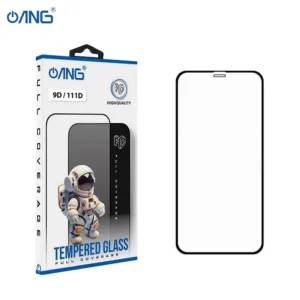
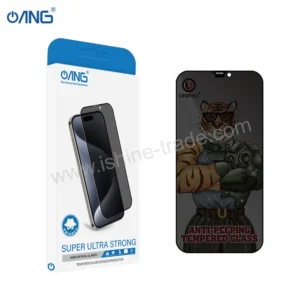
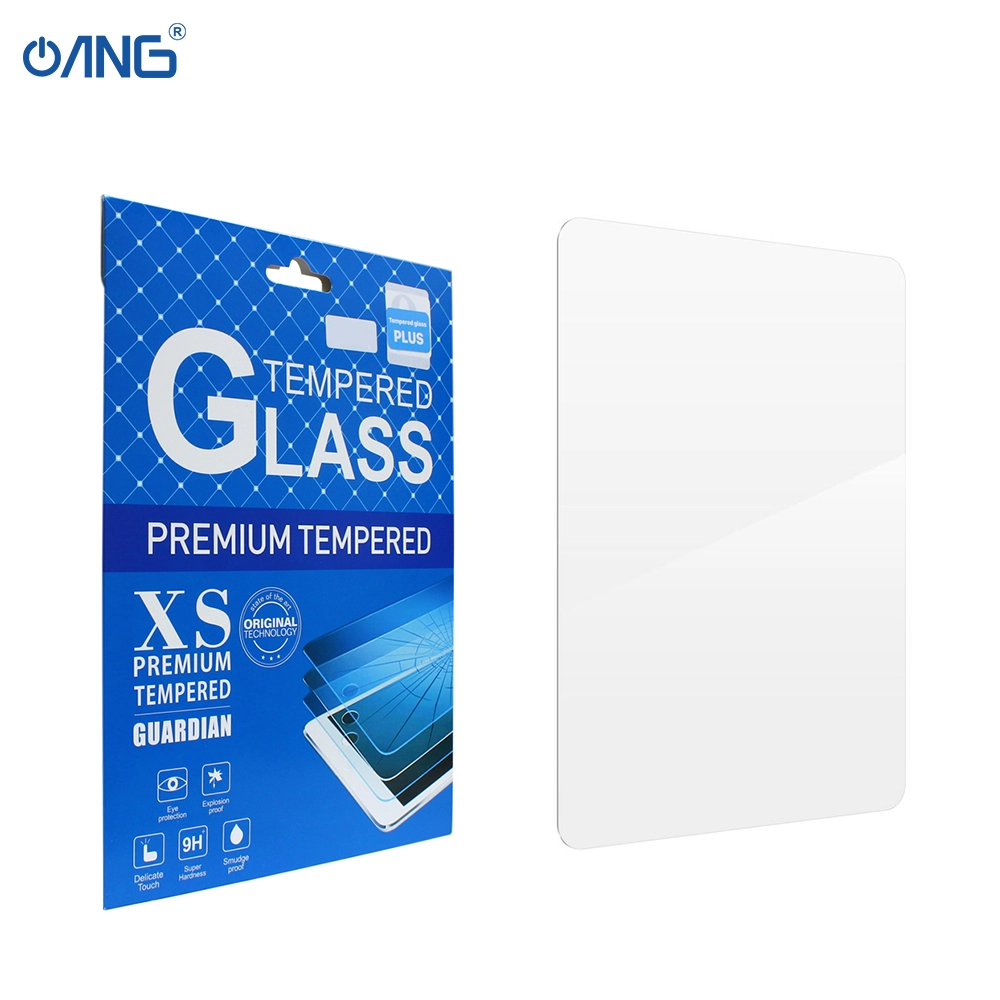
The Clear Tempered Glass for iPad Pro 12.9 2020 4th Gen provides high quality screen protection tailored for your large format tablet. Designed to guard against scratches smudges and minor shocks this glass protector maintains the clarity smooth touch sensitivity and premium look of the original display. Offered by a trusted wholesale mobile phone parts supplier it’s ideal for both DIY users and resellers looking for quality replacement accessories.
High Transparency Clear Grade: Maintains the natural sharpness and brightness of the iPad’s display with minimal visual distortion.
Tempered Glass Construction: Engineered with a hardened surface to resist scratches and breakage from everyday wear and tear.
Full Screen Coverage for the 12.9 2020 iPad Pro 4th Gen: Precisely cut to fit the 12.9 inch size and the 2020 models screen contours ensuring exact fit and edge alignment.
Oleophobic Coating: Repels fingerprints and smudges making cleaning easier and preserving display clarity.
Easy Installation: Supplied with accessories or alignment guide if provided to make application simple and bubble free.
Compatible Model: iPad Pro 12.9 2020 4th Generation
Product Type: Clear Tempered Glass Screen Protector
Condition: Brand new
Supplier: A trusted wholesale mobile phone parts supplier
Note: Always confirm your device size and generation before applying.
1 × Clear Tempered Glass for iPad Pro 12.9 2020 4th Gen
Installation kit e.g wipes dust remover alignment frame if included
Installation Instructions:
Power off your iPad Pro and place it on a clean, dust‑free surface.
Use the included wet wipe then dry wipe to remove any fingerprints or dust from the screen.
Peel off the protective film from the adhesive side of the tempered glass.
Align the glass carefully with your iPad’s screen edges and camera/Face ID cut outs.
Gently press the centre of the glass; it will adhere to the screen and expel any bubbles toward the edges.
Use the dust removal sticker to lift and remove any remaining small bubbles or dust particles.
Check that touch works properly and that the glass is firmly attached.
WhatsApp us