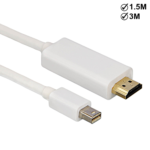
HDMI To MAC Cable
Price range: £1.50 through £4.19
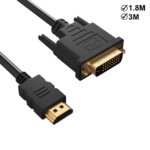
HDMI To DVI Cable
Price range: £2.10 through £3.00
£2.10 – £2.99Price range: £2.10 through £2.99
To pick up today
Free
 Courier delivery
Our courier will deliver to the specified address
Next Day
7.33
 DHL Courier delivery
DHL courier will deliver to the specified address
Next Day
7.33
Payment Methods:

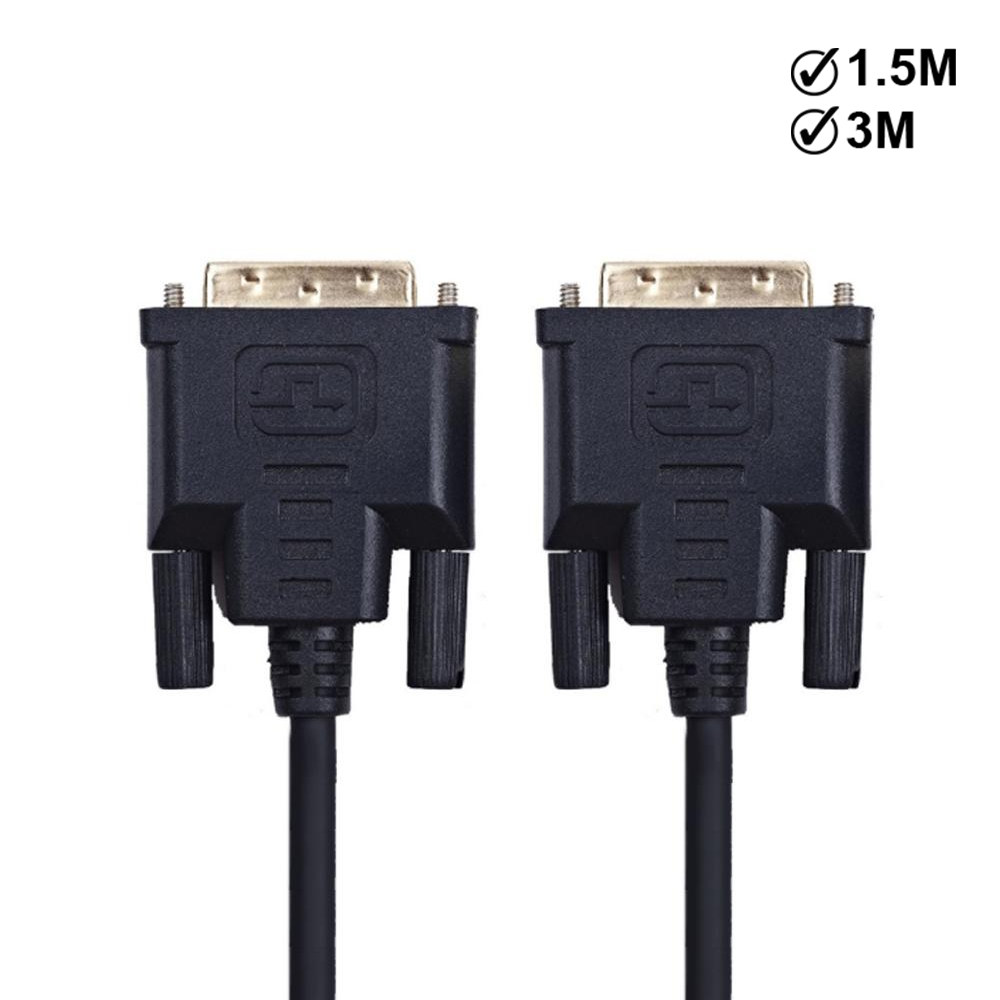
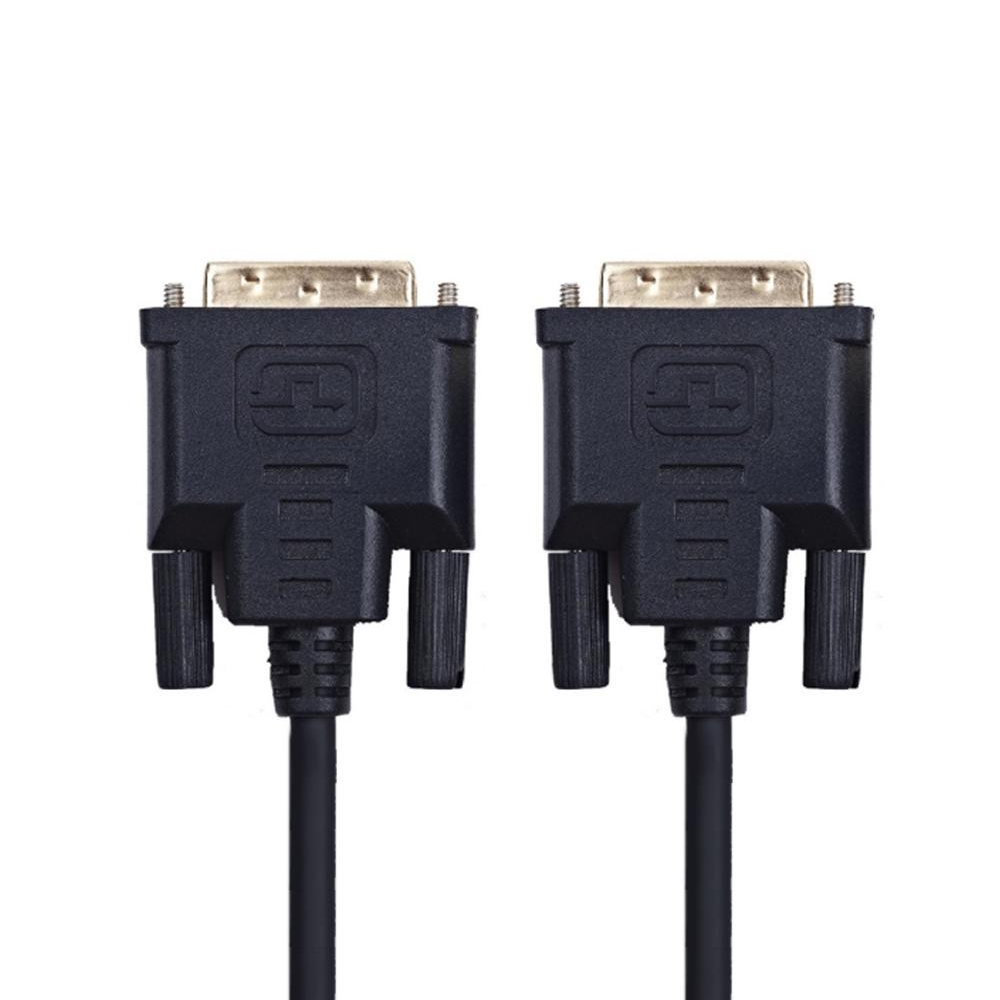
The DVI to DVI Cable from iShine Trade offers a robust and reliable solution to connect digital video sources to displays using the DVI interface. Designed for high quality signal transmission between DVI equipped devices graphics cards monitors projectors this cable ensures a stable clear image with minimal interference.
Digital‑to‑Digital Transmission: Supports DVI‑D or DVI‑I male to male connection for clear, high‑definition video.
Single Link & Dual Link Options: Choose a configuration based on required resolution — single‑link supports up to ~1920×1200, dual‑link supports up to ~2048×1536 or higher.
High Quality Construction: Often features gold‑plated male connectors, well‑shielded cable to reduce interference and ensure signal integrity.
Plug & Play: Simple connection — plug into DVI output device and DVI input display, select proper input, and you’re ready.
Wide Compatibility: Ideal for PCs, A/V systems, monitors, projectors and more with DVI ports.
Connector A (Male): DVI‑D Male or DVI‑I Male
Connector B (Male): DVI‑D Male or DVI‑I Male
Link Type: Single Link or Dual Link
Supported Resolutions: Single Link up to ~1920×1200 @60Hz; Dual Link up to 2048×1536 or beyond.
Cable Gauge / Shielding: e.g., 28 AWG copper conductors, triple shielded construction.
Condition: Brand new
1 × DVI to DVI Cable
Insert the male end of the DVI cable into the DVI output port of your source device .
Insert the other male end into the DVI input port of your monitor or projector.
Secure the connector screws to ensure good contact and prevent disconnection.
Turn on both devices, select the correct DVI input on the display, and confirm image appears.
If using high resolution and experiencing issues, ensure the cable supports dual‑link and the resolution is within its specification.
As a wholesale mobile phone parts supplier iShine Trade also offers high quality accessories like this DVI to DVI Cable delivering reliability and value for personal users retailers and resellers.
WhatsApp us