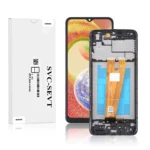
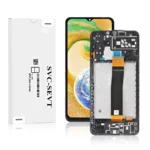
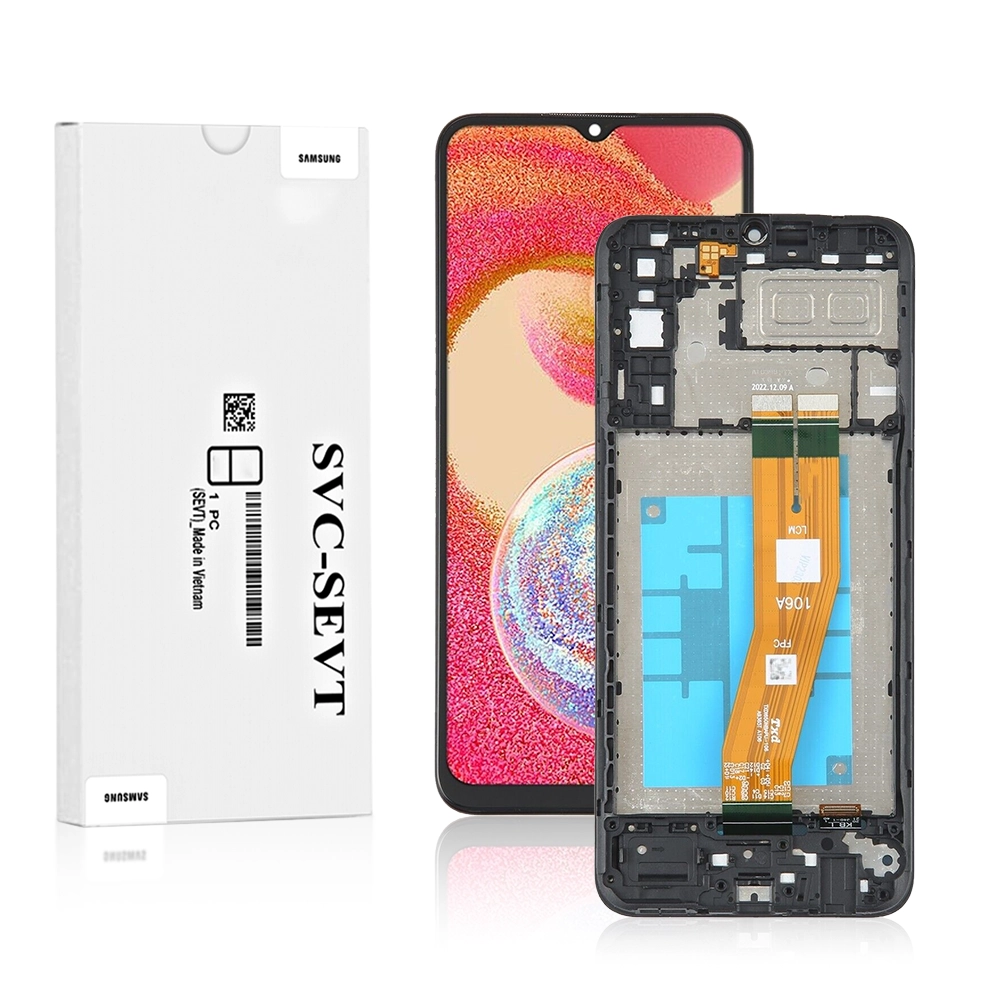
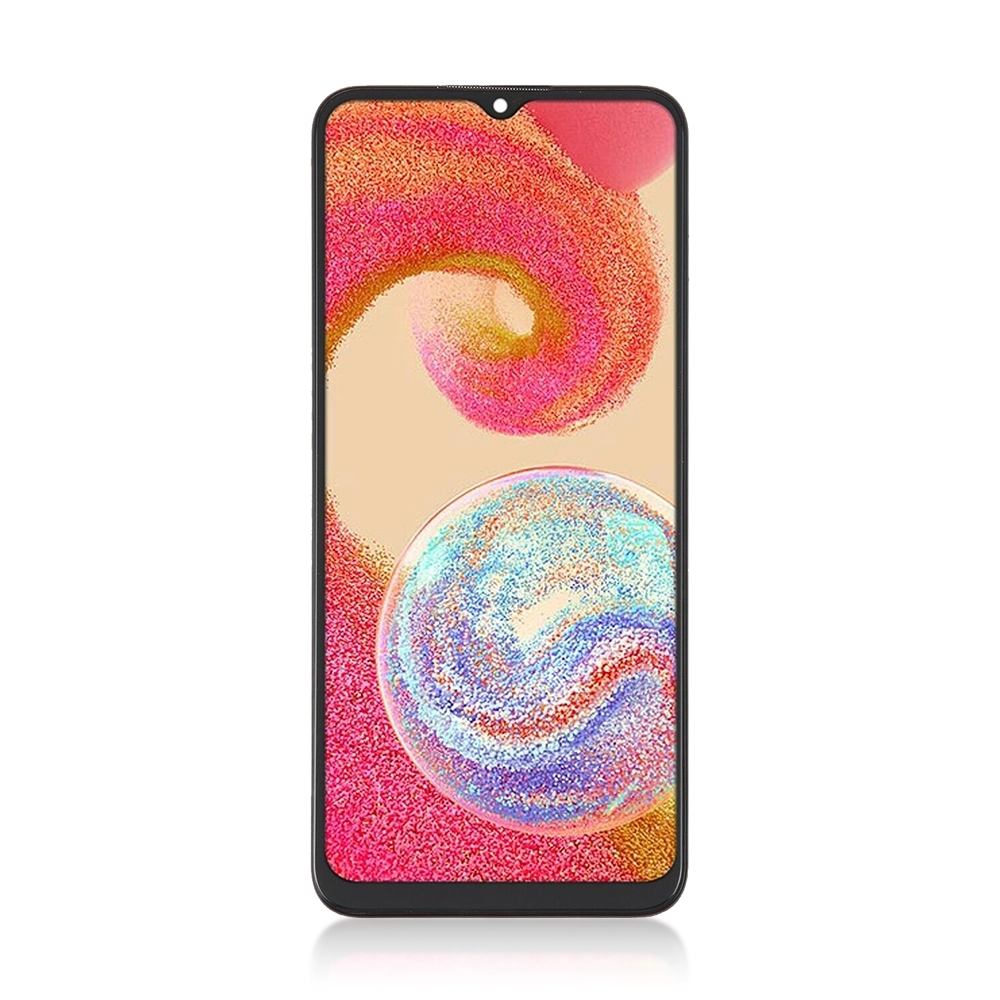
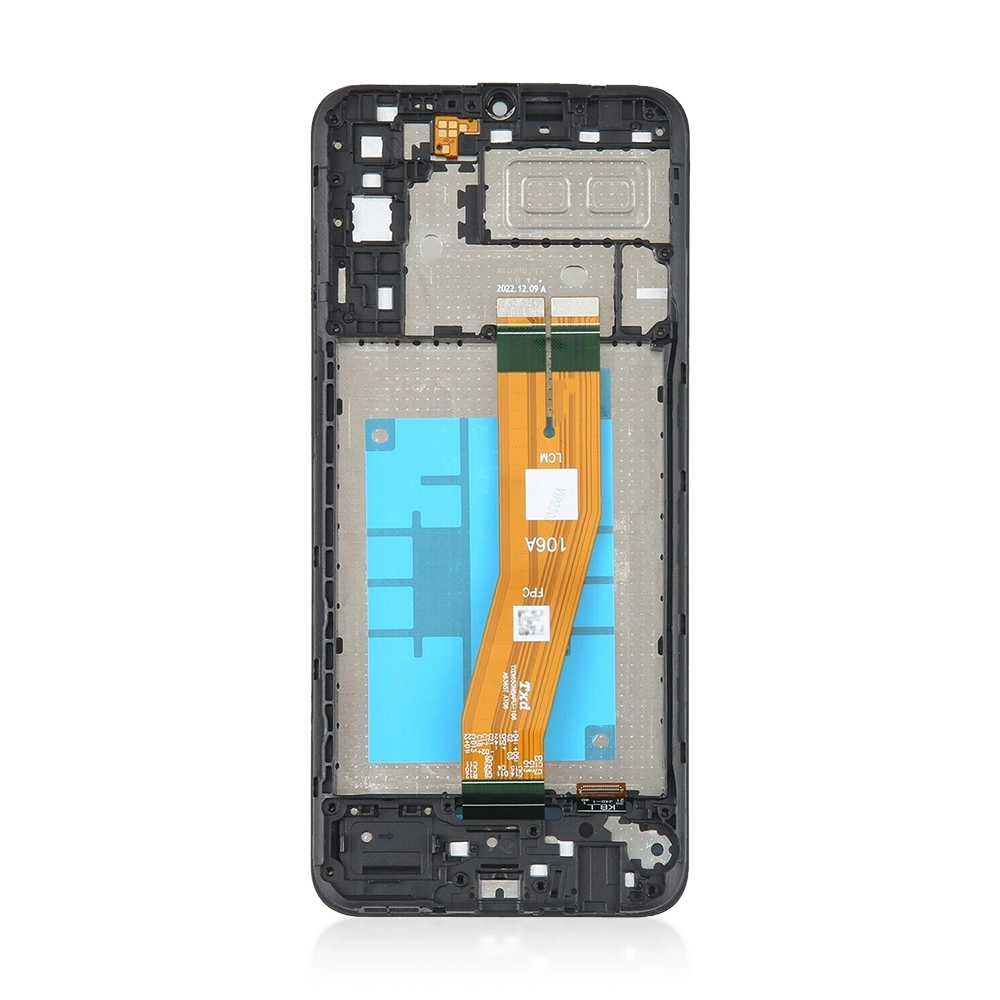
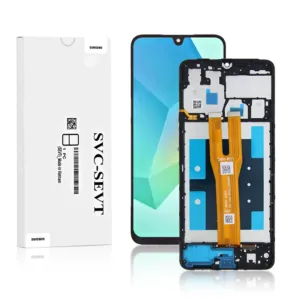
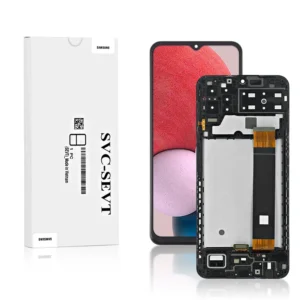
The Genuine LCD Screen for Samsung Galaxy A04e (A042) with Frame and Touchpad – Black (GH81-23088A) from iShine Trade offers a high-quality replacement for your device’s damaged or malfunctioning screen. Designed to restore your device to its original condition, this LCD assembly ensures optimal performance and display clarity.
Key Features:
Genuine Samsung Part: Original equipment manufacturer (OEM) part for guaranteed compatibility and quality.
Complete Assembly: Includes LCD screen, digitizer, touchpad, and frame for a comprehensive replacement.
High-Resolution Display: Restores full HD+ resolution for sharp and vibrant visuals.
Touch Sensitivity: Ensures responsive touch input for smooth user experience.
Easy Installation: Designed for straightforward replacement with proper tools and guidance.
Specifications:
Model Compatibility: Samsung Galaxy A04e (A042)
Part Number: GH81-23088A
Color: Black
Condition: Brand New
Includes: LCD Screen, Digitizer, Touchpad, Frame
Warranty: 12 Months
Package Includes:
1 × Genuine LCD Screen for Samsung Galaxy A04e (A042) with Frame and Touchpad – Black (GH81-23088A)
Installation Instructions:
Power Off Device: Ensure the device is completely powered off before starting the replacement.
Remove Back Cover: Carefully detach the back cover using appropriate tools.
Disconnect Battery: Disconnect the battery to prevent any electrical damage during the process.
Remove Damaged Screen: Use a heat gun or heating pad to soften the adhesive, then gently pry off the damaged screen.
Install New Screen: Align the new LCD assembly with the frame and press firmly to secure it in place.
Reconnect Battery: Reconnect the battery and ensure all connections are secure.
Test Functionality: Power on the device and test the new screen for display and touch functionality.
Reassemble Device: Once confirmed, reattach the back cover and power on the device.