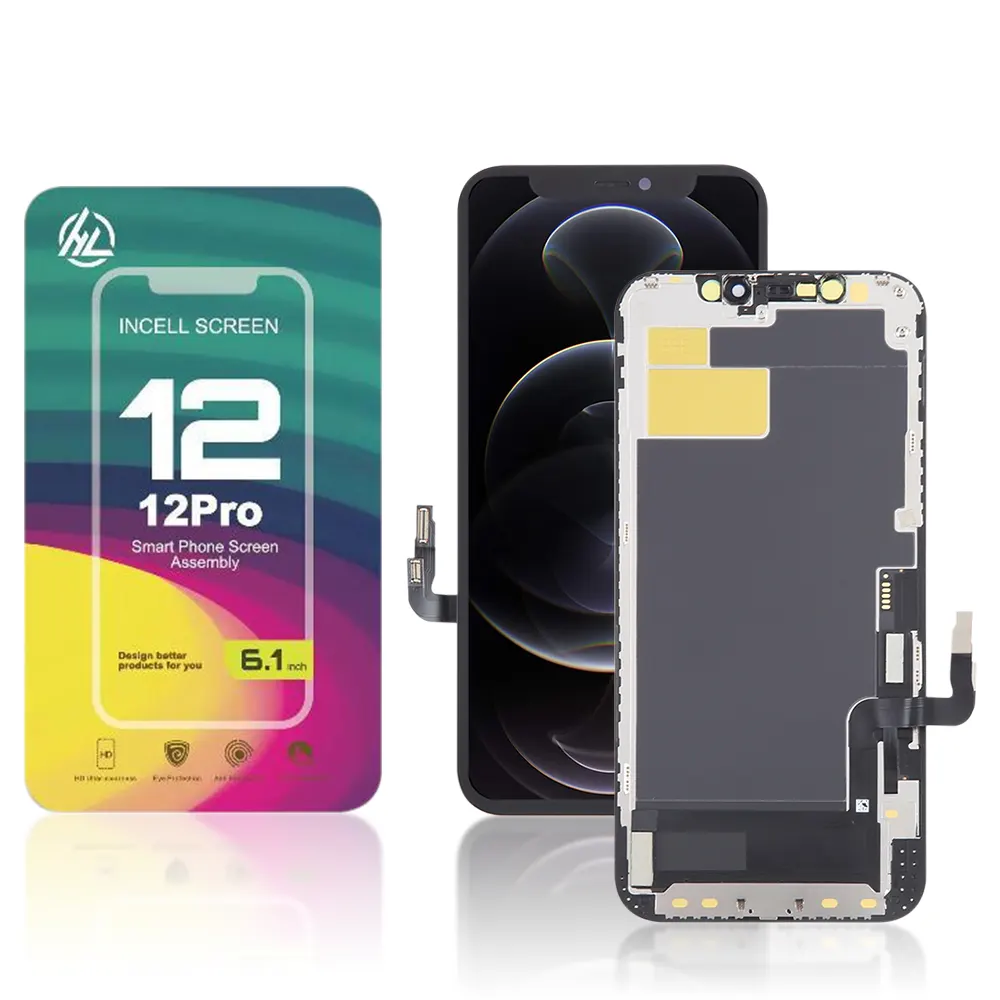
The Genuine LCD Screen for Samsung Galaxy A71 (A715F) with Frame and Touchpad – Black (GH82-22152A) is a premium replacement part designed to restore your phone’s original display quality. It ensures crystal-clear visuals and responsive touch performance, making your device look and function like new.
Key Features:
Original Quality: 100% genuine LCD screen with frame and touchpad.
Full Compatibility: Specially designed for Samsung Galaxy A71 (A715F).
High Definition Display: Offers vivid colors, sharp details, and smooth touch response.
With Frame: Includes a pre-installed frame for easier and more secure installation.
Durable Build: Manufactured with high-quality materials for long-lasting performance.
Plug & Play: No soldering or modification required—fits perfectly.
Specifications:
Model: GH82-22152A
Compatibility: Samsung Galaxy A71 (Model A715F)
Color: Black
Display Type: Super AMOLED (Genuine OEM Quality)
Resolution: 2400 × 1080 pixels (FHD+)
Condition: Brand New
Frame: Included
Touch Function: Integrated Touchpad
Package Includes:
1 × Genuine LCD Screen for Samsung Galaxy A71 (A715F) with Frame and Touchpad – Black (GH82-22152A)
1 × Cleaning Cloth
1 × Basic Installation Toolkit
Installation Instructions:
Power off your device completely.
Gently remove the damaged screen using a heat gun and prying tools.
Clean the phone frame to remove any dust or adhesive residue.
Align the new Genuine LCD Screen for Samsung Galaxy A71 (A715F) with Frame and Touchpad – Black (GH82-22152A).
Connect the display flex cable carefully and ensure a firm connection.
Secure the screen and reassemble the device.
Power on and test the display and touch functions.