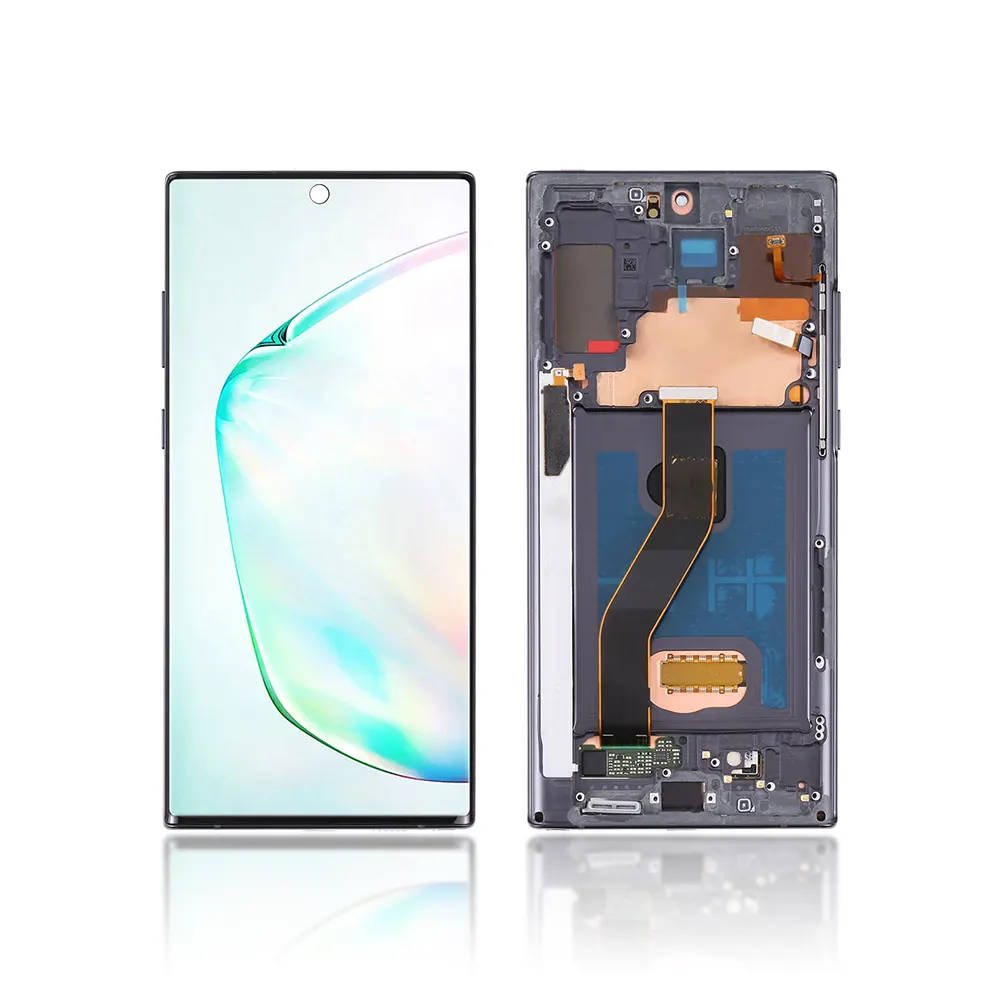
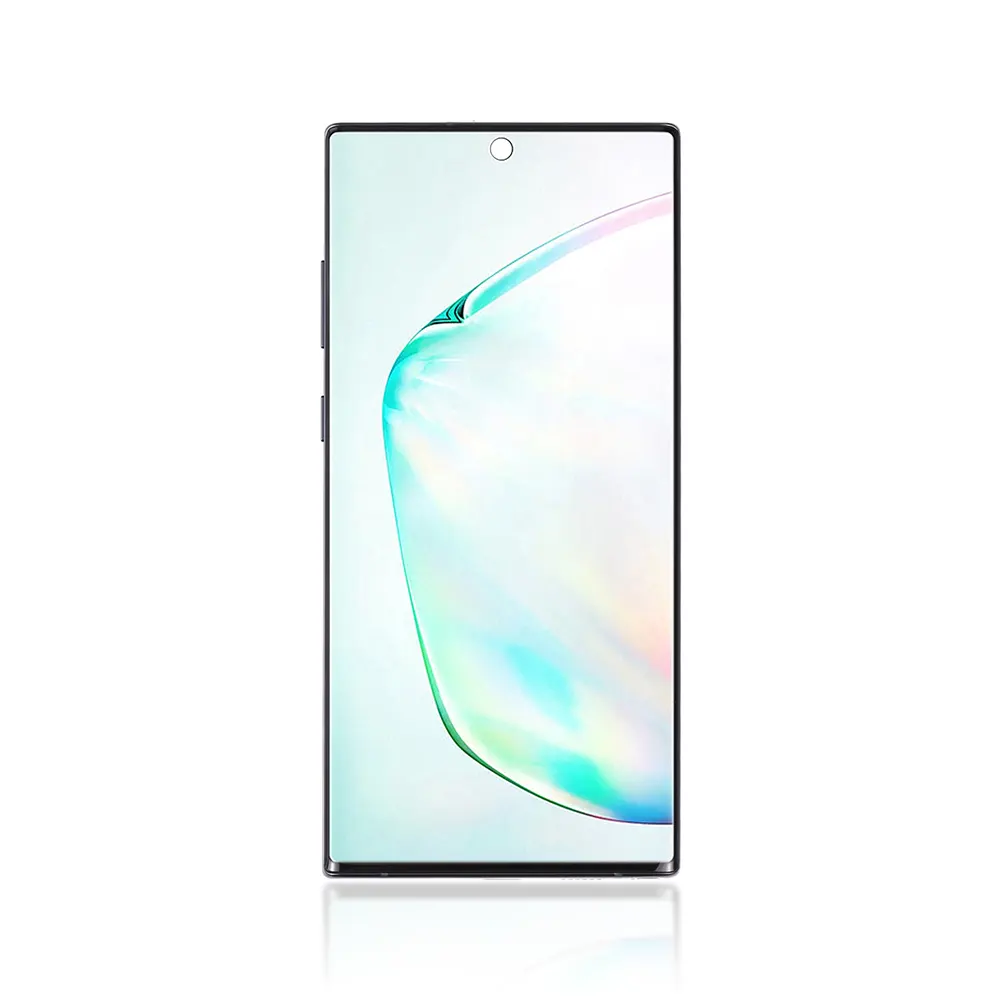
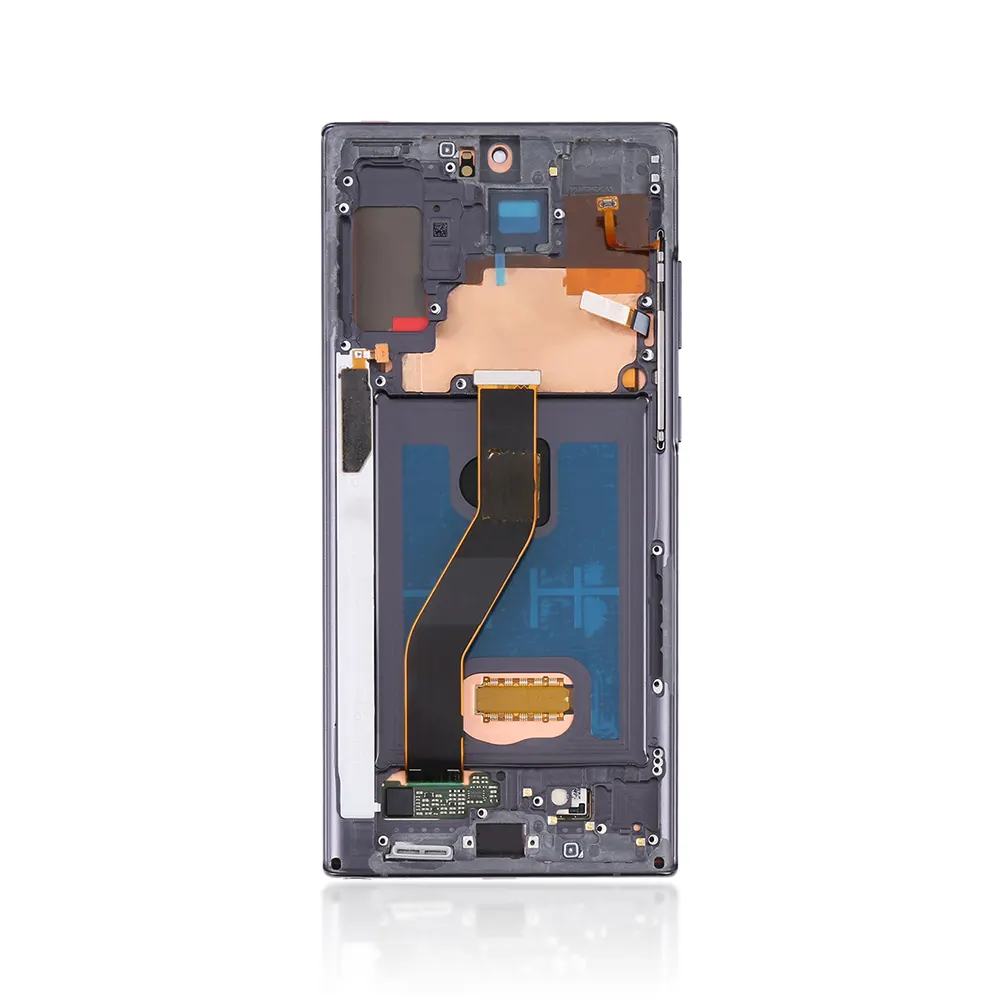
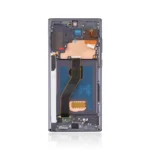
The Pull Out A Grade Replacement LCD Screen for Samsung Galaxy Note 10 Plus (N975F) with Frame & Touchpad – Black is a high-quality pulled/OEM assembly, fully tested for display, touch, and performance. Pre-installed frame simplifies fitting, cuts repair time, and delivers a clean, factory-like finish.
Key Features:
A-Grade Pull-Out Quality: OEM panel pulled from working devices; brightness, color, and touch checked.
With Frame (Pre-Assembled): Easier alignment—reduced risk of damage during installation.
Integrated Touchpad (Digitizer): Smooth, accurate touch response right out of the box.
Black Finish: Matches original look for professional results.
QC Tested: Each unit inspected for dead pixels, ghost touch, and uniformity.
Repair-Friendly: Ideal for refurbishers, technicians, and retailers looking for reliable parts.
Specifications:
Compatibility: Samsung Galaxy Note 10 Plus (Model: N975F)
Type: LCD + Touchpad (digitizer) assembly with frame
Grade: A-Grade Pull-Out / OEM
Color: Black
Condition: Refurbished/Pull-Out, fully tested
In-Box Adhesives: May be required (sold separately unless stated)
Package Includes:
1 × A-Grade Pull-Out LCD + Touchpad Assembly with Frame (Black) for Note 10 Plus N975F
Installation Instructions:
Power Off & Disassemble: Remove SIM tray; open back cover using heat and proper pry tools.
Disconnect Battery: Always disconnect power before removing display.
Remove Old Assembly: Release screws/clips, detach flex cables, and lift the old module.
Prep the Frame: Clean residual adhesive; test-fit the new screen.
Test Before Sealing: Connect flexes, power on, and check display/touch across the screen.
Final Fit: Apply fresh adhesive, seat the assembly, reassemble, and run a final QC (touch, camera view, proximity).
Pro Tip: Avoid bending the flex; use ESD protection and moderate heat only. If unsure, seek professional installation.
Additional Information:
As a trusted Wholesale Mobile Phone Accessories & Parts Supplier in the UK, iShine Trade provides reliable, high-quality replacements—like this A-Grade Pull-Out LCD for Note 10 Plus—offering consistency and value for technicians, retailers, and resellers.