Sold out

Related Products

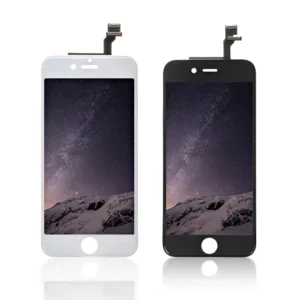
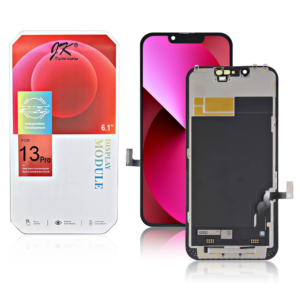
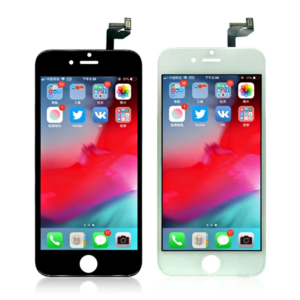
Replacement iPhone 6s LCD Module Display and Touch Screen Digitizer Assembly
Price range: £7.19 through £7.79
£8.39 Ex VAT
Out of stock
Out of stock
To pick up today
Free
 Courier delivery
Our courier will deliver to the specified address
Next Day
7.33
 DHL Courier delivery
DHL courier will deliver to the specified address
Next Day
7.33
Payment Methods:

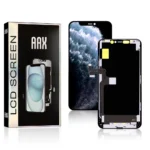
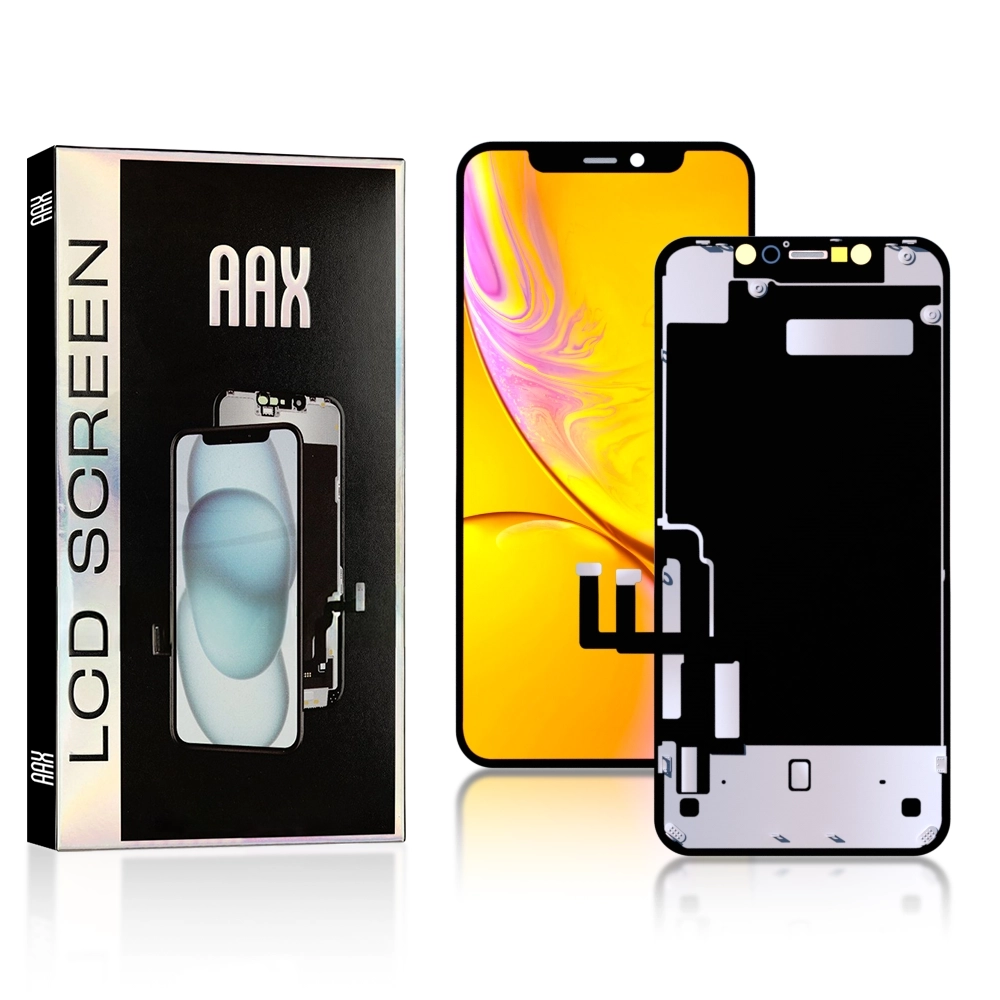
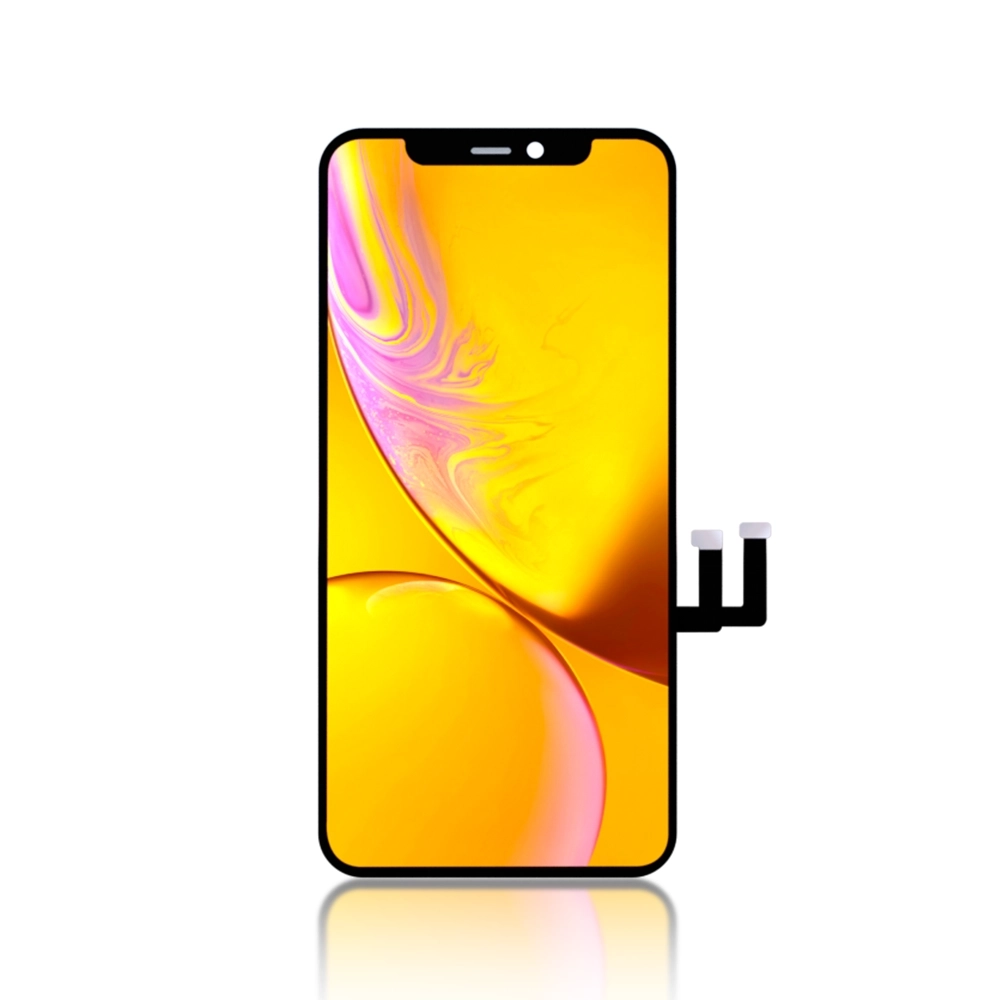
The AAX HD Incell iPhone XR LCD Module Display and Touch Screen Digitizer Assembly offers a high-quality replacement screen that restores your device to its original condition. With HD Incell technology, it delivers vibrant colors, sharp contrast, and excellent brightness, while the responsive touch digitizer ensures a seamless user experience.
Key Features:
HD Incell Technology: Provides stunning color accuracy and brightness, giving you a premium display experience.
Touch Screen Digitizer: High responsiveness for smooth and accurate touch navigation, enhancing your interaction with the device.
Durable & Reliable: Constructed from high-quality materials, this assembly is designed to be long-lasting and withstand regular use.
Perfect Fit: Custom-designed for the iPhone XR, ensuring easy installation and a perfect fit.
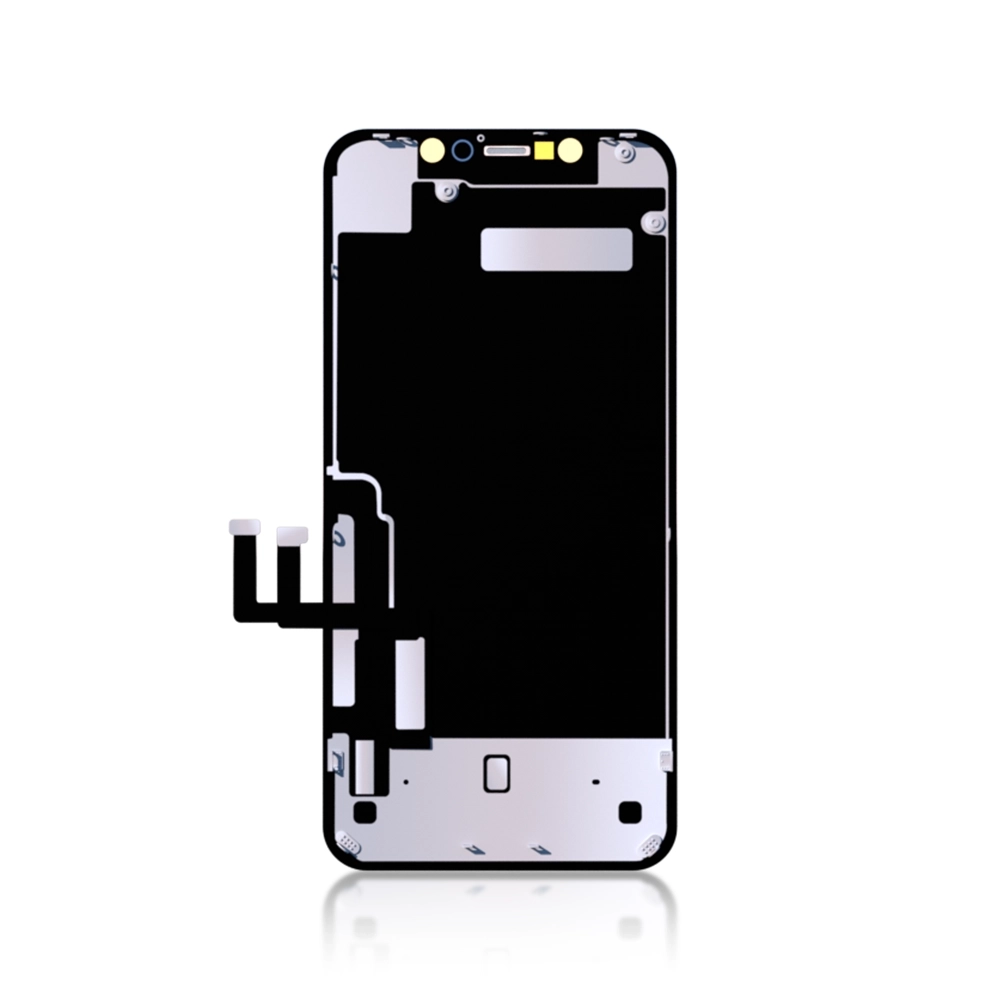
Full Assembly: Includes the LCD display, touch screen digitizer, and all necessary components for a complete screen replacement.
Specifications:
Material: HD Incell LCD and Touch Screen Digitizer
Compatibility: iPhone XR
Color: Available in black
Condition: Brand new
Weight: Lightweight and easy to install
Package Includes:
1 × AAX HD Incell iPhone XR LCD Module Display and Touch Screen Digitizer Assembly
Installation Instructions:
Power Off the Device: Ensure your iPhone XR is powered off before starting the replacement process.
Remove the Old Screen: Use appropriate tools to carefully detach the damaged screen, taking care not to damage the internal components.
Install the New Screen: Align the AAX HD Incell LCD module and gently press it into place on your iPhone XR.
Reconnect: Reconnect any necessary cables and ensure the new display functions properly before securing the device back together.
Final Check: Power on your iPhone XR and test the touch functionality and display quality.
As a trusted wholesale iPhone screen supplier in UK, we provide durable and high-quality replacement parts that meet industry standards. Our products offer reliability, convenience, and excellent value for technicians, retailers, and personal users.
WhatsApp us