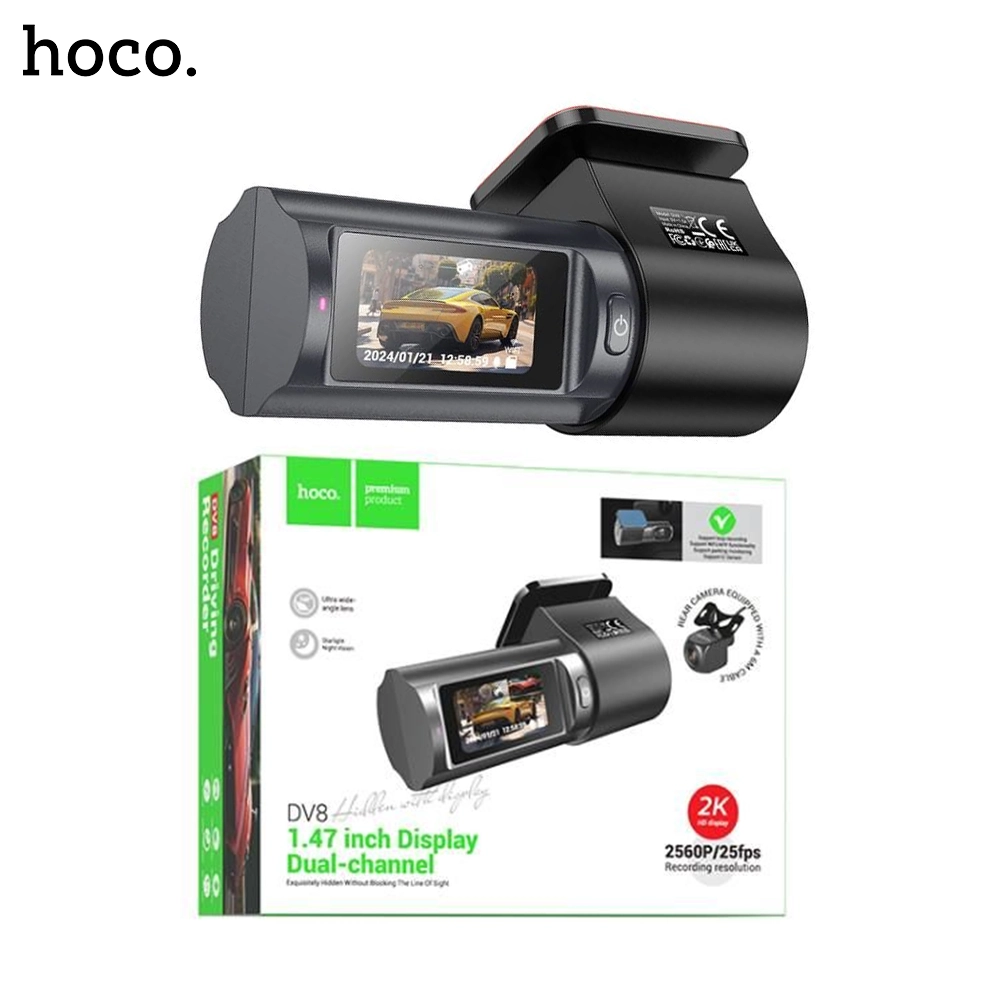
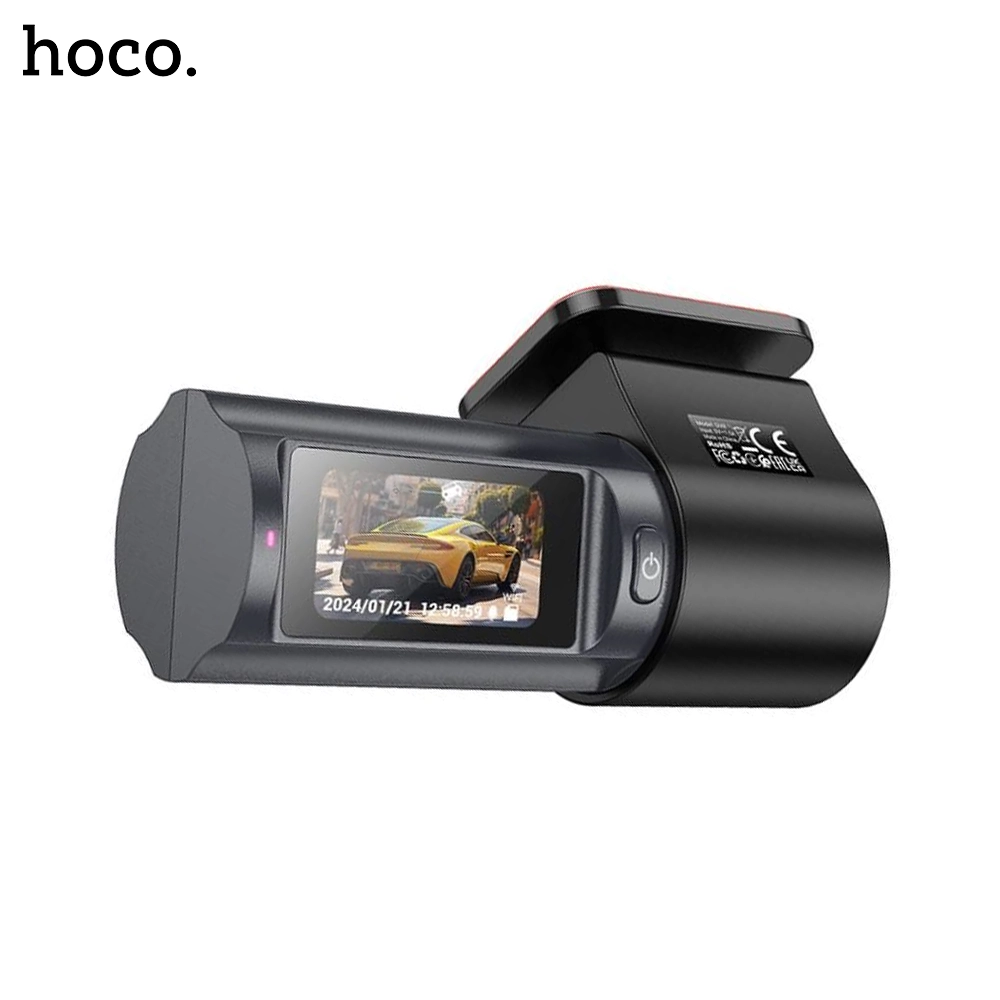
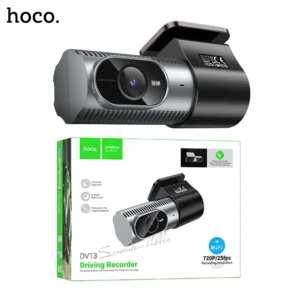
The HOCO DV8 2K 1.47 inch Display Dual Channel Hidden Driving Recorder provides complete protection for your vehicle by capturing high-resolution footage of both the front and rear. Its advanced features ensure clear and reliable recordings in all driving conditions.
Key Features:
Dual-Channel Recording: Front camera records in 2K (2560×1440) at 25fps, rear camera captures in 720P at 25fps.
Compact 1.47-inch Display: Easy viewing and playback directly on the device.
Wide-Angle Lens: 140° field of view for broad coverage.
F2.0 Aperture: Enhanced low-light performance for clear night recordings.
Built-in Capacitor: 5.5V-2F capacitor ensures stable operation and durability.
Wi-Fi Connectivity: App control for convenient settings adjustment and video management.
Parking Mode: Monitors your vehicle when parked, recording incidents or movements.
Memory Support: Supports microSD cards up to 128GB (not included).
Multilingual Support: 21 languages including English, Spanish, French, German, and more.
Specifications:
Main Chipset: GP2178 + SC4336
Sensor: GC2053, 4 million pixels
Screen Resolution: 172×320
Dimensions: 105×53×38.3mm
Weight: 73g
Power Supply: USB-C
Rear Camera Cable Length: 6 meters
Package Includes:
Front Camera Unit
Rear Camera Unit
USB-C Power Cable
Mounting Accessories
User Manual
Compatibility: Universal compatibility with most vehicles. Ensure proper installation to avoid obstructing the driver’s view.
Installation Instructions:
Clean the windshield area for front camera mounting.
Attach the front camera using the adhesive mount.
Route the rear camera cable to the rear window.
Mount the rear camera securely.
Connect the power cable to the front camera and vehicle outlet.
Power on and follow on-screen instructions to complete setup.