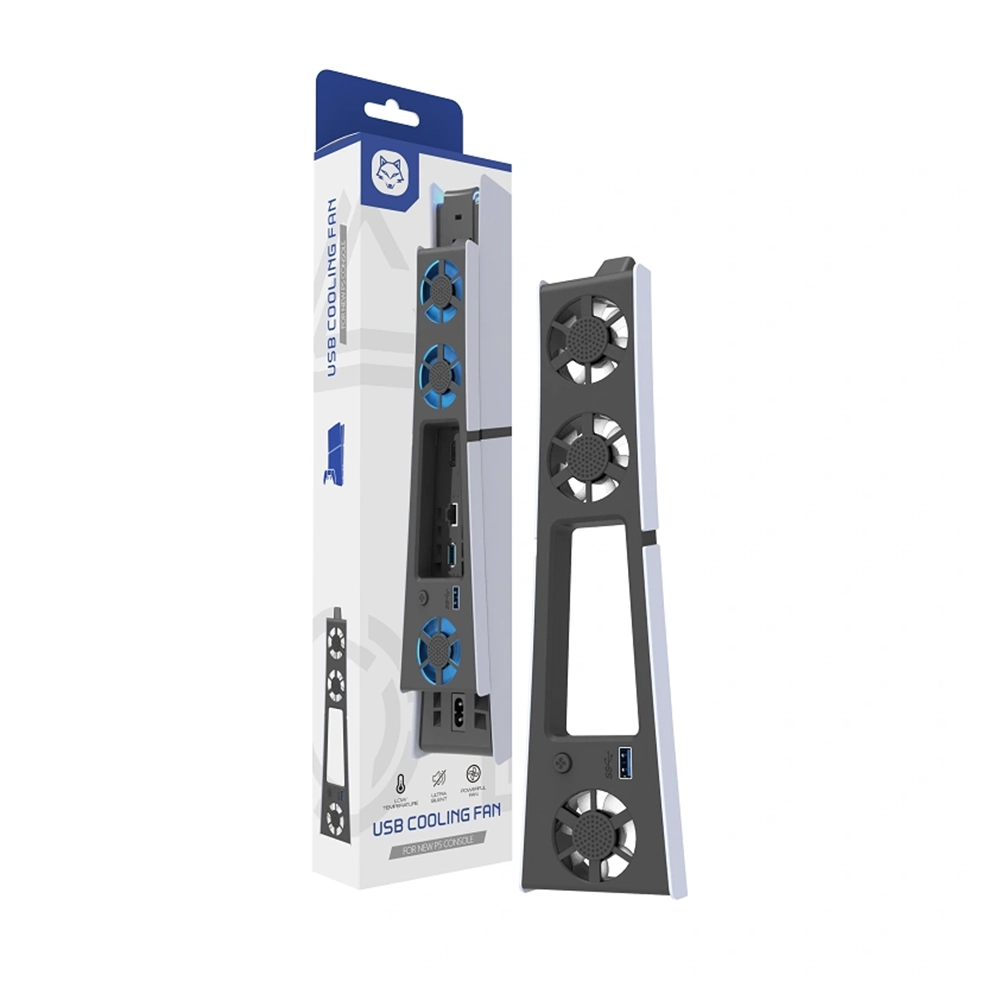
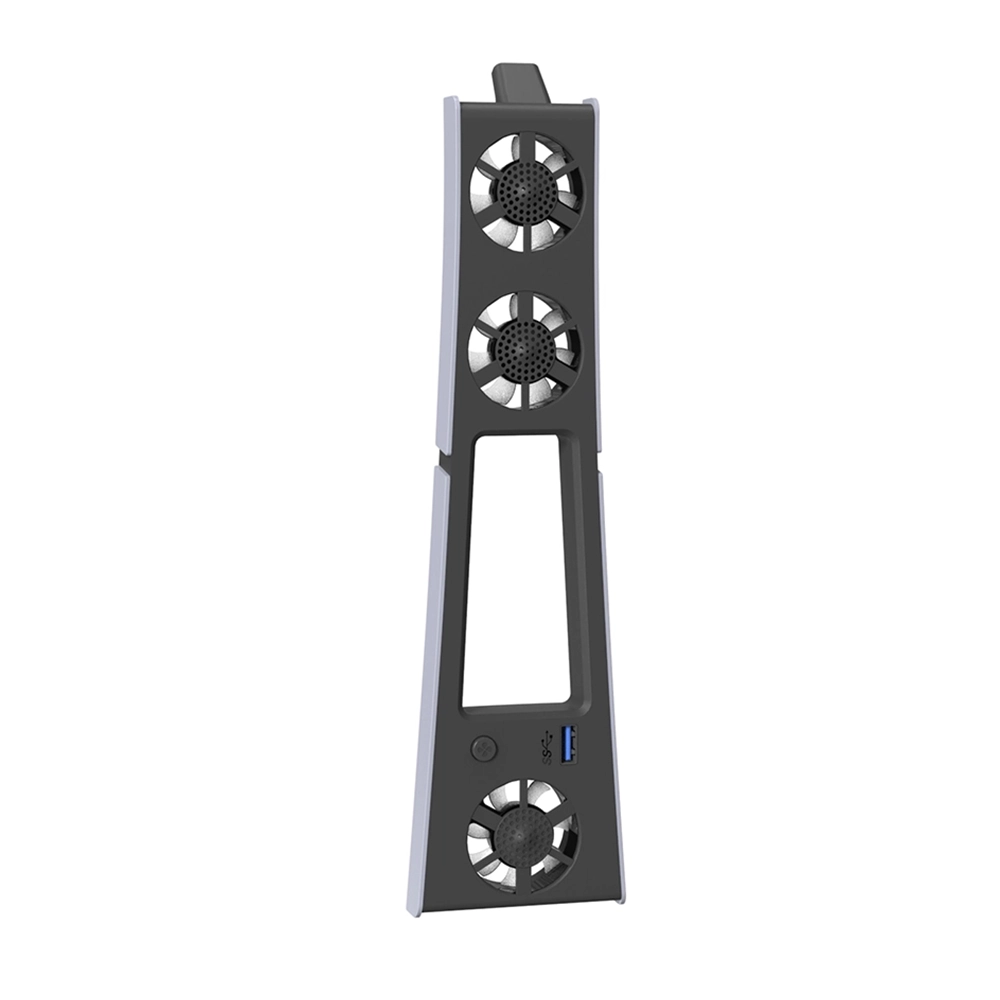
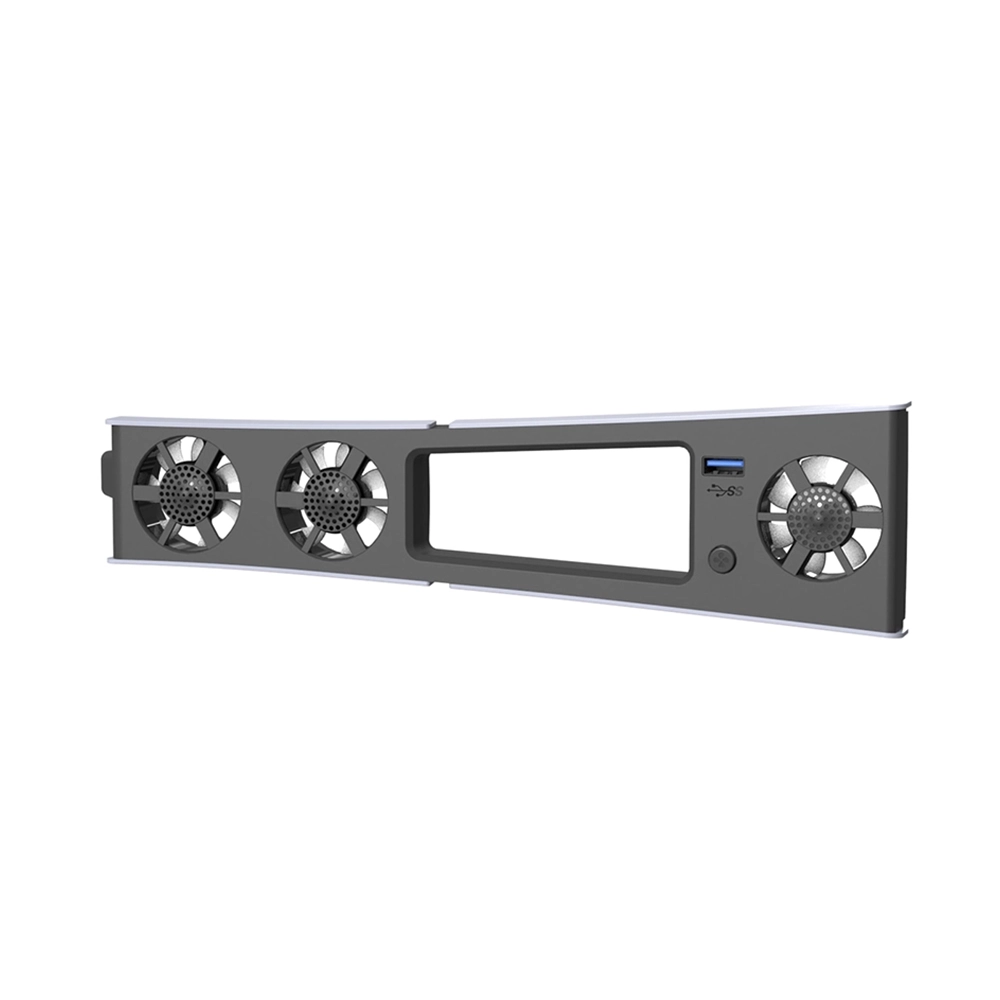
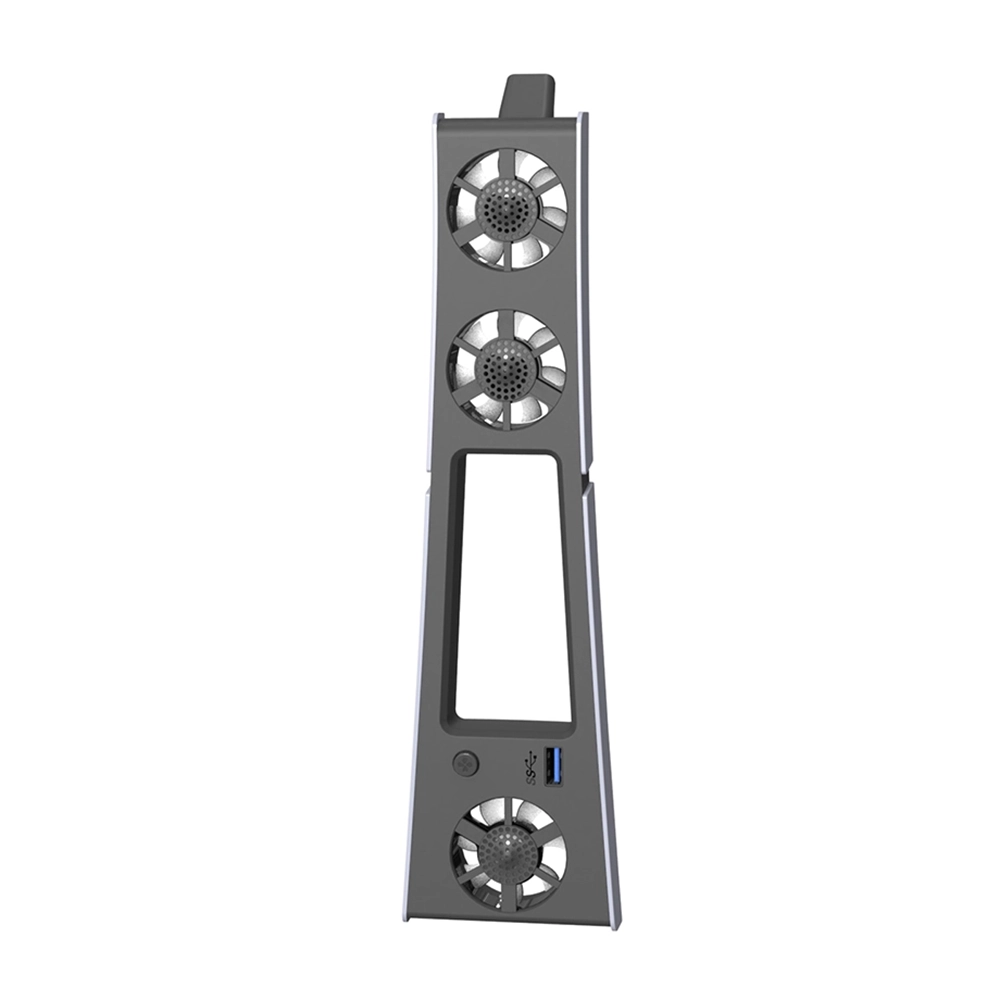
The HS-P5S003 USB Cooling Fan for New PS5 Console from iShine Trade provides efficient cooling for your PS5 console. With ultra-quiet operation, this fan ensures your console stays at optimal temperature during extended gaming sessions. The fan is powered through the console’s USB port, making installation quick and easy. Its compact design ensures it integrates seamlessly with your PS5, maintaining the console’s aesthetic while providing essential cooling.
Key Features:
Efficient Cooling: Includes 3 fans to provide 360° cooling, preventing overheating during intense gaming sessions.
Ultra-Quiet Operation: Designed to operate at ≤25 dB, ensuring a silent gaming experience.
USB Powered: Plug-and-play setup using the USB-A port on the PS5 console, with no additional power supply required.
LED Backlighting: Features blue LED lighting that visually indicates the fan’s operation, adding a stylish touch.
Compact Design: Slim profile that integrates perfectly with the PS5 console without compromising its sleek look.
Specifications:
Material: Durable ABS plastic
Compatibility: PS5 Console (compatible with both Digital and Disc Editions)
Fan Speed: 5500 RPM
Rated Power: 4W
Rated Current: 0.8A
Startup Voltage: 2.8V DC
Noise Level: ≤25 dB
LED Lighting: Blue LED indicators
Dimensions: 279.35 x 72.14 x 32.87 mm
Weight: 120g
Package Includes:
1 × HS-P5S003 USB Cooling Fan for New PS5 Console
Installation Instructions:
Connect the USB Cable: Plug the USB-A connector into one of the available USB ports on the PS5 console.
Turn on the PS5 Console: The fan will automatically power on when the PS5 is turned on.
Fan Operation: The fan will start working quietly to cool the console. The LED light will turn blue to indicate the fan is in operation.
Adjust Fan Settings: If the fan includes different speeds, press the switch to adjust between high-speed or low-speed modes as needed.
Additional Information:
As a trusted PS5 accessories wholesale supplier at iShine Trade, we offer high-quality products like the HS-P5S003 USB Cooling Fan for New PS5 Console. This fan is designed to extend the lifespan of your PS5 by keeping it cool and operational during long gaming sessions, while also offering a stylish, compact solution for cooling.