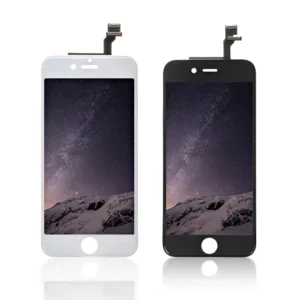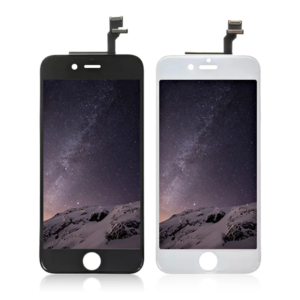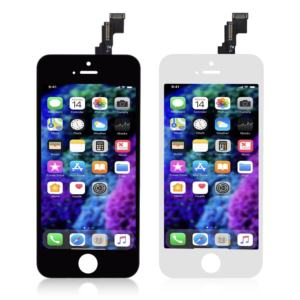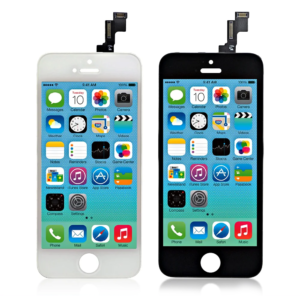
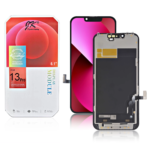
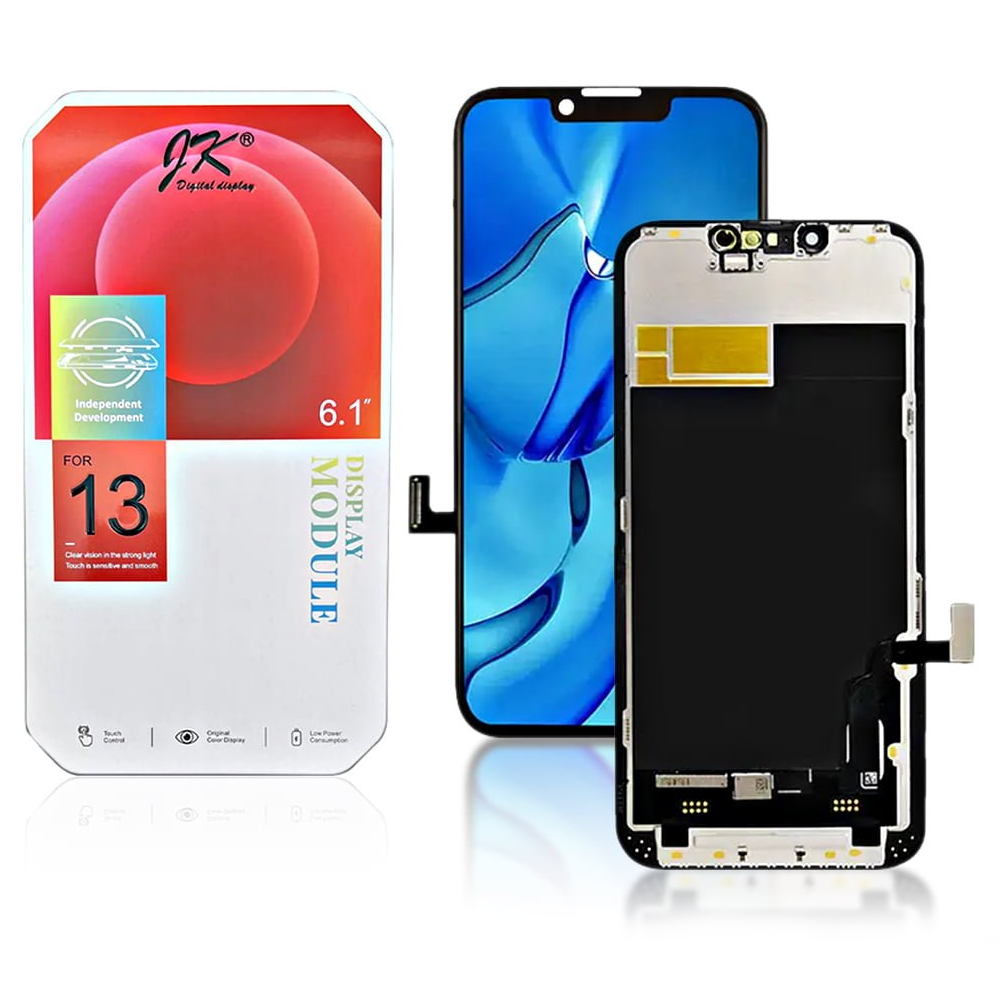
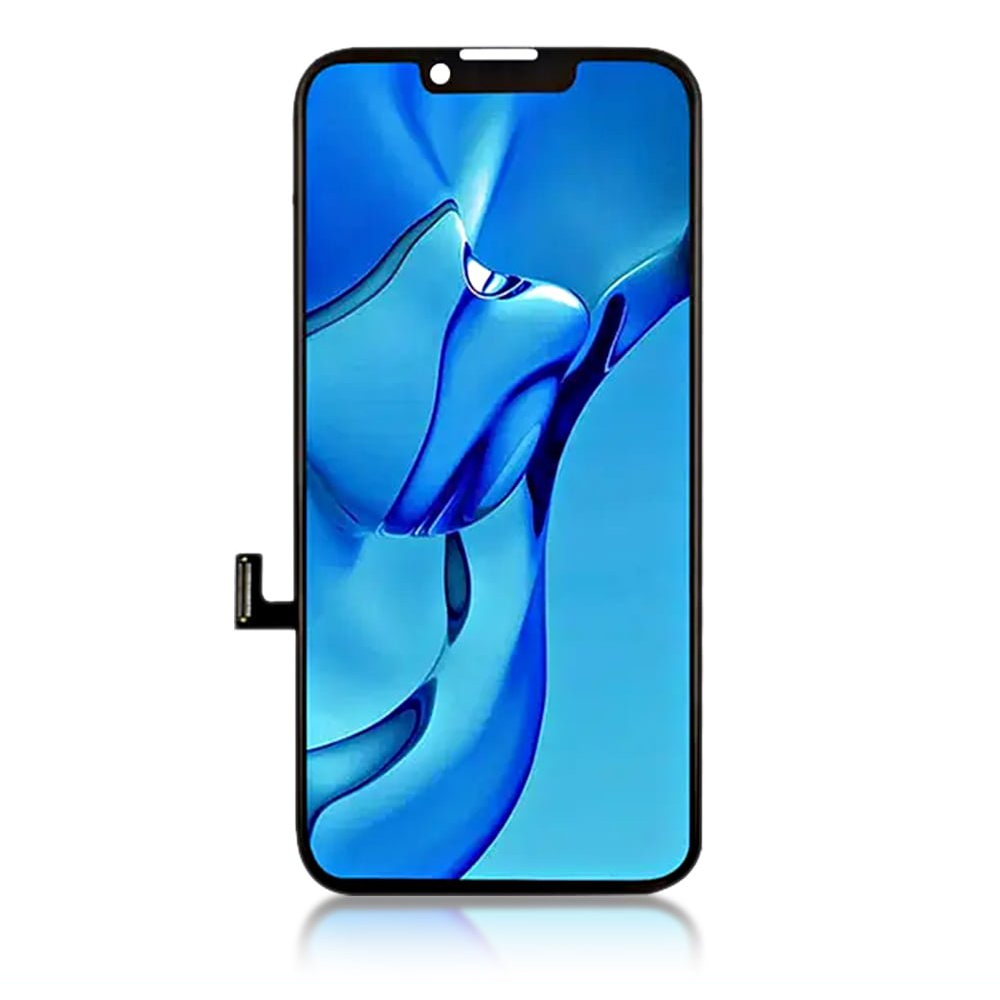
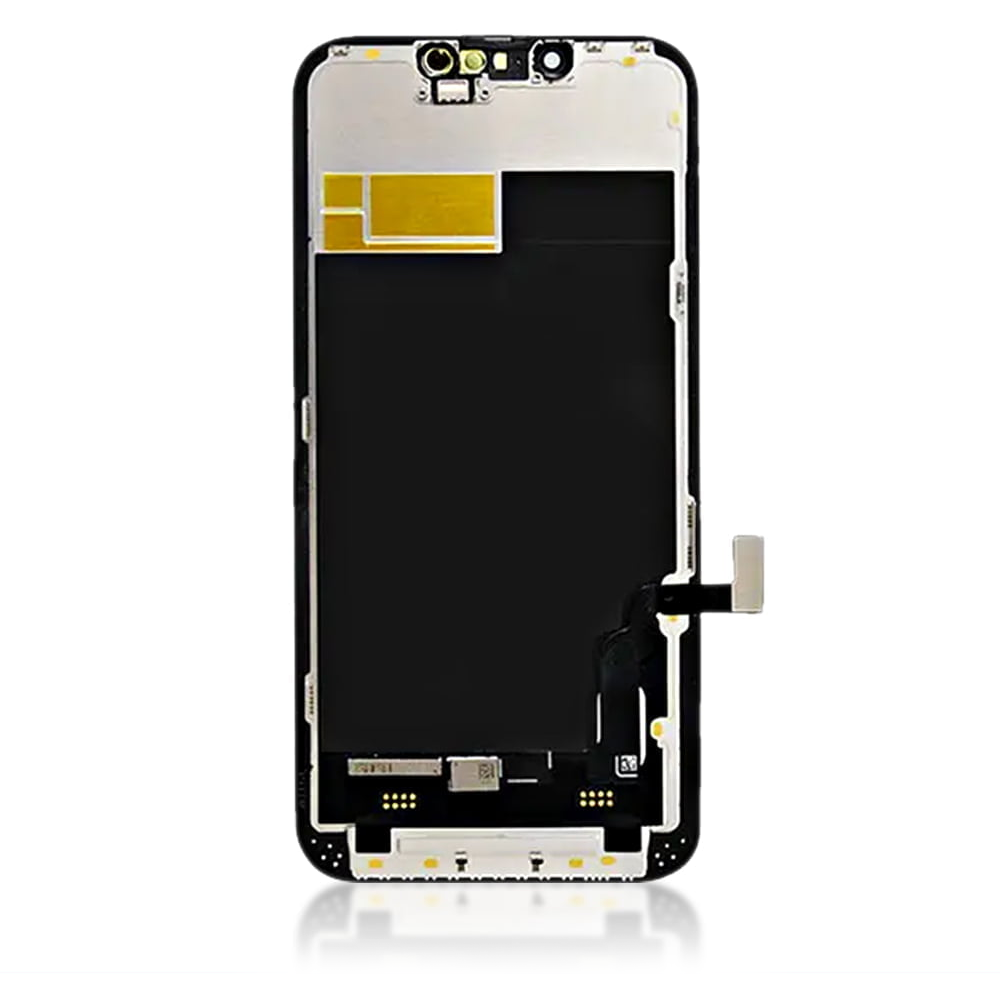

JK FHD Incell iPhone 13 LCD Module Display and Touch Screen Digitizer Assembly

SKU: 5056605609273

£17.99 Ex VAT

16 People watching this product now!
  • delivery-car Courier delivery

Our courier will deliver to the specified address

Next Day

7.33

  • dhl-logo DHL Courier delivery

DHL courier will deliver to the specified address

Next Day

7.33

Payment Methods:

payment-gateway

Description

The JK FHD Incell iPhone 13 LCD Module Display and Touch Screen Digitizer Assembly for iPhone 13 from iShine Trade offers a reliable replacement for your device’s damaged or malfunctioning screen. Designed to provide a seamless fit and restore your iPhone’s display to its original quality, this assembly ensures optimal performance and visual clarity.

Key Features:

  • Incell LCD Technology: Combines the LCD and touch digitizer into a single layer, resulting in a thinner and more responsive screen.

  • High Resolution: Delivers crisp visuals with accurate color reproduction and sharp details.

  • Touch Sensitivity: Ensures smooth and responsive touch interactions for an enhanced user experience.

  • Easy Installation: Designed for straightforward replacement, making it suitable for both professionals and DIY enthusiasts.

  • Durable Build: Crafted to withstand daily wear and tear, providing long-lasting performance.

Specifications:

  • Compatibility: iPhone 13

  • Display Type: Incell LCD

  • Resolution: 1170 x 2532 pixels

  • Color: Black

  • Condition: Brand new

  • Weight: Lightweight

Package Includes:

  • 1 × JK Incell LCD Module Display and Touch Screen Digitizer Assembly for iPhone 13

Installation Instructions:

  1. Power Off Your Device: Ensure your iPhone 13 is turned off before starting the replacement process.

  2. Remove the Broken Screen: Carefully detach the damaged screen using appropriate tools to avoid damaging internal components.

  3. Install the New Assembly: Align the new JK Incell LCD assembly with the device frame and secure it in place.

  4. Reconnect Components: Reattach any connectors and components that were disconnected during the removal process.

  5. Power On Your Device: Turn on your iPhone 13 to test the new screen functionality.