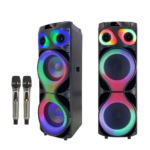
Karaoke MT-1299 Multifunctional 80W Trolley Speaker
£135.00 Ex VAT
Out of stock
Out of stock
To pick up today
Free
-
Courier delivery
Our courier will deliver to the specified address
Next Day
7.33
-
DHL Courier delivery
DHL courier will deliver to the specified address
Next Day
7.33
Payment Methods:
Description
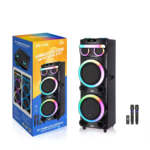
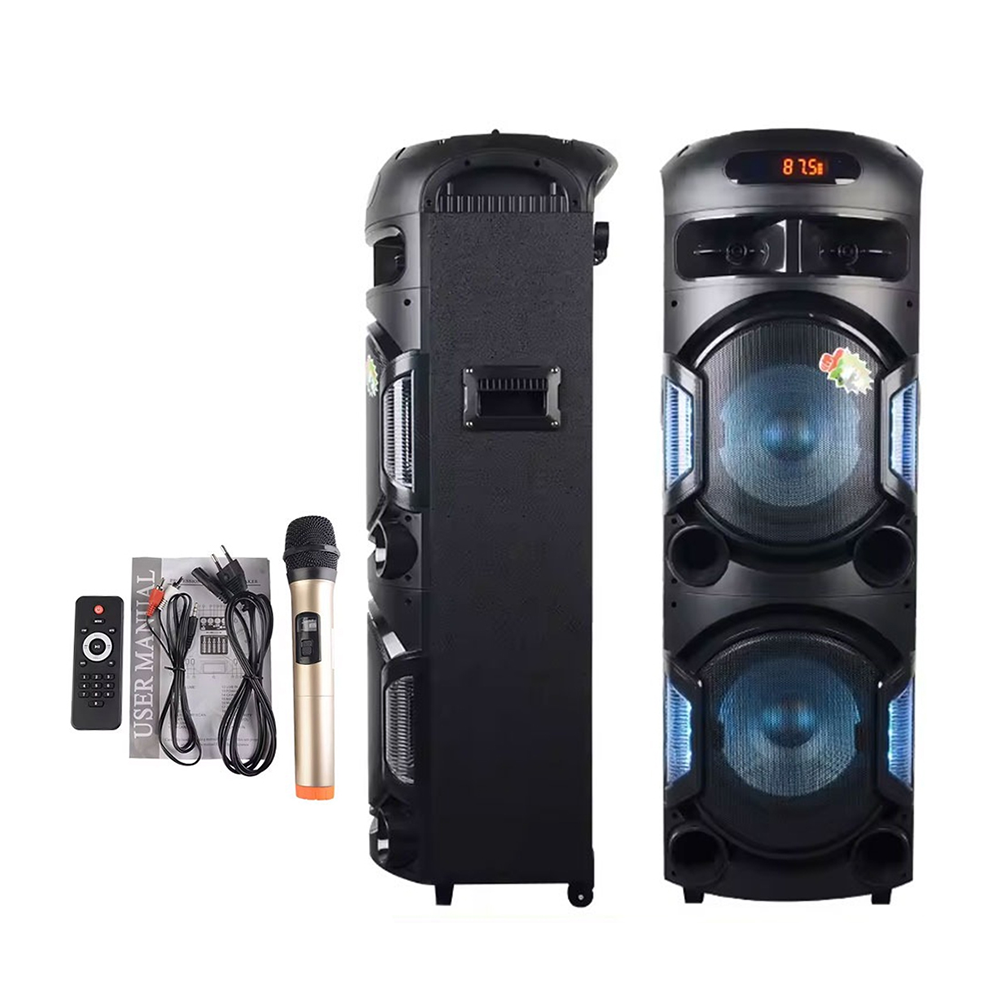
The Karaoke MT‑1299 Multifunctional 80W Trolley Speaker offers a robust portable audio solution designed for karaoke sessions parties, outdoor gatherings or home entertainment. With 80 W output trolley style mobility Bluetooth streaming USB/SD input and microphone support it’s perfect for both personal and resale use. Provided by a trusted wholesale mobile phone parts supplier this speaker delivers quality and versatility.
Key Features:
80 W Output Power: Delivers powerful sound that fills rooms and outdoor spaces with ease.
Trolley Design: Built in handle and wheels allow easy portability from room to room or outdoor events.
Multifunctional Connectivity: Includes Bluetooth wireless streaming USB/SD card playback AUX input and mic inputs for live karaoke or announcements.
Karaoke‑Ready Mic Support: Comes with microphone input and echo/volume controls to provide full karaoke experience.
Rechargeable / Corded Use: Supports both mains power and potentially internal battery for mobility confirm model specs.
Remote & Multimedia Controls: Enables control over track selection volume mode and playback directly from remote or front panel.
LED / Display: Digital display or LED indicators show source mode battery level or volume settings depending on model.
Specifications:
Model: Karaoke MT‑1299
Power: 80 W output
Speaker Type: Trolley speaker with wheels & handle
Inputs: Bluetooth USB SD card slot AUX line Microphone input
Condition: Brand new
Supplier: A trusted wholesale mobile phone parts supplier
Note: Always verify the detailed model specification battery capacity driver size wireless mic included before purchase.
Package Includes:
1 × Karaoke MT‑1299 Multifunctional 80W Trolley Speaker
Remote control if included
Mic cable accessories depending on bundle
User manual
Installation & Use Instructions:
Place the speaker on a firm flat surface or extend the trolley handle and roll to desired location.
Connect to mains power or activate internal battery if supported.
Pair your phone/tablet to the Bluetooth input or insert a USB/SD card with audio files.
Plug in your microphone into the mic input adjust mic and main volume and echo levels for karaoke.
Use the AUX input for other devices like laptops or mixers.
Adjust master volume to appropriate level and enjoy your audio or karaoke session.