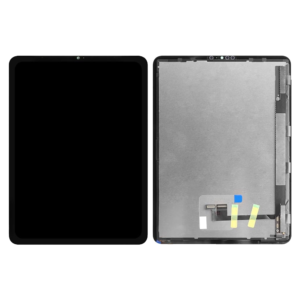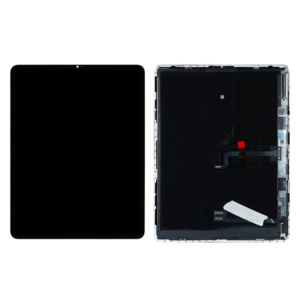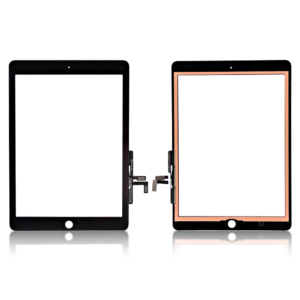
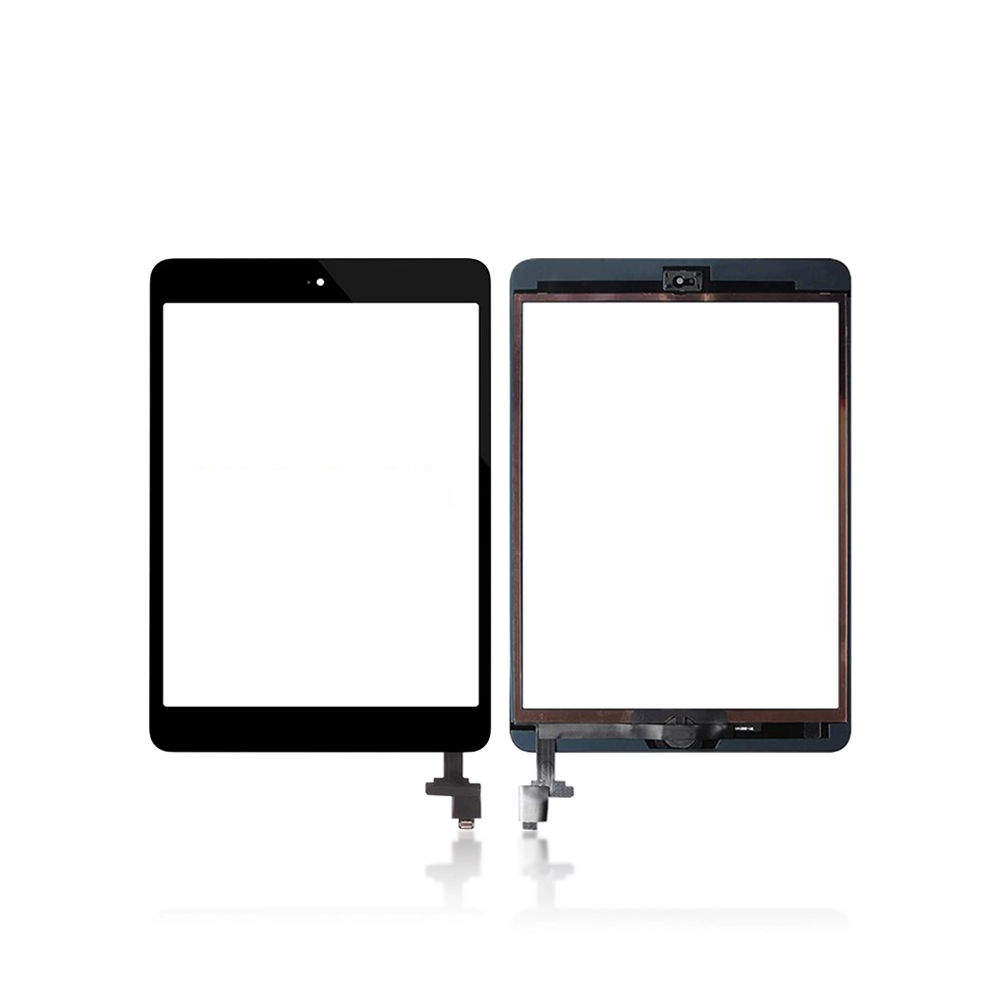

OEM Touch Screen Digitizer for iPad Mini 7.9″ 1st Gen 2012 / 2nd Gen 2013 – A1432 , A1454 , A1489 , A1491

SKU: 5056114990497

£9.59 Ex VAT

19 People watching this product now!
  • delivery-car Courier delivery

Our courier will deliver to the specified address

Next Day

7.33

  • dhl-logo DHL Courier delivery

DHL courier will deliver to the specified address

Next Day

7.33

Payment Methods:

payment-gateway

Description

The OEM Touch Screen Digitizer for iPad Mini 7.9″ 1st Gen 2012 / 2nd Gen 2013 – A1432, A1454, A1489, A1491 is a premium replacement part that restores your device’s original touch sensitivity and responsiveness. Designed with precision, it fits perfectly and ensures seamless performance, making your iPad Mini as good as new.

Key Features:

  • Exact Compatibility: Perfect fit for iPad Mini 1st Gen (2012) and 2nd Gen (2013) — Models A1432, A1454, A1489, A1491.

  • High Touch Sensitivity: Offers smooth, accurate, and responsive touch functionality.

  • Durable Build Quality: Crafted from high-grade materials for long-lasting performance.

  • Slim Design: Maintains original device look and feel.

  • Easy Installation: Compatible with standard repair tools and adhesives.

  • Quality Assured: Each digitizer is tested for functionality before shipping.

Specifications:

  • Device Compatibility: iPad Mini 1st Gen (2012) / iPad Mini 2nd Gen (2013)

  • Models Supported: A1432, A1454, A1489, A1491

  • Display Size: 7.9 Inches

  • Type: Touch Screen Digitizer (Glass + Touch Panel)

  • Color Options: Black / White (depending on variant)

  • Material: Tempered Glass + Flexible Touch Circuit

  • Condition: Brand New / OEM Grade

Package Includes:

  • 1 × OEM Touch Screen Digitizer for iPad Mini 7.9″ (1st / 2nd Gen)

  • 1 × Cleaning Cloth

  • 1 × Basic Tool Kit (optional depending on pack)

Installation Instructions:

  1. Power off your iPad and remove the existing screen carefully using heat and prying tools.

  2. Disconnect the damaged digitizer flex cable from the logic board.

  3. Clean the frame to remove old adhesive and dust.

  4. Align and attach the new OEM Touch Screen Digitizer properly.

  5. Connect the flex cable securely and test the touch before sealing.

  6. Reassemble the device and check full touch functionality.