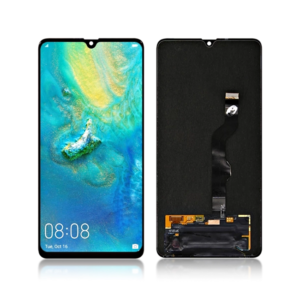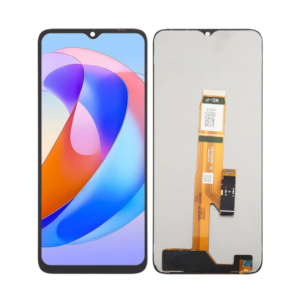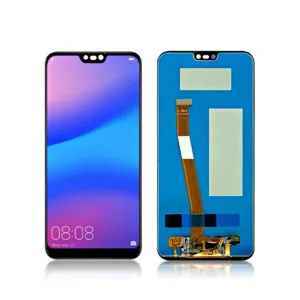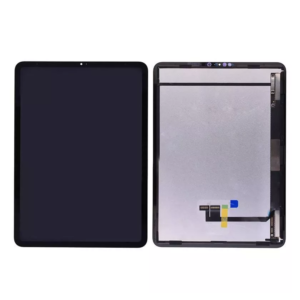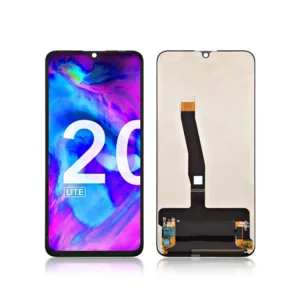
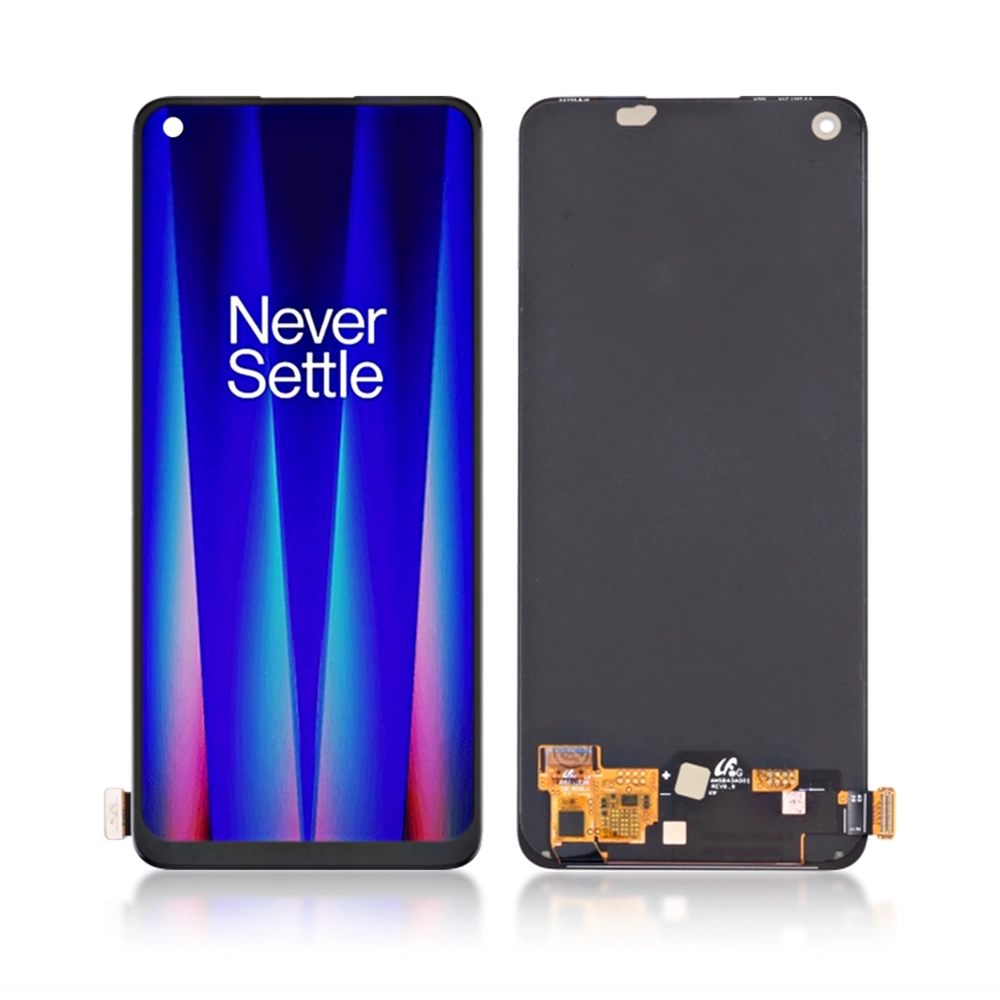
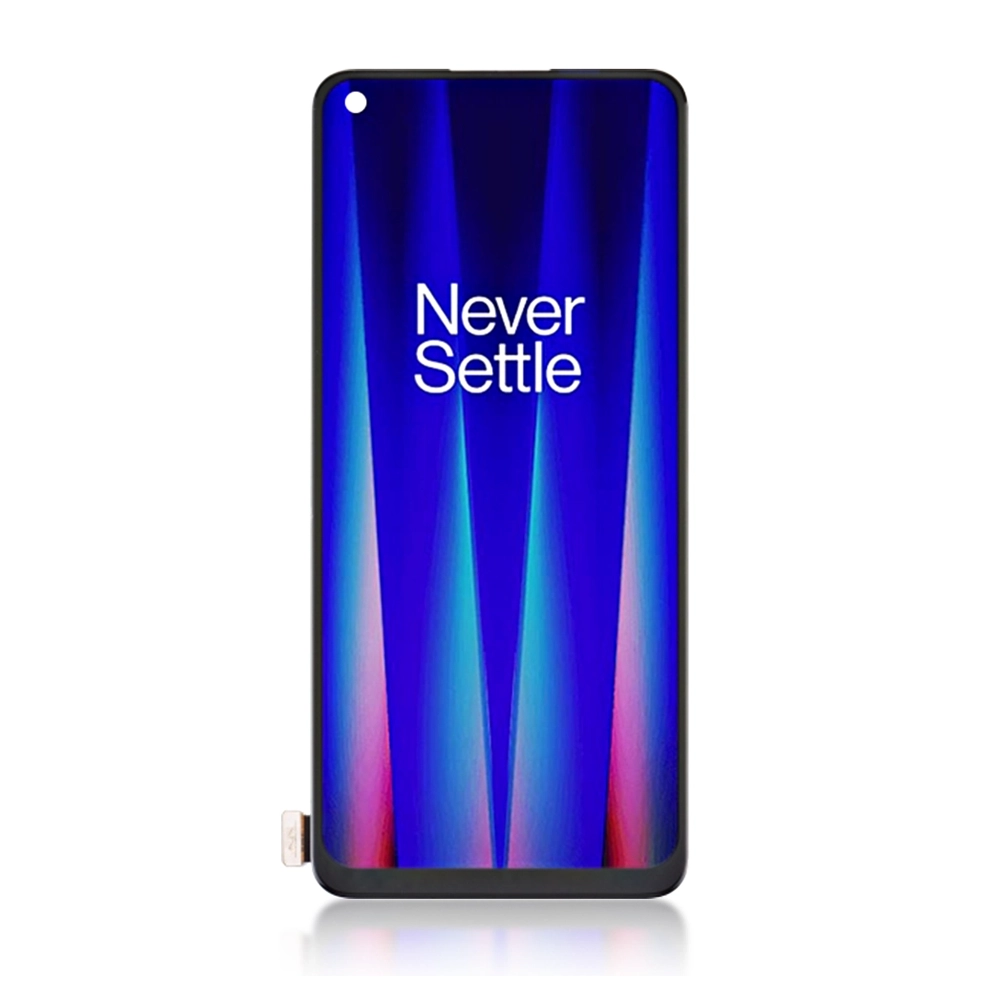
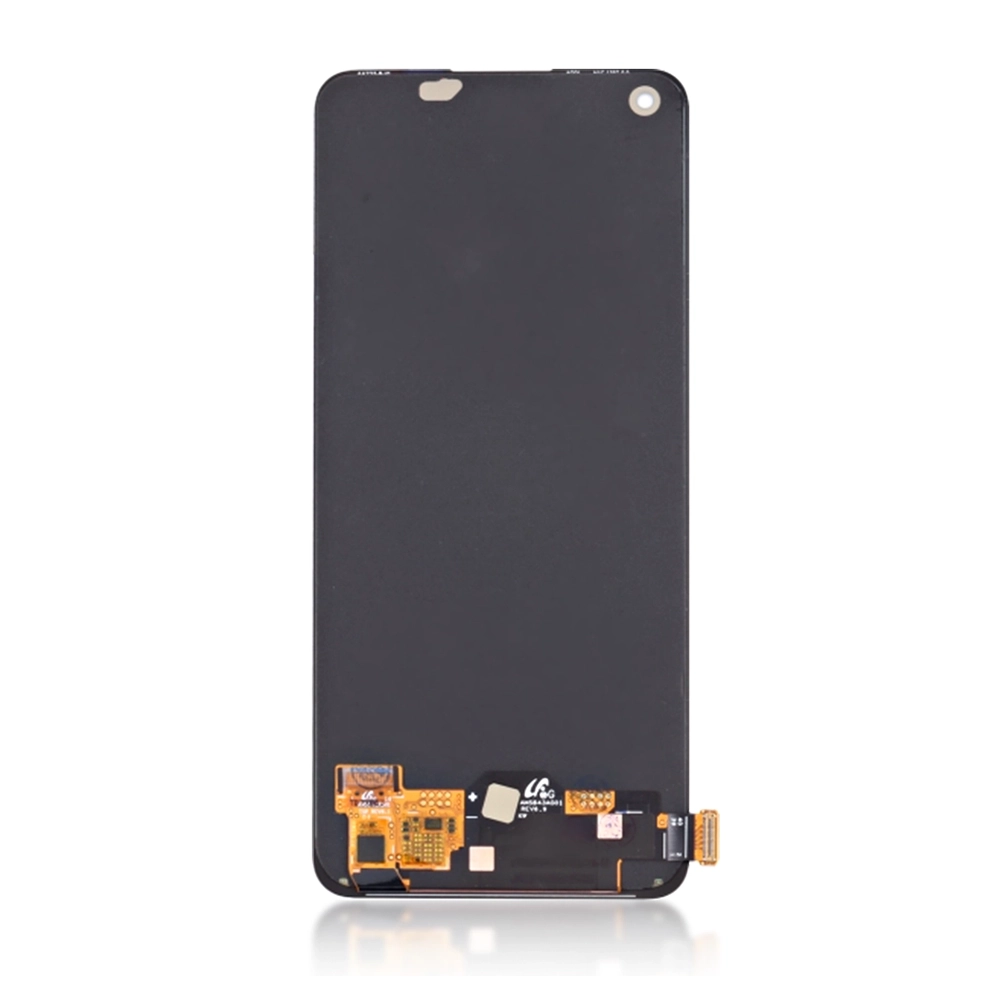

Replacement OLED LCD Screen Display Touch and Digitizer Assembly For OnePlus Nord CE 2 Black – No Frame

SKU: 5056605682665

£47.99 Ex VAT

17 People watching this product now!
  • delivery-car Courier delivery

Our courier will deliver to the specified address

Next Day

7.33

  • dhl-logo DHL Courier delivery

DHL courier will deliver to the specified address

Next Day

7.33

Payment Methods:

payment-gateway

Description

The Oneplus LCD screen replacement for OnePlus Nord CE 2 Black is an excellent solution for restoring your device’s display. This replacement includes an OLED LCD display with touch and digitizer assembly, designed in a no-frame format for a seamless fit. It offers vibrant colors, sharp resolution, and smooth touch sensitivity, ensuring a superior user experience.

Key Features:

  • OLED LCD Display: Offers high-definition color accuracy, deep blacks, and bright visuals for an enhanced viewing experience.
  • Touch and Digitizer Assembly: Includes a responsive touch screen and digitizer, ensuring smooth and accurate touch functionality.
  • No Frame Design: Perfect for users who prefer a frame-less screen replacement for a precise fit and easy installation.
  • Full Touch Sensitivity: Provides quick, responsive, and accurate touch interaction across the entire screen.
  • Durable Construction: Made from high-quality materials to ensure long-lasting durability and reliable performance.
  • Easy Installation: Comes with all necessary tools for a simple, bubble-free installation.

Specifications:

  • Material: OLED LCD Display, Touch, and Digitizer Assembly
  • Compatibility: OnePlus Nord CE 2 Black
  • Display: OLED LCD resolution
  • Touch Sensitivity: Fully responsive
  • Condition: Brand new
  • Weight: Lightweight

Package Includes:

  • 1 × Oneplus LCD Screen Display Touch and Digitizer Assembly for OnePlus Nord CE 2 Black (No Frame)

Installation Instructions:

  1. Clean the Screen: Use the wet and dry wipes provided to remove dust, fingerprints, and other residues from the device’s screen.
  2. Align the LCD Display: Carefully align the display with your device for proper positioning.
  3. Apply the Display: Gently press the display onto the device, ensuring smooth, bubble-free installation.
  4. Remove Air Bubbles: Use the dust removal tool to eliminate any air bubbles.
  5. Final Check: Ensure the display is securely adhered and all edges are properly aligned with the device.

Additional Information:

As a trusted wholesale Oneplus LCD screen supplier in UK, iShine Trade provides durable and high-quality OLED LCD replacement screens for OnePlus devices, offering reliable solutions for personal users, retailers, and resellers.