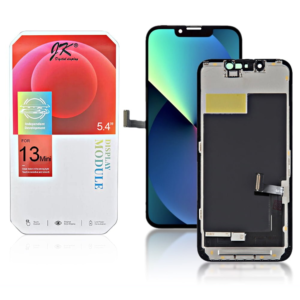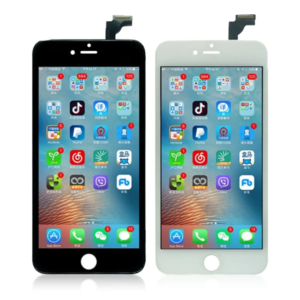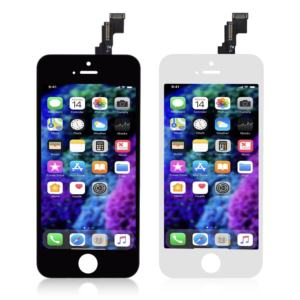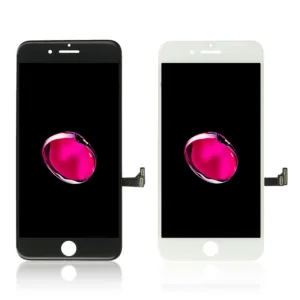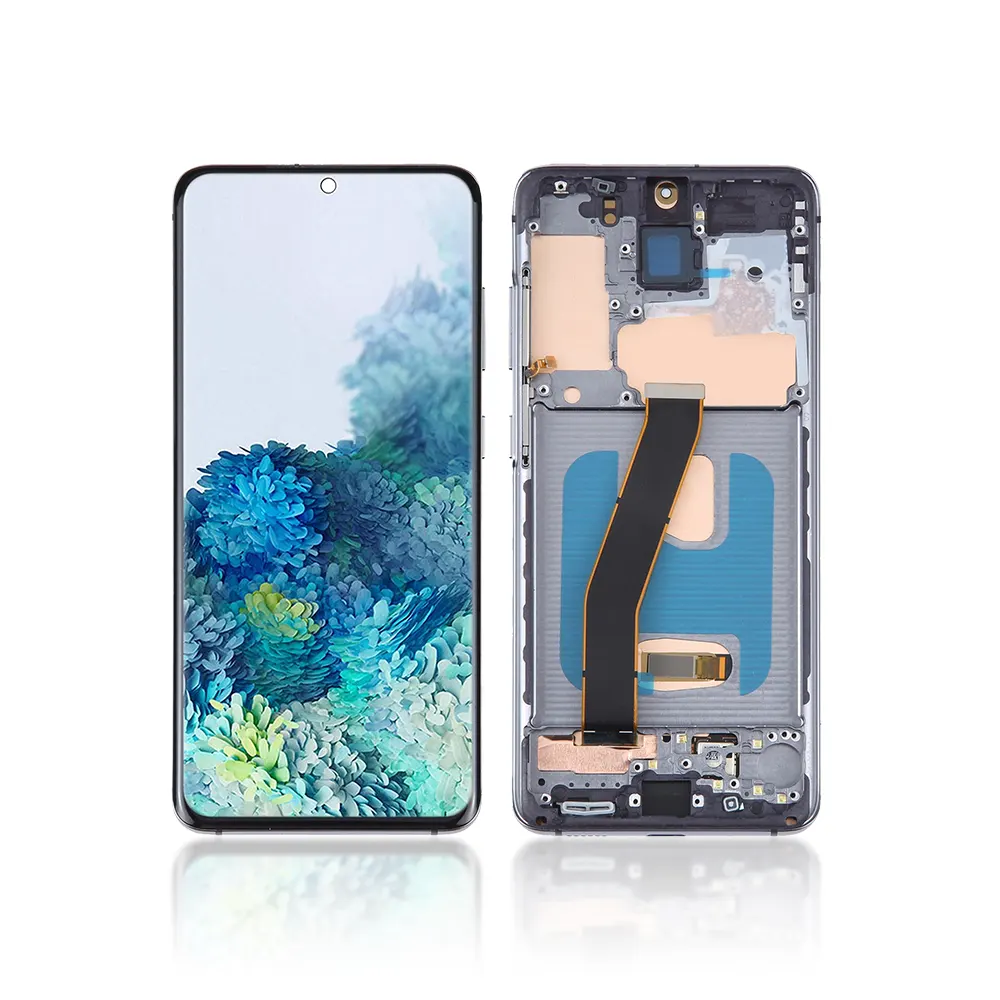
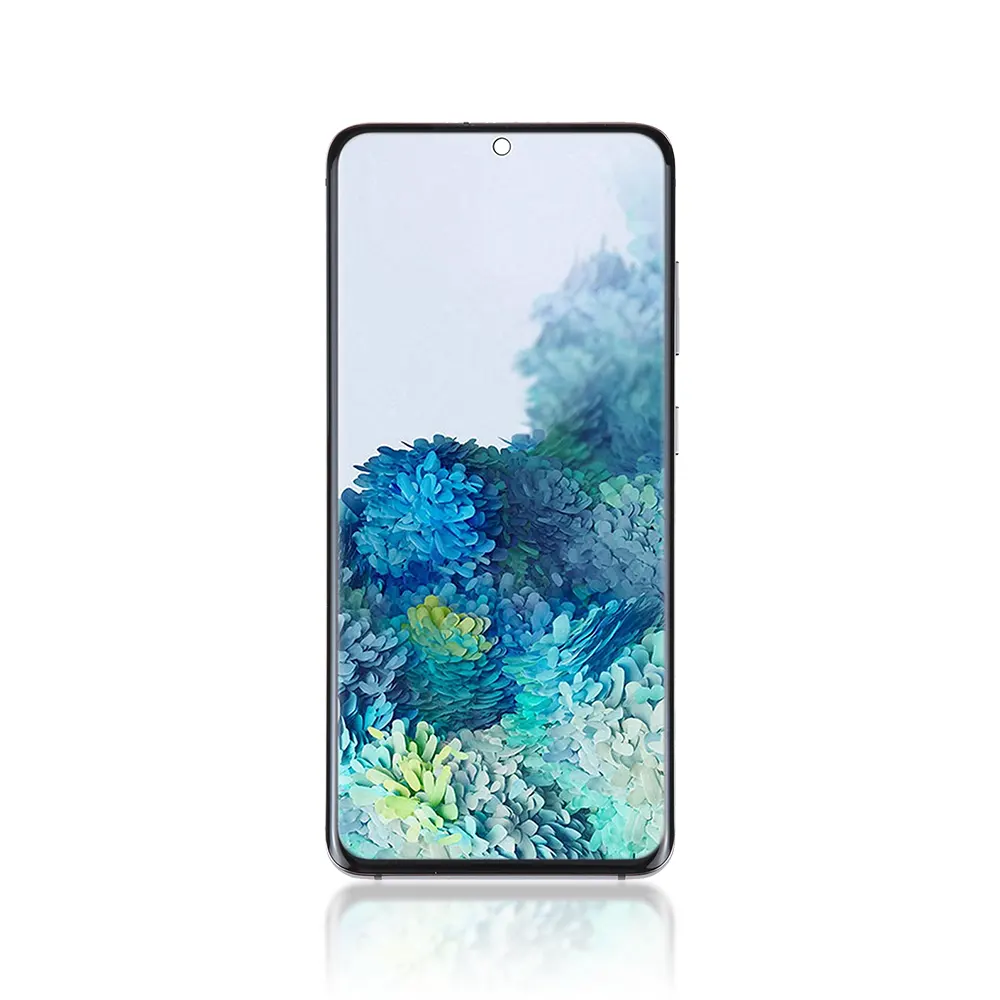

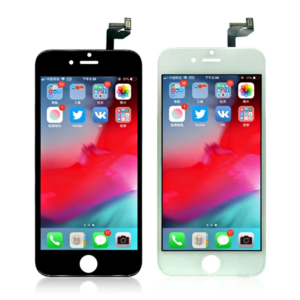
Replacement OLED LCD Screen For Samsung Galaxy S20 (G980F) Black – With Frame

SKU: 5056605690097

£65.99 Ex VAT

15 People watching this product now!
  • delivery-car Courier delivery

Our courier will deliver to the specified address

Next Day

7.33

  • dhl-logo DHL Courier delivery

DHL courier will deliver to the specified address

Next Day

7.33

Payment Methods:

payment-gateway

Description

The Replacement OLED LCD Screen For Samsung Galaxy S20 (G980F) Black – With Frame is a high quality replacement part that restores your phone’s original display clarity and responsiveness. It provides vibrant colors, deep contrast, and accurate touch sensitivity – ensuring your device looks and feels brand new.

Key Features:

  • Premium OLED Display: Offers high brightness, deep blacks, and true color accuracy.

  • Perfect Compatibility: Designed specifically for Samsung Galaxy S20 (G980F).

  • With Frame Assembly: Comes pre installed in a frame for easier installation.

  • Responsive Touch: Ensures smooth and accurate touch functionality.

  • Durable Construction: Built from quality materials for long lasting performance.

  • Easy Installation: Plug and play replacement with factory fitted components.

Specifications:

  • Model: Samsung Galaxy S20 (G980F)

  • Display Type: OLED LCD + Touch Screen Assembly

  • Color: Black

  • Resolution: 3200 × 1440 pixels (QHD+)

  • Frame: Included

  • Condition: Brand New

  • Size: 6.2 Inches (Approx.)

  • Touch Function: Integrated Touchpad

Package Includes:

  • 1 × Replacement OLED LCD Screen For Samsung Galaxy S20 (G980F) Black – With Frame

  • 1 × Cleaning Cloth

  • 1 × Basic Installation Toolkit

Installation Instructions:

  1. Power off your Samsung Galaxy S20 completely.

  2. Gently remove the old or broken screen using a heat gun and prying tools.

  3. Clean the device frame to remove dust and adhesive residue.

  4. Align the new Replacement OLED LCD Screen For Samsung Galaxy S20 (G980F) Black – With Frame correctly.

  5. Connect the display flex cable firmly and test before sealing.

  6. Reassemble your phone and power it on to confirm display and touch functionality.