
Related Products

£4.79 Ex VAT
To pick up today
Free
 Courier delivery
Our courier will deliver to the specified address
Next Day
7.33
 DHL Courier delivery
DHL courier will deliver to the specified address
Next Day
7.33
Payment Methods:

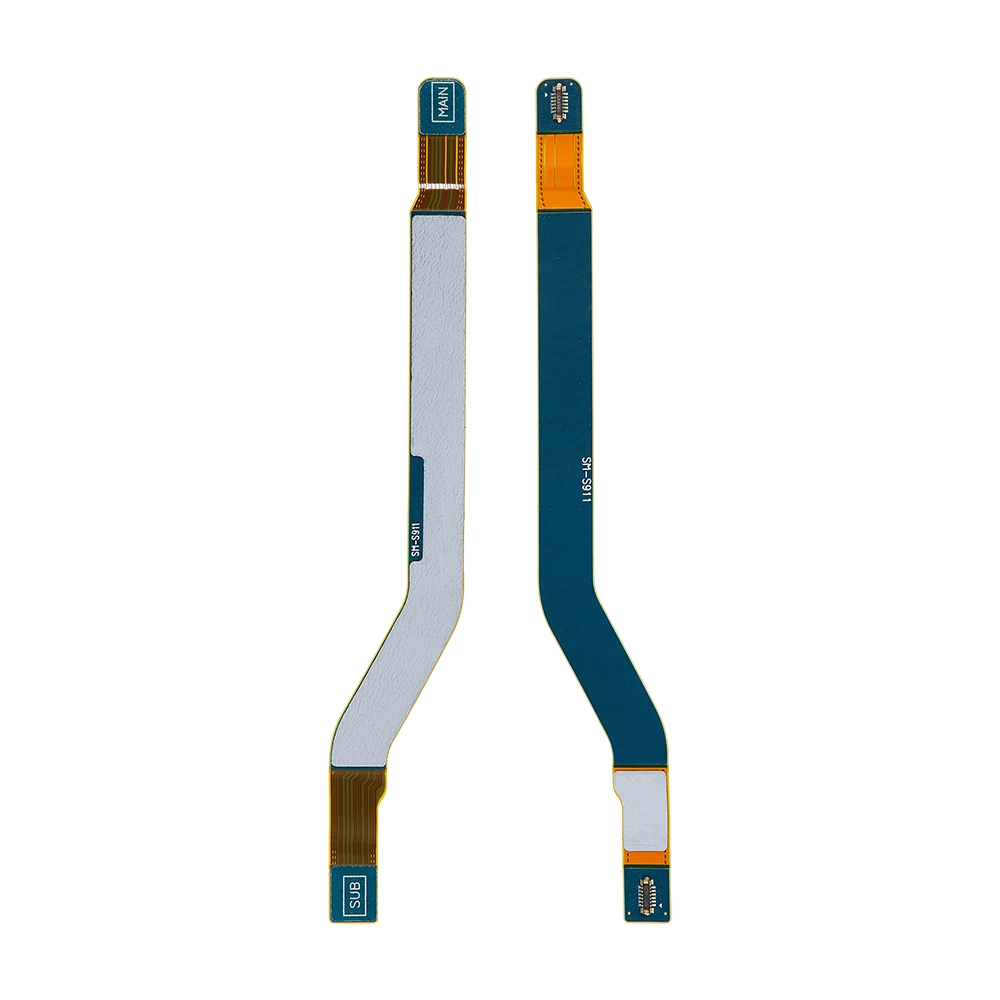
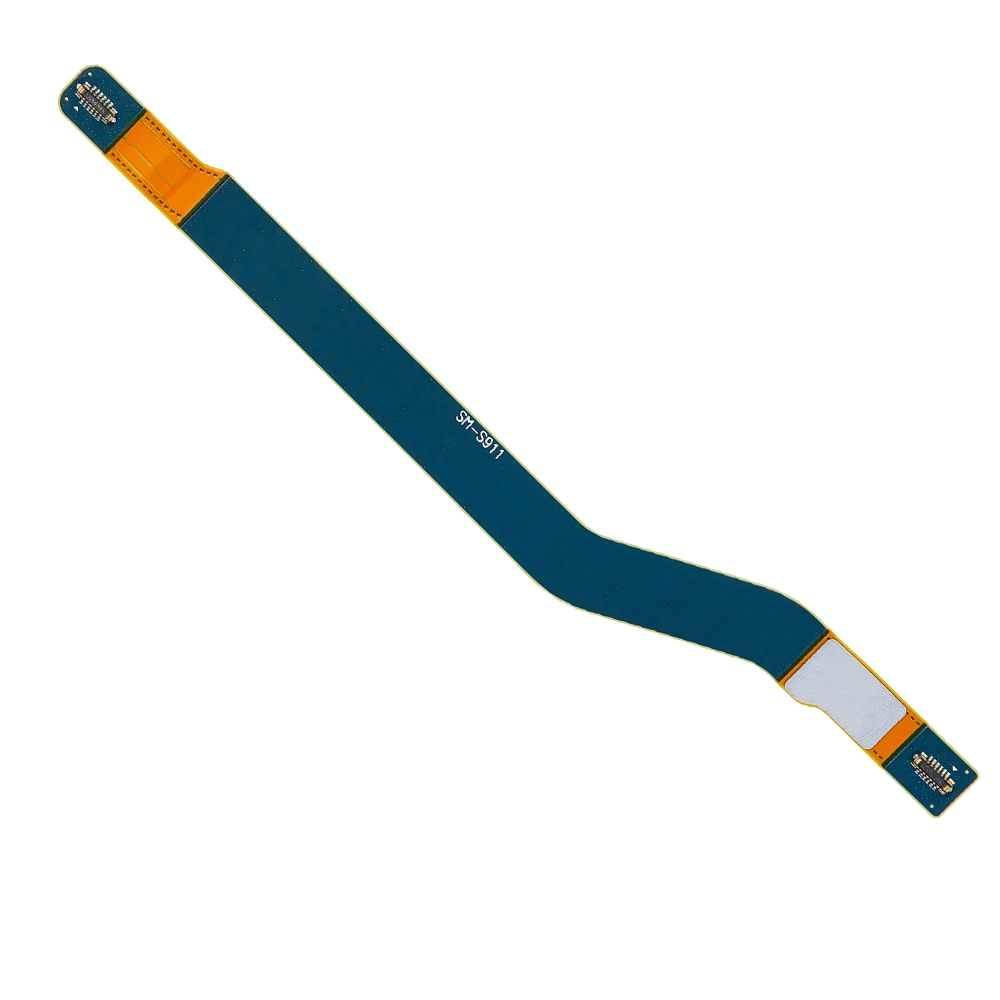
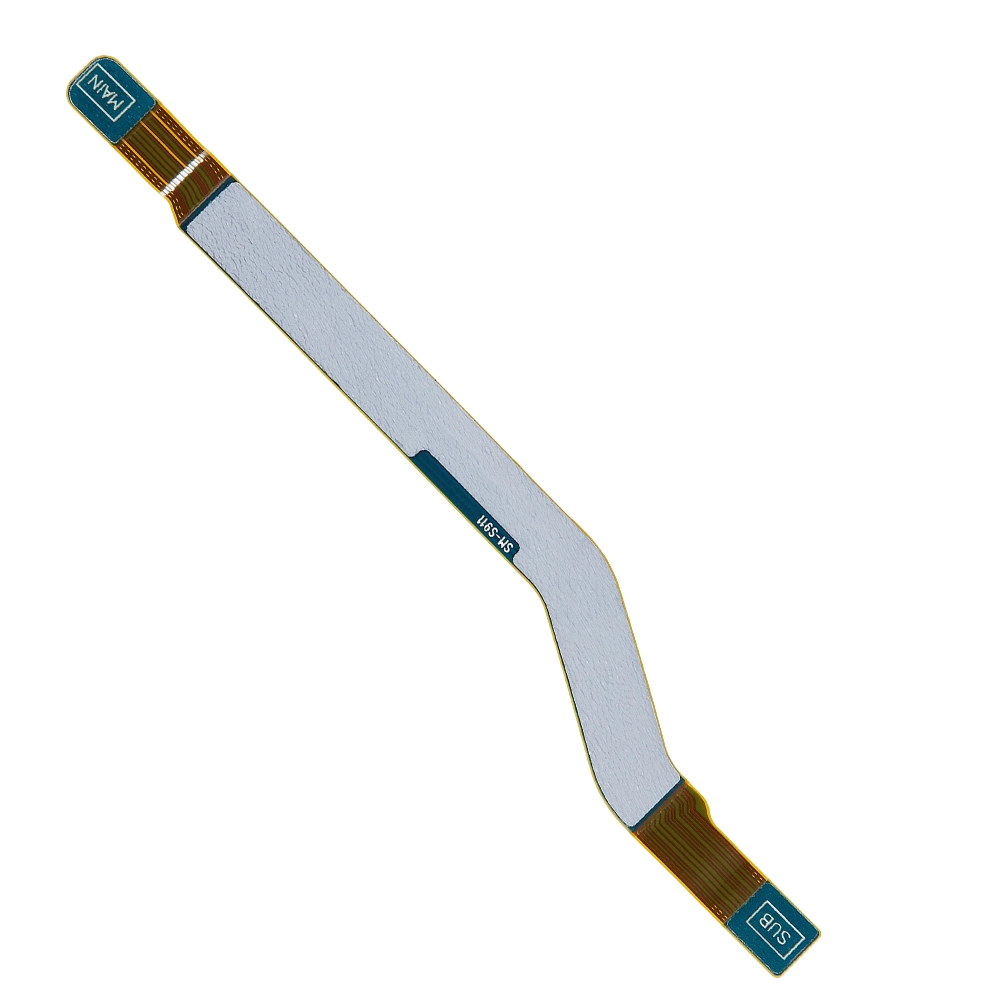
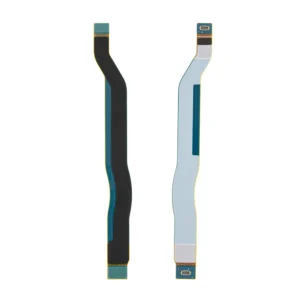
The Replacement Antenna Flex for Samsung Galaxy S23 (Model: SM-S911B) is an OEM-quality part designed to restore your device’s signal reception capabilities. If you’re experiencing issues with cellular, Wi-Fi, or Bluetooth connectivity, this flex cable ensures stable and reliable performance.
Key Features:
OEM Quality: Manufactured to meet original specifications for perfect compatibility and performance.
Enhanced Signal Reception: Restores cellular, Wi-Fi, and Bluetooth connectivity, ensuring uninterrupted communication and data transfer.
Easy Installation: Designed for straightforward replacement to restore signal functionality with minimal effort.
Compatible Model: Specifically designed for the Samsung Galaxy S23 (Model: SM-S911B), ensuring a precise fit and optimal performance.
Specifications:
Material: High-quality components for reliable performance
Compatibility: Samsung Galaxy S23 (Model: SM-S911B)
Functionality: Restores cellular, Wi-Fi, and Bluetooth signals
Condition: Brand new, unused, and unopened
Package Includes:
1 × Replacement Antenna Flex for Samsung Galaxy S23
Installation Instructions:
Power Off Your Device: Ensure your Samsung Galaxy S23 is completely powered off.
Remove the Back Cover: Use appropriate tools to carefully detach the back cover of your device.
Disconnect the Battery: Locate and disconnect the battery to prevent any electrical shorts during the replacement.
Remove the Old Antenna Flex: Gently detach the existing antenna flex cable from its connectors and remove it from the device.
Install the New Antenna Flex: Align the new replacement antenna flex cable with the connectors and securely attach it.
Reconnect the Battery: Reconnect the battery to restore power to your device.
Reassemble the Device: Carefully reattach the back cover and ensure all components are securely in place.
Power On the Device: Turn on your Samsung Galaxy S23 to verify the signal functionality is restored.
WhatsApp us