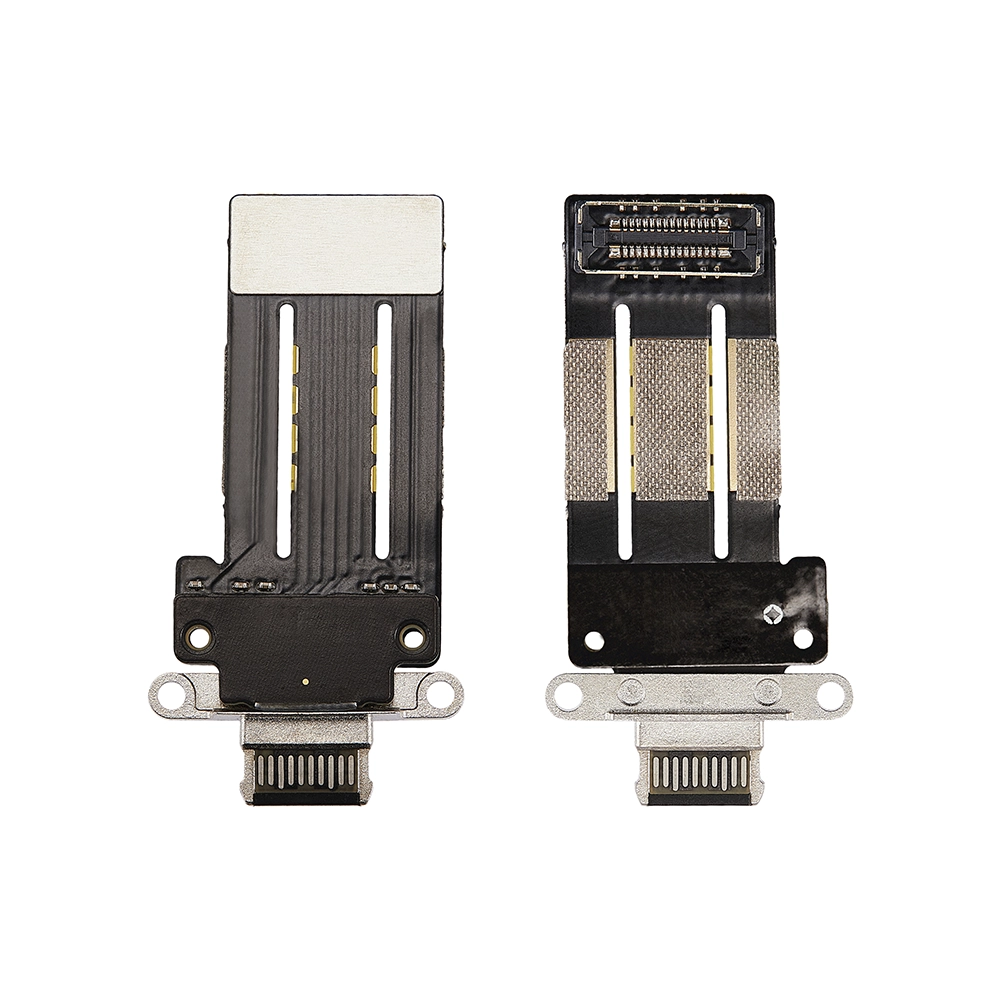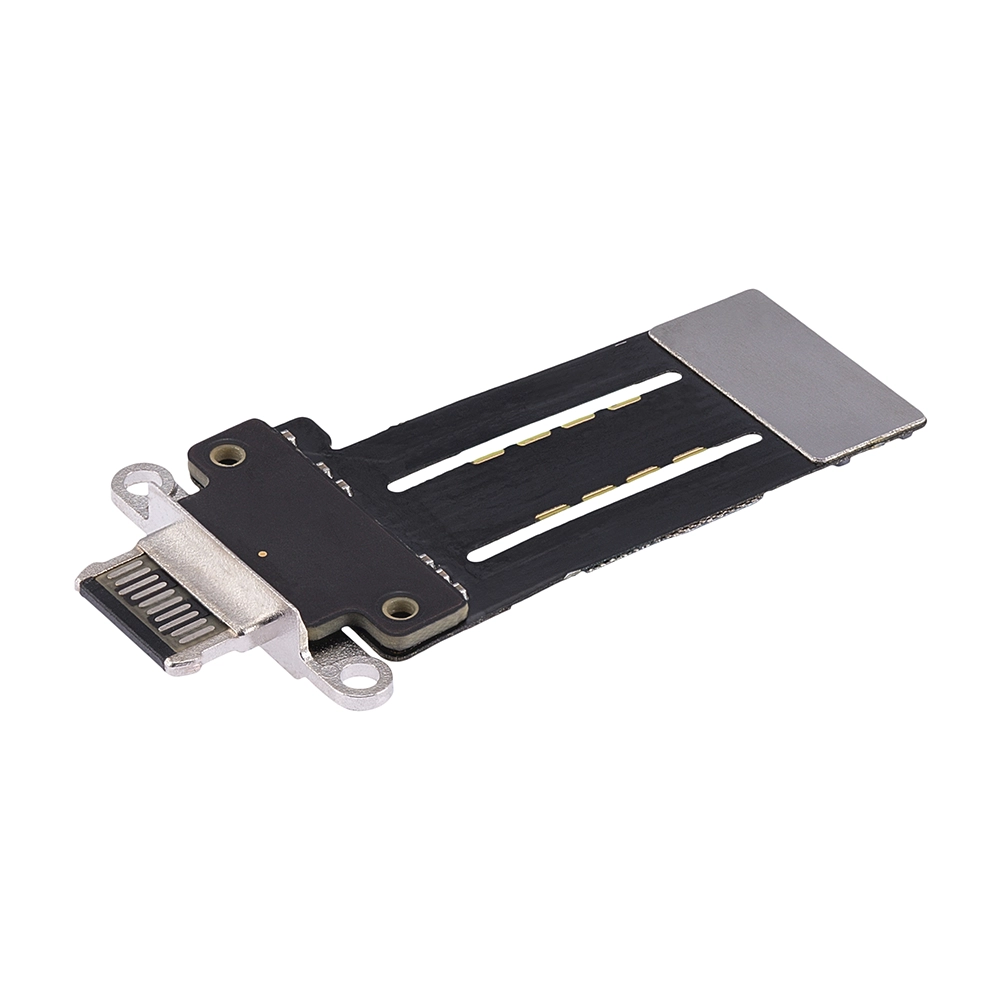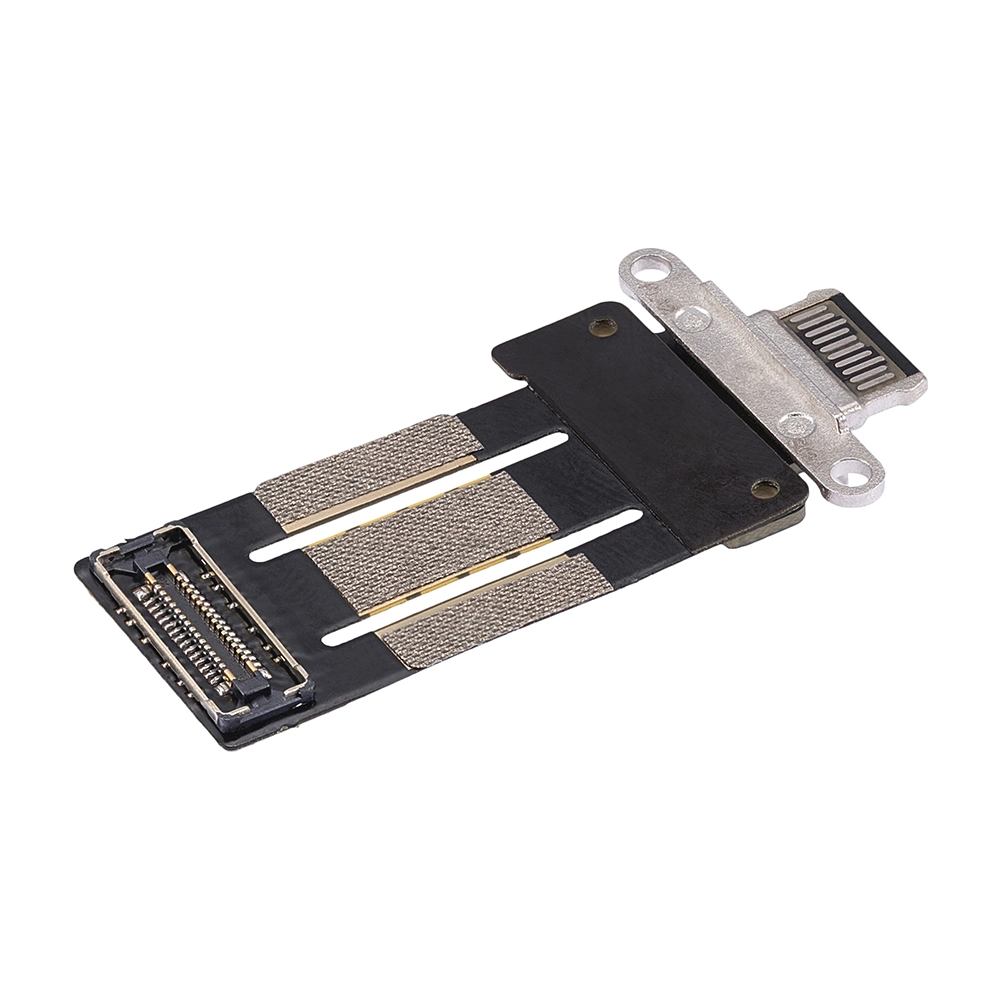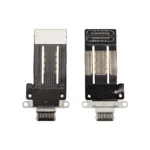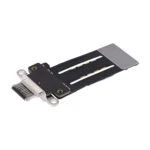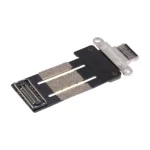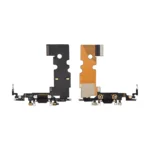
Replacement Charging Flex For iPad Pro 11″ 3rd Gen 2021 / 4th Gen 2022 / 12.9″ 5th Gen 2021 / 6th Gen 2022 – A2301, A2435, A2379, A2764
€8.39 Ex VAT
To pick up today
Free
-
Courier delivery
Our courier will deliver to the specified address
Next Day
7.33
-
DHL Courier delivery
DHL courier will deliver to the specified address
Next Day
7.33
Payment Methods:
Description
The Replacement Charging Flex for iPad Pro 11-inch (3rd Gen, 2021) – Models A2301, A2459 is a high-quality OEM part designed to restore full charging and data transfer functionality to your device. It is crafted to meet original equipment specifications, ensuring reliable performance and long-lasting durability.
Key Features:
-
OEM Quality: Manufactured to original specifications for optimal performance.
-
Reliable Charging: Ensures stable and efficient power delivery to your device.
-
Data Transfer: Supports seamless data synchronization between your device and other peripherals.
-
Durable Construction: Built to withstand regular use and provide long-lasting service.
-
Easy Installation: Designed for straightforward replacement with minimal technical expertise.
Specifications:
-
Compatibility: iPad Pro 11-inch (3rd Gen, 2021) – Models A2301, A2459
-
Connector Type: USB Type-C
-
Functionality: Charging and data transfer
-
Condition: Brand new, unused
-
Warranty: Limited warranty period
Package Includes:
-
1 × Replacement Charging Flex for iPad Pro 11-inch (3rd Gen, 2021) – Models A2301, A2459
Installation Instructions:
-
Power Off Device: Ensure your device is powered off before starting the replacement process.
-
Remove Screen: Carefully detach the screen of your device using appropriate tools.
-
Disconnect Battery: Disconnect the battery connector to prevent electrical short circuits.
-
Remove Faulty Flex Cable: Gently detach the old charging flex cable from its connector and remove it.
-
Install New Flex Cable: Align the new replacement charging flex cable with the connector and press it securely into place.
-
Reconnect Battery: Reconnect the battery connector to restore power to the device.
-
Reassemble Device: Reattach the screen and ensure all components are properly secured.
-
Power On Device: Turn on your device to verify the functionality of the new charging flex cable.