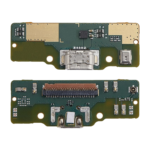
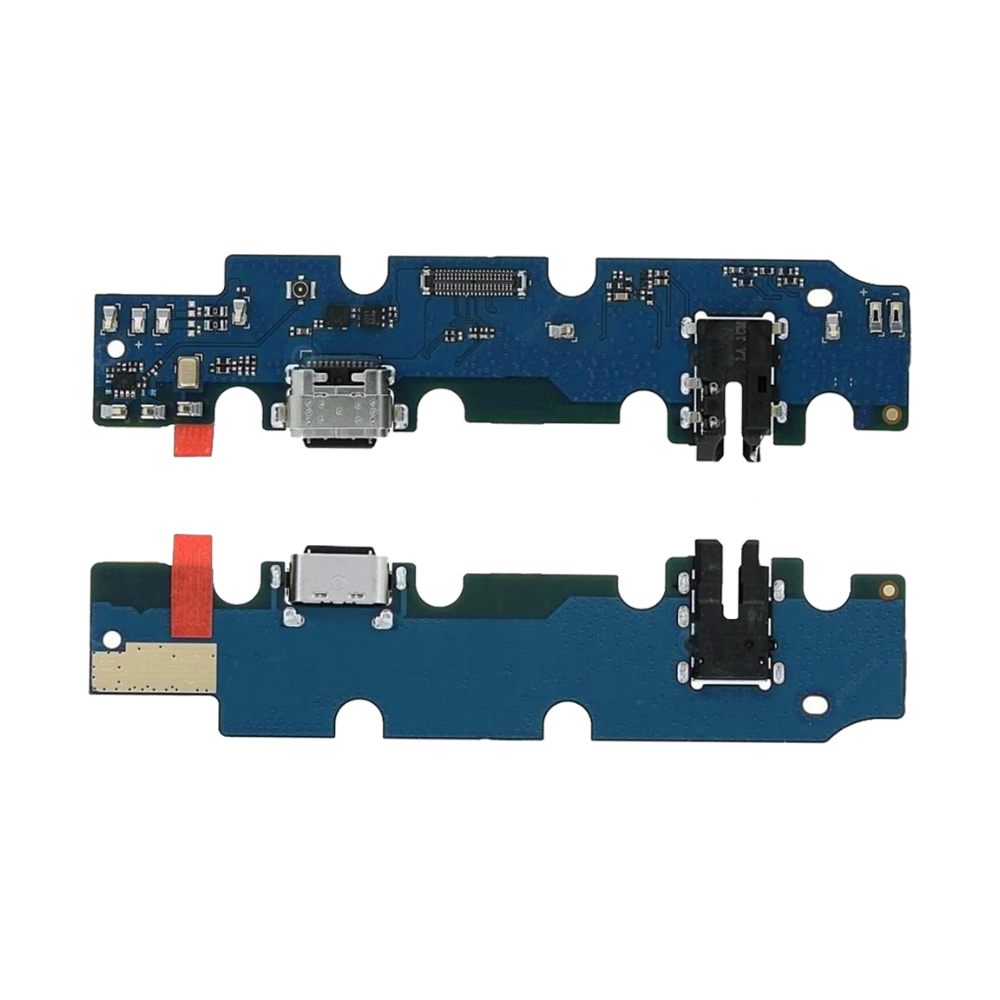
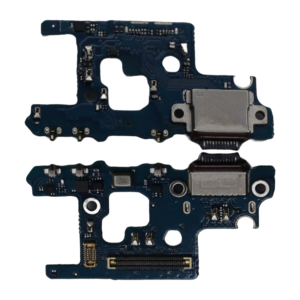
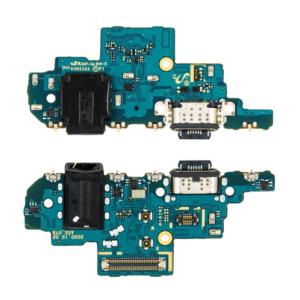
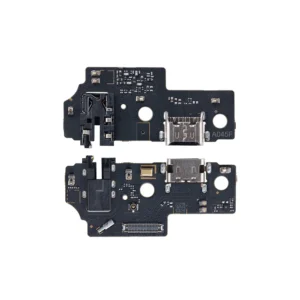
Replacement Charging Flex For Samsung Galaxy Tab A7 10.4 2020 (T500,T505)

SKU: 5056462131115

£3.90 Ex VAT

13 People watching this product now!
  • delivery-car Courier delivery

Our courier will deliver to the specified address

Next Day

7.33

  • dhl-logo DHL Courier delivery

DHL courier will deliver to the specified address

Next Day

7.33

Payment Methods:

payment-gateway

Description

The Replacement Charging Flex for Samsung Galaxy Tab A7 (SM-T500) is a high-quality OEM part designed to restore full charging and data transfer functionality to your device. Crafted to meet original equipment specifications, this flex cable ensures reliable performance and durability.

Key Features:

  • OEM Quality: Manufactured to original specifications for optimal performance.

  • Reliable Charging: Ensures stable and efficient power delivery to your device.

  • Data Transfer: Supports seamless data synchronization between your device and other peripherals.

  • Durable Construction: Built to withstand regular use and provide long-lasting service.

  • Easy Installation: Designed for straightforward replacement with minimal technical expertise.

Specifications:

  • Compatibility: Samsung Galaxy Tab A7 (SM-T500)

  • Connector Type: USB Type-C

  • Functionality: Charging and data transfer

  • Condition: Brand new, unused

  • Warranty: Limited warranty period

Package Includes:

  • 1 × Replacement Charging Flex for Samsung Galaxy Tab A7 (SM-T500)

Installation Instructions:

  1. Power Off Device: Ensure your device is powered off before beginning the replacement process.

  2. Remove Back Cover: Carefully detach the back cover of your device using appropriate tools.

  3. Disconnect Battery: Disconnect the battery connector to prevent any electrical short circuits.

  4. Remove Faulty Flex Cable: Gently detach the old charging flex cable from its connector and remove it from the device.

  5. Install New Flex Cable: Align the new replacement charging flex cable with the connector and press it into place securely.

  6. Reconnect Battery: Reconnect the battery connector to restore power to the device.

  7. Reassemble Device: Reattach the back cover and ensure all components are properly secured.

  8. Power On Device: Turn on your device to verify the functionality of the new charging flex cable.