



Related Products
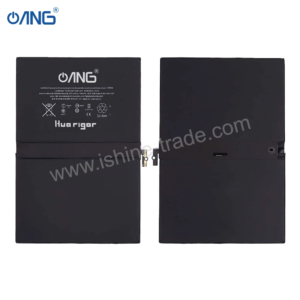
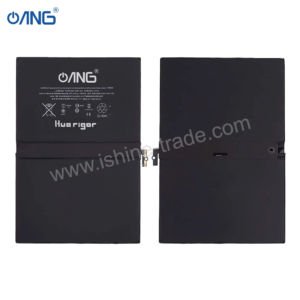
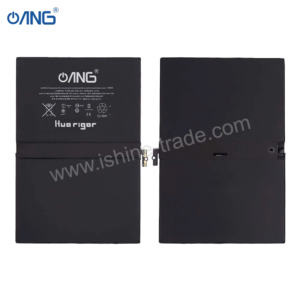
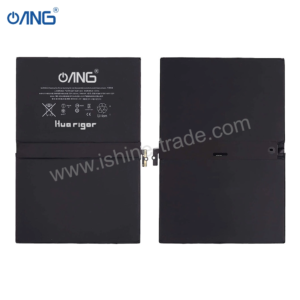
£50.00 Ex VAT
To pick up today
Free
 Courier delivery
Our courier will deliver to the specified address
Next Day
7.33
 DHL Courier delivery
DHL courier will deliver to the specified address
Next Day
7.33
Payment Methods:

The Replacement Complete LCD Compatible for iPad Air 2 9.7 – A1566 A1567 offers a full screen assembly solution to restore your device’s display and touch function. Designed for the iPad Air 2 models A1566 Wi‑Fi and A1567 Wi‑Fi + Cellular this replacement provides clarity responsiveness and value. As a trusted wholesale mobile phone parts supplier we ensure you’re getting a reliable component suited both for personal use and resale.
Full LCD and Touch Digitizer Assembly: All in one replacement includes the display panel and digitizer touch glass for ease of installation.
High Compatibility: Specifically compatible with iPad Air 2 models A1566 and A1567 both share the same screen assembly.
Quality Performance: Supports original screen resolution and touch sensitivity when properly installed.
After‑Market Value: Ideal for repair shops DIY tech‑enthusiasts or resellers looking to stock reliable parts.
Installation Ready: Designed for direct swap in with minimal adjustments if your device internals are intact.
Compatible Models: iPad Air 2 9.7 model numbers A1566 and A1567
Included: Complete LCD + digitizer assembly front glass + touch + display
Condition: Brand new aftermarket replacement part
Warranty: include your warranty terms here
Supplied by: A trusted wholesale mobile phone parts supplier
1 × Replacement Complete LCD Compatible for iPad Air 2 9.7 – A1566 A1567
Optional: include ribbon cables adhesive installation tools if applicable
Protective film/packaging to safeguard panel in transit
Power off your iPad Air 2 and disconnect from any charger.
Remove the old screen carefully use appropriate opening tools heat if required.
Disconnect the battery before removing the display assembly.
Unplug the old screen assembly and plug in the new LCD + digitizer assembly.
Reconnect battery test display and touch before fully sealing device.
Fit the screen securely and check for edge adhesion, full functionality and no touch lag.
WhatsApp us