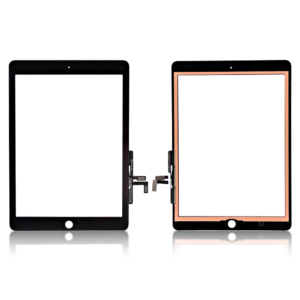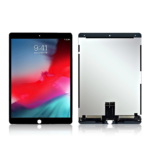
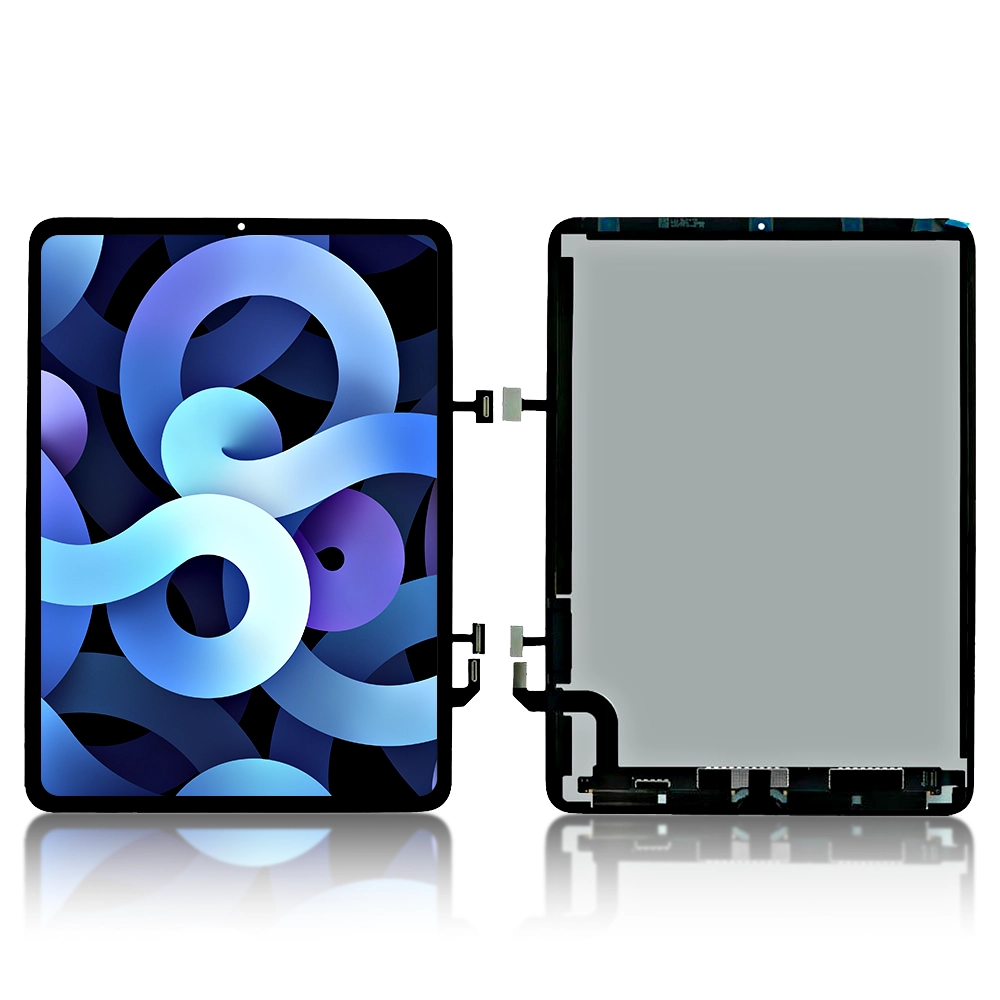


Replacement Complete LCD Compatible for iPad Air 10.9” 4th Gen 2020 / 5th Gen 2022 – A2316 , A2324 , A2591
€107.99 Ex VAT
To pick up today
Free
-
Courier delivery
Our courier will deliver to the specified address
Next Day
7.33
-
DHL Courier delivery
DHL courier will deliver to the specified address
Next Day
7.33
Payment Methods:
Description
The Replacement Complete LCD Compatible for iPad Air 4th (2020) and 5th Generation (2022) 10.9″ models is designed to restore your device’s display to its original condition. This high-quality replacement screen ensures vibrant visuals and responsive touch functionality.
Key Features:
-
High-Resolution Display: Offers crisp and clear visuals for an enhanced viewing experience.
-
Responsive Touch Functionality: Ensures smooth and accurate touch input.
-
Durable Construction: Built to withstand daily wear and tear.
-
OEM Quality: Manufactured to meet the original equipment manufacturer standards.
-
No Frame Included: Designed for users who prefer to reuse the existing frame.
Specifications:
-
Compatibility: iPad Air 4th Gen (2020) and 5th Gen (2022)
-
Model Numbers: A2316, A2324, A2589, A2591
-
Display Type: LCD
-
Touch Technology: Capacitive
-
Frame Included: No
-
Condition: Brand New
-
Color: Black
-
Size: 10.9 inches
Package Includes:
-
1 × Replacement LCD Screen for iPad Air 4 & 5 (10.9″) without Frame
Installation Instructions:
-
Power Off the Device: Ensure the device is completely powered off before starting the replacement process.
-
Remove the Back Cover: Use appropriate tools to safely remove the back cover of the device.
-
Disconnect the Battery: Disconnect the battery to prevent any electrical damage during the replacement.
-
Remove the Damaged Screen: Carefully detach the damaged screen from the frame.
-
Install the New Screen: Place the new LCD screen into position and connect it.
-
Reconnect the Battery: Reconnect the battery to the motherboard.
-
Reassemble the Device: Replace the back cover and ensure all components are securely in place.
-
Power On the Device: Turn on the device to check the functionality of the new screen.