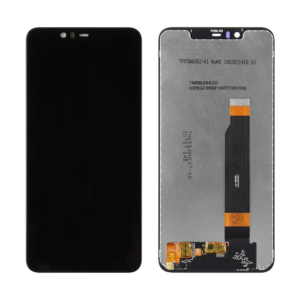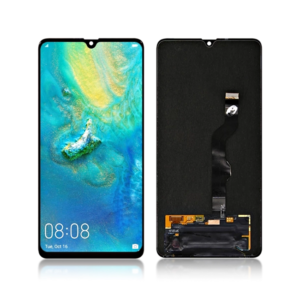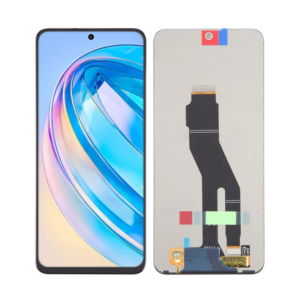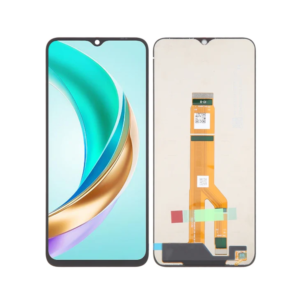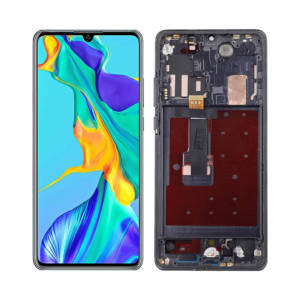
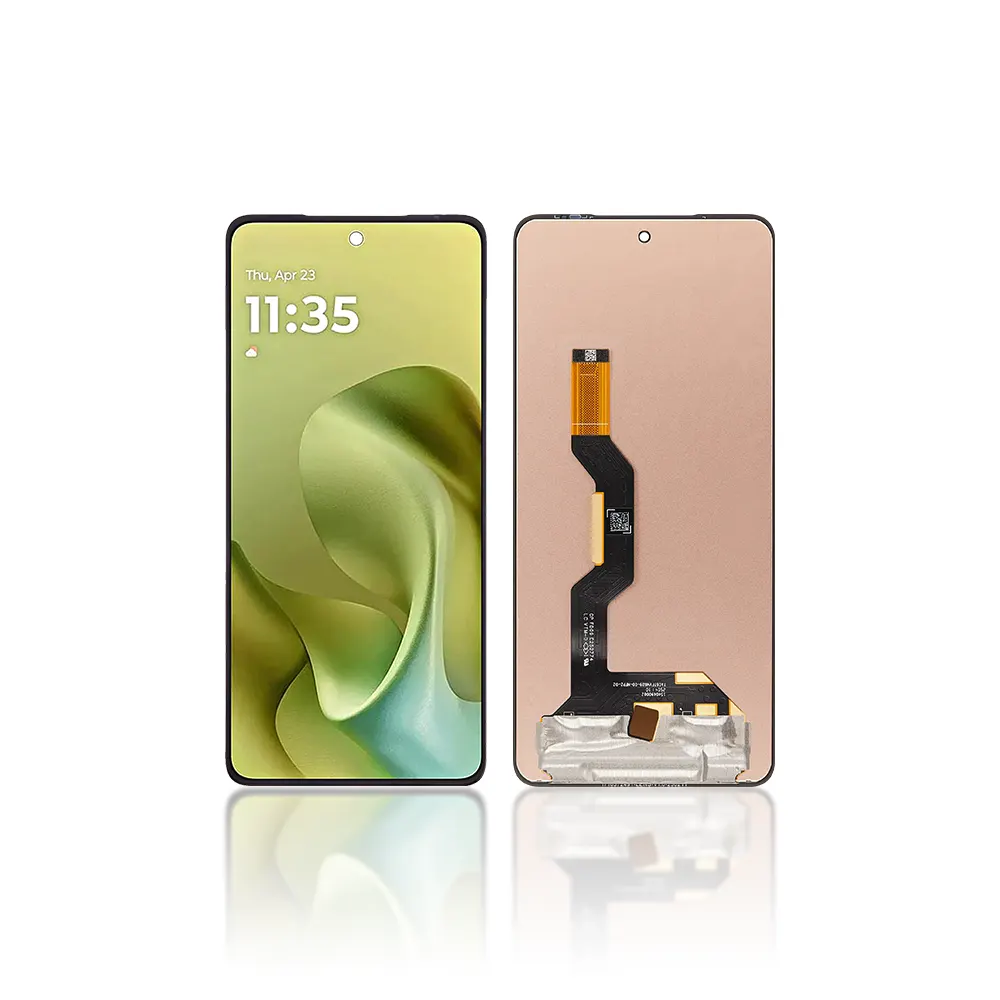
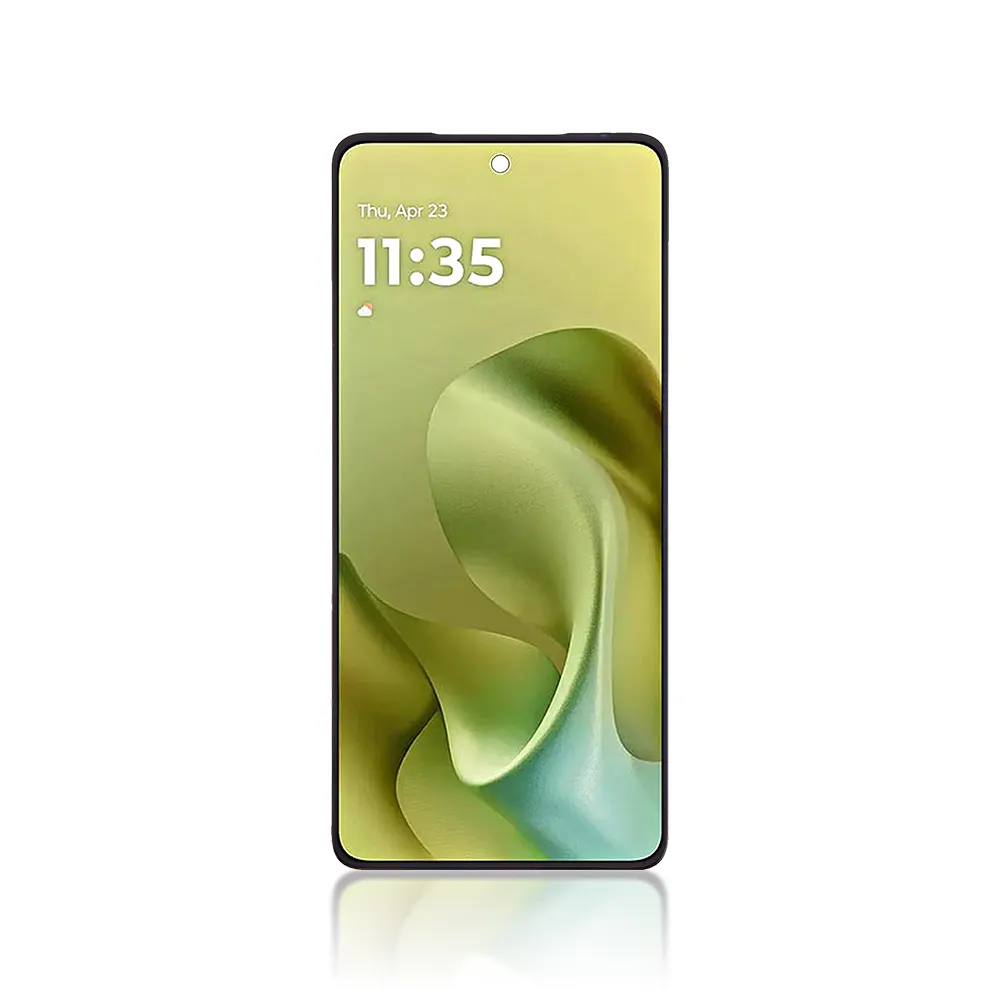
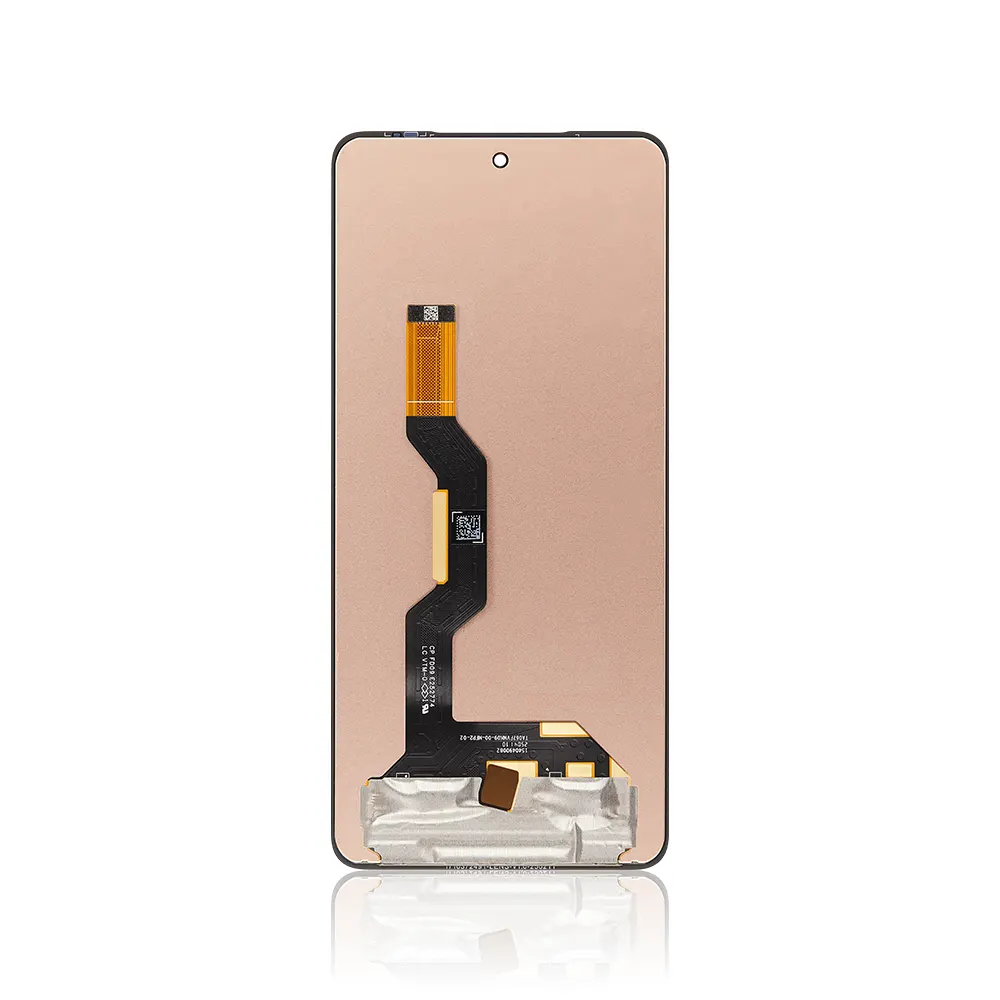
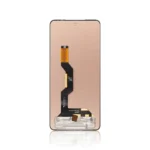
Replacement LCD Display Touch Screen For Motorola Moto G86 Black – No Frame

SKU: 5056797666641

£20.00 Ex VAT

12 People watching this product now!
  • delivery-car Courier delivery

Our courier will deliver to the specified address

Next Day

7.33

  • dhl-logo DHL Courier delivery

DHL courier will deliver to the specified address

Next Day

7.33

Payment Methods:

payment-gateway

Description

The Replacement LCD Display Touch Screen for Motorola Moto G86 Black – No Frame from iShine Trade is designed to restore the display functionality of your device. If your Motorola Moto G86 is suffering from a cracked or malfunctioning screen, this high-quality replacement LCD display will bring back the original display clarity and touch sensitivity, giving your device a new life.

Key Features:

  • High-Quality Replacement: Made with premium materials to ensure a perfect fit and exceptional durability.
  • Clear and Vibrant Display: Offers crisp, vibrant visuals with excellent touch sensitivity, ensuring your device looks and feels like new.
  • No Frame Option: Designed without the frame, providing more flexibility for users who prefer to reuse their original frame.
  • Perfect Compatibility: Specifically designed for Motorola Moto G86 , ensuring seamless installation and performance.
  • Durability: Built to last, providing a long-lasting solution for your display and touch functionality problems.

Specifications:

  • Material: LCD Display and Digitizer Assembly
  • Compatibility: Motorola Moto G86
  • Color: Black
  • Condition: Brand new
  • Weight: Lightweight

Package Includes:

  • 1 × Replacement LCD Display Touch Screen for Motorola Moto G86 Black – No Frame
  • 1 × Tools for installation (if applicable)

Installation Instructions:

  1. Power off the Device: Ensure that your Motorola Moto G86 is powered off before starting the replacement.
  2. Remove the Back Cover: Carefully open the device to access the internal components.
  3. Remove the Old Display: Gently remove the old LCD display from the device, being cautious not to damage other components.
  4. Install the New Display: Align and secure the new LCD display to the device’s motherboard.
  5. Reassemble the Device: Once the new display is in place, carefully reassemble the device.
  6. Test the Display: Power on the device and check if the display and touch functionality work correctly.

Additional Information:

As a trusted wholesale Motorola LCD screen supplier, we provide high-quality and durable replacement parts like the Replacement LCD Display Touch Screen for Motorola Moto G86 Black – No Frame, offering reliable solutions for personal users, retailers, and resellers.