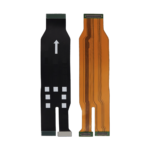
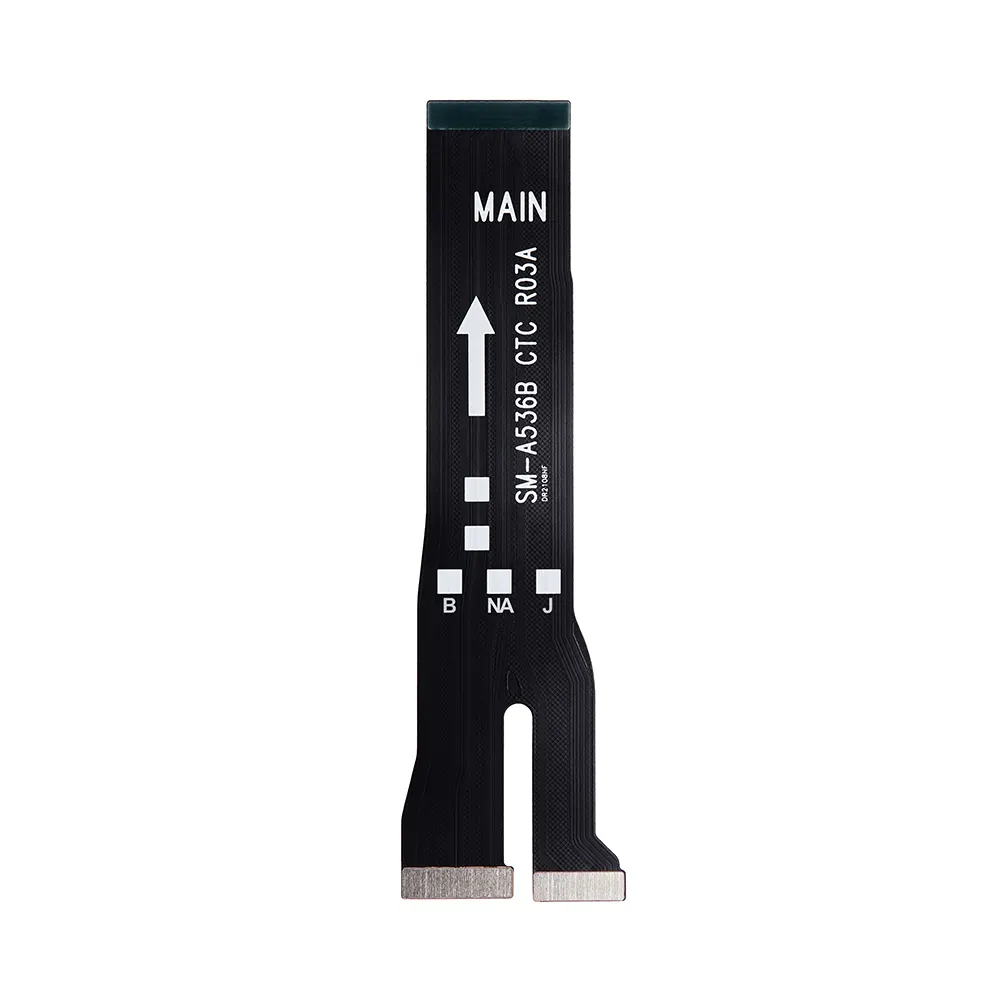
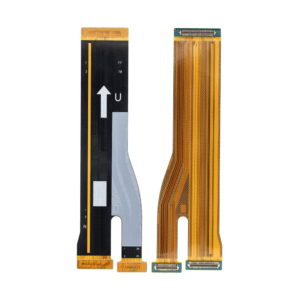
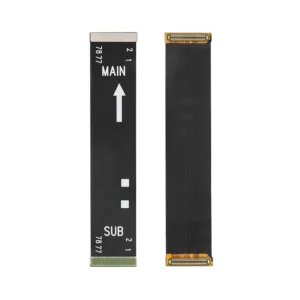
Replacement LCD Flex For Samsung Galaxy A53 5G (A536B)

SKU: 5056605611894

£2.99 Ex VAT

16 People watching this product now!
  • delivery-car Courier delivery

Our courier will deliver to the specified address

Next Day

7.33

  • dhl-logo DHL Courier delivery

DHL courier will deliver to the specified address

Next Day

7.33

Payment Methods:

payment-gateway

Description

The Replacement LCD Flex For Samsung Galaxy A53 5G (A536B) is a high-quality internal flex cable designed to restore smooth connectivity within your device. Crafted for precision and durability, it ensures stable performance and efficient internal communication between components.

Key Features:

  • Perfect Compatibility: Designed specifically for Replacement LCD Flex For Samsung Galaxy A53 5G (A536B).

  • High Durability: Built with premium materials for long-lasting internal connection.

  • Stable Signal Transmission: Ensures proper communication between phone components.

  • Precision Fit: Matches the original flex cable layout for easy replacement.

  • Reliable Performance: Tested for quality assurance and optimal device function.

  • Easy Installation: Can be installed using standard repair tools.

Specifications:

  • Compatibility: Samsung Galaxy A53 5G (Model A536B)

  • Part Type: LCD Flex Cable

  • Condition: Brand New

  • Material: Flexible and heat-resistant conductor

  • Function: Connects mainboard and sub-board for seamless signal flow

Package Includes:

  • 1 × Replacement LCD Flex For Samsung Galaxy A53 5G (A536B)

  • 1 × Anti-static protective pouch

Installation Instructions:

  1. Power Off Device: Switch off your phone completely before disassembly.

  2. Open the Back Cover: Use proper tools to access internal components carefully.

  3. Remove Old Flex Cable: Gently detach the damaged cable from connectors.

  4. Install the New Cable: Align and connect the Replacement LCD Flex For Samsung Galaxy A53 5G (A536B) securely.

  5. Reassemble Device: Place all parts back properly and close the cover.

  6. Final Test: Power on your device and ensure all functions work smoothly.