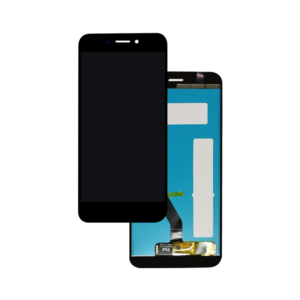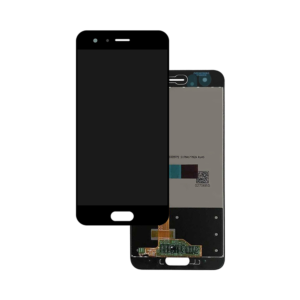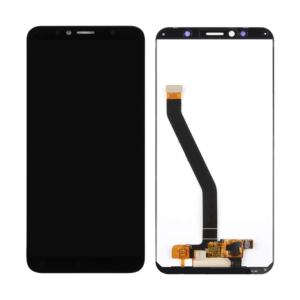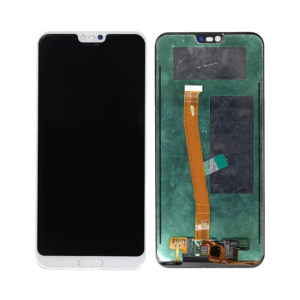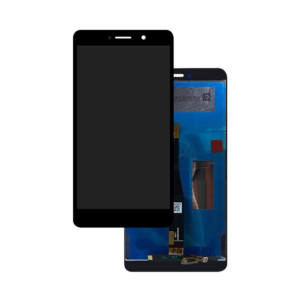
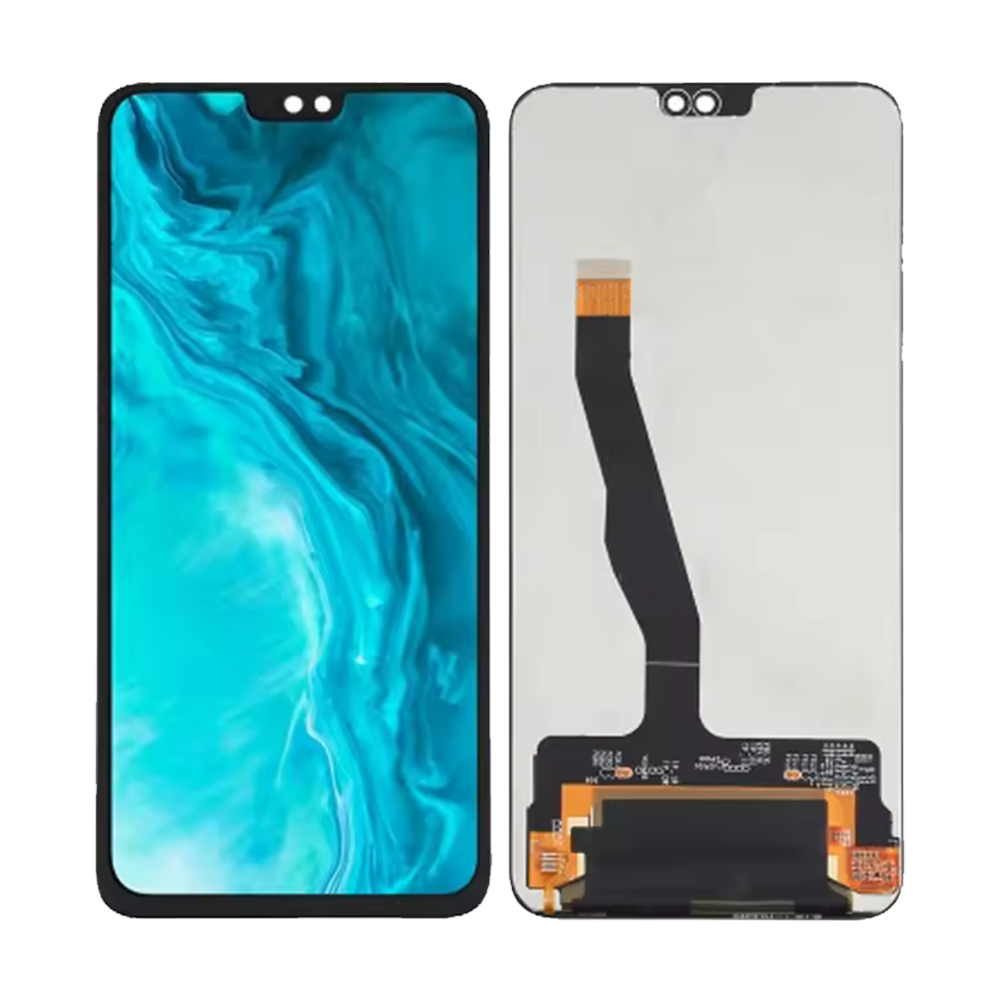
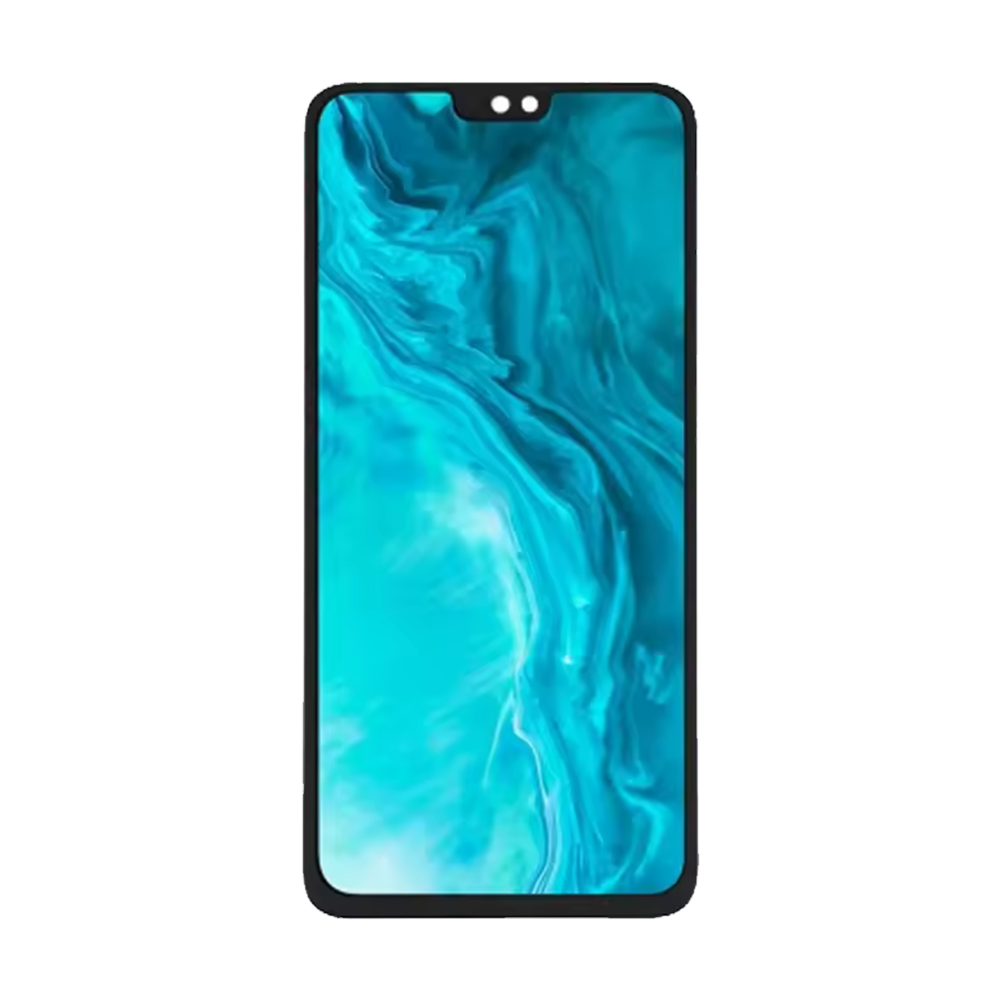
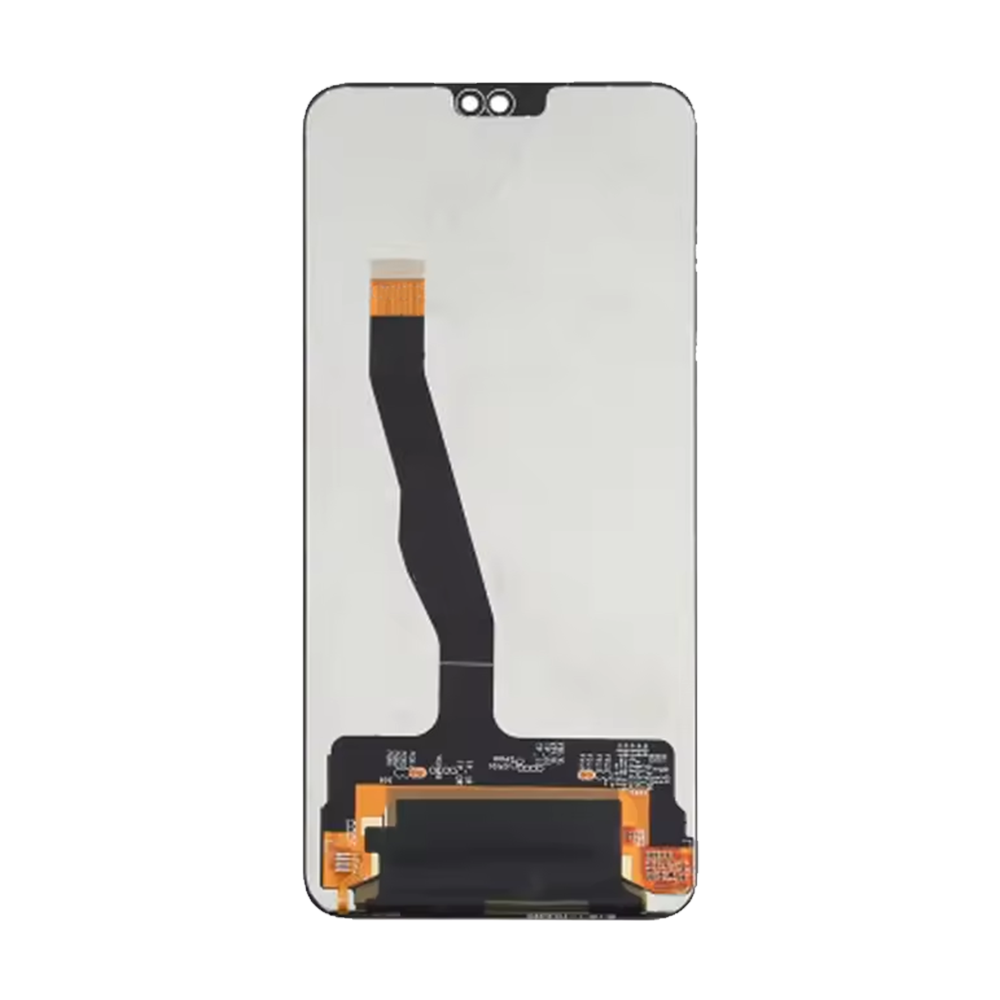
Replacement LCD Screen Display Touch and Digitizer Assembly for Honor 9x Lite Black – No Frame

SKU: 5056605686243

£16.79 Ex VAT

14 People watching this product now!
  • delivery-car Courier delivery

Our courier will deliver to the specified address

Next Day

7.33

  • dhl-logo DHL Courier delivery

DHL courier will deliver to the specified address

Next Day

7.33

Payment Methods:

payment-gateway

Description

The Replacement LCD Screen Display Touch and Digitizer Assembly for Honor 9X Lite Black – No Frame from iShine Trade provides the perfect solution to fix a cracked or broken screen. This replacement part restores both the display and touch functionality of your Honor 9X Lite, ensuring vibrant visuals and smooth touch responsiveness.

Key Features:

  • High-Quality LCD Display: Delivers vibrant colors, sharp resolution, and clarity, bringing your device’s screen back to its original condition.
  • Touch and Digitizer Assembly: Fully functional touchscreen and digitizer for seamless touch performance.
  • No Frame Design: The no-frame design simplifies installation, making the replacement process easier and more efficient.
  • Perfect Compatibility: Specifically designed for Honor 9X Lite Black, ensuring a perfect fit and optimal performance.
  • Durability: Made from premium materials for long-lasting durability and resistance to daily wear and tear.

Specifications:

  • Material: Glass, LCD Display
  • Compatibility: Honor 9X Lite Black
  • Color: Black
  • Condition: Brand New
  • Weight: Lightweight

Package Includes:

  • 1 × Replacement LCD Screen Display Touch and Digitizer Assembly for Honor 9X Lite Black – No Frame

Installation Instructions:

  1. Power Off the Device: Ensure your Honor 9X Lite is powered off before starting the replacement process.
  2. Remove the Old Screen: Carefully detach the damaged screen and clean any remaining adhesive or glass fragments from the frame.
  3. Install the New LCD Screen: Align and install the new LCD screen display and digitizer assembly into place.
  4. Reconnect the Cables: Securely connect the touch and digitizer cables to the motherboard of the device.
  5. Test the Screen: Power on the device and check that the new screen functions properly, ensuring both touch and display are working correctly.

Additional Information:

As a Wholesale Huawei Replacement Parts Supplier, we offer high-quality replacement parts like the Replacement LCD Screen Display Touch and Digitizer Assembly for Honor 9X Lite Black – No Frame, providing reliability, convenience, and value for personal users, retailers, and resellers.