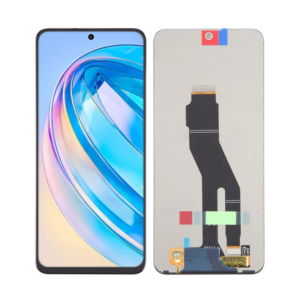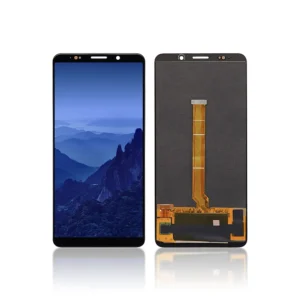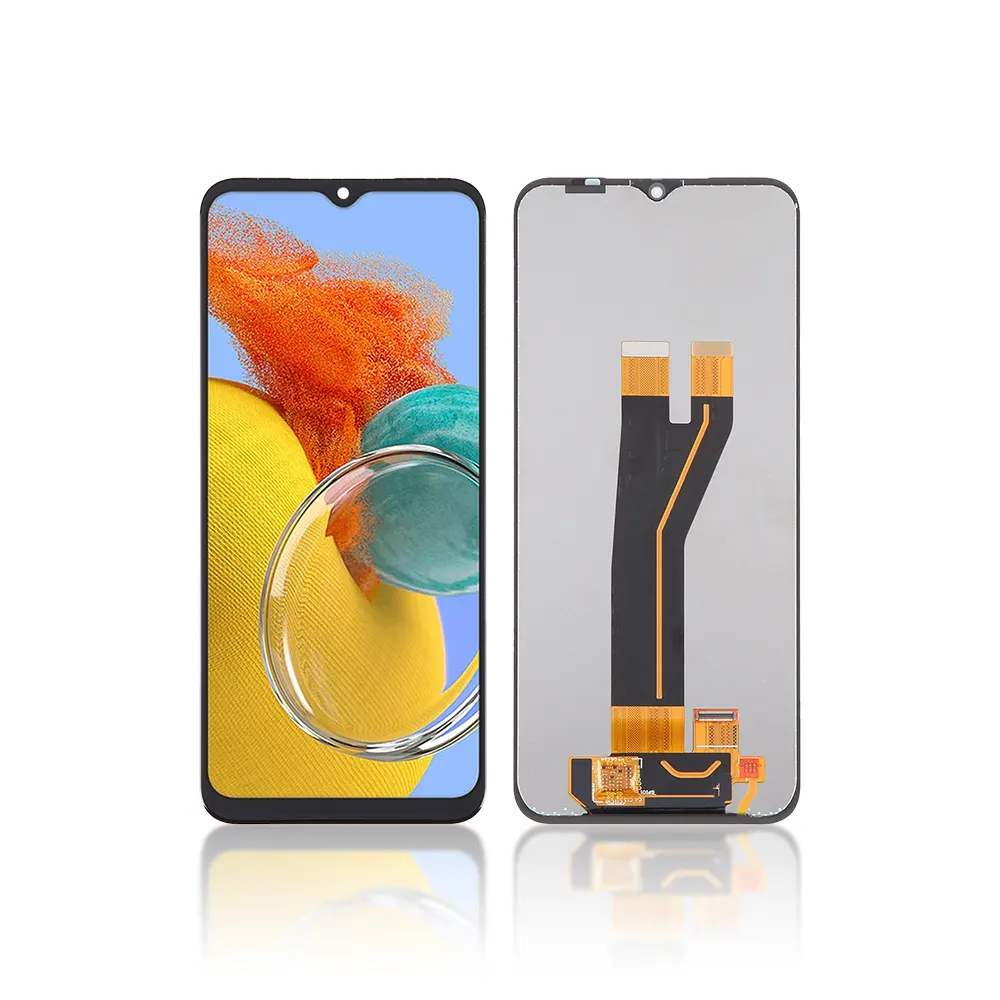
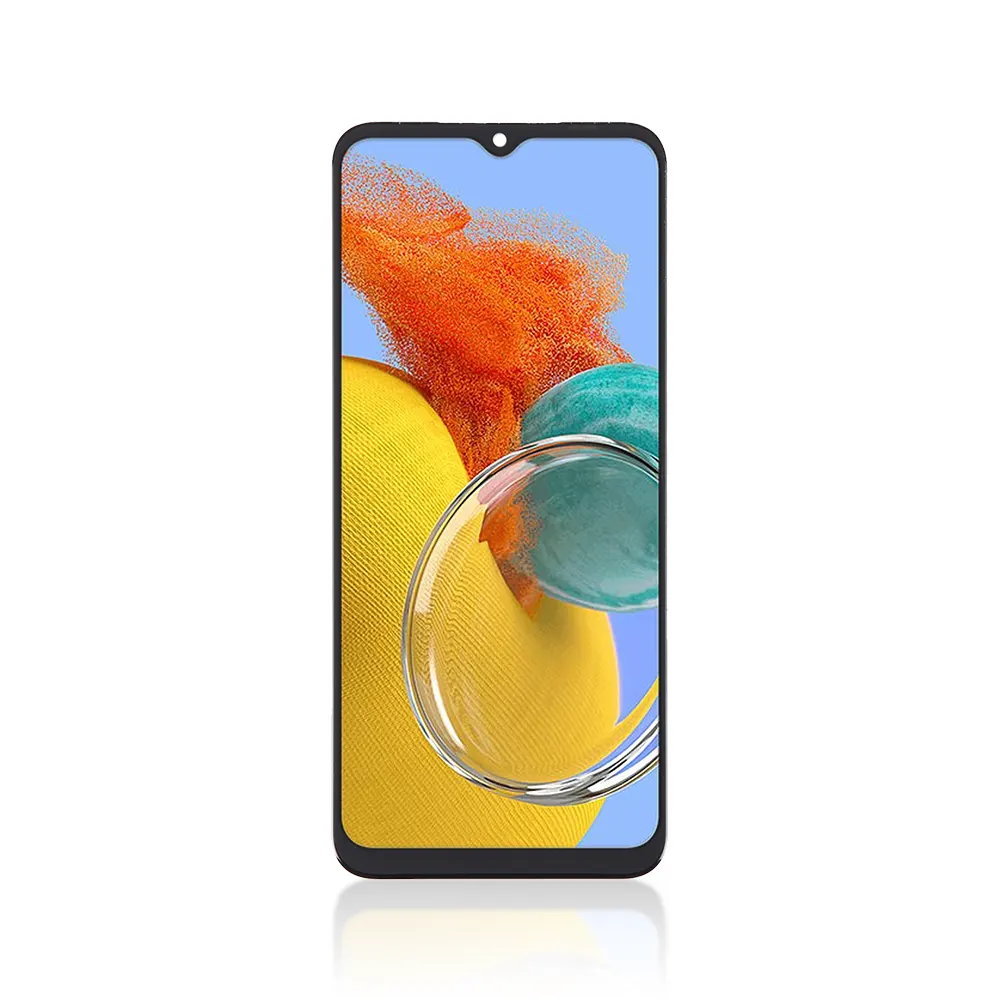
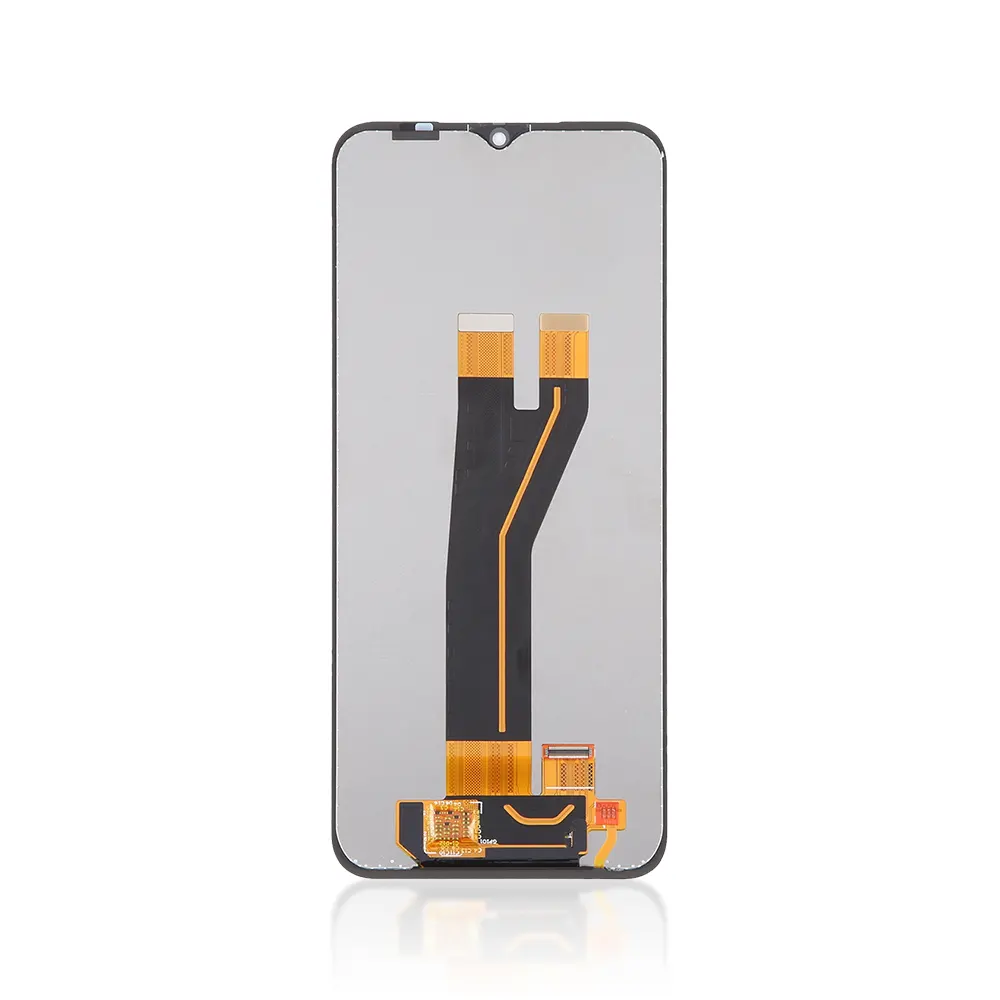

Replacement LCD Screen For Samsung Galaxy M14 (M146B) Black – No Frame (Big Connector)

SKU: 5056605696112

10.79 Ex VAT

Out of stock

Out of stock

11 People watching this product now!
  • delivery-car Courier delivery

Our courier will deliver to the specified address

Next Day

7.33

  • dhl-logo DHL Courier delivery

DHL courier will deliver to the specified address

Next Day

7.33

Payment Methods:

payment-gateway

Description

The Replacement LCD Screen for Samsung Galaxy M14 (M146B) Black – No Frame (Big Connector) from iShine Trade is the perfect solution for restoring your device’s display. This high-quality, genuine LCD screen does not include a frame and features a big connector, offering flexibility for users with compatible frames and connectors. It provides vibrant colors, clear visuals, and long-lasting durability.

Key Features:

  • Genuine Samsung LCD: A high-quality, authentic replacement LCD screen for the Samsung Galaxy M14 (M146B), ensuring excellent display clarity and color accuracy.
  • No Frame with Big Connector: This replacement LCD screen comes without a frame, designed specifically for devices with the big connector.
  • High-Resolution Display: Restores the original brightness and sharpness, providing vivid, crisp visuals and an enhanced viewing experience.
  • Durability: Built to last, this LCD screen is crafted for daily use, ensuring reliable performance and long-term functionality.

Specifications:

  • Material: LCD Panel (No Frame, Big Connector)
  • Compatibility: Samsung Galaxy M14 (M146B)
  • Color: Black
  • Condition: Brand new
  • Resolution: High resolution for vibrant and sharp visuals
  • Weight: Lightweight

Package Includes:

  • 1 × Replacement LCD Screen for Samsung Galaxy M14 (M146B) Black – No Frame (Big Connector)
  • Installation tools (if applicable)
  • Installation guide

Installation Instructions:

  1. Prepare the Device: Power off the device and disconnect it from any power source.
  2. Remove the Old LCD: Carefully remove the old LCD screen from your Samsung Galaxy M14 (M146B).
  3. Install the New LCD: Align the new LCD screen with the device and gently press it into place, ensuring the big connector fits properly.
  4. Test the Display: Power the device on to check that the LCD functions correctly with vibrant clarity and brightness.
  5. Final Check: Ensure the LCD is securely installed and all edges are properly adhered.

Additional Information:

As a trusted Samsung replacement LCD screens wholesale supplier, we offer Samsung mobile LCD screens like the replacement LCD for Samsung Galaxy M14 (M146B) Black – No Frame (Big Connector). Our high-quality replacement parts are ideal for retailers and resellers seeking durable and reliable mobile screens.