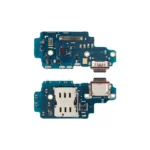
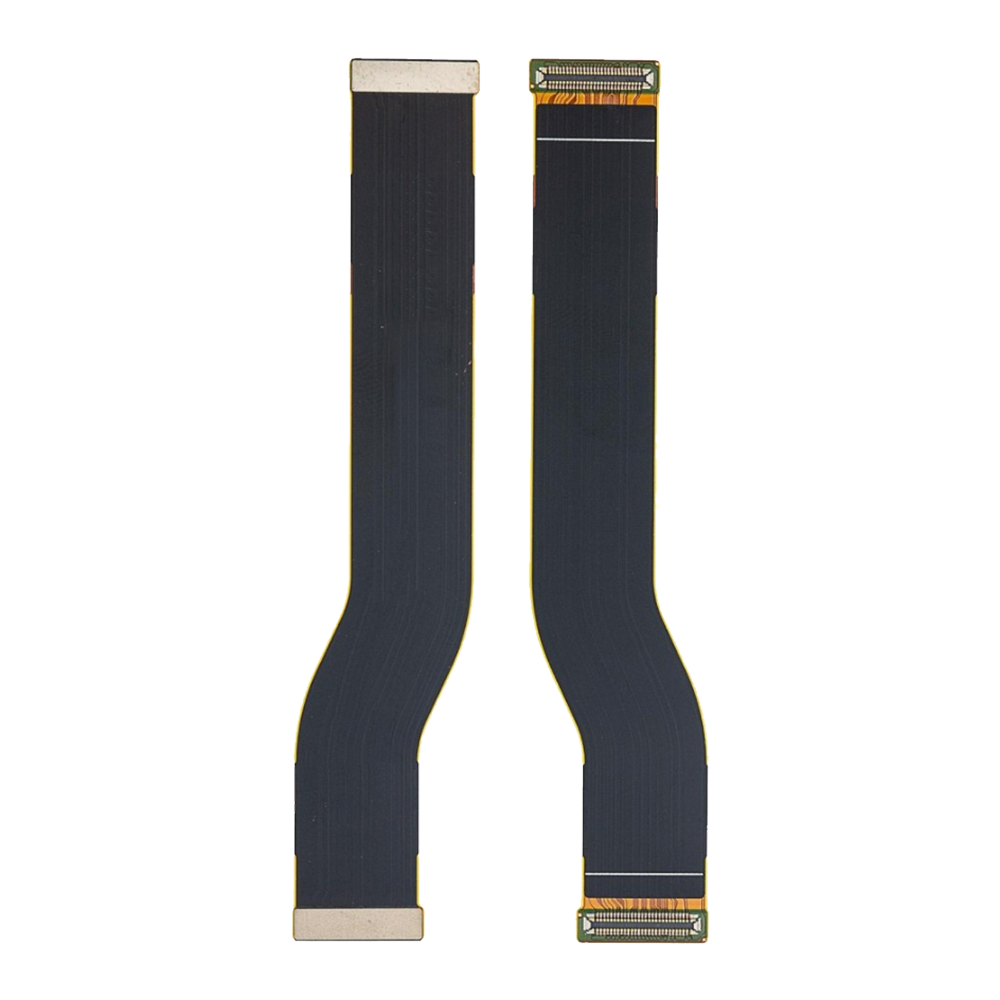
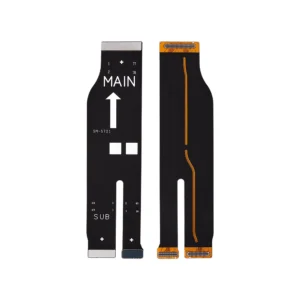
The Replacement Main Flex for Samsung Galaxy S20 Plus (SM-G985F/G986B) is a high-quality ribbon cable designed to restore full functionality to your device. If your Galaxy S20 Plus is experiencing issues such as unresponsive buttons, charging problems, or connectivity issues, this genuine replacement part ensures reliable performance and seamless repair.
Key Features:
Genuine Replacement Part: Manufactured to meet Samsung’s quality standards for optimal performance and compatibility.
Restores Full Functionality: Resolves issues related to motherboard connections, ensuring all features operate as intended.
Easy Installation: Designed for straightforward installation, making it suitable for both professionals and DIY enthusiasts.
Durable Construction: Built to withstand regular use and provide long-lasting reliability.
Specifications:
Model Compatibility: Samsung Galaxy S20 Plus (SM-G985F/G986B)
Part Numbers: GH82-25729A, GH59-15213A
Condition: Brand new, unused, factory-tested
Material: High-quality flexible PCB
Functionality: Restores motherboard connections for full device functionality
Package Includes:
1 × Replacement Main Flex for Samsung Galaxy S20 Plus (SM-G985F/G986B)
Installation Instructions:
Power off your Galaxy S20 Plus completely.
Carefully remove the back cover and internal components to access the motherboard.
Disconnect the battery to prevent electrical damage.
Remove the damaged or faulty main flex cable by detaching all connectors.
Position and install the new Replacement Main Flex, ensuring all flex cables and connectors align properly.
Reconnect the battery after installation.
Reassemble the internal parts and secure the back cover.
Power on the device and test all functions to ensure proper operation.