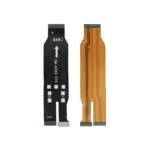
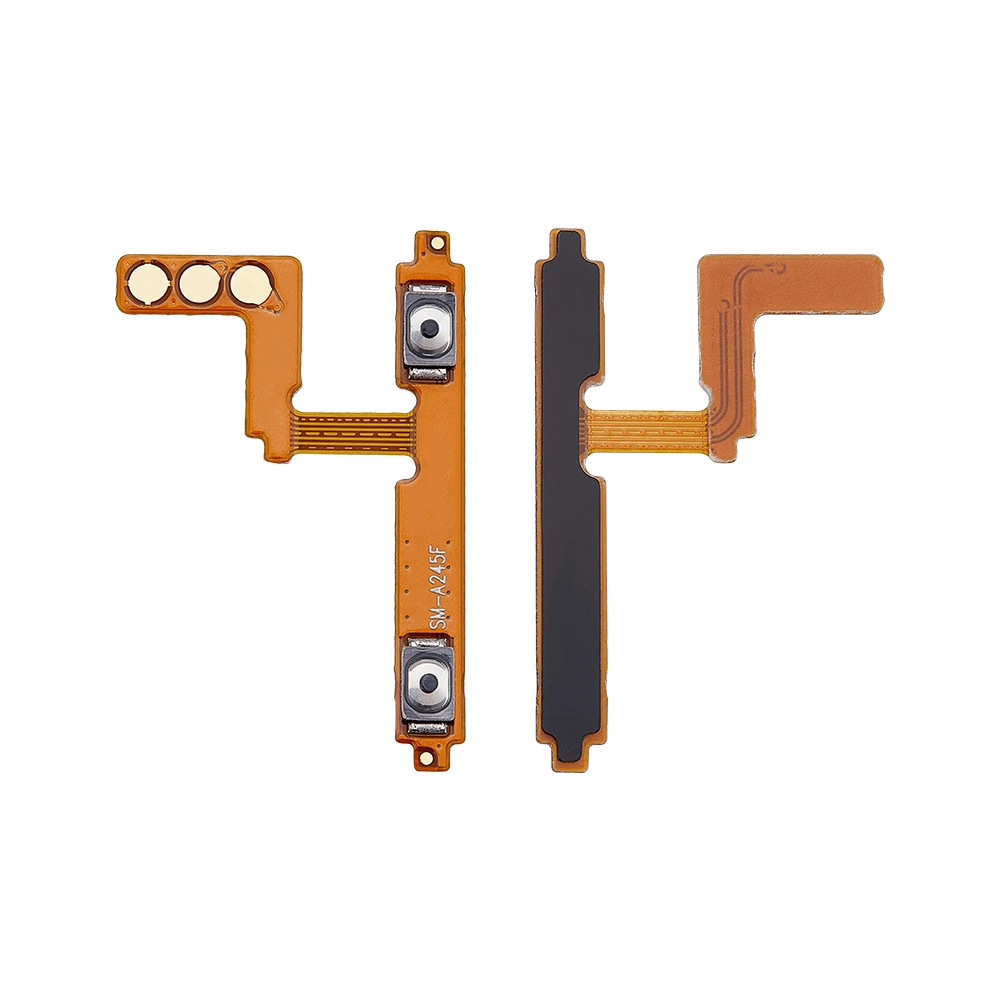
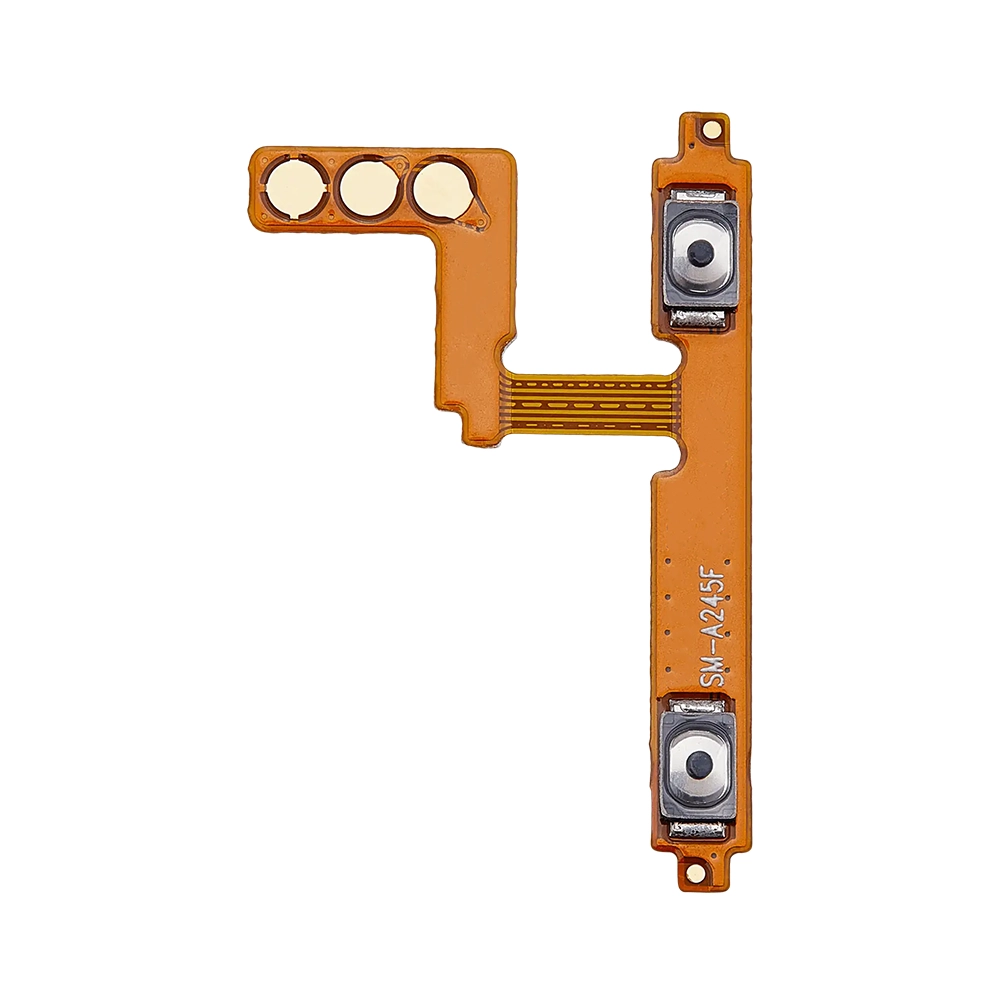
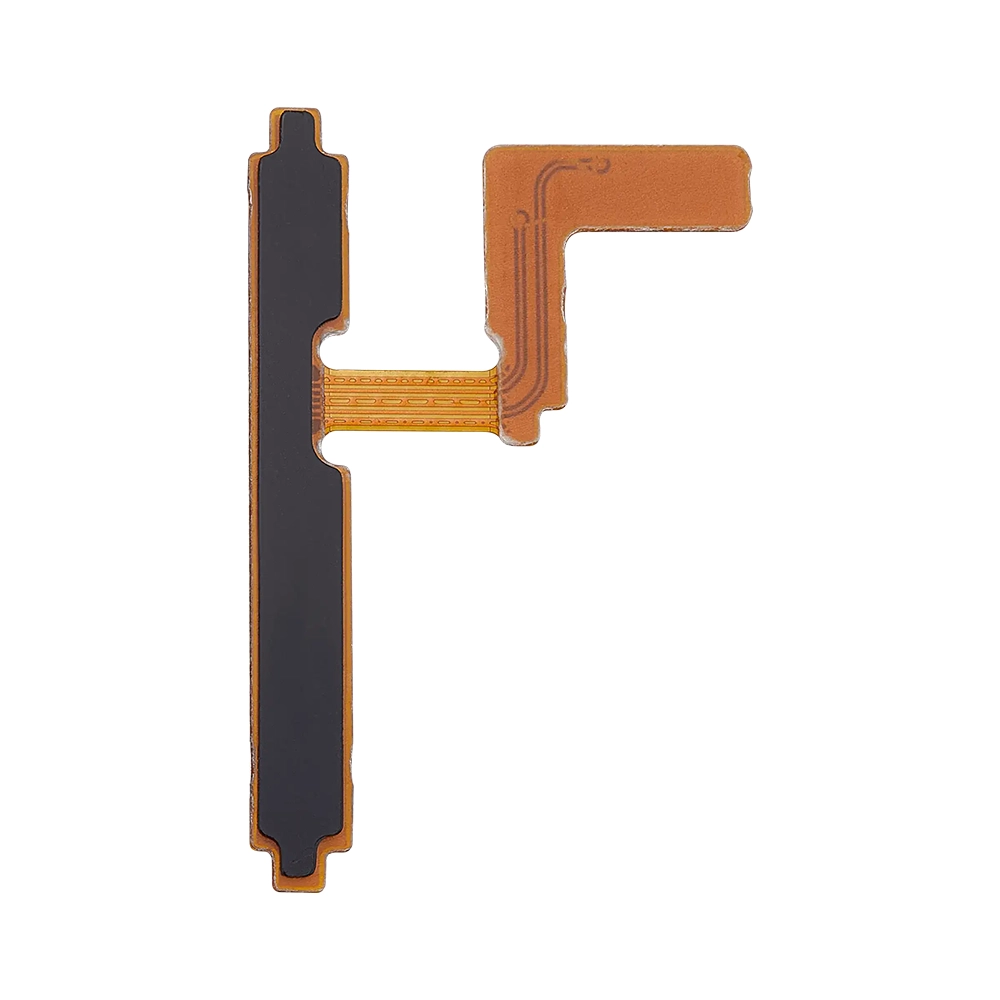
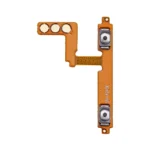
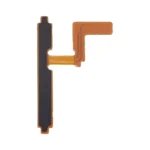
The Replacement Power Flex for Samsung Galaxy A25 (A256E) from iShine Trade is a high-quality replacement part designed to restore your device’s power button functionality. This flex cable is compatible with the Samsung Galaxy A25 (SM-A256E) and ensures seamless integration with your device.
Key Features:
OEM Quality: Manufactured to meet original equipment specifications.
Perfect Fit: Designed specifically for the Samsung Galaxy A25 (A256E), ensuring compatibility and performance.
Durability: Built to last, providing long-term use and reliability.
Easy Installation: Allows for straightforward replacement of the damaged or non-functional power flex cable.
Specifications:
Model Number: GH81-23541A
Compatibility: Samsung Galaxy A25 (SM-A256E)
Color: Black
Includes: Power flex cable only
Package Includes:
1 × Replacement Power Flex for Samsung Galaxy A25 (A256E)
Installation Instructions:
Power Off Your Device: Ensure your Samsung Galaxy A25 (A256E) is turned off before starting the replacement process.
Remove the Back Cover: Use a suitable tool to carefully remove the back cover of your device.
Disconnect the Battery: Before proceeding, disconnect the battery to avoid any electrical damage.
Remove the Broken Power Flex: Carefully detach the broken power flex cable from the device.
Install the New Power Flex: Place the new power flex cable into position, ensuring all connectors align correctly.
Reconnect the Battery: Once the new power flex is in place, reconnect the battery.
Reassemble the Device: Replace the back cover and ensure all components are securely in place.
Power On the Device: Turn on your Samsung Galaxy A25 (A256E) to test the new power flex functionality.