
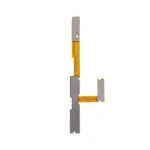

Related Products
£3.50 Ex VAT
To pick up today
Free
 Courier delivery
Our courier will deliver to the specified address
Next Day
7.33
 DHL Courier delivery
DHL courier will deliver to the specified address
Next Day
7.33
Payment Methods:

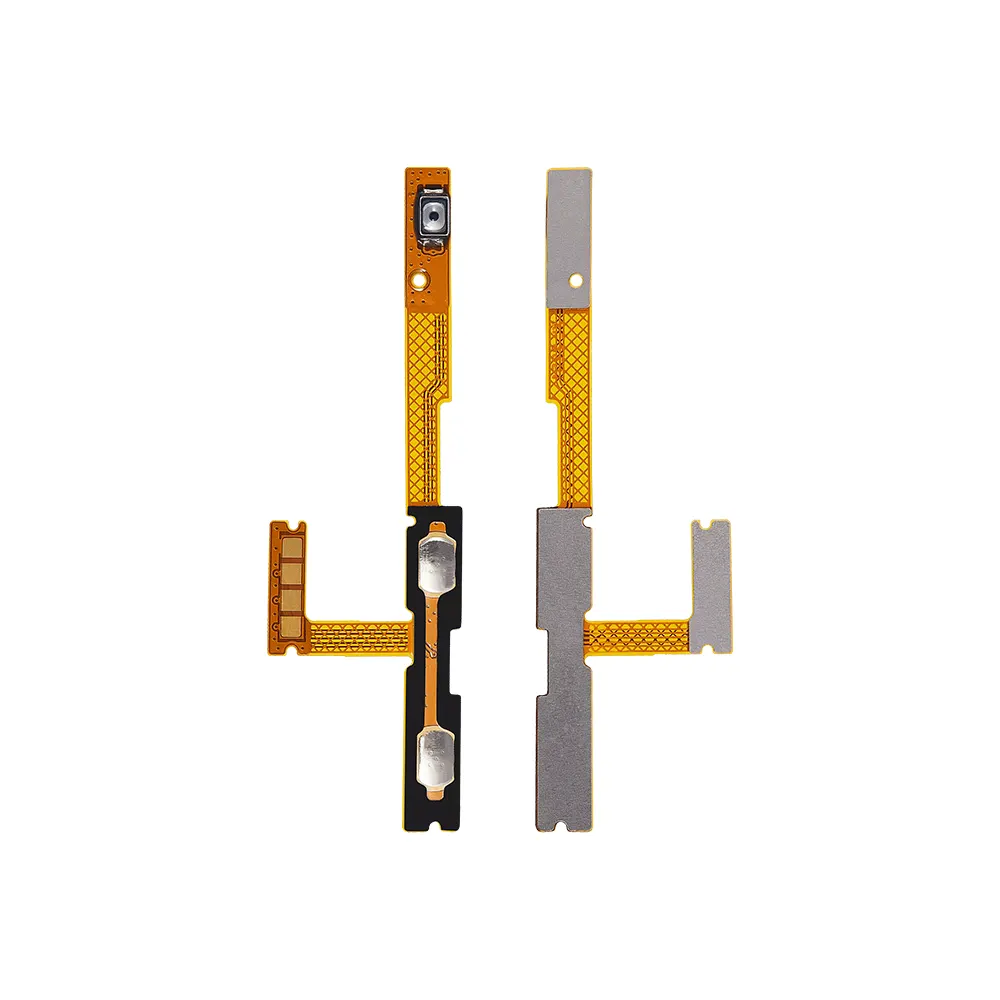
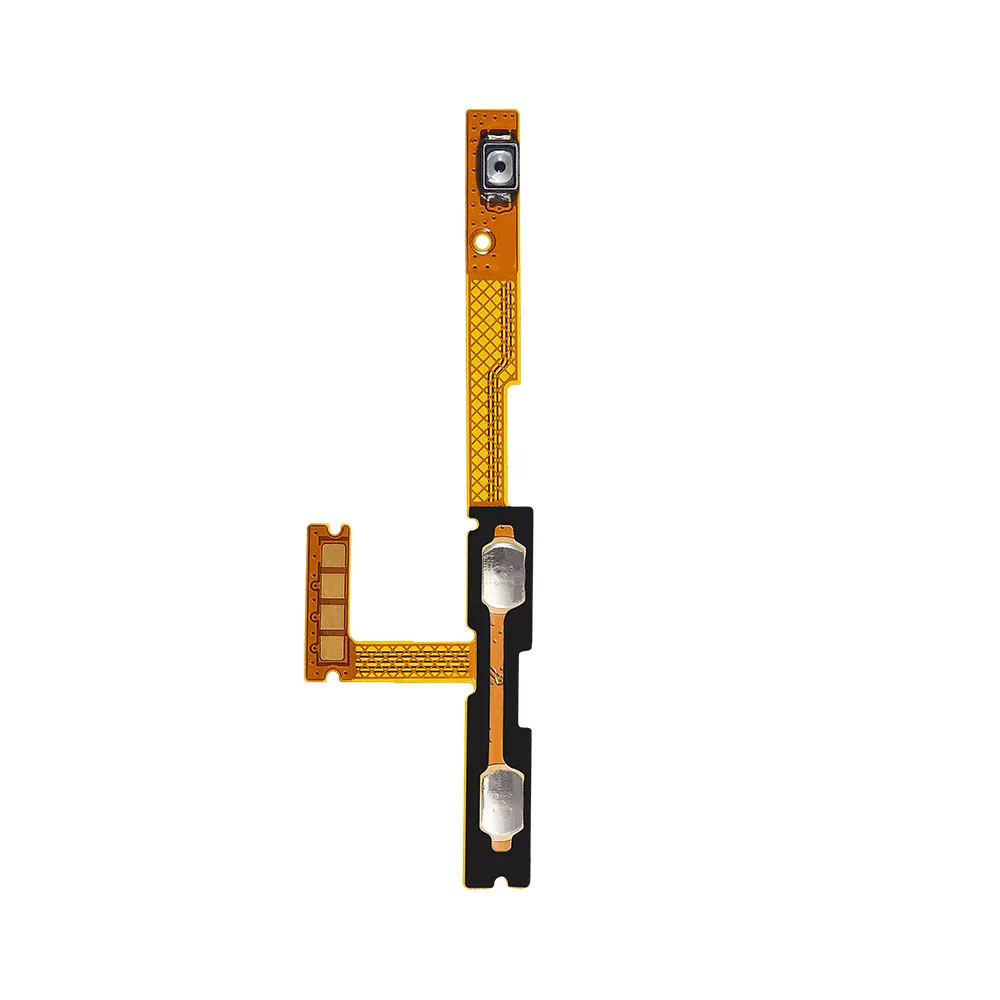
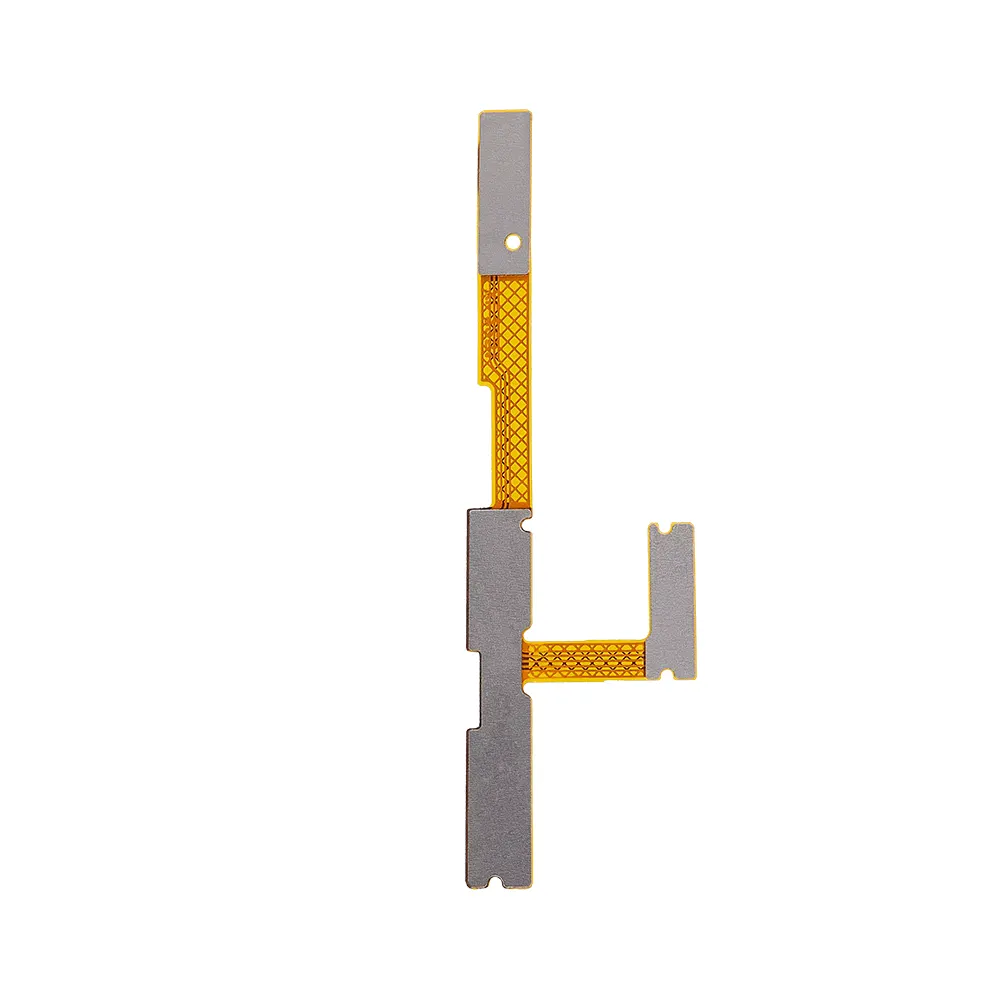
The Replacement Power & Volume Button Flex for Samsung A14 4G (A145F) from iShine Trade is a premium replacement part designed to restore full functionality to your device’s power and volume buttons. If your buttons are unresponsive or malfunctioning, this flex cable offers an efficient and reliable repair solution.
Dual Function Repair: Replaces both power and volume button connections in one flex cable.
Perfect Fit: Designed specifically for Samsung A14 4G (A145F) to ensure proper alignment and easy integration.
High‑Quality Material: Durable flex cable construction for reliable performance and long service life.
Restores Button Response: Brings back accurate and responsive power and volume controls.
Repair‑Friendly: Ideal for DIY repairs or professional technicians.
Material: Premium Flex Cable
Compatibility: Samsung A14 4G (A145F)
Condition: Brand new
Weight: Lightweight
1 × Replacement Power & Volume Button Flex for Samsung A14 4G (A145F)
Power Off the Device: Ensure the Samsung A14 4G is completely powered off before starting.
Open the Back Cover: Carefully remove the back cover using appropriate tools.
Disconnect the Battery: Disconnect the battery to avoid short circuits before replacing any internal components.
Locate the Flex Cable: Identify and remove the damaged power & volume button flex cable.
Install the New Flex Cable: Align and connect the replacement flex cable securely.
Reassemble the Device: Reconnect the battery and reassemble the back cover.
Power On and Test: Turn on your phone and ensure that both the power and volume buttons are functioning properly.
As a trusted wholesale Samsung parts supplier, iShine Trade provides high‑quality replacement components like the Replacement Power & Volume Button Flex for Samsung A14 4G (A145F), making phone repairs easier and more cost‑effective.
WhatsApp us