PU Protective Leather Case For AirPods Pro 2
£2.50 Ex VAT
Replacement Ear Speaker Flex For iPhone 14 Pro
£12.00 Ex VAT
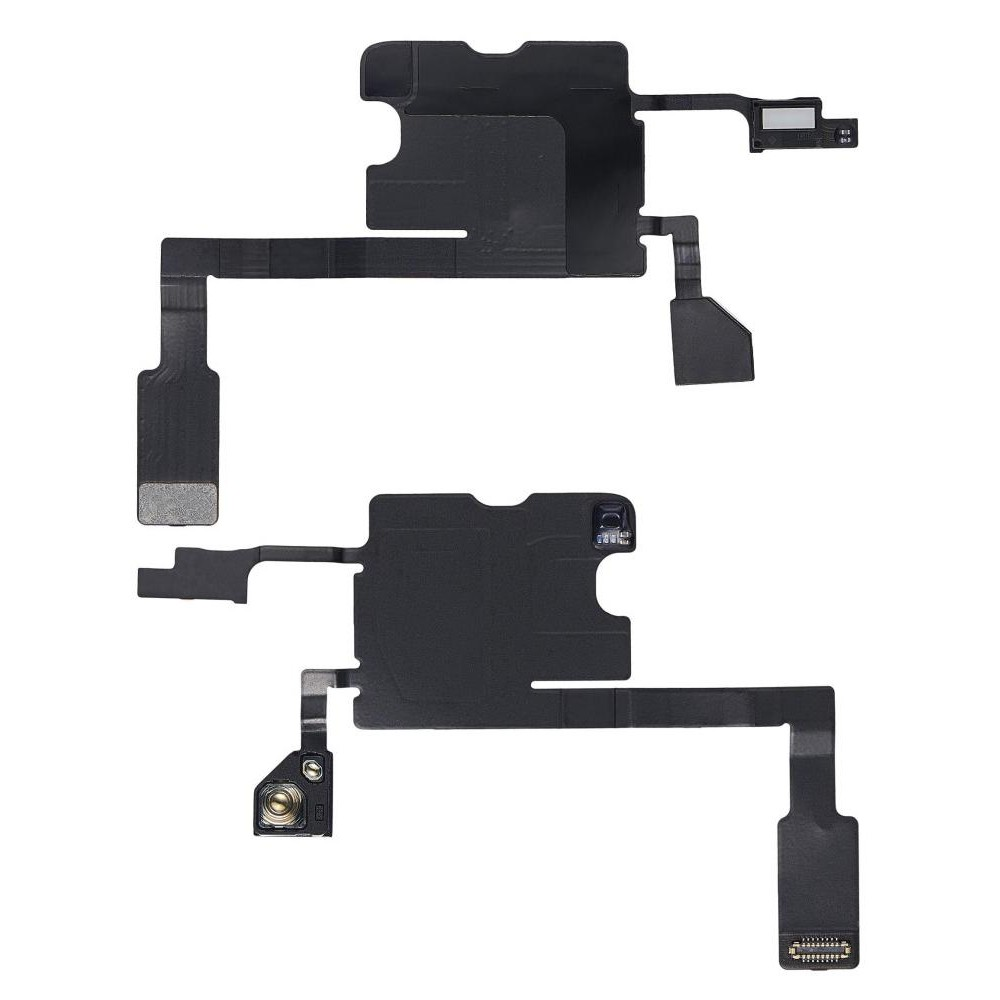
£15.00 Ex VAT
To pick up today
Free
 Courier delivery
Our courier will deliver to the specified address
Next Day
7.33
 DHL Courier delivery
DHL courier will deliver to the specified address
Next Day
7.33
Payment Methods:

The Replacement Sensor Flex for iPhone 14 Pro Max is a high‑quality repair component designed to restore your device’s essential sensor functions. If your iPhone 14 Pro Max is experiencing issues such as malfunctioning proximity detection, inconsistent auto‑brightness, or sensor‑related errors, this premium sensor flex cable replacement brings accurate and reliable performance back to your touchscreen experience.
Key Features:
Restores Sensor Functions: Reinstates proximity, ambient light, and other sensor functions for smooth device operation.
Exact Fit Design: Engineered specifically for the iPhone 14 Pro Max to ensure precise compatibility and seamless installation.
Durable Construction: Made with high‑grade materials for long‑lasting performance and reliability.
Reliable Performance: Ensures accurate sensor readings for proper screen behaviour and responsiveness.
Easy Installation: Designed for a smooth replacement process using proper tools and repair guidance.
Specifications:
Compatibility: iPhone 14 Pro Max
Type: Sensor flex cable replacement
Condition: Brand new
Material: High‑quality flex cable and sensor connector components
Weight: Lightweight
Package Includes:
1 × Replacement Sensor Flex for iPhone 14 Pro Max
Installation guide
Protective packaging
Installation Instructions:
Power Off Your Device: Make sure your iPhone 14 Pro Max is completely powered off before starting the repair.
Remove Screws and Open Device: Carefully use appropriate tools to open your device and access internal components.
Disconnect Old Sensor Flex: Gently detach the existing sensor flex cable from its connector.
Install the Replacement Flex: Align and secure the new sensor flex cable into place.
Reconnect and Reassemble: Reattach all necessary connectors and reassemble your device.
Power On and Test: Turn on your iPhone 14 Pro Max and test proximity and auto‑brightness functions to ensure full performance.
As a trusted iPhone lcds wholesale supplier in UK, we offer high‑quality parts like the Replacement Sensor Flex for iPhone 14 Pro Max, ensuring accurate sensor performance and excellent value for personal users, retailers, and resellers.
WhatsApp us