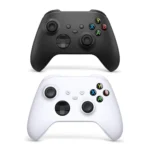
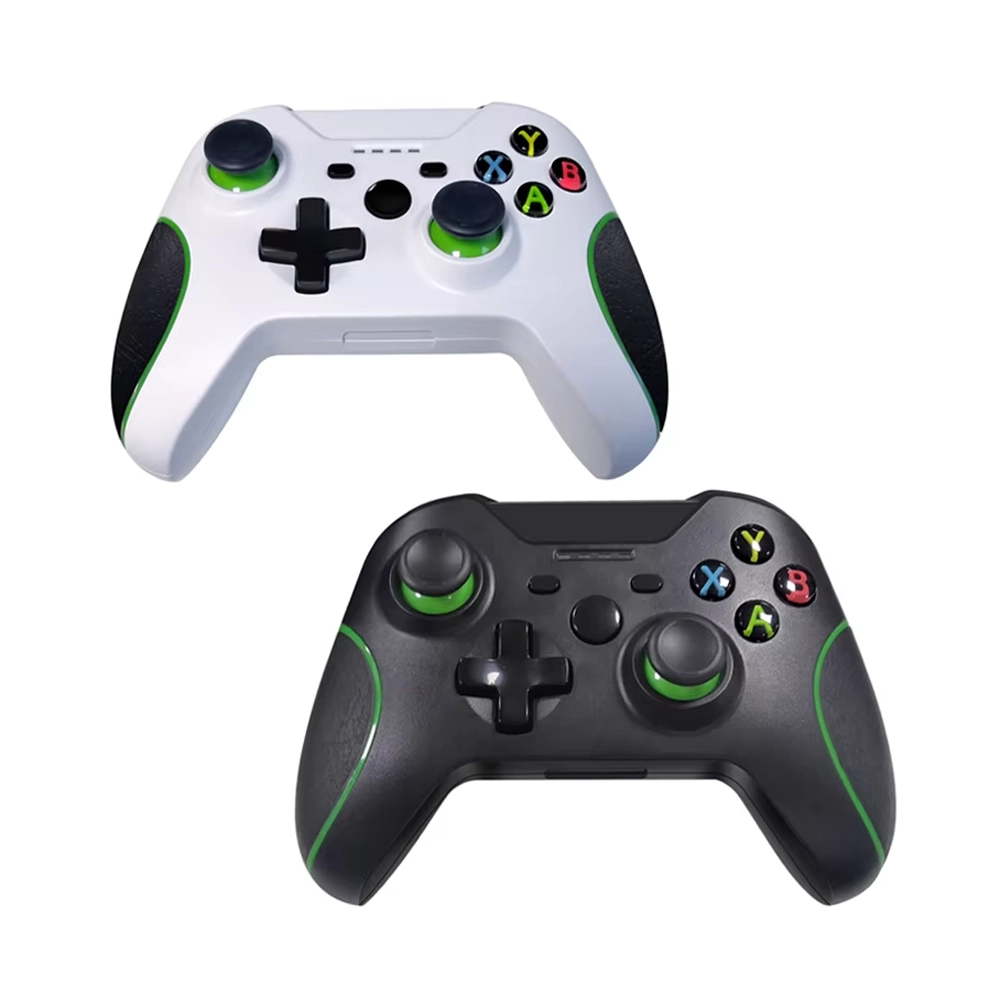
The Replacement Xbox One Controller from iShine Trade offers a cost-effective solution for gamers seeking a reliable and responsive controller. Designed to provide a seamless gaming experience, this controller is compatible with Xbox One consoles and offers features that enhance gameplay.
Key Features:
Wireless Connectivity: Enjoy the freedom of wireless gaming with a stable connection.
Ergonomic Design: Comfortable grip for extended gaming sessions.
Responsive Buttons: Precise button presses for accurate control.
Vibration Feedback: Immersive feedback during gameplay.
Multiple Color Options: Available in Black, Red, Silver, and White to match your style.
Specifications:
Compatibility: Xbox One, Xbox One S, Xbox One X
Connectivity: Wireless via Bluetooth
Battery: Requires 2 AA batteries (not included)
Color Options: Black, Red, Silver, White
Dimensions: Standard Xbox One controller size
Weight: Lightweight design for comfortable use
Package Includes:
1 × Replacement Xbox One Wireless Controller
User Manual
Installation Instructions:
Insert Batteries: Open the battery compartment on the back of the controller and insert two AA batteries, ensuring correct polarity.
Power On: Press the Xbox Guide button (the large round button with the Xbox logo) in the center of the controller to turn it on.
Sync with Console: Press and release the small connect button on the Xbox One console. Then, press and hold the connect button on the top of the controller until the Xbox Guide button flashes, indicating synchronization.
Start Gaming: Once synced, the Xbox Guide button will remain lit, and you can begin using the controller for gaming.