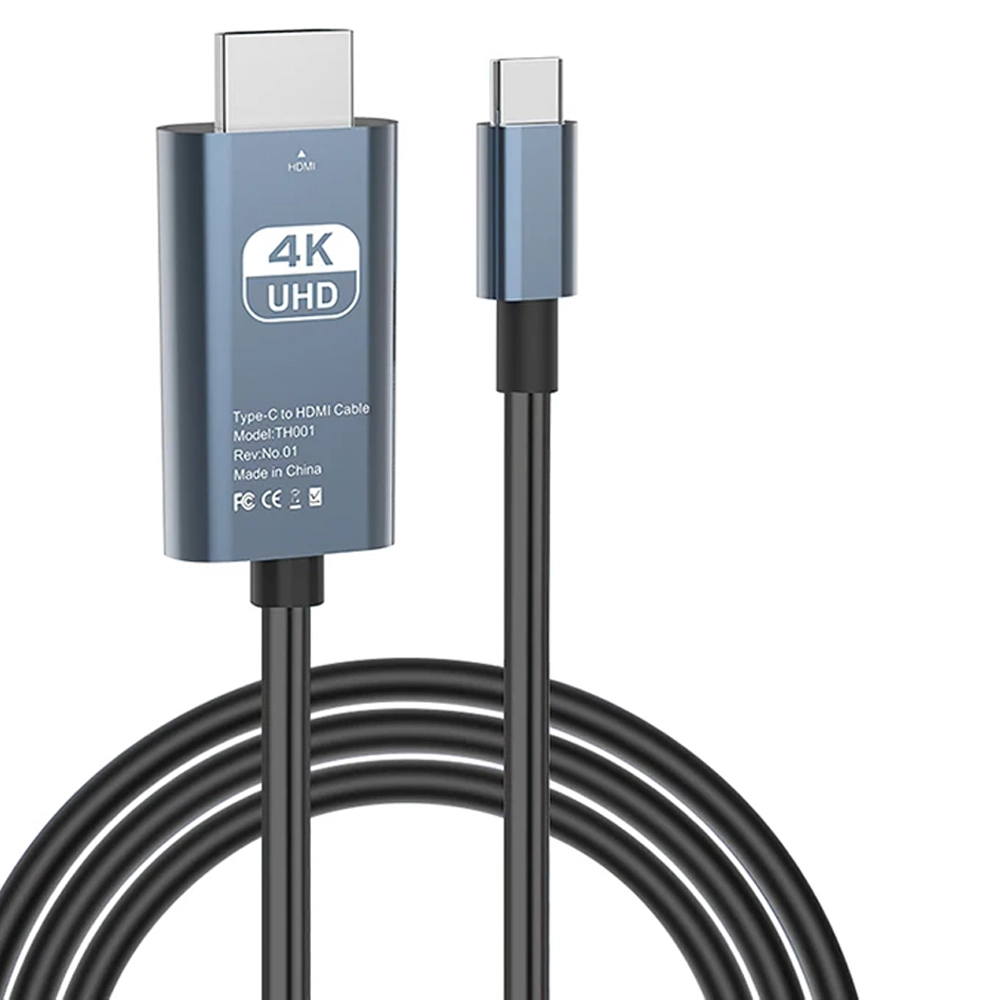
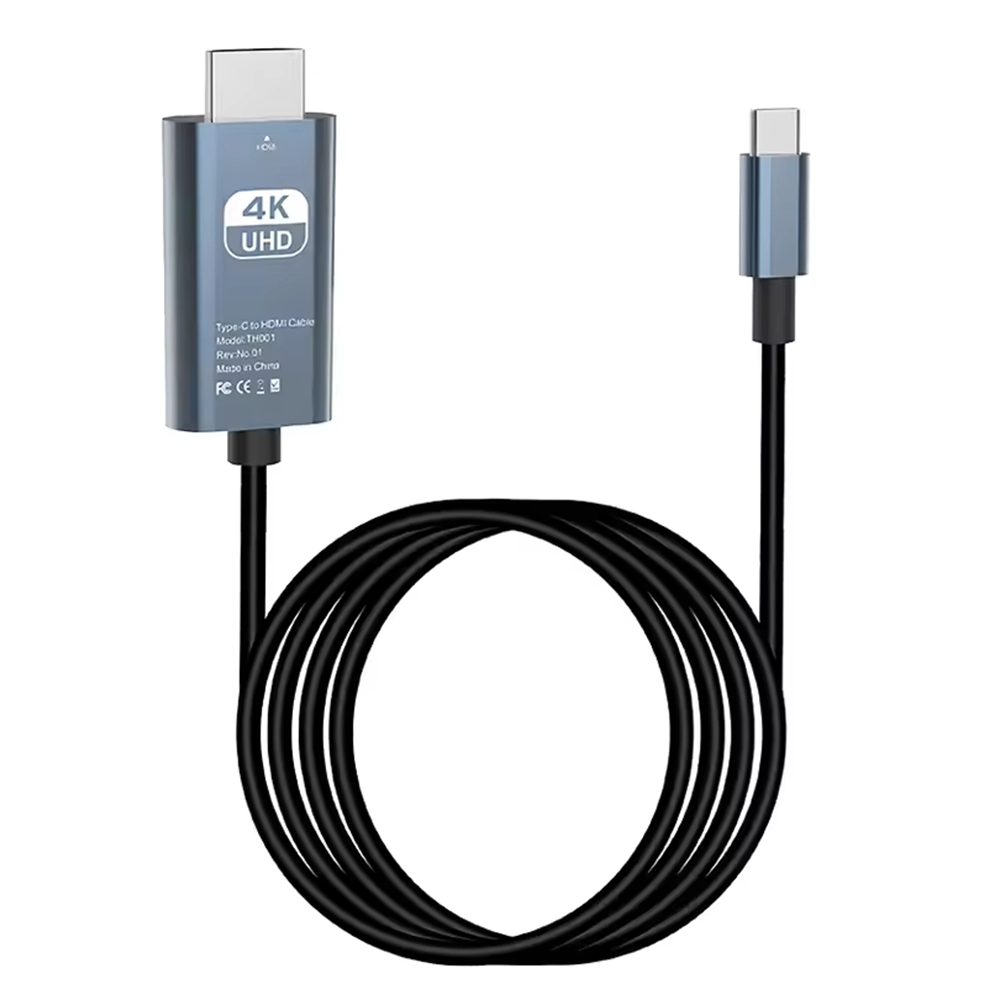
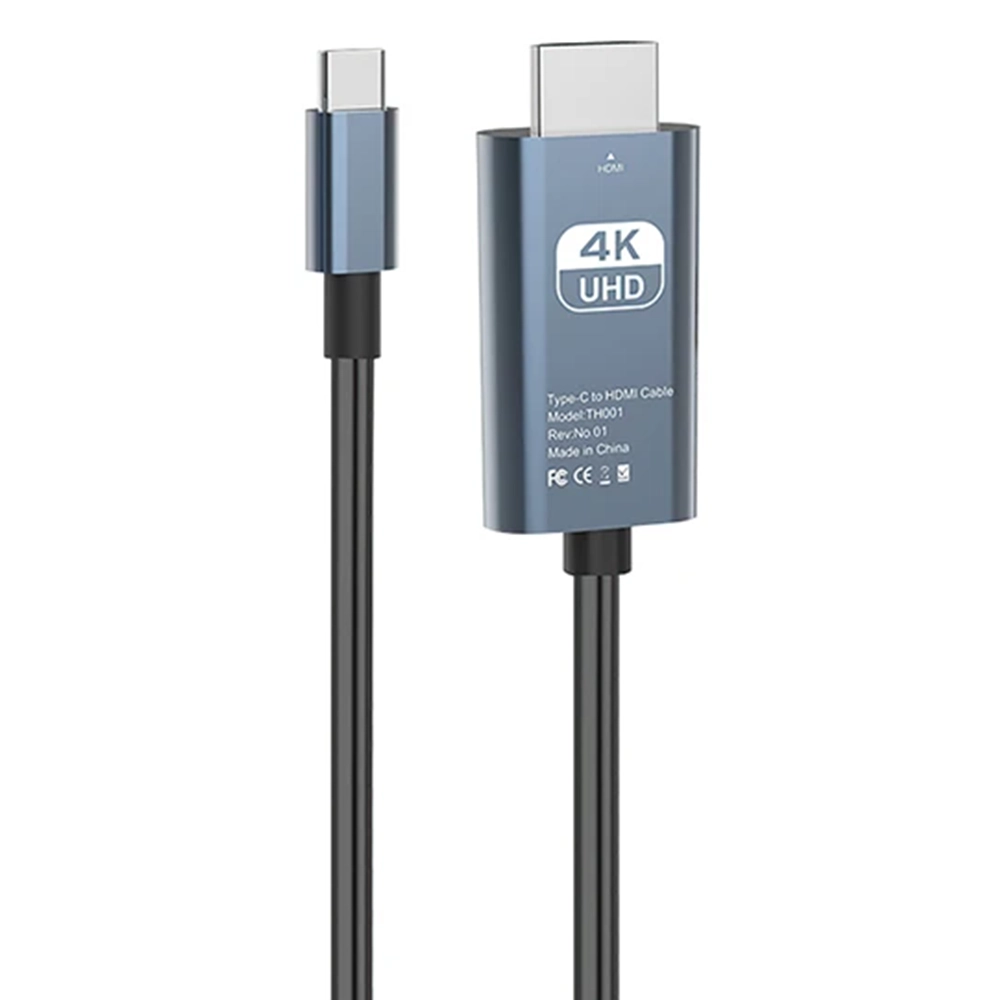
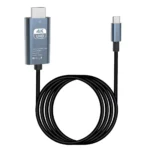
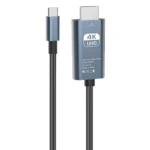
Type C To HDMI 4K Ultra HD 1.8M Cable Adapter

SKU: 5056605690400

£6.50 Ex VAT

Out of stock

Out of stock

19 People watching this product now!
  • delivery-car Courier delivery

Our courier will deliver to the specified address

Next Day

7.33

  • dhl-logo DHL Courier delivery

DHL courier will deliver to the specified address

Next Day

7.33

Payment Methods:

payment-gateway

Description

The Type C to HDMI 4K Ultra HD 1.8m Cable Adapter from iShine Trade lets you connect USB C devices to HDMI displays with ease. Whether you’re mirroring your laptop, tablet, or smartphone screen on a monitor, TV, or projector, this adapter supports high definition output and stable performance.

Key Features:

  • 4K Ultra HD Output: Supports up to 3840×2160 at 30 Hz for crisp, clear visuals.

  • Plug & Play: No drivers or software needed just connect and start using.

  • Universal Compatibility: Works with USB C devices supporting DisplayPort Alt Mode (laptops, tablets, phones).

  • Durable Build: High quality cable materials and corrosion resistant connectors for long term use.

  • 1.8 Meter Length: Generous length allows flexibility in setups and placement.

Specifications:

  • Type: USB C (male) to HDMI (female) adapter cable

  • Length: 1.8 meters

  • Resolution Support: Up to 4K (3840×2160 @ 30 Hz)

  • Compatibility: Devices with USB C supporting video output (DP Alt Mode)

  • Connector Material: Gold plated HDMI connector

  • Cable Jacket: Flexible, durable PVC or braided (depending on version)

  • Brand: iShine Trade

Package Includes:

  • 1 × Type C to HDMI 4K Ultra HD 1.8m Cable Adapter

Installation Instructions:

  1. Connect the USB-C End: Plug the USB C side into your source device (laptop, tablet, phone).

  2. Connect the HDMI End: Insert an HDMI cable into the adapter’s HDMI port, then connect to your display (monitor, TV, projector).

  3. Select Input: On your display device, switch to the corresponding HDMI input channel.

  4. Adjust Display Settings: If needed, configure resolution or display mode (duplicate, extend, etc.) on your source device.

  5. Test Display: Ensure the signal is coming through and that the resolution/display is as expected.