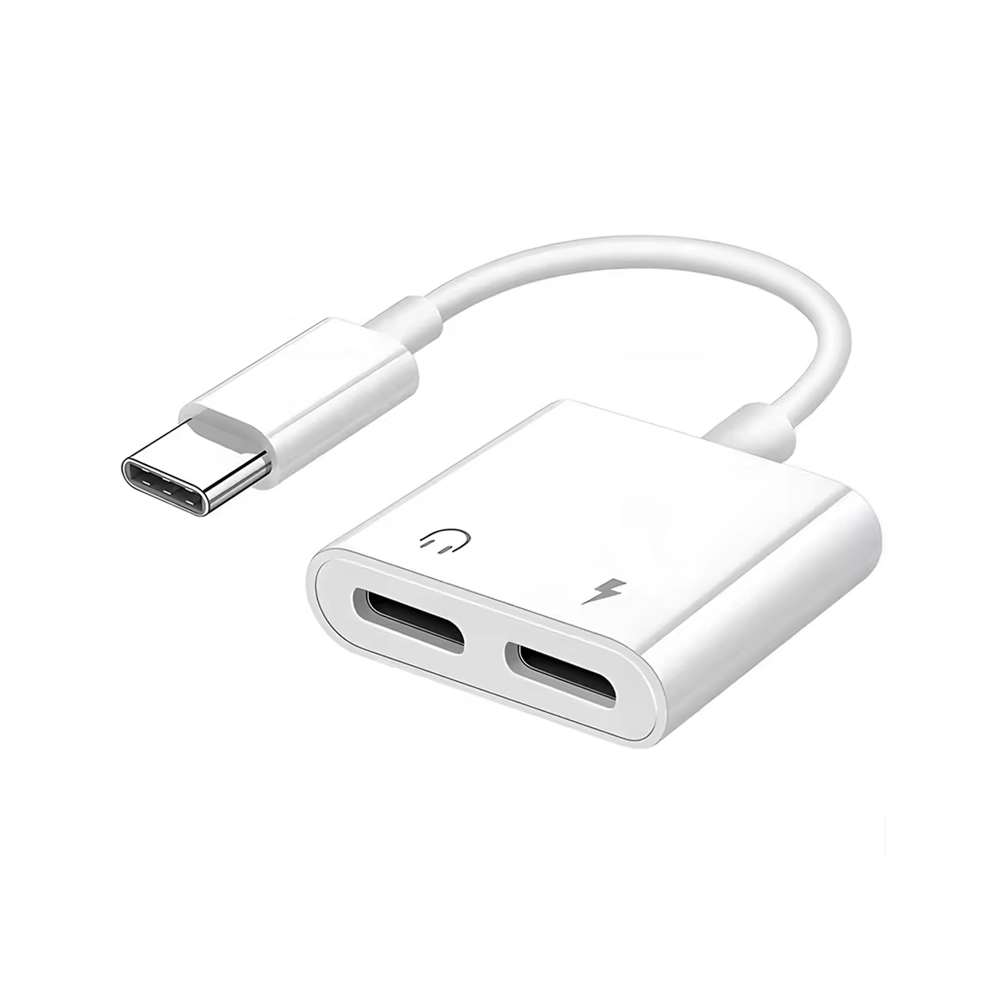
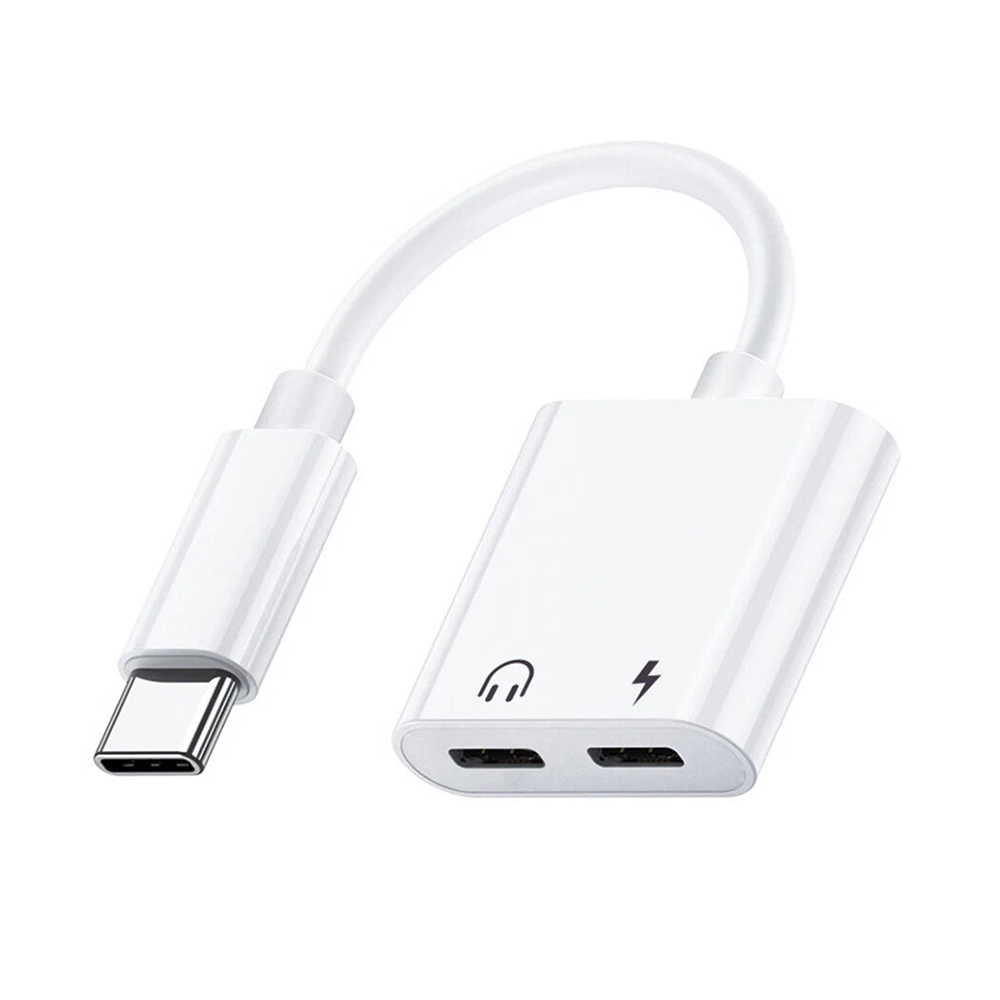
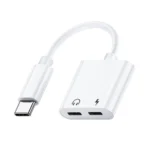
USB C TO Dual USB C Female Cable Adaptor

£0.00 Ex VAT

Out of stock

Out of stock

15 People watching this product now!
  • delivery-car Courier delivery

Our courier will deliver to the specified address

Next Day

7.33

  • dhl-logo DHL Courier delivery

DHL courier will deliver to the specified address

Next Day

7.33

Payment Methods:

payment-gateway

Description


The USB C to Dual USB C Female Cable Adaptor gives you the flexibility to expand a single USB C port into two USB C female ports. It’s ideal for connecting multiple USB C peripherals like flash drives keyboards card readers or sharing a charger output between two devices. As a trusted wholesale mobile phone parts supplier we provide this adaptor to meet both consumer and reseller needs.

Key Features:

  • Dual USB‑C Female Ports: One male USB C plug connects to your host device and two USB C female ports allow parallel use of two USB C peripherals.

  • Compact & Portable: Slim Y cable or splitter style makes it easy to carry and deploy without bulky hubs.

  • Wide Compatibility: Works with many USB C host devices laptops tablets smartphones and supports USB C peripherals USB C flash drives card readers keyboards.

  • Power & Data Support: Allows charging and data transfer through the two female ports specifications vary see below.

  • Optimized for Accessories: Great for setups where you need to hook up multiple USB C accessories without using a full hub.

Specifications:

  • Product Type: USB C Male to Dual USB C Female Cable Adaptor

  • Ports: 1 × USB C Male 2 × USB C Female

  • Uses: Connect USB C peripherals or dual devices via one host port

  • Condition: Brand new

  • Supplier: A trusted wholesale mobile phone parts supplier

  • Note: Video output or high speed data might not be supported on both ports depending on manufacturer.

Package Includes:

  • 1 × USB C to Dual USB C Female Cable Adaptor

Usage Instructions:

  1. Plug the male USB‑C end into your device’s USB‑C port.

  2. Insert a USB‑C peripheral into one of the female ports.

  3. Insert another USB‑C peripheral or charger output into the second female port if needed.

  4. Confirm peripheral functionality USB storage keyboard etc.

  5. If charging two devices monitor that the output current is sufficient.