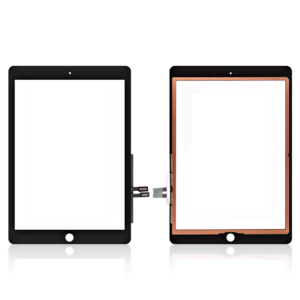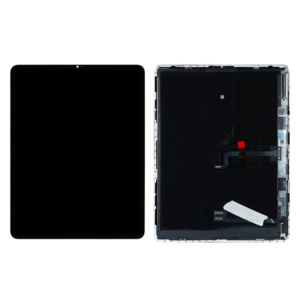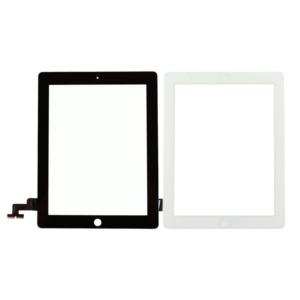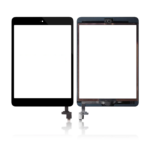
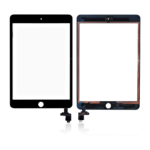
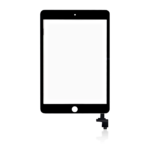

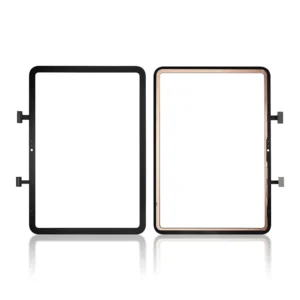
Replacement Touch Screen Digitizer for iPad Mini 3 7.9″ 3rd Gen 2014 – A1599 , A1600
£7.79 Ex VAT
To pick up today
Free
-
Courier delivery
Our courier will deliver to the specified address
Next Day
7.33
-
DHL Courier delivery
DHL courier will deliver to the specified address
Next Day
7.33
Payment Methods:
Description
The Replacement Touch Screen Digitizer for iPad Mini 3 7.9″ 3rd Gen 2014 – A1599, A1600 is designed to restore the touch functionality of your device. If your iPad Mini 3 has an unresponsive, cracked, or damaged touch screen, this high-quality replacement digitizer will ensure your device is fully functional again, offering smooth and responsive touch interactions.
Key Features:
-
Perfect Compatibility: Specifically designed for the iPad Mini 3 7.9″ 3rd Gen 2014 (A1599, A1600), ensuring a perfect fit and full functionality.
-
High-Quality Digitizer: Provides smooth touch functionality, restoring precise touch gestures and responsiveness to your device.
-
Durable Construction: Built with high-quality materials to ensure long-lasting durability and resistance to everyday wear.
-
Easy Installation: Designed for easy installation, making it ideal for both DIY repairs and professional technicians.
-
Crystal Clear Transparency: The digitizer allows your display to retain its original clarity, providing a sharp and vibrant visual experience.
Specifications:
-
Material: High-quality touch digitizer
-
Compatibility: iPad Mini 3 7.9″ 3rd Gen 2014 (A1599, A1600)
-
Condition: Brand new
-
Display Type: Touch Screen Digitizer
-
Color: Black
-
Dimensions: 7.9″ (Diagonal)
Package Includes:
-
1 × Replacement Touch Screen Digitizer for iPad Mini 3 7.9″ 3rd Gen 2014 – A1599, A1600
-
Wet and dry wipes
-
Dust removal sticker
-
Installation guide
Installation Instructions:
-
Power Off Your Device: Ensure your iPad Mini 3 is powered off before starting the replacement.
-
Remove the Old Touch Screen Digitizer: Carefully detach the old, damaged digitizer from your iPad Mini 3.
-
Install the New Digitizer: Align the new touch screen digitizer with the device and press it into place.
-
Reconnect the Digitizer: Securely connect the digitizer’s flex cable to the motherboard of your iPad Mini 3.
-
Reassemble the Device: Once the digitizer is in place, reassemble your iPad Mini 3 and power it on to test the touch functionality.
Additional Information:
As a trusted iPhone screen replacement wholesale Supplier in UK, we offer high-quality replacement parts like the Replacement Touch Screen Digitizer for iPad Mini 3 7.9″ 3rd Gen 2014 – A1599, A1600, ensuring your device’s touch functionality is restored. This part is ideal for personal users and resellers.