Despite being tough and durable, there are bound to be some wear and tear effects due to regular usage. It is for these reasons that people end up in repair stores. As a user, repair technician, or someone who purchases components for an iPhone, it would be useful to know which components frequently go wrong.
Within this tutorial, you will learn about common replacement iPhone Parts, common problems associated with these components, and things to note before replacement.
Why it gets replaced:
The screen is the most exposed and fragile iPhone parts. A single drop may crack the glass or damage the display underneath.
Common signs you may need a replacement:
- Glass that is broken or shattered
- Touch not responding properly
- Flickering, lines, black spots, or color change
- The display remains black while the phone is on
Pro tip:
Not all screens are created equal. Opting for a decent grade-preferably premium or OEM-quality, when it can be had-can help one avoid issues such as dim brightness, poor colors, or weak touch response.
Battery
Why it gets replaced:
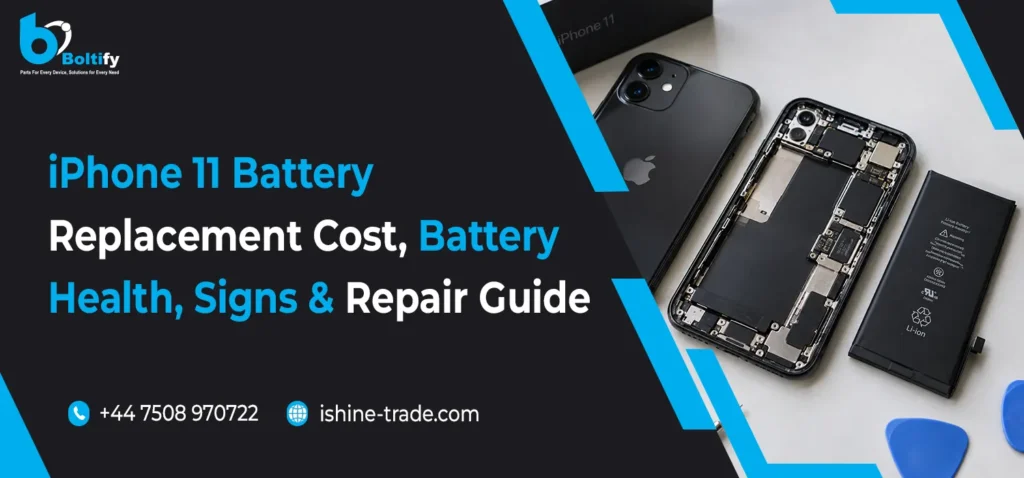
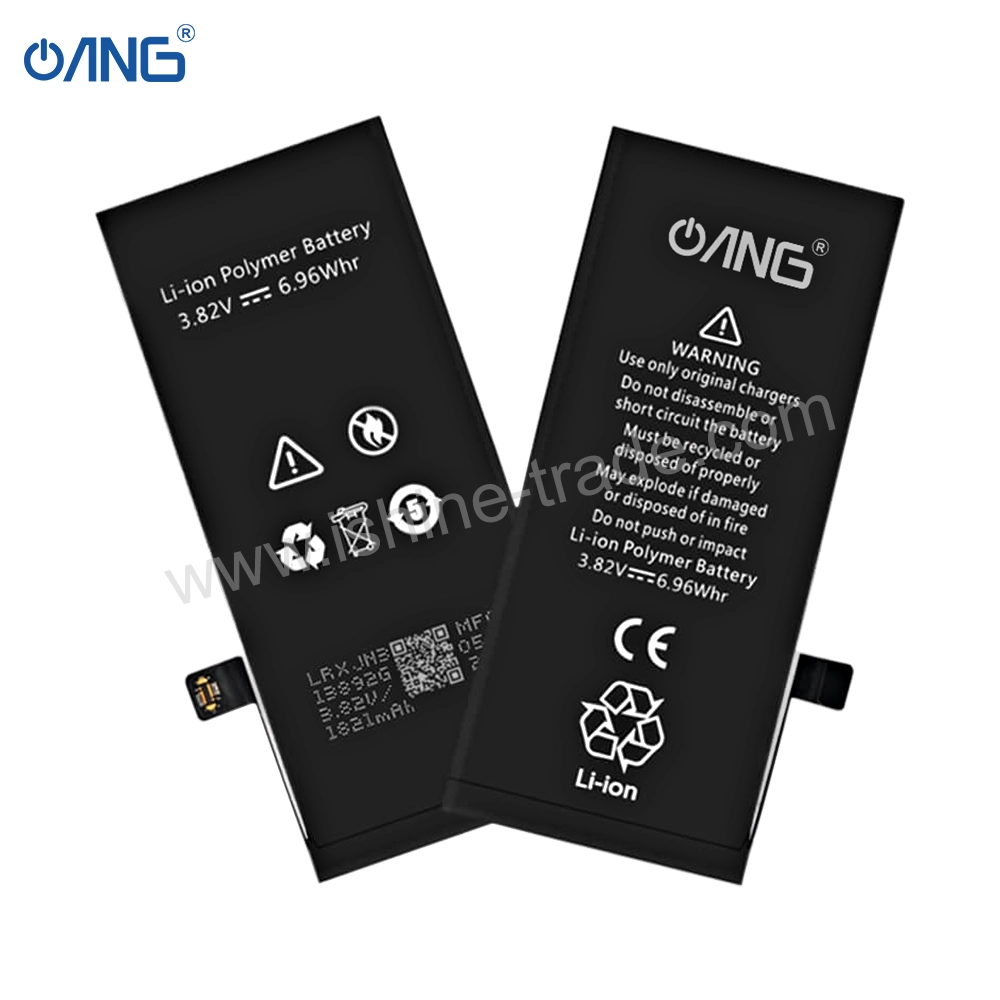
All lithium-ion batteries will degrade with age. Cycles, temperatures, and heavy use will all impact capacity.
Typical Indications That You Need A Replacement :
- Battery life is shorter compared to other phones
- Phone gets heated while using it normally
- Lower performance (power throttling)
Pro tip:
Check the battery status in Settings. If the battery health is around 80% (or lower), or if backup performance issues suggest it, consider replacing the battery.
Charging Port (Lightning or USB-C, Depending on Model)
Why it gets replaced:
Lint and dust accumulate in the Charging ports, and repeated connections and removals accelerate wear and tear. Water damage may also affect the connector.
Typically appearing on your screen as an icon that resembles a circle with an:
- Phone Only Charges at a Certain Angle
- Charging disconnects repeatedly
- Cable feels loose
- Data transfer issues with a computer
Pro tip:
Prior to engaging in the replacement of the port, it would be advisable to try out a different cable and adapter, a different source of power, and make sure that it’s thoroughly clean with a tool that is not metal.
Rear Camera Module
Why it gets replaced:
Drops and moisture can damage the camera module, and internal faults can cause focus issues.
Common signs you may need a replacement:
- Camera shows a black screen
- Blurry photos and autofocus not working
- Camera shaking or frequent focus hunting
- Spots or distortion in images
Pro tip:
Camera quality depends heavily on the part source. Cheap modules can reduce sharpness, stabilization, and reliability.
Also Check: Best Affordable iPhone Replacement Screens: How to Choose Quality Without Breaking Your Budget
Front Camera and Face ID Components (Sensitive Repairs)
Why it gets replaced:
The front camera can fail like any other part, but Face ID-related components are more delicate and model-dependent.
Common signs you may need a replacement:
- Front camera not working
- Face ID not available or setup fails
- Face recognition becomes inconsistent
Pro tip:
Face ID repairs require careful handling and, in many cases, cannot be restored by simply swapping parts. Use an experienced technician for Face ID-related repairs.
Speakers (Loudspeaker and Earpiece)
Why it gets replaced:
Dust, moisture, and daily use affect sound quality. Sometimes the mesh clogs or the speaker fails.
Common signs you may need a replacement:
- Low volume even at maximum
- Distorted or crackling sound
- No sound during calls or media playback
Pro tip:
Before replacing, check for debris blockage and make sure Bluetooth is not routing audio to another device.
Microphone
Why it gets replaced:
Microphones can fail due to dust blockage, water damage, or flex cable problems.
Common signs you may need a replacement:
- People cannot hear you clearly on calls
- Voice notes sound muffled or very low
- Video audio is missing or distorted
Pro tip:
iPhones have multiple microphones (for calls, noise cancellation, and video). Proper diagnosis matters because one mic issue does not always point to the same faulty part.
Buttons and Flex Cables (Power, Volume, Mute Switch)
Why it gets replaced:
Buttons often fail because of wear, impact, or damaged flex cables inside the phone.
Common signs you may need a replacement:
- Power button not clicking or not responding
- Volume keys stop working
- Silent switch becomes stuck
Pro tip:
If a button feels fine physically but does not work, the internal flex cable may be the real issue.
Back Glass and Housing (Common on iPhone 8 and Newer)
Why it gets replaced:
Back glass looks premium but cracks easily. A damaged back can also affect comfort, safety, and resale value.
Common signs you may need a replacement:
- Cracked back panel
- Sharp edges and loose glass fragments
- Wireless charging becomes unreliable in some cases
Pro tip:
Back glass repair is tool-heavy and time-consuming. It is usually best done by a professional.
What to Check Before Replacing Any iPhone Parts
- Make sure it’s the correct type of iPhone model for your device, so there will not be any compatibility issues.
- Restart, update iOS, and reset settings to test software fixes first to remove non-hardware causes.
- Utilize quality parts—very inexpensive parts create many repeat repairs.
- Check the return policy and the warranty offered by the supplier.
- Decide DIY vs. technician: Many repairs can be very risky without the proper equipment and experience.
Also check: OEM vs Aftermarket Mobile Parts: Which Is Best for Phone Repairs?
OEM vs Aftermarket: Which iPhone Parts Should You Buy?
There are several quality levels on the market. Choosing the right one depends on your budget and how long you want the repair to last.
- OEM / Original (pulled): best fit and performance, usually higher cost.
- Refurbished: can be excellent if sourced from a trusted supplier.
- Aftermarket: budget-friendly, but quality varies widely.
Best rule:
For screens and batteries, avoid the cheapest option—quality matters most for long-term reliability.
Final Thoughts
The components that are most often replaced on an iPhone include screens, batteries, charging connectors, cameras, speakers/microphone assemblies, buttons/flexibles, and back glass. All these are very useful pieces of information that will help you make better repair decisions.
You should always replace something based on your diagnosis and match it with the correct product model specifications. So, if you are buying some components to repair your product, it’s essential to check the product model specifications. As a trusted wholesale iPhone parts supplier in UK, iShine Trade ensures you have access to high-quality components that match the exact specifications you need for repairs.