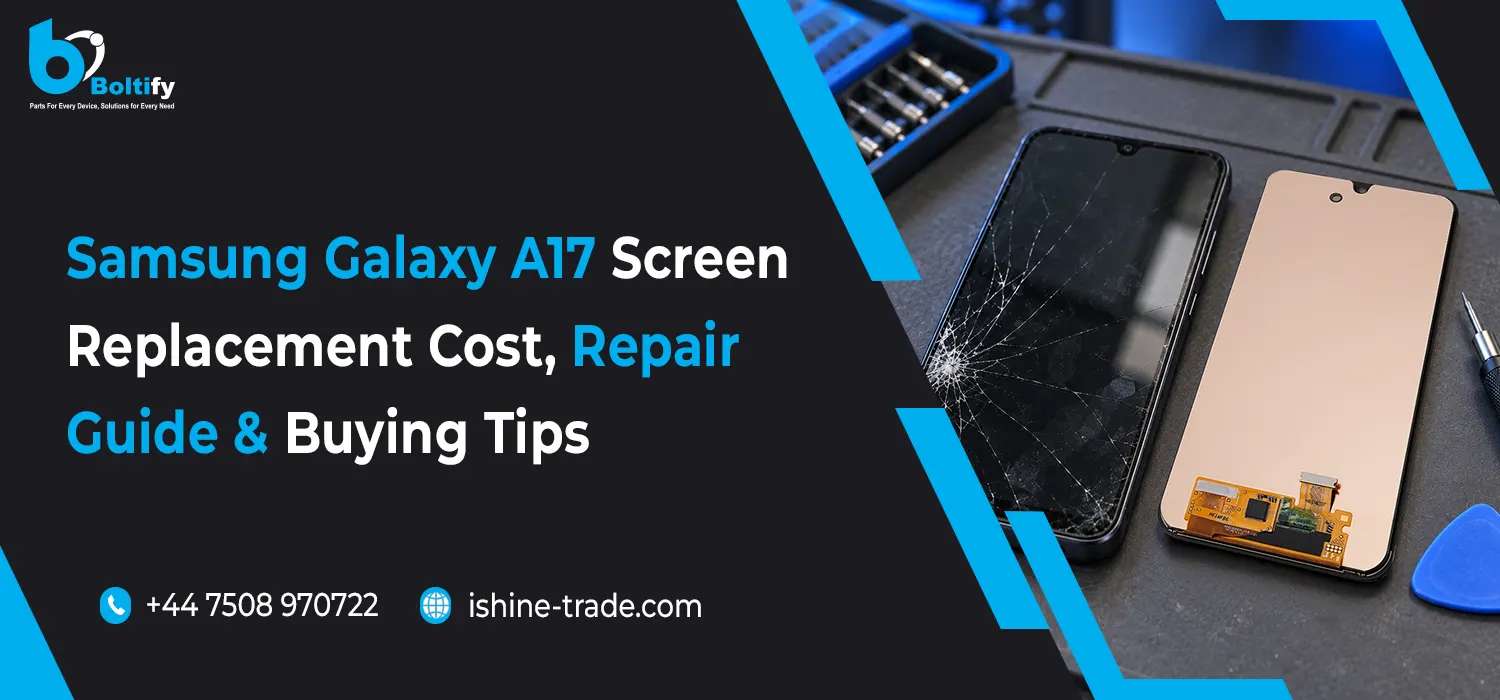
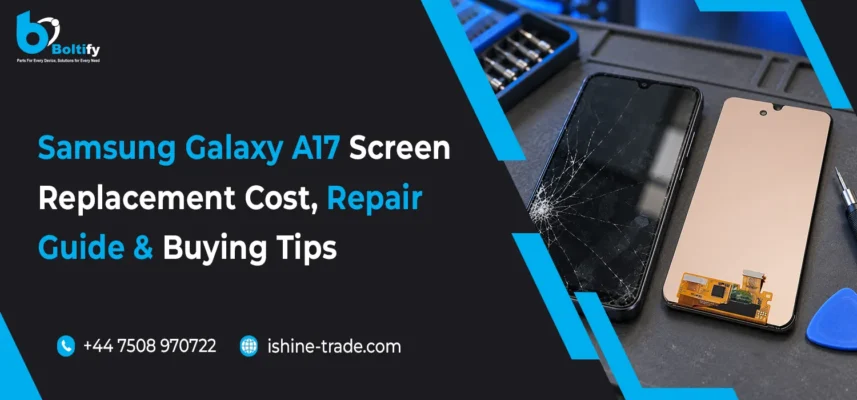
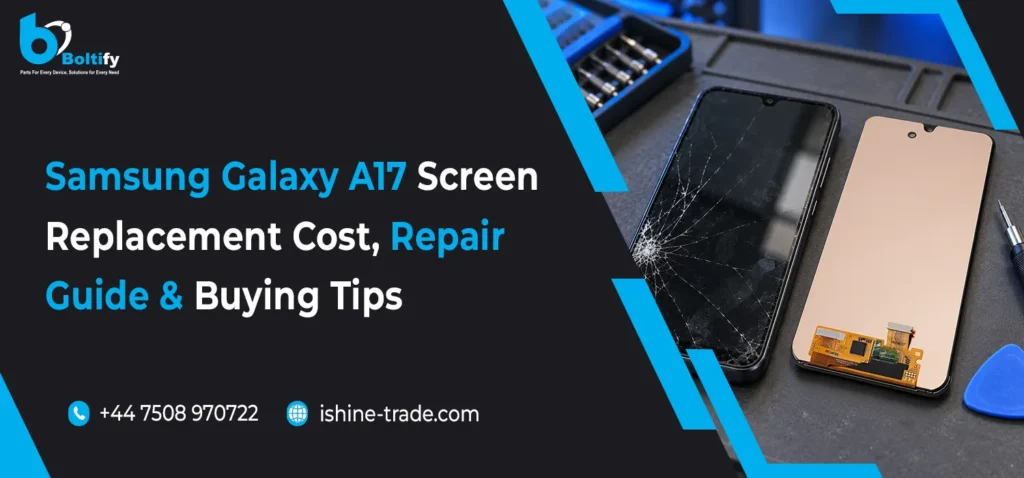
A cracked screen can make your Samsung Galaxy A17 difficult to use, particularly when touch controls stop responding or dark patches appear across the display. Choosing the right repair starts with understanding the damage, identifying your exact phone model and comparing suitable replacement screens.
Whether you own the phone or buy parts for a repair business, the cheapest screen is not automatically the best option. Display quality, compatibility, fitting costs and warranty terms all affect the value of the repair.
This guide covers Galaxy A17 screen replacement costs, the repair process and practical buying tips for UK customers and trade buyers.
Signs Your Galaxy A17 Screen Needs Repair
Screen damage is not always limited to visible cracks. The glass may look relatively intact while the display panel or touch system underneath has developed a fault.
Common signs include:
- Cracked or shattered front glass.
- Black patches spreading across the display.
- Coloured lines or persistent flickering.
- Areas that no longer respond to touch.
- Unwanted taps registering on the screen.
- A blank display while the phone still rings or vibrates.
These symptoms can also result from connector damage or other internal faults. Have the device diagnosed before ordering a replacement screen.
If the display is lifting away from the frame, avoid pressing it back down. A technician should check whether damaged adhesive, a bent frame or a battery problem is responsible.
Identify Your Galaxy A17 Model Before Buying a Screen
Before purchasing a Samsung Galaxy A17 replacement screen, confirm the complete model number and whether your device is the LTE or 5G version.
If the phone remains usable, go to Settings > About phone. If the screen is unreadable, check the original packaging or purchase records.
Compare your model details with the supplier’s compatibility information. Do not assume that screens fit both variants simply because they look similar.
Check the following before ordering:
- Exact supported model number.
- Display type and replacement grade.
- Assembly supplied with or without a frame.
- Included adhesive and components.
- Testing requirements and return conditions.
A correctly identified part helps avoid fitting problems, unnecessary returns and repair delays.
Samsung Galaxy A17 Screen Replacement Cost in the UK
The cost of replacing a Galaxy A17 screen depends on the display assembly, labour and the condition of the phone. A part-only listing and a complete fitted repair cover different things, so their prices should not be compared directly.
Samsung’s UK guidance states that recommended out-of-warranty repair prices may change if additional work is required. Physical damage is not covered by its standard warranty. Request a current quote for your exact model before booking a repair.
What Affects the Repair Price?
| Cost factor |
What to confirm |
| Display grade |
Genuine service part, refurbished original or aftermarket screen |
| Frame condition |
Whether the existing frame can be reused |
| Labour |
Whether fitting and testing are included |
| Additional faults |
Damage to connectors, battery or other components |
| VAT and delivery |
Whether these charges are included |
| Warranty |
Coverage for the part and completed repair |
Ask for a Complete Repair Quote
Before agreeing to a repair, ask the provider:
- Which replacement display will be fitted?
- Does the quote include labour, adhesive and VAT?
- Is frame replacement necessary?
- Will additional work require your approval?
- What warranty applies after fitting?
A clear written quote makes it easier to compare repair options. It also prevents a low headline price from hiding charges that appear later.
Glass-Only Repair or Full Screen Replacement?
The front glass protects the display, while the panel produces the image and the touch system registers your input. Damage to one layer does not always mean that every layer has failed.
If the glass is cracked but the image and touch response remain normal, a specialist may offer glass refurbishment after inspecting the assembly. This involves separating and bonding delicate layers using appropriate equipment.
If the screen shows black patches, damaged pixels or failed touch input, replacing only the outer glass will not fix those faults. A complete display assembly may be required.
Ask the technician to explain the diagnosis before choosing between glass repair and full screen replacement.
Choosing the Right Galaxy A17 Replacement Display
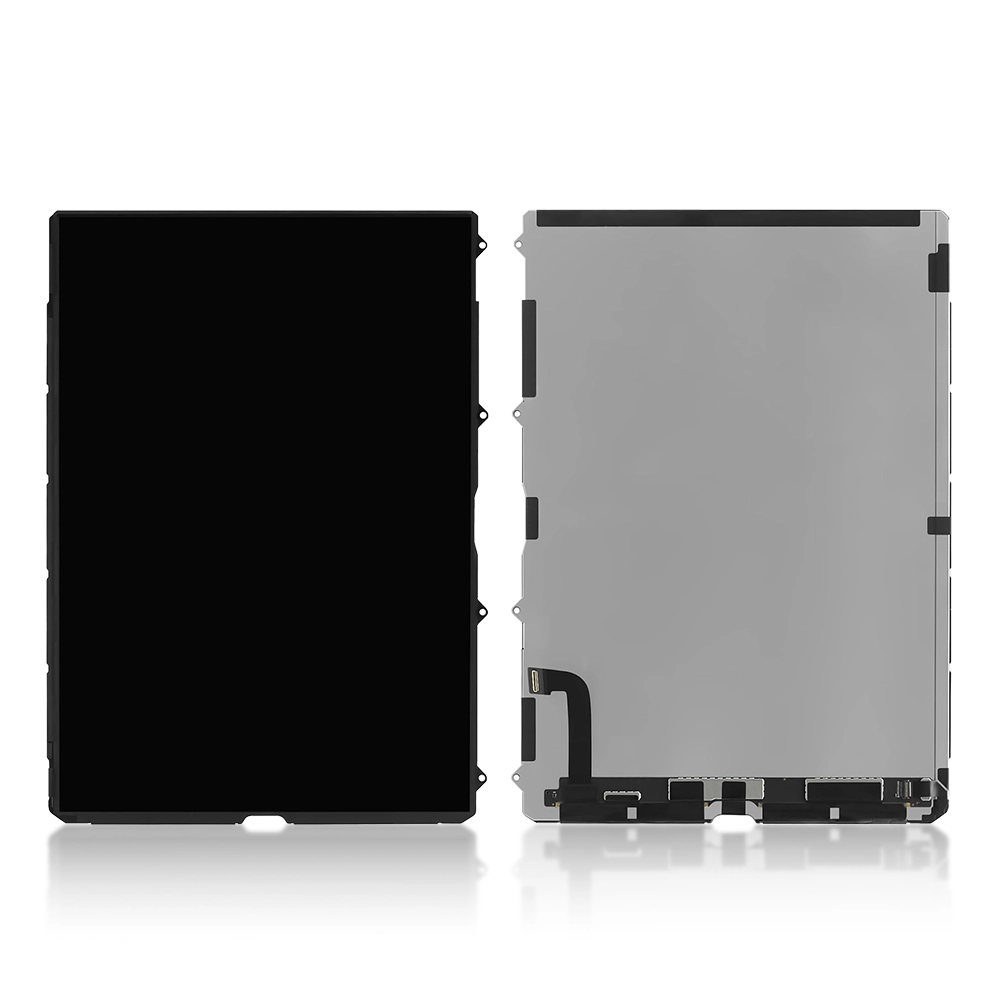
Samsung describes the Galaxy A17 series as featuring a 6.7-inch Super AMOLED display with a 90Hz refresh rate. Replacement technology therefore matters when assessing contrast, colour, brightness and scrolling performance.
Genuine Samsung Service Parts
A genuine Samsung service part is intended to meet the supported device’s specifications. Confirm the compatible model, part number and components included in the assembly.
The word “original” alone is not enough to identify a part. Ask the supplier whether it is a new service part, a refurbished display or a used component.
Refurbished Original Screens
A refurbished original screen may retain the original display panel while having replacement glass or other refurbishment work.
Inspect its condition and ask about burn-in, brightness consistency, touch performance and warranty coverage. Refurbishment quality can vary.
Aftermarket OLED Screens
Aftermarket OLED displays may provide another repair option, but quality differs between suppliers and manufacturers.
Check refresh-rate support, brightness, touch response and physical fit. An OLED description does not automatically mean that performance matches the original screen.
LCD or In-Cell Alternatives
Where a compatible LCD or in-cell replacement is offered, it uses different technology from the original AMOLED display.
Before buying, ask whether the alternative affects contrast, thickness, brightness or power consumption. Confirm that the assembly supports your exact Galaxy A17 variant.
Galaxy A17 Screen Repair Guide
The precise repair procedure depends on the phone variant and replacement assembly. The following stages explain what a screen repair involves; detailed disassembly should follow model-specific service instructions.
1. Back Up and Assess the Device
Back up accessible photos, contacts and important files before the repair. Record existing faults, including charging problems or camera issues.
Inspect the frame and check for moisture damage or signs of a swollen battery. These problems may affect the repair decision.
2. Prepare the Correct Replacement and Tools
Confirm compatibility before dismantling the phone. The repair requires appropriate precision tools, opening equipment and adhesive.
A screen supplied with a frame may involve a different fitting process from a display that must be bonded into the existing frame.
3. Power Off and Open the Phone
Power off the device and follow the opening procedure for its exact model. Once accessible, disconnect the battery before handling display connectors.
Uncontrolled heat or inserting tools too deeply can damage internal components.
4. Remove the Damaged Assembly
The technician removes the faulty display or transfers components into a replacement frame assembly, depending on the part supplied.
The existing frame must be assessed before reuse. A bent or damaged frame can prevent the new screen from sitting correctly.
5. Test the Replacement Before Bonding
Test the display before permanent installation. Check image quality, brightness, touch response and visible defects.
Testing at this stage helps identify a faulty part before adhesive makes removal and return more difficult.
6. Reassemble and Complete Functional Checks
After fitting, confirm that the display sits evenly and that its edges remain secure.
Test calls, charging, cameras, speakers and buttons alongside the screen. Ask the repair provider whether the work affects the device’s resistance to dust or moisture.
Should You Replace the Screen Yourself?
DIY repair may suit someone with relevant experience, suitable tools and reliable model-specific instructions. For a first-time repair, professional fitting is usually more practical.
Consider the complete cost of doing the work yourself, including tools, adhesive and the possibility of damaging another component.
Also check the supplier’s return policy. Installation, adhesive application or removal of protective films may affect whether a replacement screen can be returned.
For another Samsung repair topic, read our S23 Ultra screen replacement guide for damaged screens. The guide covers that model’s repair considerations; its components and disassembly procedure should not be applied to the Galaxy A17.
Buying Tips for Repair Shops and Retailers
For trade buyers, accurate compatibility information is as important as price. Keep separate stock records for supported Galaxy A17 variants and clearly identify each screen’s technology and condition.
When choosing a wholesale samsung screen supplier uk, confirm model compatibility, display grade and warranty terms before placing a bulk order. Ask about faulty-part returns and test each screen before permanent installation to reduce avoidable repair delays.
A supplier checklist should include:
- Written model compatibility.
- Clear descriptions of display technology and condition.
- Fault-reporting procedures.
- Testing and installation restrictions.
- VAT, delivery and return costs.
- Warranty terms for trade purchases.
When sourcing mobile phone accessories wholesale, apply the same compatibility checks to screen protectors, cases and other model-specific products. Clear stock labels help staff recommend suitable accessories after a repair.
Protecting Your Galaxy A17 After Screen Replacement
Once the screen has been replaced, fit a suitable case and screen protector. A case with raised edges can help reduce direct contact between the display and flat surfaces, although no accessory guarantees protection against every impact.
Retailers selecting a wholesale samsung cases supplier uk should confirm model-specific fit, camera openings and button access before ordering. A poorly fitting case may press against the screen or lift the edges of a protector.
To reduce everyday damage:
- Keep the phone away from keys and sharp objects.
- Avoid placing heavy items against the display.
- Do not force the phone into a tight or unsuitable case.
- Check the screen after a significant drop.
- Have lifting edges or new touch faults inspected promptly.
Is Galaxy A17 Screen Replacement Worth It?
Compare the complete repair quote with the cost of a suitable replacement phone. Screen repair is more attractive when the battery, frame, cameras and other major components remain in good condition.
If several components are damaged, request a full assessment before spending money on the display alone.
For repair shops, explain the available screen options clearly. Customers should understand the display grade, expected performance and warranty before approving the work.
Frequently Asked Questions
Can I keep using a Galaxy A17 with a cracked screen?
The phone may remain usable if damage is limited to the glass. However, sharp edges, failed touch input or worsening display faults are reasons to arrange an inspection rather than continue normal use.
Will screen replacement delete my data?
Replacing the display does not normally require erasing stored data. Back up first and ask whether the provider’s diagnosis or servicing process may involve a reset.
Can only the front glass be replaced?
A specialist may offer glass refurbishment if the display panel and touch system are still functioning correctly. The assembly needs inspection before this option can be confirmed.
Why do replacement screen prices vary?
Prices differ because of display technology, part condition, included components and warranty terms. Fitted repair quotes may also include labour, adhesive and testing.
Should I buy a screen with a frame?
This depends on the existing frame’s condition and the repair approach. Confirm which assembly is suitable before ordering; a framed part may require internal components to be transferred.
What should I check after the repair?
Test touch response across the whole display, brightness, colours and flickering. Also check calls, charging, cameras, speakers and buttons before accepting the repaired phone.
Is the cheapest Galaxy A17 screen a good choice?
Compare compatibility, display quality, warranty and total fitted cost. A lower part price may come with performance differences or exclude essential fitting charges.