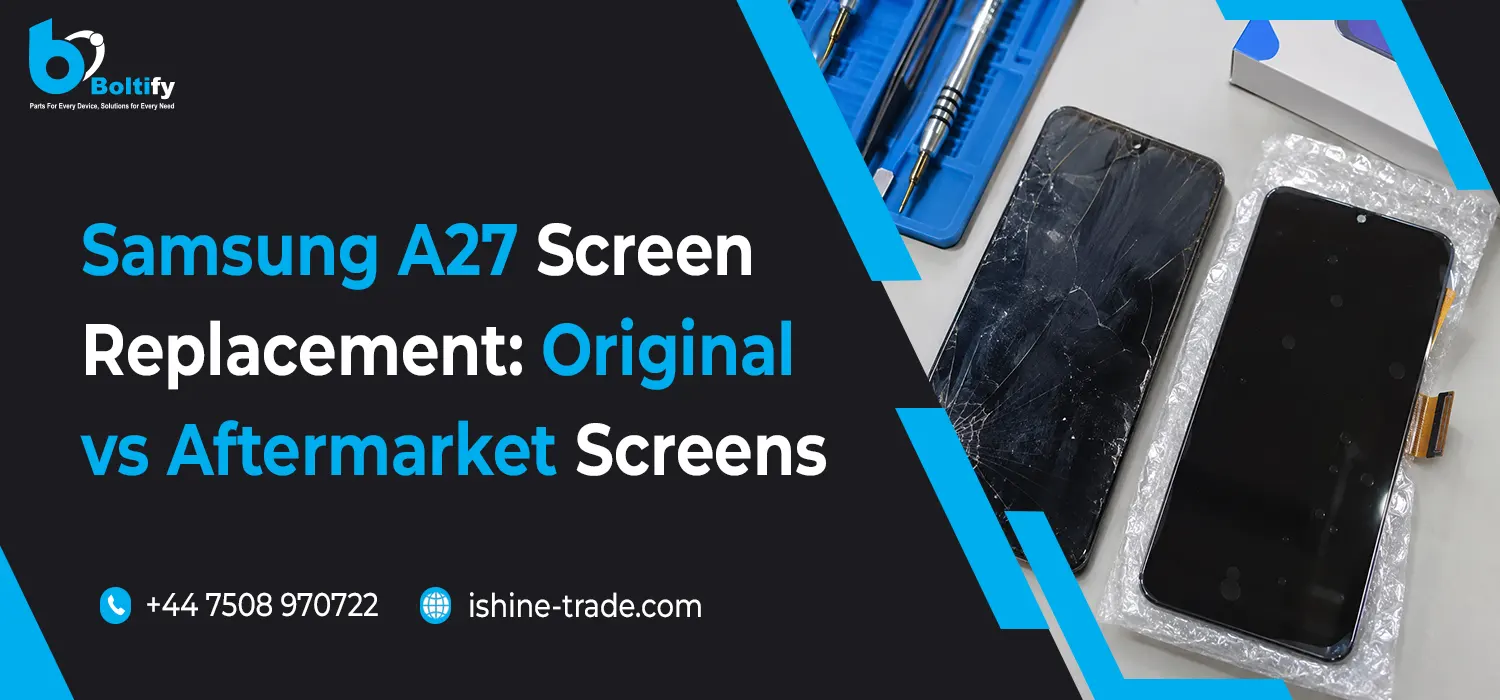
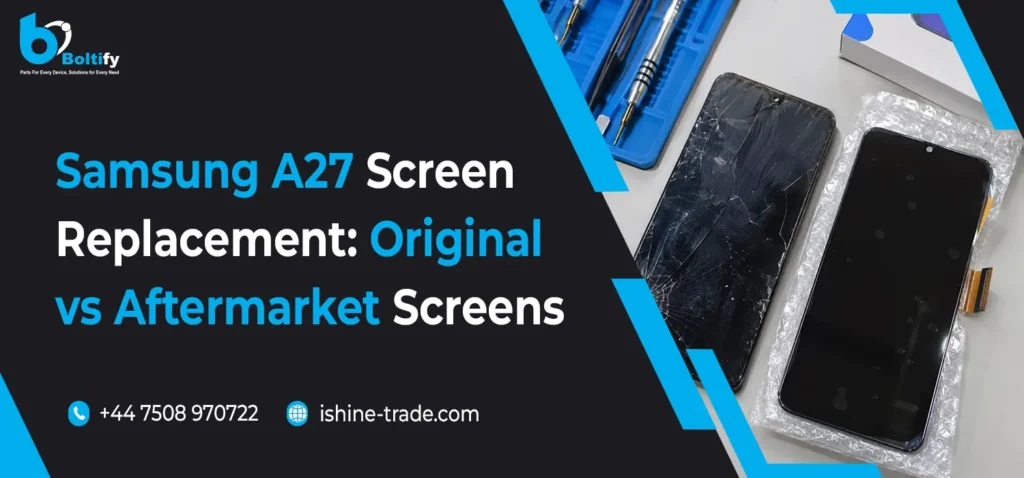
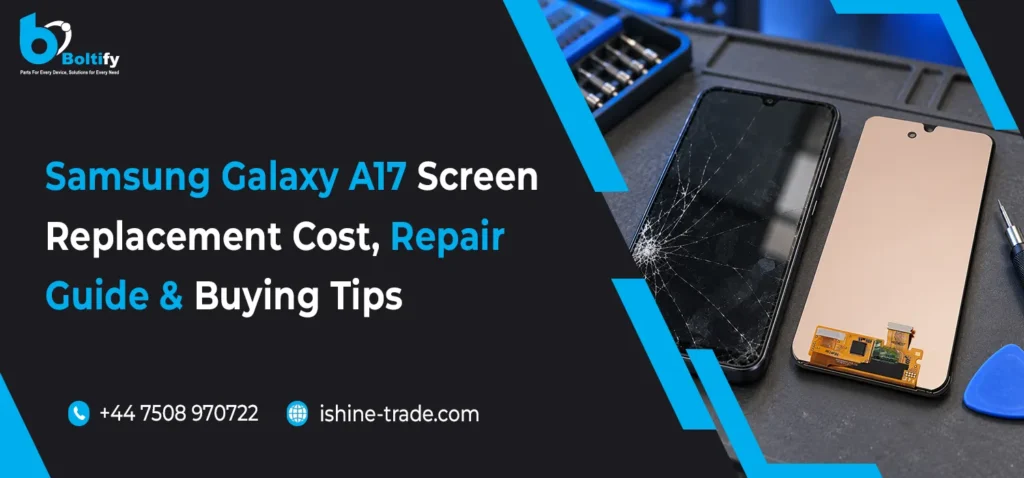
A damaged Samsung Galaxy A27 screen can affect more than just the appearance of the phone. Cracked glass, unresponsive touch controls, display lines and black spots can make everyday use difficult and may eventually require a complete screen replacement.
For mobile phone repair shops and retailers, choosing the correct Samsung A27 replacement screen is essential for providing reliable repairs and maintaining customer satisfaction. However, not every replacement display offers the same quality, technology or performance.
One of the most common questions when arranging a Samsung A27 screen replacement is whether to choose an original screen or an aftermarket alternative.
Both options have different advantages depending on display quality, repair budget, customer expectations and availability. Understanding these differences can help technicians make better purchasing decisions and recommend suitable repair solutions.
In this guide, we will compare original and aftermarket Samsung A27 screens, explain their key differences, discuss compatibility checks and highlight what repair businesses should consider before purchasing replacement displays.
Understanding Samsung Galaxy A27 Screen Replacement
The Samsung Galaxy A27 uses a modern smartphone display designed to deliver clear visuals, responsive touch controls and a comfortable viewing experience.
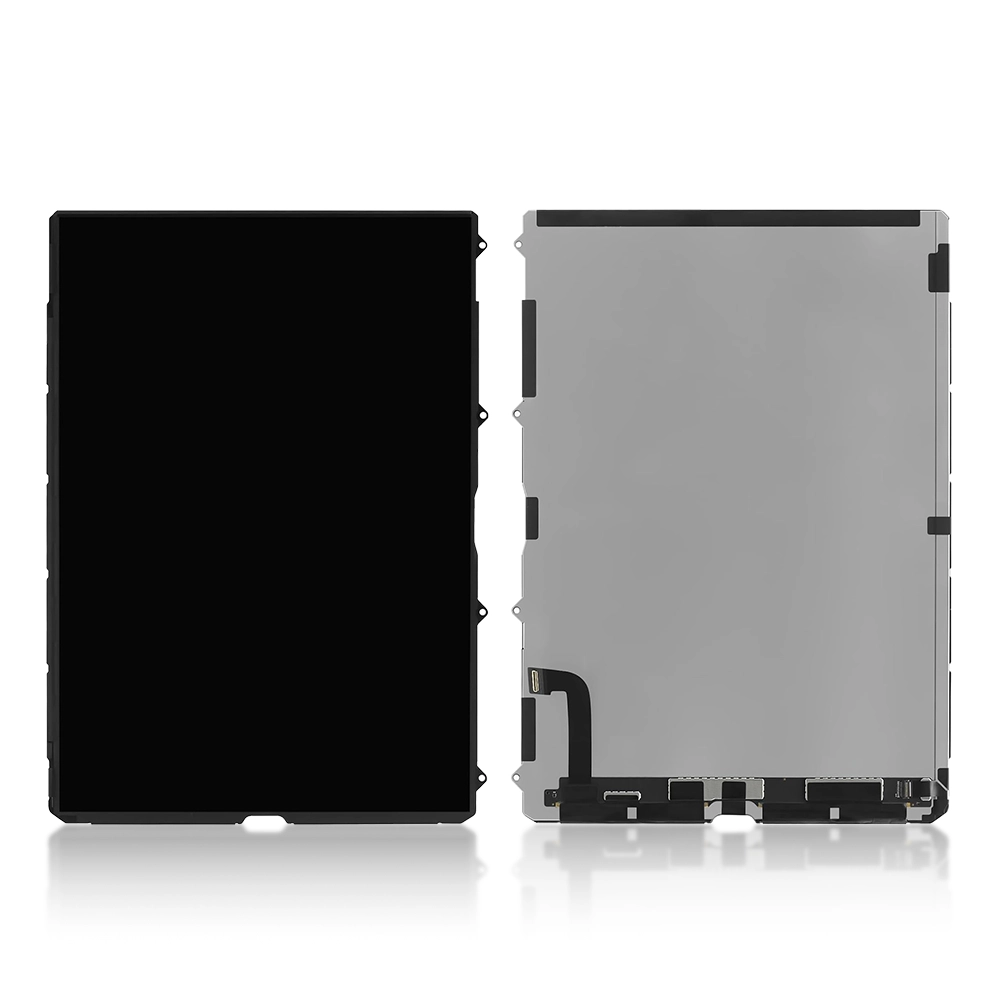
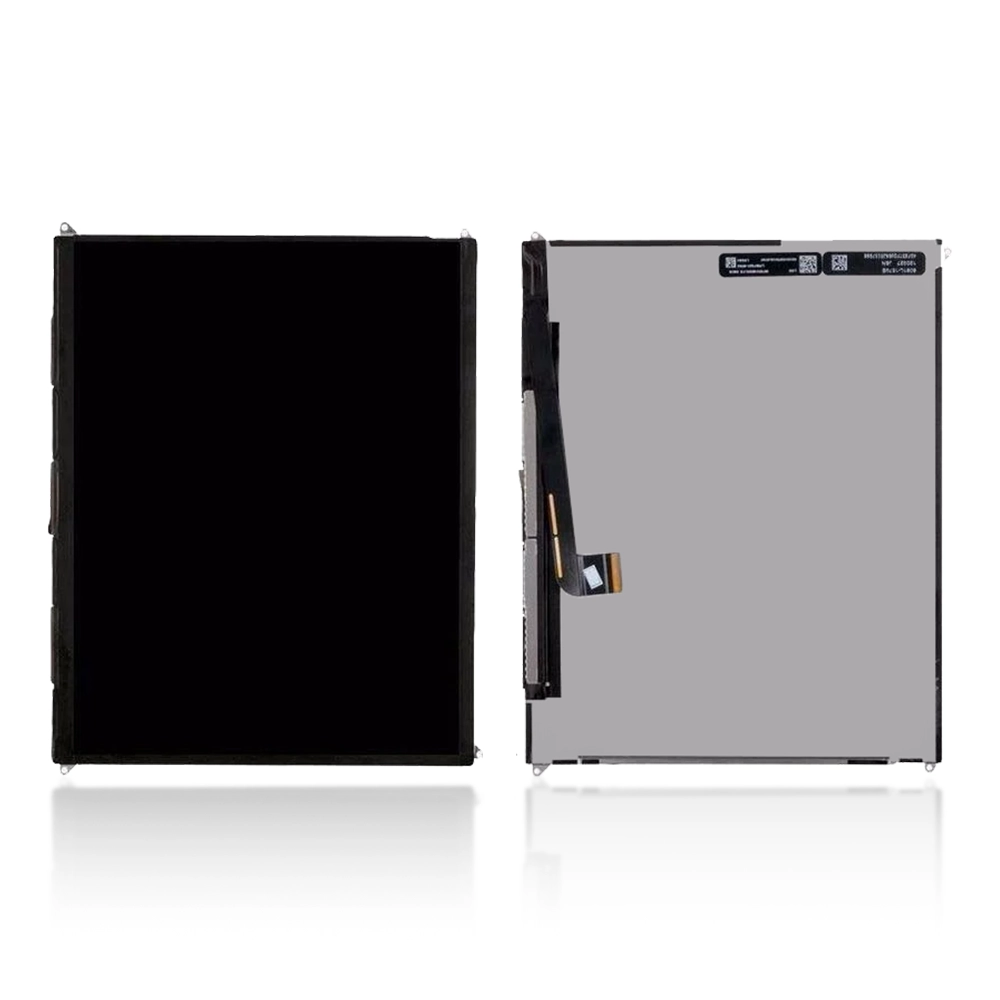
When the display becomes damaged, the repair may involve replacing the complete screen assembly rather than simply changing the outer glass.
Common signs that a Samsung A27 screen replacement may be necessary include:
- Cracked or shattered display glass.
- Black spots or ink-like marks appearing on the screen.
- Vertical or horizontal lines across the display.
- Touchscreen areas becoming unresponsive.
- Flickering or inconsistent brightness.
- A completely black display despite the phone still receiving calls or notifications.
- Display damage following an accidental drop or impact.
Before ordering a replacement screen, technicians should inspect the device and confirm whether the fault is related to the display panel, touchscreen digitizer or an internal display connection.
Correct diagnosis helps prevent unnecessary part replacements and additional repair costs.
Original vs Aftermarket Samsung A27 Screens: What Is the Difference?
Choosing between original and aftermarket displays is an important decision for repair businesses.
Although both options can restore display functionality, their manufacturing processes, component quality and overall performance may differ.
1. Original Samsung A27 Replacement Screens
Original Samsung service displays are manufactured to meet the device’s intended specifications.
They are generally preferred when customers want display characteristics close to those of the factory-fitted screen.
Key benefits of original replacement screens:
- Designed for the intended Samsung device specifications.
- Consistent display colour reproduction.
- Reliable touchscreen responsiveness.
- Expected brightness and viewing performance.
- Suitable physical and connector compatibility when correctly matched.
- Preferred for customers prioritising original service-part quality.
Original service parts are often more expensive than aftermarket alternatives. However, they may be the preferred option for customers who prioritise maintaining the original display experience.
Repair shops should confirm whether a screen is a new genuine service part, refurbished original or used original display. These descriptions represent different product conditions and should not be treated as interchangeable.
2. Aftermarket Samsung A27 Replacement Screens
Aftermarket screens are manufactured by third-party component manufacturers rather than supplied as original Samsung service parts.
They provide an alternative for customers looking for a more affordable screen replacement.
However, aftermarket display quality can vary depending on the manufacturer, technology and component grade.
Key benefits of aftermarket screens:
- More budget-friendly replacement options.
- Different display technologies and product grades.
- Suitable for customers with limited repair budgets.
- Alternative sourcing options for repair businesses.
- Can provide satisfactory everyday performance when quality is properly checked.
Before purchasing an aftermarket Samsung A27 display, technicians should check the screen specifications, touch response, brightness, colour consistency and warranty conditions.
An aftermarket screen should not automatically be considered poor quality. Equally, a lower price does not guarantee reliable performance.
Original vs Aftermarket Samsung A27 Screens: Comparison
Understanding the differences between screen types makes it easier to recommend the right replacement option.
| Comparison Factor |
Original Screen |
Aftermarket Screen |
| Manufacturer |
Samsung service supply |
Third-party manufacturer |
| Display quality |
Intended original specifications |
Varies by manufacturer |
| Colour reproduction |
Consistent with original specification |
Depends on panel quality |
| Touch response |
Designed for original device performance |
Depends on component quality |
| Brightness |
Original specification |
Varies by screen grade |
| Price |
Generally higher |
Generally more affordable |
| Availability |
Depends on service-part stock |
Depends on supplier |
| Best suited for |
Original-quality repairs |
Budget-conscious repairs |
The most suitable option depends on the customer’s expectations, repair budget and the actual specifications of the replacement display.
LCD vs OLED: Which Samsung A27 Replacement Screen Should You Choose?
Display technology is another important factor when selecting a Samsung A27 replacement screen.
Repair businesses may encounter different replacement display technologies, including LCD and OLED options.
These technologies work differently and can produce different viewing experiences.
LCD Replacement Screens
LCD (Liquid Crystal Display) technology uses a backlight to illuminate the screen.
LCD replacement displays can be a practical option for customers looking for a more affordable repair.
Important considerations:
- Generally more affordable than OLED alternatives.
- Uses a backlight to produce visible images.
- Display contrast and black levels differ from OLED technology.
- Actual brightness and colour quality depend on the panel manufacturer.
- Compatibility must be checked before installation.
OLED Replacement Screens
OLED (Organic Light-Emitting Diode) technology uses individually illuminated pixels.
This allows OLED displays to produce deep blacks and strong contrast.
Important considerations:
- Individual pixels produce their own light.
- Deep black levels and high contrast.
- Rich colour reproduction depending on panel quality.
- Different manufacturing grades are available.
- Usually more expensive than basic LCD alternatives.
An OLED label alone does not guarantee original Samsung quality. Repair shops should check the actual display specification, manufacturer and product condition before purchasing.
How to Choose the Correct Samsung A27 Replacement Screen
Selecting the correct replacement display is essential for successful repairs.
Even if two Samsung screens look similar, their connectors, dimensions and compatibility requirements may differ.
Consider the following checks before placing an order.
1. Confirm the Exact Samsung A27 Model Number
Always identify the exact device model before ordering.
The Samsung Galaxy A27 product range includes model-specific compatibility requirements. The A276 model designation and its regional variants should be checked against the replacement screen listing.
Do not rely on the phone’s appearance alone.
2. Check Display Technology
Determine whether the replacement is an LCD or OLED display.
Compare the available specifications with the customer’s requirements and the original display configuration.
3. Check Screen Assembly Type
Replacement screens may be available with or without a frame.
With-frame displays:
- Include the screen assembly attached to a frame.
- May simplify certain installation procedures.
- Require confirmation that the frame matches the device.
Without-frame displays:
- Supply the display assembly without the surrounding frame.
- May require transferring components or preparing the existing frame.
- Require additional care during installation.
4. Inspect Touchscreen Performance
Before finalising the repair, test the touchscreen across the entire display.
Check:
- Touch responsiveness.
- Multi-touch functionality.
- Display brightness.
- Colour consistency.
- Dead pixels or unusual lines.
- Screen fitting and alignment.
5. Check Supplier Warranty and Return Policy
For professional repair businesses, supplier reliability is just as important as screen pricing.
Always check product condition, warranty coverage, return procedures and compatibility information before purchasing.
What Should UK Mobile Repair Shops Consider When Buying Samsung A27 Screens Wholesale?
Mobile phone repair shops regularly need replacement screens for different Samsung models.
Buying wholesale can help businesses maintain stock availability, manage repair costs and respond to customer requirements.
However, purchasing the cheapest available screen is not always the best business decision.
Here are some important considerations for wholesale buyers.
Product Quality: Compare genuine service parts, refurbished original screens and aftermarket displays before purchasing.
Model Compatibility: Confirm the exact Samsung A27 model number and screen connector specifications.
Stock Availability: Choose suppliers that can support regular stock requirements.
Competitive Wholesale Pricing: Compare prices while considering product grade, warranty and delivery costs.
Supplier Reliability: Work with suppliers that provide clear product descriptions and trade support.
For businesses sourcing replacement components and accessories, choosing a reliable mobile phone accessories supplier uk can help simplify purchasing and stock management.
Repair businesses looking to expand their Samsung display inventory can also explore iShine Trade’s range as a wholesale samsung screen supplier uk.
For additional Samsung replacement components, including charging flexes, cameras and other repair parts, explore a trusted samsung A27 parts supplier uk.
How Much Does Samsung A27 Screen Replacement Cost?
The total cost of a Samsung Galaxy A27 screen replacement depends on several factors.
There is no single price that applies to every repair because different display technologies, product grades and installation requirements can affect the final quotation.
The main factors include:
1. Screen Type: Original service displays, refurbished screens and aftermarket alternatives have different purchasing costs.
2. Display Technology: LCD and OLED replacement options may have different prices.
3. Frame Availability: A complete screen assembly with a frame may cost more than a display without a frame.
4. Labour Charges: Professional installation costs depend on the repair shop and complexity of the job.
5. Additional Damage: A damaged frame, connector or other internal component may increase the repair cost.
For repair shops, calculating the complete repair cost before quoting customers helps maintain reasonable profit margins.
Always compare the part cost, labour, shipping, VAT and warranty conditions when evaluating wholesale purchasing options.
Tips for Maintaining a Samsung A27 Screen After Replacement
After replacing the damaged display, customers should follow basic precautions to reduce the risk of further screen damage.
- Use a compatible tempered glass screen protector.
- Install a properly fitted protective phone case.
- Avoid placing the phone under heavy objects.
- Keep the device away from excessive pressure.
- Avoid accidental drops and impacts.
- Clean the display using a suitable soft microfibre cloth.
- Arrange professional inspection if new lines, flickering or touch problems appear.
A good-quality screen protector and protective case can help reduce everyday scratches and minor impact damage, although they cannot guarantee complete protection.
Frequently Asked Questions About Samsung A27 Screen Replacement
1. Should I choose an original or aftermarket Samsung A27 screen?
An original Samsung service screen is generally preferable for customers who prioritise the intended factory display experience. An aftermarket screen can be a more affordable alternative, provided its quality and compatibility are verified.
2. Is an aftermarket Samsung A27 screen worth buying?
Yes, an aftermarket display can be a suitable option for budget-conscious customers. However, quality differs between manufacturers, so check brightness, colour reproduction, touchscreen responsiveness and warranty coverage.
3. What is the difference between LCD and OLED Samsung A27 screens?
LCD screens use a backlight, while OLED screens use individually illuminated pixels. OLED technology generally offers deeper blacks and higher contrast, while LCD alternatives may provide a more affordable replacement option.
4. Can I replace only the glass on my Samsung A27?
Glass-only replacement may be possible when the underlying display panel and touchscreen remain functional. However, it requires specialist equipment and experience. If the panel or digitizer is damaged, a complete display assembly replacement may be necessary.
5. How do I check Samsung A27 screen compatibility?
Check the exact phone model number, display connector, screen dimensions, display technology and assembly type. Always compare these details with the supplier’s product specifications before ordering.
6. Should I buy a Samsung A27 screen with or without a frame?
A screen with a frame may simplify certain repair procedures, while a screen without a frame may require transferring the existing frame and preparing the assembly. The correct choice depends on the technician’s repair method and the condition of the original frame.
7. Where can UK repair shops buy Samsung A27 replacement screens wholesale?
UK repair shops should look for wholesale suppliers offering clear compatibility information, different display options, reliable stock availability and suitable trade purchasing arrangements. iShine Trade provides Samsung replacement screens and mobile phone parts for UK trade customers.
Final Thoughts
Choosing the right Samsung A27 replacement screen involves more than comparing prices. Original service displays, refurbished original screens and aftermarket alternatives each have different characteristics, costs and suitability for different repair requirements.
For customers prioritising original display performance, a genuine Samsung service part may be the preferred choice. For budget-conscious repairs, a properly tested aftermarket display can provide another option.
For UK mobile phone repair shops, retailers and wholesalers, checking model compatibility, display technology, screen condition and supplier warranty is essential before purchasing.
At iShine Trade, we support UK trade customers with a range of Samsung replacement screens, mobile phone parts and accessories to help businesses meet their everyday repair and wholesale requirements.
Need more Samsung repair advice? You may also find our guide to Samsung S22 Ultra Charging Port: Repair Costs & Fixes useful for understanding charging issues, replacement components and repair considerations.