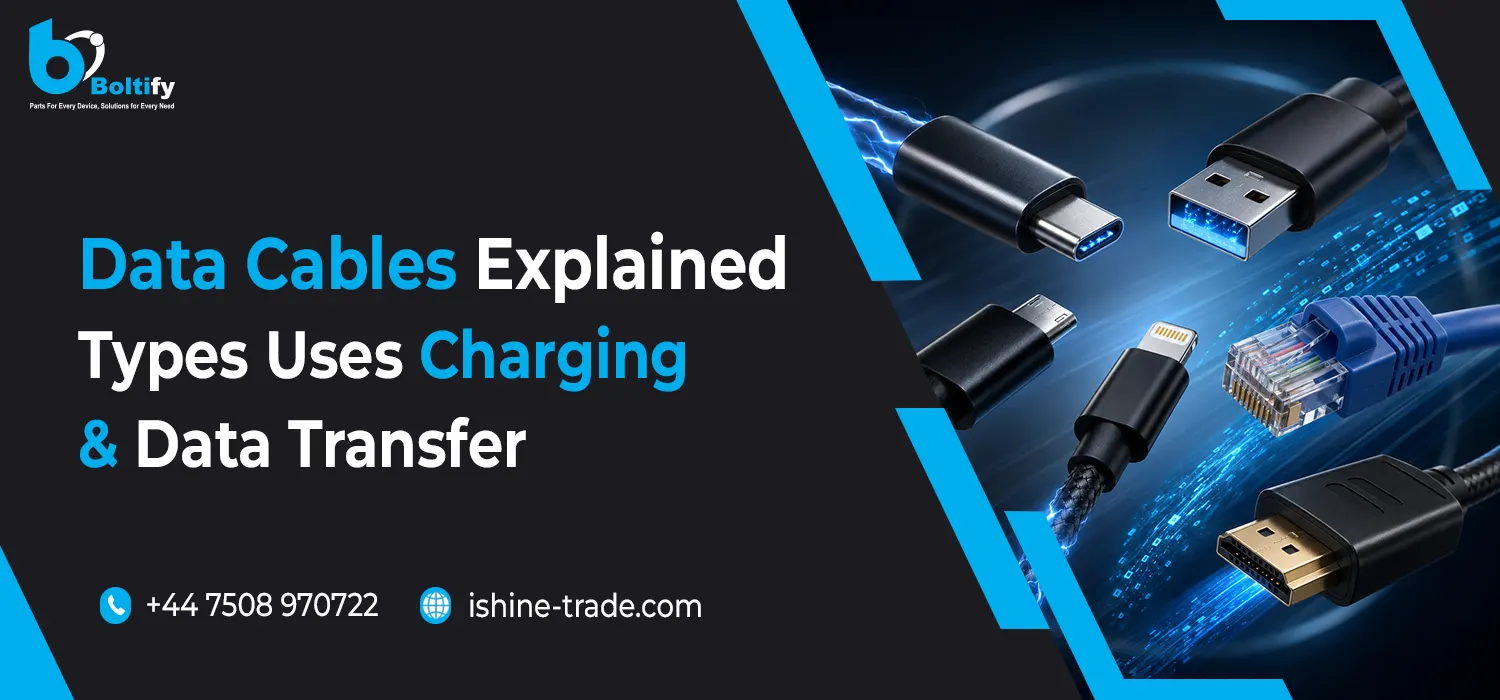
Data cables are an essential part of modern mobile phone accessories. Although many people think of a cable simply as a way to charge a smartphone, the right cable can also be used to transfer photos, videos, documents and other files between compatible devices.
Different smartphones and electronic devices use different connectors, and not every cable provides the same charging power or data-transfer performance. Understanding the differences between Lightning, USB-C, Micro USB, USB-C to Lightning, USB-C to USB-C, 3-in-1 and 4-in-1 data cables can help users choose the right cable for their devices.
For retailers and businesses, understanding these cable types is equally important because customers may require different connectors depending on the smartphones and devices they use.
This guide explains the main types of data cables, their uses, charging capabilities and the key factors to consider before buying.
What Are Data Cables?
A data cable is a cable designed to connect electronic devices for charging, data transfer or both. Depending on the cable and connected devices, it can be used to transfer files, synchronise information or provide power to a smartphone.
Not every charging cable has the same data-transfer capabilities. Some cables are primarily designed for charging, while others support both charging and data communication.
For example, a cable may connect a smartphone to a computer so that users can transfer photos, videos and documents. The available transfer speed depends on the cable, connectors and supported data standard.
This is why choosing a data cable based only on its connector type is not always enough.
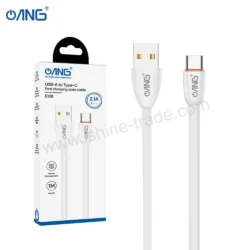
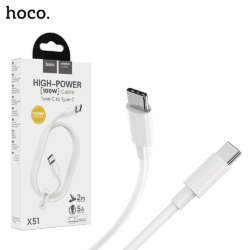
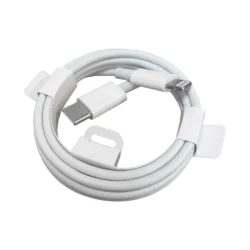
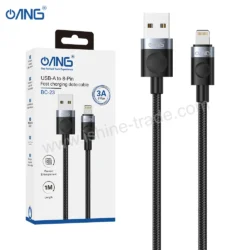
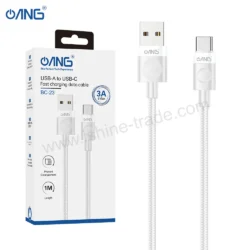
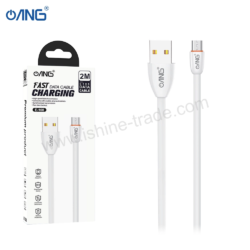
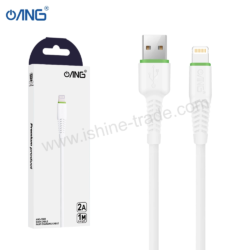
Lightning Data Cables
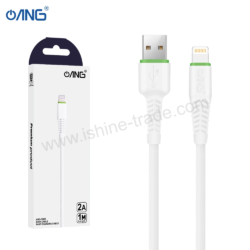
Lightning data cables are designed for compatible Apple devices and accessories. They have traditionally been used for charging and transferring data between compatible devices.
Lightning cables are available with different connector combinations, including USB-A to Lightning and USB-C to Lightning.
They can be used for:
- Charging compatible devices
- Connecting smartphones to computers
- Transferring photos and files
- Synchronising compatible devices
- Connecting certain accessories
When choosing a Lightning cable, compatibility and build quality are important. A cable should have properly constructed connectors and be suitable for the device and charger being used.
For users who still have compatible Lightning devices, keeping a reliable Lightning data cable can be essential for everyday charging and connectivity.
USB-C Data Cables
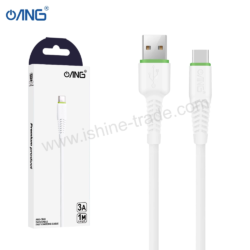
USB-C data cables have become increasingly common across modern smartphones, tablets, computers and other electronic devices.
One of the biggest advantages of USB-C is its reversible connector, which means it can be connected either way. However, USB-C does not automatically mean that every cable has the same performance.
Different USB-C cables can support different:
- Charging power
- Data-transfer speeds
- USB standards
- Device types
- Display capabilities
Therefore, users should check the cable’s specifications when high-speed data transfer or fast charging is required.
USB-C data cables are particularly useful for modern smartphones because many devices now use USB-C as their primary charging and connectivity port.
Micro USB Data Cables
Although Micro USB has been replaced by USB-C on many newer devices, Micro USB data cables are still used with a wide range of older smartphones, accessories and electronic products.
Micro USB cables can be used for charging and data transfer on compatible devices.
They are commonly found with:
- Older smartphones
- Power banks
- Bluetooth accessories
- Some speakers
- Older electronics
- Certain cameras and other devices
When buying a Micro USB cable, make sure the connector matches the device. Micro USB should not be confused with USB-C because the connectors have different shapes and are not interchangeable.
For retailers, maintaining a selection of Micro USB cables can still be useful because many customers continue to use older devices and accessories.
USB-C to Lightning Data Cables
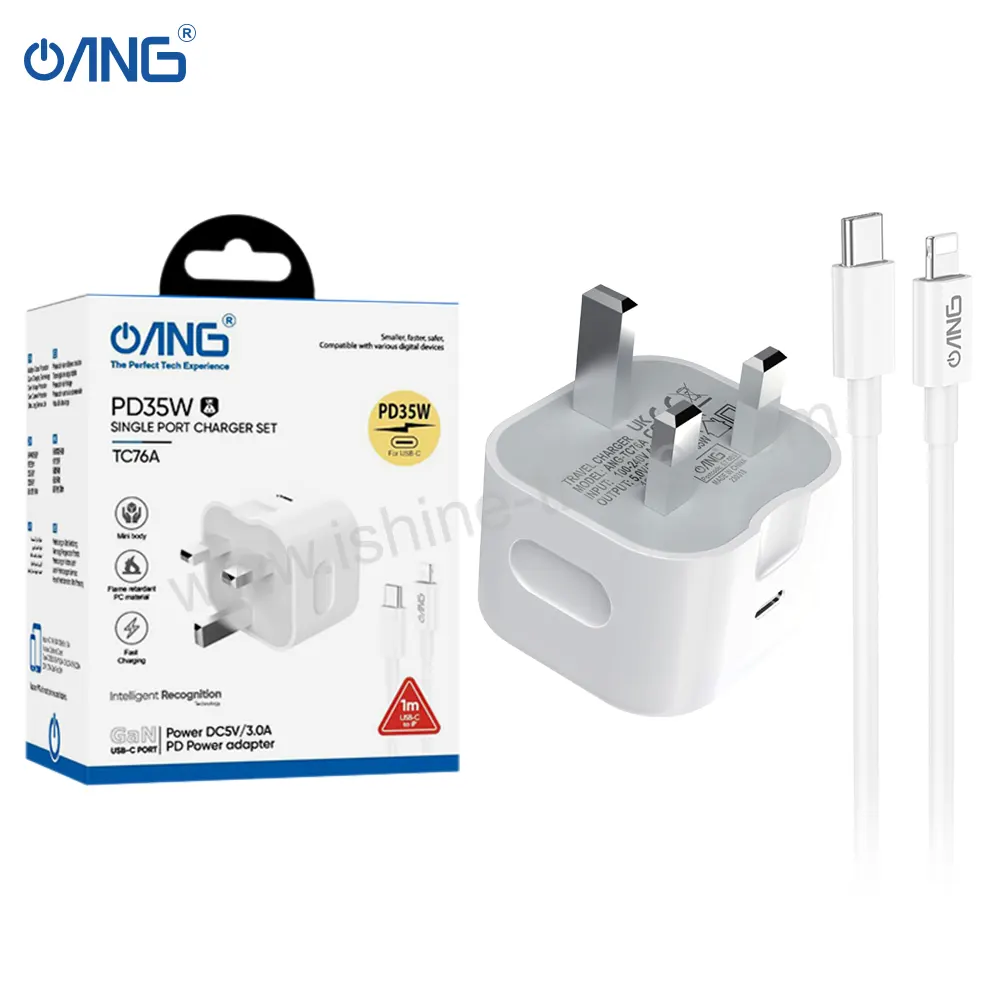
USB-C to Lightning cables have a USB-C connector on one end and a Lightning connector on the other.
This combination is useful for compatible Apple devices when connecting them to a modern USB-C charging adapter.
One of the main benefits of this cable type is compatibility with USB-C power adapters. It allows users with compatible Lightning devices to connect them to newer charging equipment.
Depending on the connected devices and cable specifications, USB-C to Lightning cables can support charging and data transfer.
When purchasing one, check:
- Lightning device compatibility
- USB-C charger compatibility
- Charging requirements
- Data-transfer support
- Connector quality
- Cable durability
This cable type can be particularly useful for users who have moved to USB-C charging adapters while still using compatible Lightning devices.
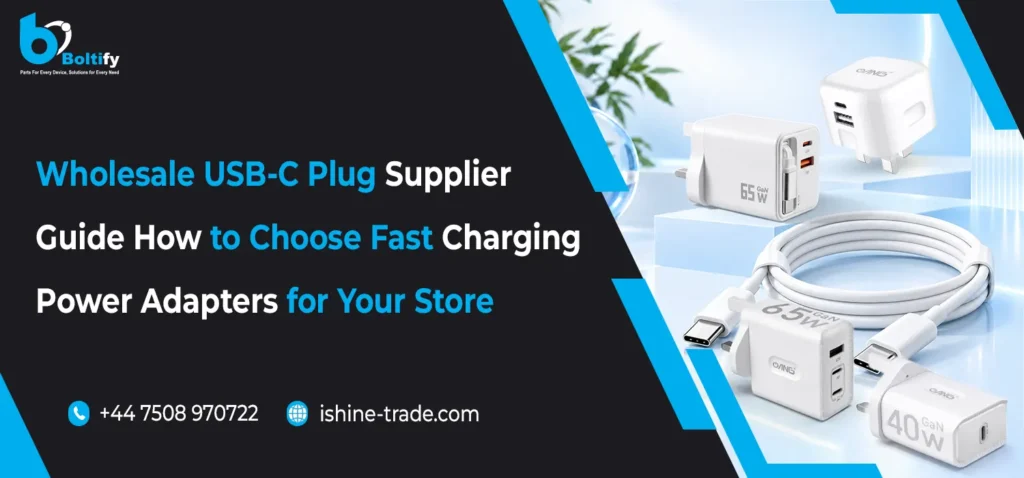
USB-C to USB-C Data Cables
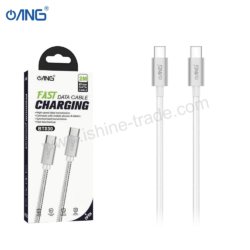
USB-C to USB-C cables have USB-C connectors at both ends and are increasingly common with modern smartphones and electronic devices.
They can be used for charging, data transfer and, depending on the specifications, other functions such as display connectivity.
USB-C to USB-C cables are available with different power and data capabilities. A basic cable may not provide the same performance as a higher-specification cable designed for faster charging or high-speed data transfer.
Before purchasing a USB-C to USB-C cable, check:
- Supported charging power
- Data-transfer speed
- USB standard
- Device compatibility
- Cable length
- Connector quality
For fast charging, the charger, cable and smartphone should all support the required power and charging technology.
3-in-1 USB Data Cables
A 3-in-1 USB data cable combines multiple connectors into one cable, making it useful for users who have different devices with different charging ports.
Instead of carrying several separate cables, a 3-in-1 cable can provide multiple connection options from a single cable design.
Depending on the specific product, connectors may include combinations such as:
- USB-C
- Lightning
- Micro USB
This makes 3-in-1 cables particularly convenient for households, workplaces and travellers who use multiple types of devices.
However, users should check the exact connector configuration before purchasing because not every 3-in-1 cable uses the same combination.
It is also important to check whether each connector supports charging only or both charging and data transfer, as capabilities can vary between products.
4-in-1 USB Data Cables
A 4-in-1 USB data cable takes the multi-connector concept further by providing four connection options in one cable.
These cables can be useful for people who regularly work with different smartphones and electronic devices.
A 4-in-1 cable may combine different connector types, allowing users to charge or connect multiple devices without carrying several individual cables.
They can be particularly useful for:
- Travel
- Offices
- Families with different devices
- Mobile technicians
- Retail environments
- Multi-device users
As with 3-in-1 cables, buyers should check the exact connector combination and supported functions before purchasing.
Charging vs Data Transfer
One of the most important things to understand about data cables is that charging performance and data-transfer performance are not necessarily the same.
A cable may be capable of delivering power but offer limited data-transfer speeds. Another cable may support faster data transfer and higher charging power.
For this reason, buyers should consider how the cable will be used.
If the main purpose is charging, power support and compatibility may be the most important factors. If the cable will also be used to transfer large files, the supported data speed becomes more important.
For example, transferring large video files between a smartphone and computer can benefit from a cable with suitable high-speed data capabilities.
How to Choose the Right Data Cable
Choosing the right cable starts with identifying the connector used by the device.
1. Check the Connector
First, check whether the device uses Lightning, USB-C or Micro USB.
2. Check Charging Requirements
If fast charging is important, make sure the cable supports the required power level and charging technology.
3. Check Data-Transfer Speed
For transferring photos, videos and large files, look at the cable’s supported data-transfer specification.
4. Choose the Right Length
Short cables can be convenient for power banks and travel, while longer cables may be more practical beside a desk or bed.
5. Consider Durability
Reinforced connectors, quality materials and braided construction can help improve everyday durability.
6. Check Multi-Connector Compatibility
For 3-in-1 and 4-in-1 cables, confirm which connectors are included and whether they support charging, data transfer or both.
Why Cable Quality Matters
A data cable may be used every day, making durability an important consideration. Repeated bending, pulling and connecting can place stress on the cable and connectors.
A quality cable should provide a secure connection and reliable performance during normal use.
For retailers, stocking cables with different connector types and specifications can help meet the needs of customers using different smartphones and accessories.
A useful range may include Lightning data cables, USB-C data cables, Micro USB cables, USB-C to Lightning, USB-C to USB-C, 3-in-1 and 4-in-1 cables.
Data Cables as Part of a Complete Mobile Accessories Range
Data cables are only one part of the wider mobile accessories market. Customers may also need chargers, adapters, phone cases, tempered glass, wireless chargers and other accessories.
For a broader overview of these products, our mobile phone accessories guide covers chargers, cables, cases, screen protectors and other essential smartphone accessories.
For retailers, offering compatible accessories together can also make it easier for customers to find everything they need for their devices.
Final Thoughts
Data cables play an important role in modern smartphone use, supporting both charging and connectivity. However, different cables are designed for different devices and purposes.
Lightning, USB-C and Micro USB remain important connector types, while USB-C to Lightning and USB-C to USB-C cables provide connectivity between different modern devices. Multi-connector options such as 3-in-1 and 4-in-1 USB data cables offer additional convenience for users who regularly work with multiple devices.
Before buying a data cable, always consider connector type, charging capability, data-transfer speed, compatibility, length and build quality.
Choosing the right cable can help ensure reliable charging, efficient data transfer and better everyday convenience.