


How to Fix Huawei P50 Pro Charging Issues: Troubleshooting Tips
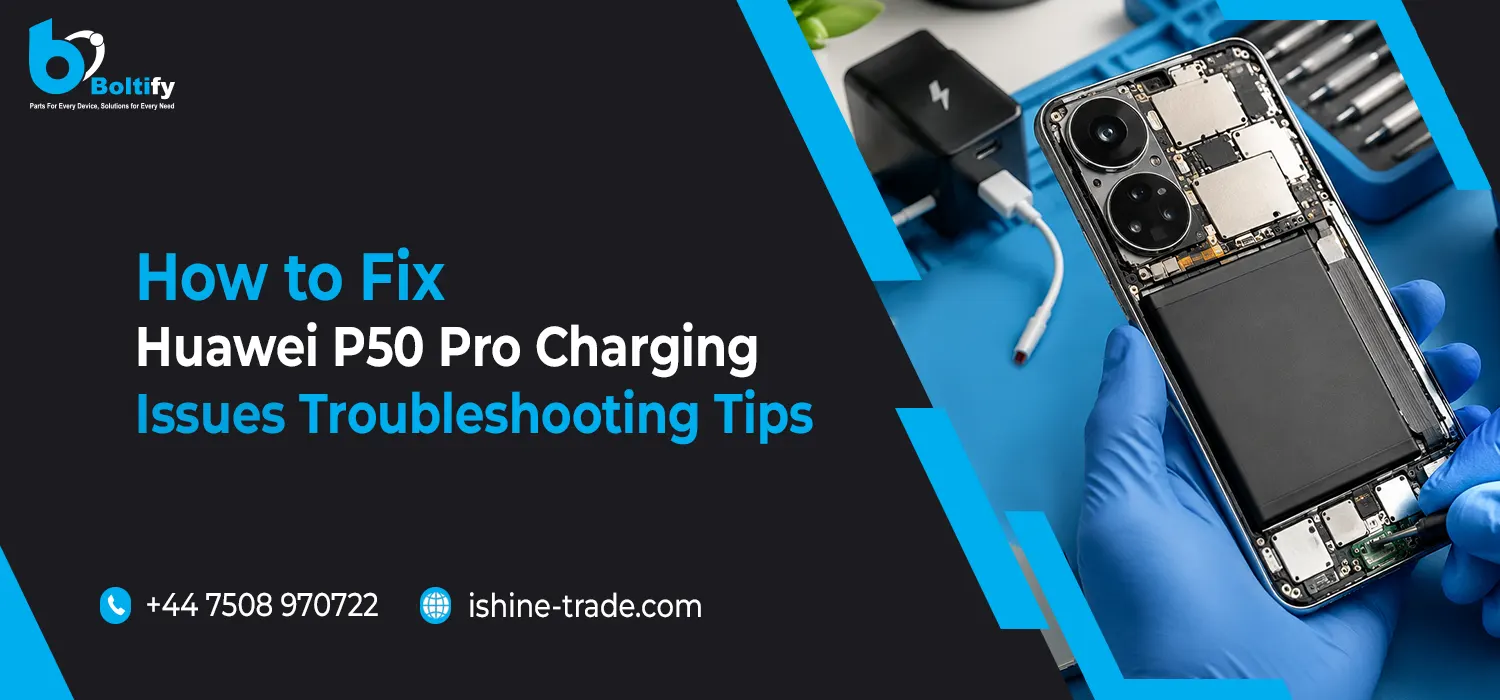
The Huawei P50 Pro is one of the top smartphones that offer great performance and impressive capabilities. Nevertheless, even expensive smartphones can have charging issues that are very annoying. In case you are having difficulty with the battery charging on your Huawei P50 Pro, this article will explain why this happens and how to fix it.
Common Huawei P50 Pro Charging Issues
Various types of issues can be encountered when it comes to charging on the Huawei P50 Pro. In some cases, you may encounter slow charging, which means that your phone takes a longer time than normal to fully charge its battery. There is also the issue where the phone does not charge despite connecting it to the charging cable. Other common problems include random charging where your phone charges and then stops after some time.
Basic Troubleshooting Steps
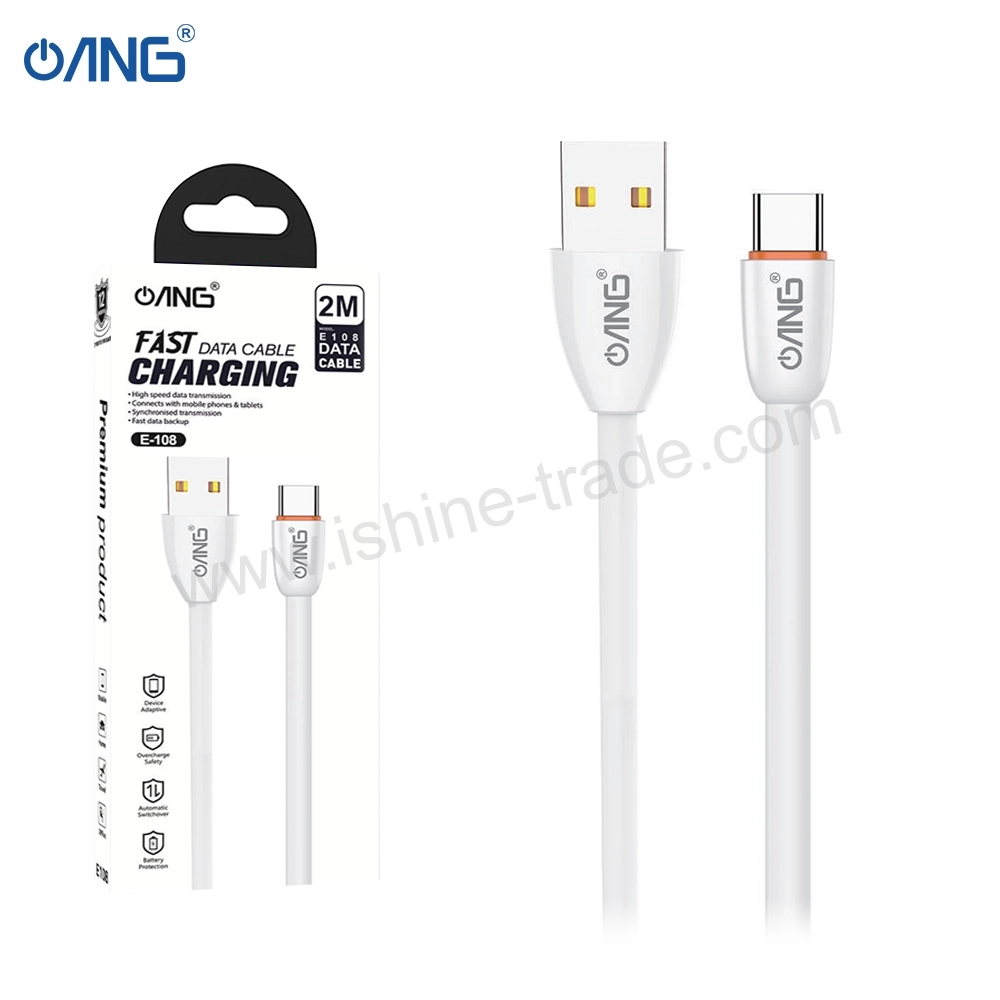
When troubleshooting charging problems with your Huawei P50 Pro, the first thing you should do is make sure that both the charger and cable are working properly. Only the official charger and cable provided with the phone should be used, as some chargers and cables from other brands might not have fast-charging capabilities or will simply not charge the phone.
Then, inspect the charging port for dust, lint, or dirt particles that can inhibit electrical contact. You can remove such debris by brushing off the charging port gently using an appropriate brush or canned air.
Sometimes, the simplest problems within the software could hinder the process of charging. Simply restarting your phone would be enough to deal with such minor problems. Press and hold down on the power key, then choose to Restart. Besides that, it’s necessary for you to update your device from time to time. Go to Settings -> System & Updates -> Software Update.
Advanced Troubleshooting
Once basic troubleshooting techniques fail to sort out the problem, then advanced troubleshooting methods can be applied. You can start by checking the status of the battery because, after some time, batteries wear out. This will cause slow charging.
If wired charging fails, try wireless charging using a certified Qi charger. This can help determine whether the issue is with the cable, charger, or phone hardware.
Another useful step is to boot the device into Safe Mode, which disables third-party apps. If charging works normally in Safe Mode, a recently installed app may be causing the problem.
As a last resort, consider performing a factory reset. Make sure to back up your data first, then go to Settings > System & Updates > Reset > Factory Reset. This step should only be taken if all other troubleshooting methods fail.
Tips to Prevent Charging Issues
In order to ensure there won’t be any trouble in the future, make sure that you only use authorized chargers and wires, that you maintain cleanliness and dryness in the charging port, and that you charge in normal temperature conditions. Take off thick phone covers while charging to prevent overheating and keep updating your phone.
Also Check: Huawei P20 Screen Repair: How to Fix Cracks and Display Issues
Frequently Asked Questions (FAQs)
1- Why is my Huawei P50 Pro charging slowly?
Slow charging may be caused by damage to the cords, dust in the charging port, battery deterioration, or applications using up energy behind the scenes. Normally, using your own charger and cleaning the port fixes this problem.
2- What should I do if my phone says Charger not detected?
Inspect the cable and port for physical damage or debris. Restart the phone and try using another compatible charger.
3- Is it safe to charge the Huawei P50 Pro overnight?
Yes, the device has battery management systems to prevent overcharging, but always place it on a stable, heat-free surface.
4- Can software upd– ates fix charging problems?
Yes, Huawei periodically releases updates to fix battery and charging issues, so keeping your device updated is essential.
5- How can I tell if my battery needs replacement?
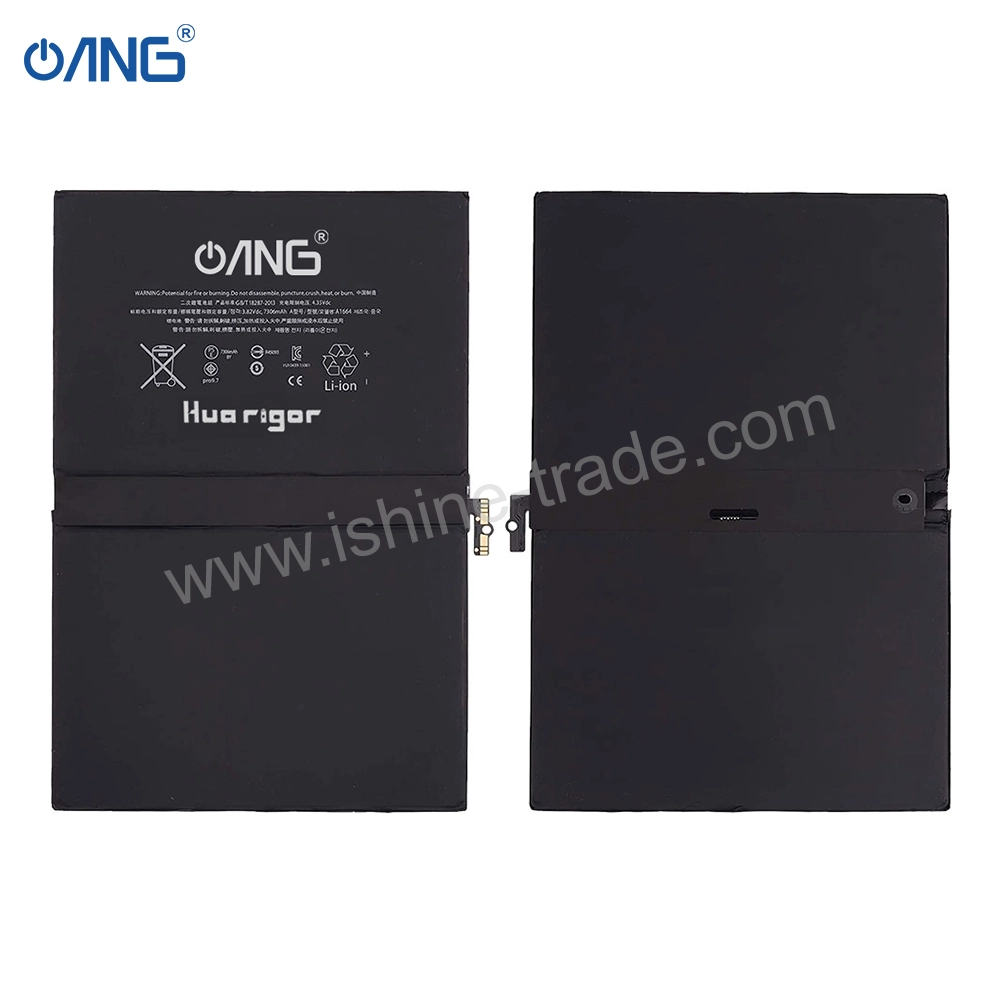
If the phone charges very slowly, doesn’t hold charge, or shuts down unexpectedly, it may indicate battery degradation. Visit an authorized Huawei service center for assessment and replacement.
Conclusion
Charging troubles for Huawei P50 Pro are generally simple to address by using the appropriate methods. This includes inspecting your charging cable, charging port, and charger, updating your software, and employing additional troubleshooting techniques such as Safe Mode or wireless charging. In cases where charging issues persist, seeking out assistance at a certified Huawei service center is the recommended course of action for both safety and professional repairs. Moreover, obtaining high-quality replacement parts from reliable sources, such as Boltify Limited, which is a wholesaler of mobile phone parts and accessories based in the United Kingdom, may avoid future problems associated with charging.