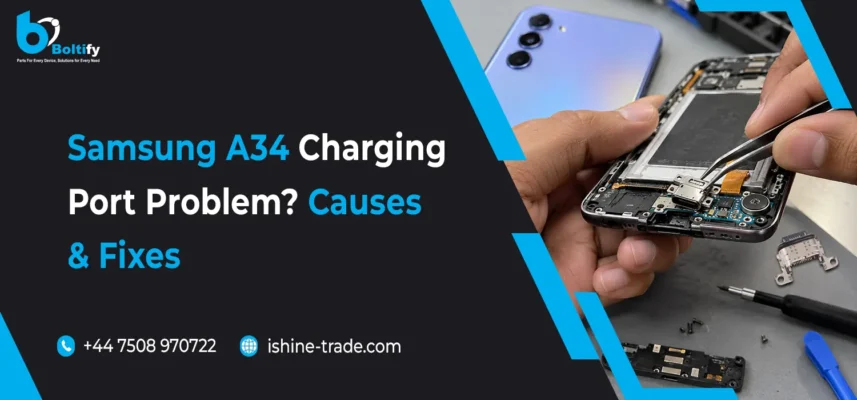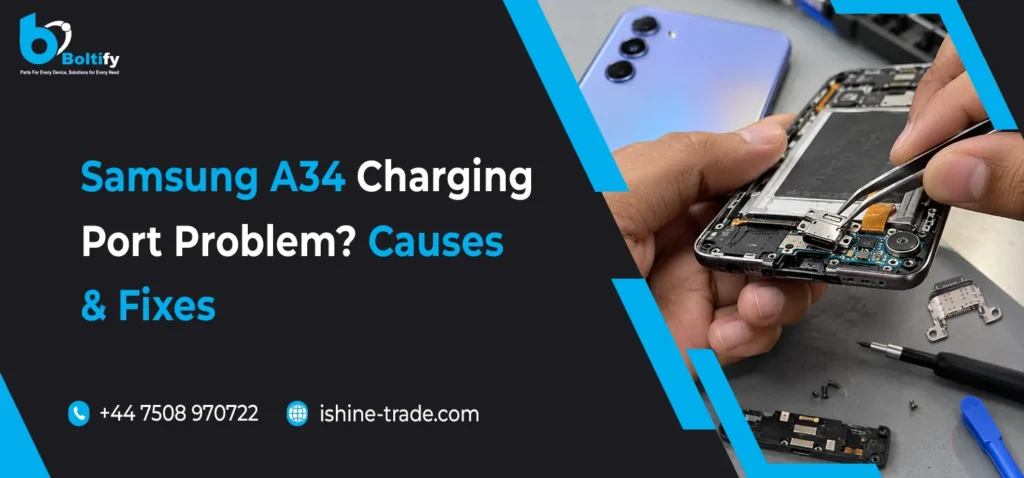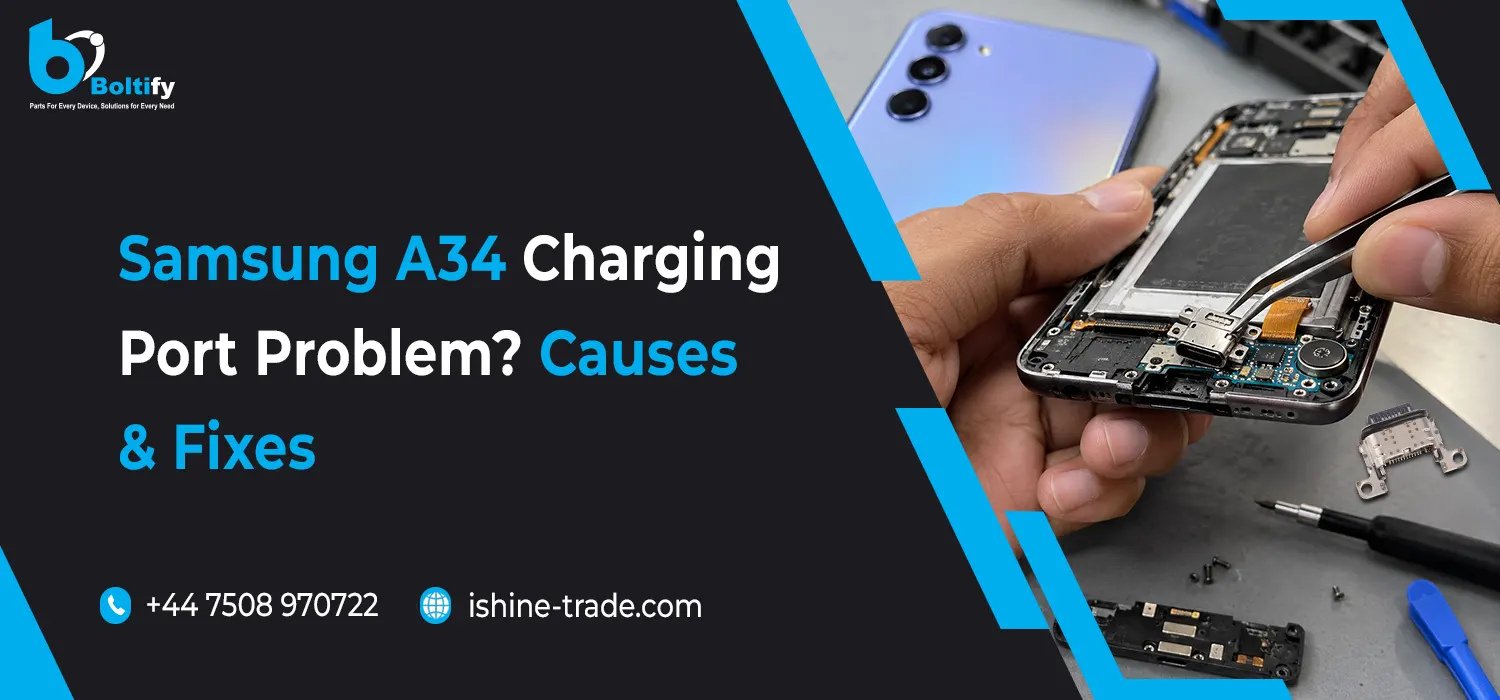
The Samsung Galaxy A34 5G is designed for everyday use, but charging problems can develop over time due to dust accumulation, damaged cables, moisture detection, worn charging connectors or internal hardware faults. If your Samsung A34 is not charging, charging slowly or disconnecting whenever the USB-C cable moves, identifying the cause is the first step towards finding the right solution.
A charging issue does not always mean that the charging port needs replacing. Sometimes, the problem can be resolved by changing the charging cable, checking the power adapter or allowing a damp port to dry completely. However, persistent charging faults may require professional diagnosis and a replacement charging port assembly.
This guide explains the common Samsung A34 charging port problems, practical troubleshooting steps, signs of hardware damage and when to consider a repair.
Common Samsung Galaxy A34 Charging Port Problems
Charging problems can appear in several ways. Understanding the symptoms can help narrow down the possible cause before replacing any components.
1. Samsung A34 Not Charging at All
If your Samsung Galaxy A34 does not respond when you connect a charger, start by checking the power adapter, USB-C cable and electrical socket. A faulty cable or incompatible adapter can prevent the phone from receiving sufficient power.
If another compatible charger works correctly, the original accessory may be responsible. If the phone still does not charge with a known-working charger and cable, the issue could involve debris inside the USB-C port, damaged charging contacts, the charging board, the battery or another internal component.
A completely drained battery may also take several minutes to display the charging indicator. Allow the phone some time on a reliable charger before concluding that the charging port has failed.
2. Samsung A34 Charging Slowly
Slow charging is another common problem reported by smartphone users. Your Galaxy A34 may take longer to charge because of a damaged cable, an unsuitable power adapter, high device temperature, background activity or a problem with the charging connection.
Dust inside the USB-C port can prevent the cable from making proper contact with the charging terminals. This may interrupt the power supply and affect charging performance.
Check that your charging accessories are compatible with the device and that fast charging is enabled where supported. If charging remains unusually slow with a suitable charger and cable, professional inspection may be necessary.
3. Charging Only Works at a Certain Cable Angle
If your Samsung A34 starts charging only when the cable is tilted, pushed upwards or held in a particular position, the USB-C connection may be unstable.
Possible causes include:
- A loose or worn charging port.
- Damaged contacts inside the USB-C connector.
- Debris preventing the cable from fitting correctly.
- A damaged USB-C cable.
- A fault in the charging port assembly or its connections.
Try another compatible cable before assuming that the phone needs a repair. Avoid repeatedly moving, bending or forcing the connector because this can make an existing fault worse.
If several cables produce the same problem, a technician should inspect the port and related hardware.
4. Samsung A34 Shows a Moisture Detection Warning
Samsung Galaxy devices can stop wired charging when moisture is detected in the USB port. The warning is intended to help prevent electrical damage.
Moisture may come from accidental splashes, a humid environment or a damp charging cable. In some cases, dirt or corrosion can contribute to connection problems.
Disconnect the charger immediately and allow the port to dry naturally in a well-ventilated area. Do not reconnect the cable until the port is completely dry.
Avoid using a hairdryer on high heat, inserting cotton buds or metal objects into the connector, or applying cleaning liquids. If the moisture warning continues after the port has dried, arrange a professional inspection.
5. Samsung A34 Charging Keeps Connecting and Disconnecting
Intermittent charging can occur when the cable connection is unstable or the charger cannot maintain a consistent power supply.
Check the cable for damage and test a different compatible adapter. You should also inspect the port visually for visible debris or signs of corrosion.
If the connection repeatedly drops despite using reliable accessories, the problem may involve the USB-C port, charging board or internal connections. A technician can test these components to determine whether cleaning, component-level repair or replacement is appropriate.
What Causes Samsung A34 Charging Port Problems?
Several factors can affect the charging system. The correct diagnosis depends on the symptoms, the condition of the phone and the results of basic troubleshooting.
Dust, Lint and Debris Inside the USB-C Port
Dust and pocket lint can accumulate inside the charging port during normal daily use. Over time, this material may prevent the cable from connecting securely with the internal contacts.
If the connector no longer fits properly or charging becomes intermittent, debris could be responsible. Switch off the phone and inspect the port using a light. Do not insert pins, needles or other metal tools to remove compacted dirt. If the debris cannot be removed safely, seek professional cleaning.
Damaged or Worn Charging Connector
Frequent plugging and unplugging, accidental pulling on the cable and using excessive force can damage the USB-C connector.
Visible damage, a loose connection or repeated charging interruptions may indicate a worn port. Physical inspection and electrical testing can help establish whether the connector itself needs replacing.
Faulty Charging Cable or Adapter
Not every charging issue originates inside the phone. A broken cable, damaged connector, unsuitable power adapter or faulty electrical socket can produce symptoms similar to a damaged charging port.
Testing the phone with another known-working, compatible charging cable and adapter is a simple way to eliminate these possibilities before arranging a repair.
Moisture and Corrosion
Liquid exposure can affect the charging contacts and other internal components. Even after visible moisture disappears, corrosion may develop and cause intermittent connections or charging failure.
If the device has been exposed to liquid, stop wired charging and have it inspected if problems persist. Continuing to connect a charger while moisture or corrosion is present can increase the risk of further damage.
Charging Board or Internal Connection Fault
Depending on the device’s design and the nature of the damage, a charging problem may involve the charging port assembly, its flex connections or other circuitry rather than the connector alone.
A qualified technician should test the relevant components before recommending replacement. Replacing a charging port without confirming the fault may not solve the underlying issue.
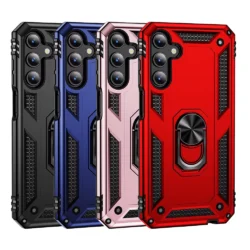
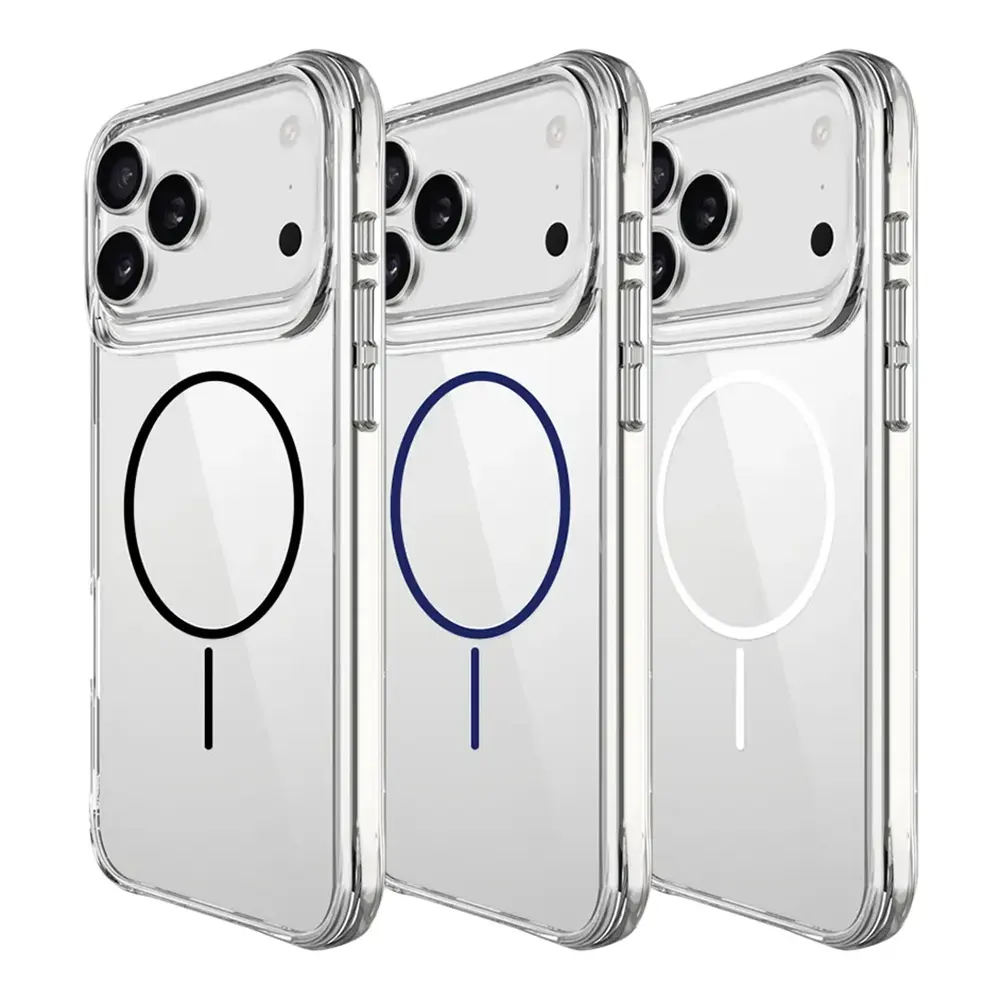
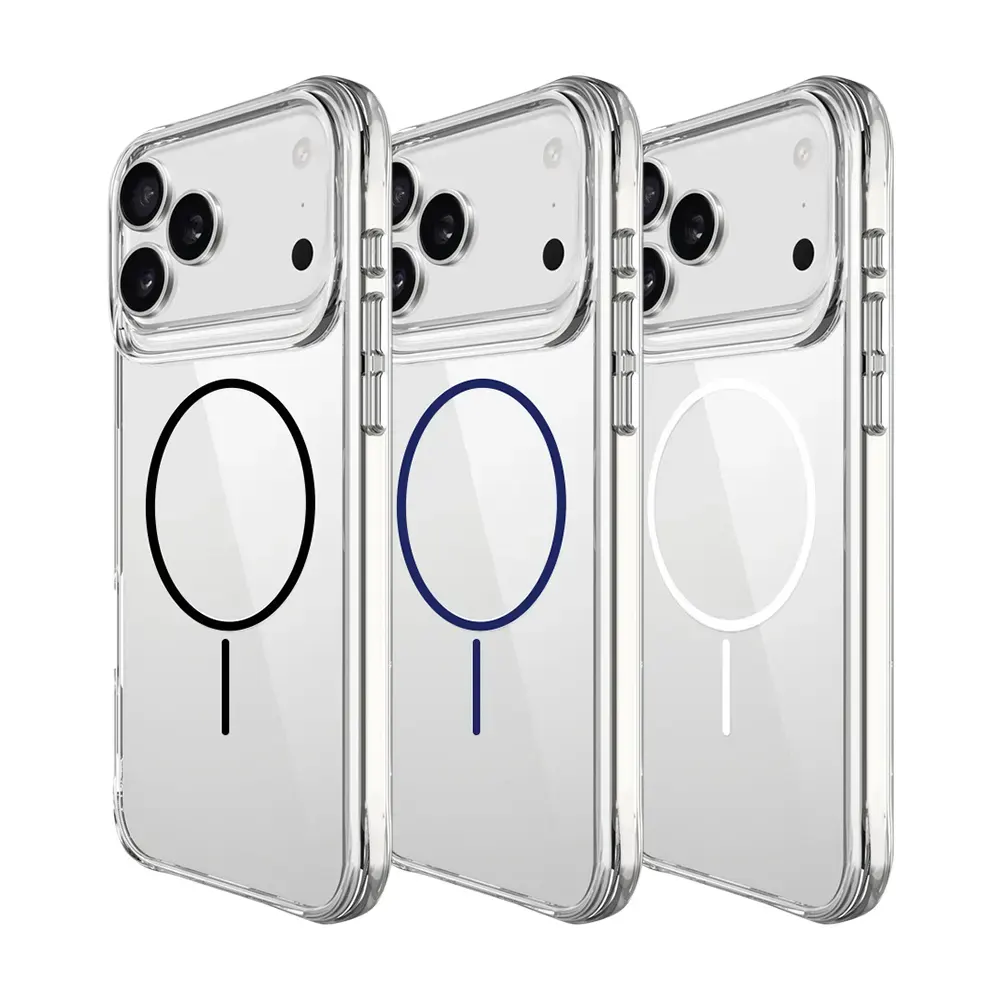
Slim Shockproof Ring Armor Stand Phone Case for Samsung Galaxy A34 5G (A346B)
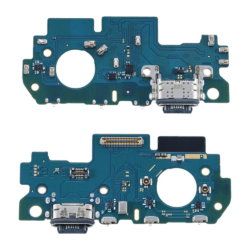
How to Fix a Samsung A34 Charging Port Problem
Before purchasing replacement parts, follow these troubleshooting steps to identify common causes.
Step 1: Test a Different Charging Cable
Use a compatible USB-C cable that you know works correctly with another device. Check whether the connector fits securely and whether charging remains stable.
If the phone charges normally with the replacement cable, the original cable may be faulty. If the problem continues, move to the next step.
Step 2: Check the Power Adapter and Socket
Connect the phone to a known-working, compatible adapter and a reliable wall socket. Avoid relying on a computer’s USB port for this test because its power output may differ from that of a suitable wall charger.
Make sure the adapter and cable are not damaged or overheating. Replace defective accessories rather than continuing to use them.
Step 3: Inspect and Clean the Charging Port Safely
Switch off the phone and use a torch to look inside the USB-C port. Check for visible lint, dust, corrosion or physical damage.
Do not use metal tools, sharp objects or liquids inside the port. If debris is compacted or the connector appears damaged, have a repair professional clean and inspect it.
Step 4: Allow the Phone to Cool Down or Dry
If the phone is unusually hot, disconnect the charger and allow it to cool to room temperature before testing again.
If a moisture warning appears, leave the device disconnected until the port is completely dry. Never attempt to force charging while a moisture warning remains active.
Step 5: Restart the Samsung Galaxy A34
A temporary software issue can sometimes interfere with charging detection. Restart the phone and test it again with a suitable charger.
You can also check for available software updates. If the phone is working normally otherwise, a restart may help distinguish a temporary software problem from a persistent hardware fault.
Step 6: Run Samsung Members Diagnostics
If Samsung Members is available on your device, open the app and navigate to its Support or Diagnostics section. Run the available battery and cable-charging tests.
The precise menu names may vary by software version. Diagnostic results can help identify a charging-related issue, although they cannot always determine which physical component has failed.
Step 7: Arrange a Professional Charging Port Inspection
If the phone still refuses to charge, disconnects repeatedly or only works when the cable is moved, arrange a hardware inspection.
A technician can examine the USB-C connector, test the charging board and connections, and check for liquid damage or battery-related faults. If the charging port assembly is confirmed to be defective, replacing it with a compatible part may restore normal charging.
When Does the Samsung A34 Charging Port Need Replacing?
Charging port replacement may be necessary when testing confirms that the USB-C connector is physically damaged, badly worn or electrically faulty.
Look out for these warning signs:
- The charging cable repeatedly disconnects despite being in good condition.
- Multiple compatible cables fail to establish a stable connection.
- The connector feels unusually loose or has visible physical damage.
- Charging fails after liquid exposure and inspection identifies port damage.
- A technician confirms that the charging port assembly is defective.
Before replacement, the technician should rule out faulty accessories, compacted debris, battery problems and other charging-system faults.
Using a compatible replacement component and following the correct repair procedure is important for reliable charging. After the repair, the phone should be tested for stable power delivery and proper cable connection.
How to Choose the Right Samsung A34 Charging Port Replacement Part
For mobile repair shops, technicians and parts resellers, selecting the correct component is essential. Charging parts should not be purchased based on the model name alone because compatibility can depend on the exact device variant and the design of the replacement assembly.
Before ordering a Samsung A34 charging port, consider the following factors:
Model compatibility: Confirm that the replacement is specifically suitable for the Samsung Galaxy A34 5G and the relevant model variant.
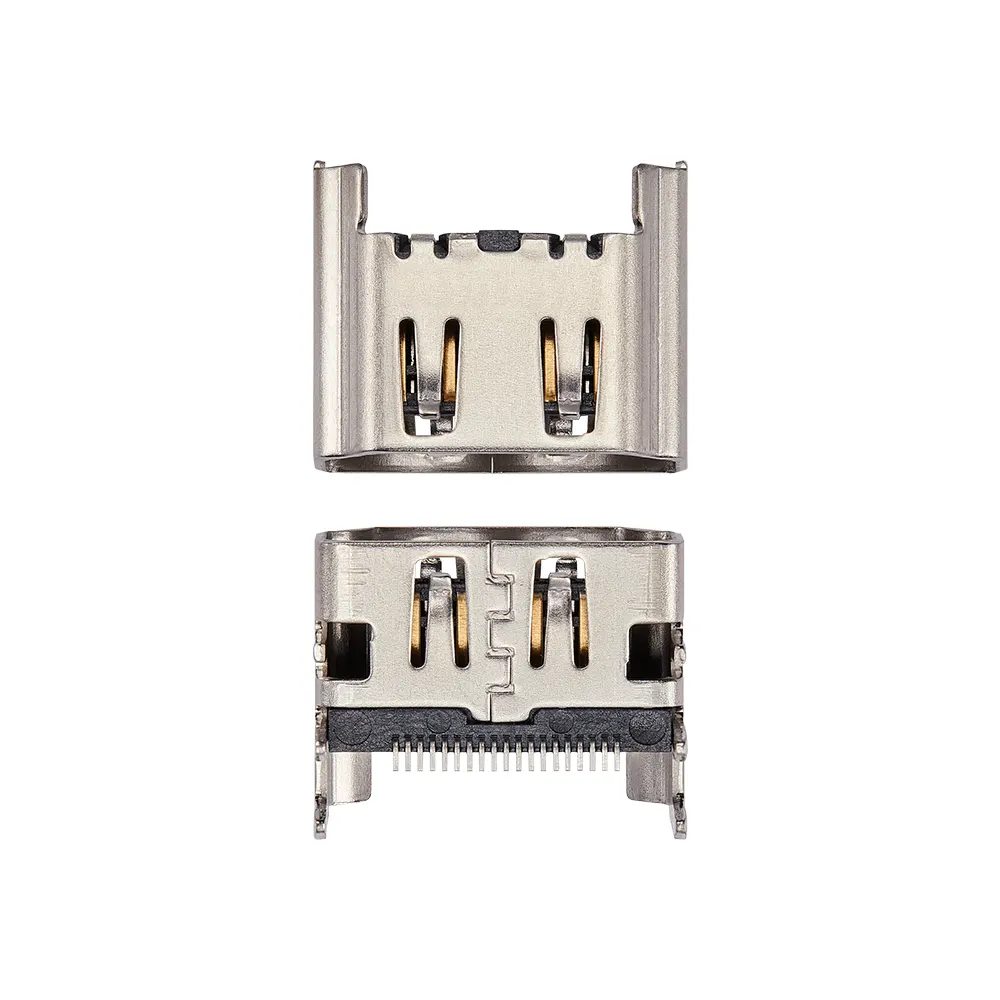
Part design: Check whether the product is a complete charging port assembly, a charging connector or another related component. These terms do not always describe the same item.
Product quality: Look for consistent manufacturing quality, reliable connector alignment and suitable materials for repeated daily use.
Supplier reliability: Choose a supplier that provides clear product information, compatibility details and support for resolving parts-related queries.
Repair testing: After installation, test wired charging, connection stability and other functions associated with the replaced assembly.
For businesses sourcing components and accessories, working with a dependable wholesale Samsung A34 parts supplier UK can help simplify parts purchasing and support routine repair work. Always verify the exact product specification before placing an order.
How Charging Problems Affect Mobile Repair Businesses
Charging faults are a regular consideration for mobile phone repair businesses. Customers may describe the same symptom—such as a phone that will not charge—but the underlying causes can differ considerably.
A systematic diagnostic process helps technicians avoid unnecessary replacements and identify the correct repair. Keeping compatible charging components, USB cables and other commonly requested accessories available can also help businesses manage customer repairs more efficiently.
Businesses looking to source products for repair work and resale can explore mobile phone accessories wholesale options through iShine Trade. Choosing products according to compatibility, quality requirements and customer demand can support a more organised inventory strategy.
Samsung A34 Charging Port Repair: DIY or Professional Repair?
Basic troubleshooting, such as checking the cable, changing the adapter and allowing a damp port to dry, can often be carried out at home.
However, replacing the charging port is a more involved repair. Opening the phone may require specialist tools and careful handling of its internal components, connectors and adhesive seals. An incorrect repair can cause additional damage or affect the device’s original resistance to water and dust.
If you do not have suitable repair experience, professional service is the safer option. If you run a repair business, follow the appropriate service procedure and test the device thoroughly after completing the work.
Related Samsung Repair Guides
Charging problems are only one type of fault that Samsung Galaxy users may encounter. Screen damage, battery deterioration and other component failures can also affect everyday phone use.
If you are researching another Galaxy A-series repair, read our guide to Samsung Galaxy A17 screen replacement: cost, repair guide and buying tips. It explains important considerations when assessing screen damage and choosing replacement display components.
Understanding the differences between charging faults and other hardware problems can help users make more informed repair decisions and help technicians identify the right replacement part.
Frequently Asked Questions
Why is my Samsung A34 not charging when plugged in?
The cause could be a faulty cable, an incompatible adapter, debris in the USB-C port, moisture detection, a drained or defective battery, or a damaged charging assembly. Test compatible accessories first and seek professional diagnosis if the problem persists.
Why does my Samsung A34 charge only when the cable is moved?
This symptom may indicate a worn charging port, damaged cable or poor electrical contact. Test another cable before arranging a port inspection, and avoid forcing the connector into position.
Can dust cause Samsung A34 charging problems?
Yes. Dust and lint can accumulate inside the USB-C port and prevent the cable from connecting properly. Inspect the port carefully and arrange professional cleaning if the debris cannot be removed safely.
Why does my Samsung A34 show a moisture warning?
The phone may have detected moisture in the charging port. Disconnect the cable and allow the port to dry completely before trying wired charging again. If the warning continues, seek professional assistance.
How do I know if my Samsung A34 charging port is damaged?
Common signs include an unstable connection, repeated charging interruptions, visible connector damage or failure to charge with multiple compatible cables and adapters. A technician can confirm whether the port itself is defective.
Is it necessary to replace the charging port if the phone charges slowly?
Not necessarily. Slow charging may be caused by the cable, adapter, device temperature, charging settings or background activity. Check these factors before considering hardware replacement.
Can I replace the Samsung A34 charging port myself?
It may be possible for someone with suitable repair experience and tools, but opening the phone involves risks. If you are unfamiliar with smartphone repairs, professional service is recommended.
Conclusion
A Samsung A34 charging port problem can result from something as simple as a damaged cable or as complex as a faulty charging assembly. Checking the accessories, inspecting the port safely, addressing moisture warnings and running available diagnostics can help narrow down the cause.
If the phone continues to charge intermittently or does not respond to a compatible charger, professional inspection can establish whether the port needs cleaning, repair or replacement. For repair businesses, selecting compatible components from a reliable supplier is equally important for delivering consistent results.
With the correct diagnosis and suitable replacement parts when needed, many Samsung Galaxy A34 charging issues can be addressed without replacing components unnecessarily.