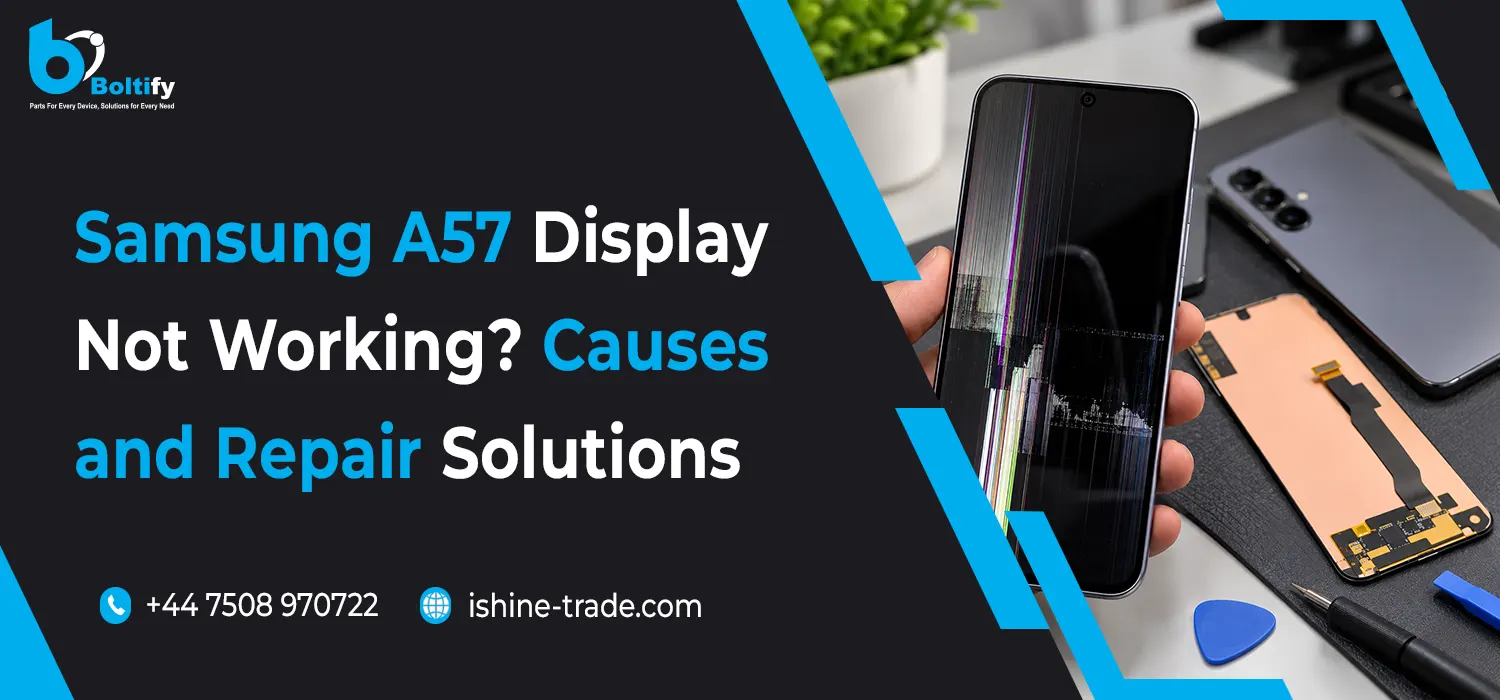
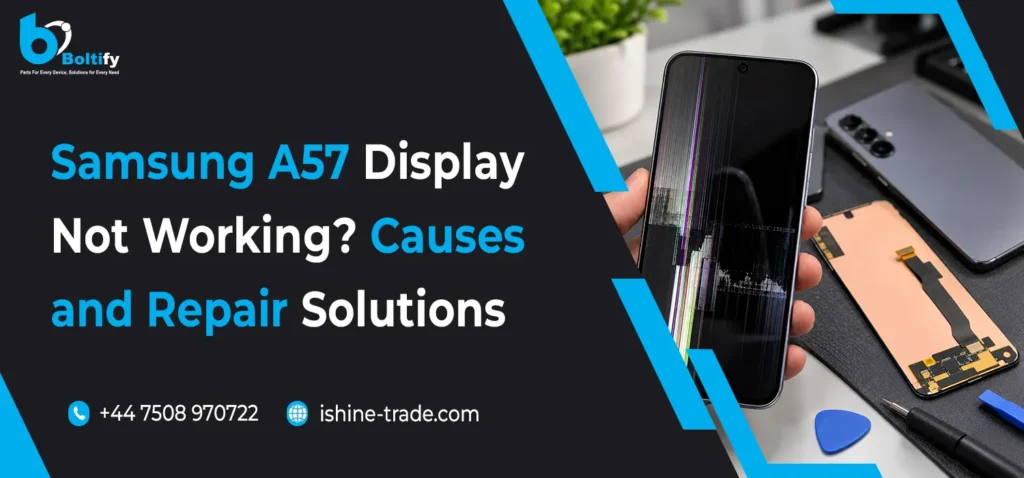
The Samsung A57 is designed to deliver a smooth smartphone experience, but like any modern smartphone, it can develop display problems over time. Issues such as a black screen, unresponsive touchscreen, flickering display, vertical lines, unusual colours or a completely blank screen can affect everyday use.
If your Samsung A57 display is not working properly, identifying the actual cause is the first step towards finding the right repair solution. Sometimes, the issue is related to software or temporary system errors, while in other cases, physical screen damage, loose display connections or internal hardware faults may require professional repair.
For mobile phone repair technicians, retailers and parts suppliers, understanding these common Samsung A57 screen problems can also help when diagnosing customer devices and sourcing compatible replacement screens.
In this guide, we explain the common reasons behind Samsung A57 display problems, practical troubleshooting methods, possible repair solutions and when a screen replacement may be necessary.
Common Samsung A57 Display Problems
Display faults can appear in different ways. Before replacing any components, it is important to understand the symptoms and identify whether the problem is software-related or hardware-related.
1. Samsung A57 Black Screen but Phone Is Still On
One of the most confusing problems occurs when the Samsung A57 screen goes completely black, but the phone appears to remain switched on.
You may notice that:
- The phone vibrates when receiving calls or notifications.
- Charging sounds or vibration feedback are still working.
- The device responds to the power or volume buttons.
- The display remains black despite the phone operating normally.
Possible causes:
- Temporary software crash.
- Damaged display panel.
- Loose or damaged display flex connection.
- Internal hardware or power-related fault.
Repair solution:
Start by performing a force restart. Press and hold the Volume Down and Side buttons together for approximately 7–10 seconds until the device restarts.
If the phone restarts but the screen remains black, a technician should inspect the display connector, screen assembly and related hardware. If the OLED panel has failed, a compatible replacement display may be required.
2. Samsung A57 Touchscreen Not Responding
Another common issue is when the Samsung A57 displays images normally but does not respond correctly to finger touches.
Some users may experience:
- Touchscreen not responding.
- Certain areas of the screen not detecting touch.
- Delayed touch response.
- Ghost touches or random screen movements.
- Difficulty typing or opening applications.
Possible causes:
- Damaged touchscreen digitiser.
- Physical pressure or impact damage.
- Moisture entering the device.
- Software glitches or incompatible applications.
- Faulty display assembly or internal connection.
Repair solution:
First, restart the device and check whether the touchscreen starts working normally. Remove any screen protector or case that could interfere with touch sensitivity.
You can also use the Samsung Members app, where available, to run the touchscreen diagnostic test.
If specific areas remain unresponsive, the problem may involve the digitiser or display assembly. A professional inspection can help determine whether the complete screen needs replacement.
3. Samsung A57 Screen Flickering
Screen flickering can make the device difficult to use, particularly when browsing, watching videos or switching between applications.
The problem may appear as:
- Brightness changing unexpectedly.
- Screen flashing intermittently.
- Display flickering at low brightness.
- Unusual brightness variations.
- Temporary black flashes.
Possible causes:
- Software compatibility issues.
- Incorrect display settings.
- Application-related problems.
- Display panel damage.
- Internal display connection faults.
Repair solution:
Check whether the flickering happens in every application or only within a particular app. Restart the phone and install any available software updates.
If the problem continues across the entire interface, arrange a hardware inspection. A damaged display panel or connection may require repair or replacement.
4. Samsung A57 Green, Pink or White Lines on Screen
Vertical or horizontal lines can appear when a smartphone display develops a hardware fault.
Common symptoms include:
- Green vertical lines.
- Pink or purple lines.
- White horizontal lines.
- Coloured patches.
- Lines that remain visible after restarting.
Possible causes:
- OLED panel damage.
- Physical impact or pressure.
- Internal display connection problems.
- Display driver or related hardware faults.
Repair solution:
Restart the device and check whether the lines disappear. If they remain visible, take the phone to a qualified technician for inspection.
Permanent coloured lines often indicate a display hardware problem. If the OLED panel is damaged, replacing the compatible screen assembly is generally the appropriate solution.
5. Samsung A57 Screen Not Turning On After a Drop
Accidental drops can damage internal smartphone components even when the outer glass looks perfectly normal.
After an impact, you might experience:
- A completely black display.
- Cracked screen glass.
- Touchscreen failure.
- Flickering or distorted images.
- Display working intermittently.
Possible causes:
- Cracked OLED panel.
- Damaged display flex cable.
- Loose internal connector.
- Damage to the motherboard or display circuit.
Repair solution:
Inspect the device for visible damage. If the screen is cracked or the display has stopped working following an impact, avoid applying additional pressure.
A repair technician should inspect the internal connections and test the display assembly. If the panel is damaged, a compatible replacement screen will usually be necessary.
How to Fix Samsung A57 Display Problems: Step-by-Step Troubleshooting
Before purchasing a replacement screen, try these basic troubleshooting steps to identify whether the issue can be resolved without replacing hardware.
Step 1: Force Restart Your Samsung A57
Temporary software errors can sometimes cause the display or touchscreen to stop responding.
To perform a force restart:
- Press and hold the Volume Down button.
- Press and hold the Side button at the same time.
- Continue holding both buttons for approximately 7–10 seconds.
- Release the buttons when the device restarts.
Check whether the display returns to normal operation.
Step 2: Check for Software Updates
Outdated software can sometimes cause compatibility problems and abnormal display behaviour.
Follow these steps:
- Open Settings.
- Select Software Update.
- Tap Download and Install or Check for Updates, depending on the available option.
- Install any available update.
- Restart the device and check the display again.
Step 3: Check Display Settings
Incorrect display settings can make the screen appear unusual without indicating a hardware fault.
Check the following options:
- Screen brightness.
- Adaptive brightness.
- Eye Comfort Shield.
- Screen zoom.
- Font size and display settings.
If the screen looks unusually yellow or warm, check whether Eye Comfort Shield is enabled.
Step 4: Run Samsung Members Diagnostics
Samsung Members may provide built-in diagnostic options to identify touchscreen-related problems.
- Open the Samsung Members application.
- Select Support.
- Open Phone Diagnostics.
- Select Touch Screen.
- Follow the instructions and check the results.
The available diagnostic options may vary depending on software version and device configuration.
Step 5: Check for Physical Damage
Carefully inspect the front glass and frame for cracks, dents or signs of impact.
Even if the glass is undamaged, the internal OLED panel may have developed a fault.
If the device has been exposed to liquid, stop using it and arrange a professional inspection. Avoid charging a potentially wet device.
Samsung A57 Display Repair Solutions
If basic troubleshooting does not resolve the problem, the next step is to identify the faulty component.
Different display symptoms require different repair approaches.
| Display problem |
Possible repair solution |
| Black screen |
Display and connection inspection |
| Unresponsive touchscreen |
Touchscreen/display assembly inspection |
| Green or pink lines |
OLED panel assessment and possible replacement |
| Screen flickering |
Software and display hardware diagnosis |
| Cracked screen |
Compatible screen assembly replacement |
| Display working intermittently |
Flex cable and connector inspection |
| No image after impact |
Display and motherboard diagnosis |
When Should You Replace the Samsung A57 Screen?
A complete screen replacement may be necessary when:
- The display panel is physically damaged.
- The screen shows permanent lines or black patches.
- Touch functionality has stopped working.
- The display remains blank after troubleshooting.
- The OLED panel has developed an internal fault.
For replacement, always confirm the exact device model and regional variant before ordering parts. A screen that looks physically similar is not necessarily compatible.
How to Choose the Right Samsung A57 Replacement Screen
Choosing a suitable replacement screen is important for repair quality, customer satisfaction and long-term performance.
Repair shops and mobile phone retailers should consider the following factors before purchasing replacement displays.
1. Confirm Model Compatibility
Check the model number and confirm that the replacement screen is specifically compatible with the Samsung A57. Do not rely on appearance alone.
2. Check Display Quality
Compare brightness, colour reproduction, touch responsiveness and overall display performance.
3. Inspect Screen Condition
Check the display assembly for scratches, cracks, damaged connectors or manufacturing defects before installation.
4. Verify Connector Compatibility
The display connector and flex cable must match the intended device. Incorrect connections can result in display failure or further damage.
5. Choose a Reliable Wholesale Supplier
For repair businesses, sourcing replacement screens from a dependable supplier helps maintain stock availability and consistent repair quality.
At iShine Trade, retailers and repair businesses can explore our range of mobile replacement parts and accessories. If you are looking for a reliable Samsung mobile screen supplier UK, check product compatibility and availability before placing your wholesale order.
Tips to Prevent Samsung A57 Display Problems
Although not every screen fault can be prevented, good device care can reduce the risk of accidental damage.
- Use a suitable protective phone case.
- Install a quality tempered glass screen protector.
- Avoid placing heavy objects on your smartphone.
- Keep the device away from excessive heat and moisture.
- Avoid dropping the phone on hard surfaces.
- Keep your software and applications updated.
- Use appropriate charging accessories.
- Arrange professional inspection if the display starts behaving unusually.
These precautions can help protect the screen and reduce the likelihood of expensive repairs.
Why UK Repair Shops Need a Reliable Samsung Screen Supplier
Samsung smartphone repairs are an important part of the mobile repair industry. When customers experience display problems, repair shops need access to compatible replacement parts to complete repairs efficiently.
A dependable wholesale supplier can help businesses with:
- Access to compatible Samsung replacement screens.
- Consistent parts availability.
- Competitive wholesale purchasing.
- Stock planning for popular Samsung models.
- Reliable supply for independent repair shops and retailers.
Whether you operate a mobile repair shop or retail business, choosing the right supplier can make a difference to your repair operations.
Explore iShine Trade, a wholesale mobile phone accessories supplier UK, for mobile phone accessories and replacement parts suitable for UK trade customers.
Related Samsung Repair Guides
Display faults are not the only problems Samsung users may experience. Charging-related issues can also affect the everyday performance of a smartphone.
If you are troubleshooting a different Samsung device, read our guide on the Samsung A34 charging port problem to understand common charging faults, their possible causes and practical repair solutions.
Frequently Asked Questions About Samsung A57 Display Problems
1. Why is my Samsung A57 screen black but the phone is still working?
A black screen while the phone remains operational may indicate a temporary software problem, damaged OLED panel or faulty display connection. Try a force restart first. If the display remains black, arrange a professional hardware inspection.
2. How do I fix an unresponsive Samsung A57 touchscreen?
Restart your device, remove any screen protector that may interfere with touch and check for software updates. You can also run the touchscreen diagnostic through Samsung Members. If the issue continues, the display assembly may require inspection.
3. Why does my Samsung A57 have green or pink lines on the screen?
Coloured lines can indicate OLED panel damage, physical impact or an internal display connection fault. If the lines remain after restarting, professional diagnosis is recommended.
4. Can a Samsung A57 display problem be fixed without replacing the screen?
Yes, depending on the cause. Software glitches, outdated applications and incorrect display settings may be resolved without replacing hardware. However, a physically damaged OLED panel generally requires screen replacement.
5. Does a cracked Samsung A57 screen always need replacement?
Not every crack means the display has failed. However, if the touchscreen is unresponsive, black patches appear or the OLED panel is damaged, a complete compatible screen assembly may be required.
6. How can I check Samsung A57 screen compatibility before ordering?
Check the exact device model number, display connector, screen assembly specifications and product compatibility information. Always confirm these details with your parts supplier before purchasing.
7. Where can UK repair shops buy Samsung replacement screens wholesale?
Mobile repair shops and retailers should source replacement screens from suppliers that provide clear compatibility information, dependable stock availability and suitable trade purchasing options. iShine Trade provides a range of mobile phone accessories and replacement parts for UK trade customers.
Final Thoughts
A Samsung A57 display problem can result from several different causes, including software errors, touchscreen faults, OLED panel damage and internal connection issues.
The best approach is to identify the symptoms, perform basic troubleshooting and arrange professional diagnosis when necessary. If the display panel is physically damaged, choosing a compatible replacement screen is essential for a successful repair.
For UK mobile repair shops, retailers and wholesalers, having access to dependable replacement parts can help reduce repair delays and improve customer service. iShine Trade aims to support trade customers with mobile phone accessories and replacement parts for their businesses.