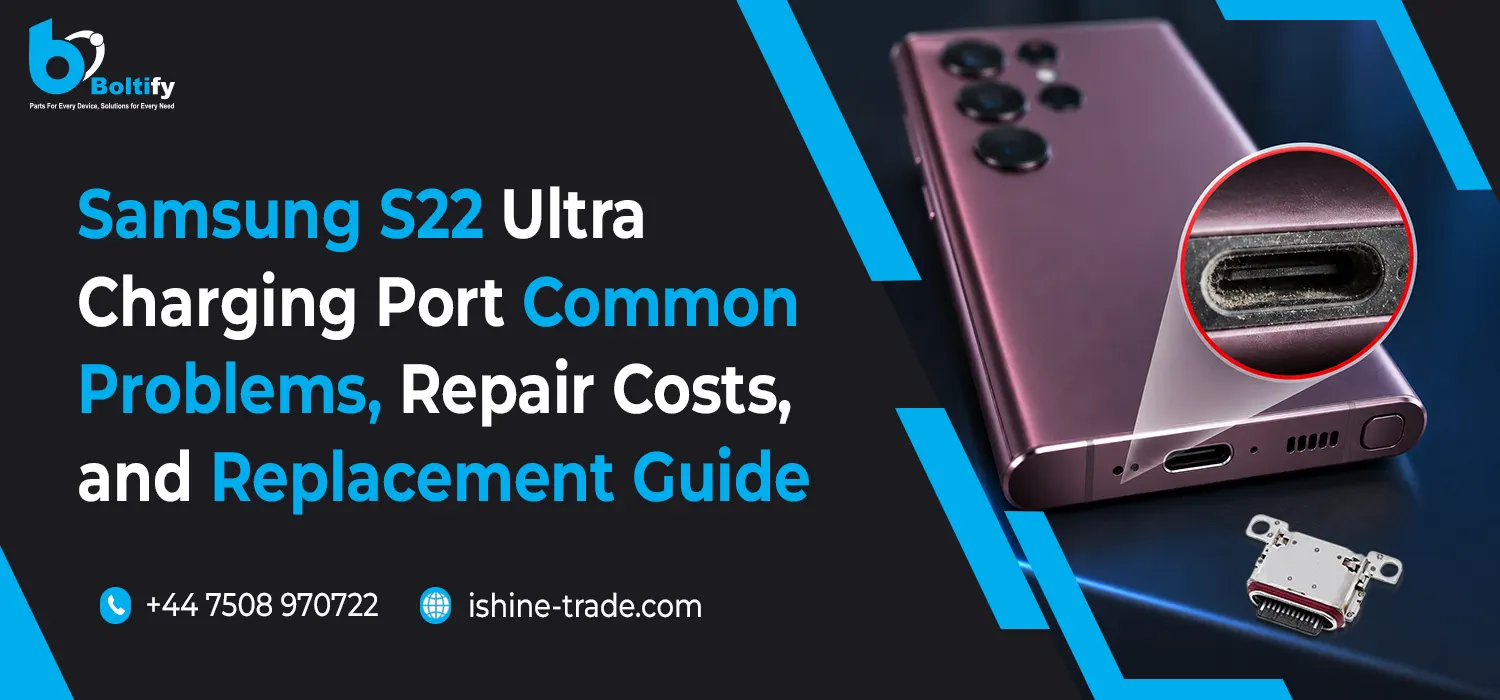
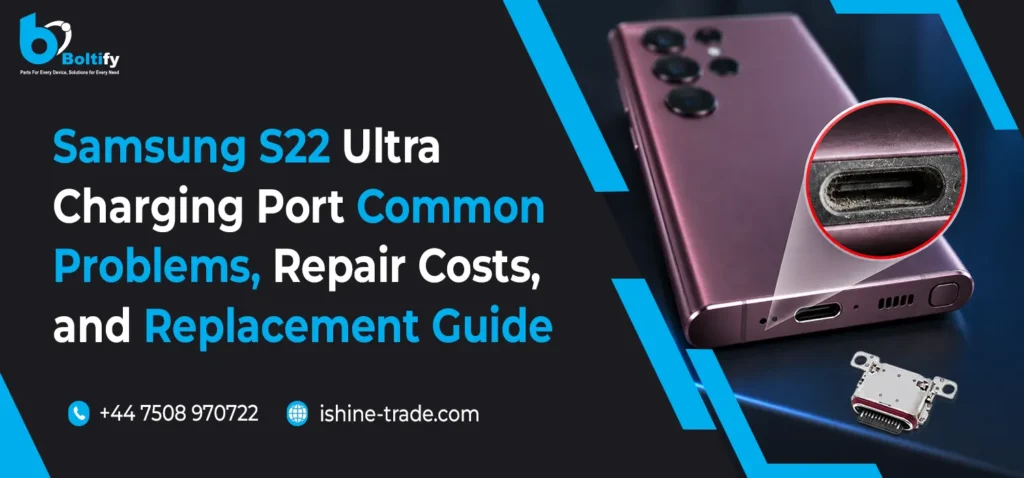
A Samsung S22 Ultra charging port problem can interrupt charging, file transfers and everyday use. Your phone might charge only when the cable sits at a particular angle, repeatedly disconnect from its charger or stop recognising a USB connection altogether.
However, these symptoms do not always mean the charging port needs replacing. A damaged cable, an unsuitable power adapter, trapped debris or moisture detection can produce similar problems.
This guide explains how to recognise common charging faults, what to check before booking a repair and what a Samsung S22 Ultra charging port replacement involves.
Common Samsung S22 Ultra Charging Port Problems
Understanding the symptoms helps narrow down the fault before buying replacement parts.
| Problem |
Possible causes |
First check |
| Phone does not charge through USB-C |
Faulty cable, adapter, port or internal charging circuit |
Test a known-working cable and charger |
| Charging repeatedly connects and disconnects |
Cable damage, debris or worn port contacts |
Try another cable without moving the connector |
| Cable does not fit securely |
Case obstruction, compacted debris or physical damage |
Remove the case and visually inspect the port |
| Fast charging stops working |
Incompatible accessories, settings, temperature or hardware fault |
Check the charger, cable and charging settings |
| Moisture warning appears |
Moisture, contamination or a persistent detection fault |
Disconnect the charger and let the port dry |
| Computer does not recognise the phone |
Charge-only cable, USB settings, drivers or port damage |
Try a known-working data cable |
These are diagnostic starting points. A technician may need to test the charging board, battery and internal connections to confirm the cause.
Phone Only Charges at a Certain Angle
If charging works only when you push or tilt the cable, the connection may be unstable. Possible causes include a worn cable plug, debris preventing full insertion or damaged contacts inside the USB-C port.
Test another cable first. Avoid holding the connector under pressure, as repeated movement can make existing damage worse.
Slow Charging or Missing Super Fast Charging
Slow charging does not automatically indicate a damaged Samsung S22 Ultra charging port.
The Galaxy S22 Ultra supports wired charging up to 45W with suitable equipment. Samsung recommends its compatible 45W adapter and a USB-C to USB-C 5A cable for the higher charging mode. Battery level, temperature and phone activity also affect charging speed.
If ordinary charging works but faster charging does not, check the accessories and settings before replacing hardware.
Moisture Detected in the Charging Port
A water-drop warning means the phone has detected moisture or a related condition at the USB connection. Samsung blocks wired charging when moisture is detected to help prevent damage.
Disconnect the cable and allow the port to dry naturally. Do not insert objects into the connector or try to override the warning. If it continues after drying, arrange an inspection.
How to Troubleshoot a Samsung S22 Ultra Charging Port
Work through these checks before ordering a replacement charging board.
1. Test the Cable, Adapter and Socket
Use a known-working, compatible USB-C cable and charger. Test a different wall socket and remove any extension or USB hub from the connection.
For charging-speed checks, use accessories that support the phone’s charging requirements. Repair businesses sourcing test cables and adapters from a mobile phone accessories supplier uk should check the listed charging specifications rather than relying on connector shape alone.
2. Remove the Case and Inspect the Port
A thick or poorly fitting case can stop the cable from inserting fully. Remove it and use a light to look for visible debris, corrosion or damage.
Do not scrape the contacts with a pin, needle or other tool. If debris is compacted inside the port, professional cleaning is a sensible next step.
3. Restart the Phone and Check Settings
Restart the device and install any available software updates. Check the charging options in Settings; menu names can vary by software version.
If the phone is unusually warm, let it cool before testing again. Heavy gaming, navigation and other demanding tasks can also affect charging performance.
4. Compare Wired and Wireless Charging
If wireless charging works but wired charging fails, the USB cable, adapter, port or associated circuitry deserves closer inspection.
This comparison helps narrow the investigation, but it does not prove the charging port is defective. If neither method works, the battery or another internal component may also need testing.
5. Test USB Data Transfer
Connect the phone to a computer using a known-working data cable. Unlock the device and check the USB connection options.
A charging-only cable cannot provide a useful data-transfer test. If charging and USB data both fail with suitable accessories, a technician should inspect the USB-C connection and charging assembly.
Samsung S22 Ultra Charging Port Repair Costs in the UK
The price depends on whether the phone needs cleaning, a replacement charging board or a more complex internal repair.
For context, UK repair listings checked for this guide advertised approximately £15 for port cleaning, while charging-port repair examples ranged from about £40 to £69. These are individual advertised prices, not a nationwide average or a guaranteed quote.
| Repair type |
What affects the quotation |
| Inspection and cleaning |
Diagnostic fee, debris and time required |
| Charging board replacement |
Part specification, labour and repair warranty |
| Connector or motherboard repair |
Extent of damage and specialist repair work |
| Liquid-damage repair |
Corrosion and the number of affected components |
Before accepting a quotation, ask whether it includes VAT, labour, replacement adhesive and post-repair testing. Confirm whether a diagnostic fee applies if the port is not the cause.
A lower quotation may cover a different part grade or repair scope, so compare what is included.
When Does the Charging Port Need Replacing?
Replacement may be appropriate when inspection confirms:
- Damaged USB-C contacts or connector housing.
- Persistent connection failure after cleaning and accessory checks.
- A defective charging board.
- Corrosion that makes the affected assembly unreliable.
- A confirmed hardware fault affecting wired charging or USB data.
Replacing the port without diagnosis can leave the original problem unresolved. Battery faults, damaged internal connections and motherboard charging faults may require a different repair.
Samsung S22 Ultra Charging Port Replacement Guide
The Galaxy S22 Ultra uses a USB-C port on a charging board. Access requires opening the phone, removing internal components and disconnecting the battery before work on the charging assembly. The repair also requires replacement adhesive during reassembly.
The following is an overview for understanding the repair process. Use a complete guide for the exact device variant when performing the work.
Step 1: Back Up and Confirm the Device Model
Back up accessible data before the repair. Confirm the exact model number and replacement-board compatibility.
Do not assume every part labelled “S22” or “S22 Ultra” fits every regional version.
Step 2: Open the Rear Cover
The technician softens the rear-cover adhesive and carefully separates the back panel using suitable tools. Excessive heat or deep tool insertion can damage nearby components.
Step 3: Disconnect the Battery
After gaining access, the battery is disconnected before the charging assembly is removed. Internal connectors and cables must be handled carefully.
Step 4: Replace the Confirmed Faulty Assembly
The technician removes the affected charging board, inspects related connections and fits a compatible replacement.
Repair businesses choosing a wholesale samsung s22 ultra parts supplier uk should confirm model compatibility, part condition, return terms and warranty coverage before ordering.
Step 5: Test and Reseal the Phone
Before final sealing, check:
- Wired charging and supported fast charging.
- USB data transfer.
- Microphone operation.
- Relevant wireless connections.
- Battery behaviour and charging stability.
Fresh adhesive is required when refitting the rear cover. Do not assume the original water resistance is restored simply because the phone has been closed.
Choosing Replacement Parts for Repair Businesses
Accurate diagnosis and clear part specifications help reduce repeat repairs. Ask whether a replacement is a genuine service part, a refurbished assembly or an aftermarket component.
Where a dropped phone also has display damage, source the screen separately according to its exact model and specification. A wholesale samsung screen supplier uk should provide clear compatibility and condition information so technicians can quote the complete repair accurately.
Charging and display faults can appear together after an impact, but each needs its own diagnosis. For a separate troubleshooting resource, read our guide to Samsung A57 display not working: causes and repair solutions.
How to Reduce Future Charging Port Problems
A few everyday habits can help protect the connection:
- Insert and remove the cable straight, without twisting it.
- Avoid using the phone with the cable pulled tightly.
- Replace frayed cables or damaged plugs.
- Keep the phone away from moisture while charging.
- Arrange an inspection if the connector becomes loose or unreliable.
Early attention to intermittent charging can prevent continued strain on a damaged connection.
Frequently Asked Questions
Can a Samsung S22 Ultra charging port be repaired?
Yes. Depending on the fault, the solution may involve professional cleaning, charging-board replacement or specialist connector repair. Inspection determines which approach is appropriate.
Why does my S22 Ultra charge wirelessly but not with a cable?
Possible causes include a faulty USB cable, unsuitable adapter, contaminated port or a fault in the wired charging path. Working wireless charging helps narrow the investigation but does not identify the failed component by itself.
Will charging port replacement delete my data?
Charging-port replacement does not normally require erasing personal data. Back up the phone beforehand because repair complications or further diagnostic work can still put data at risk.
Can I replace the charging port myself?
The repair requires opening an adhesive-sealed phone and handling delicate internal connections. Without suitable tools and experience, a professional repair is the more practical choice.
Does a moisture warning mean I need a new charging port?
No. Allow the port to dry first. A warning that persists after drying needs further diagnosis before any replacement decision.
Conclusion
A Samsung S22 Ultra charging port fault can cause unreliable charging, loose connections and USB data problems. Start with compatible accessories, a visual inspection and basic software checks before buying parts.
When testing confirms a hardware fault, a correctly matched replacement assembly and thorough post-repair checks can help restore reliable everyday use.