Buying the correct replacement part starts with knowing exactly which iPhone model you own. While many iPhones look almost identical, their internal components often differ significantly. A screen, battery, charging port, or camera designed for one model may not fit another, even if the devices appear similar. Whether you’re a repair technician, mobile phone retailer, or simply replacing a damaged component yourself, correctly identifying your iPhone before ordering parts can save time, reduce repair costs, and prevent compatibility issues. This guide explains the easiest ways to identify your iPhone model and why it matters when purchasing replacement parts.
Why Identifying Your iPhone Model Is So Important
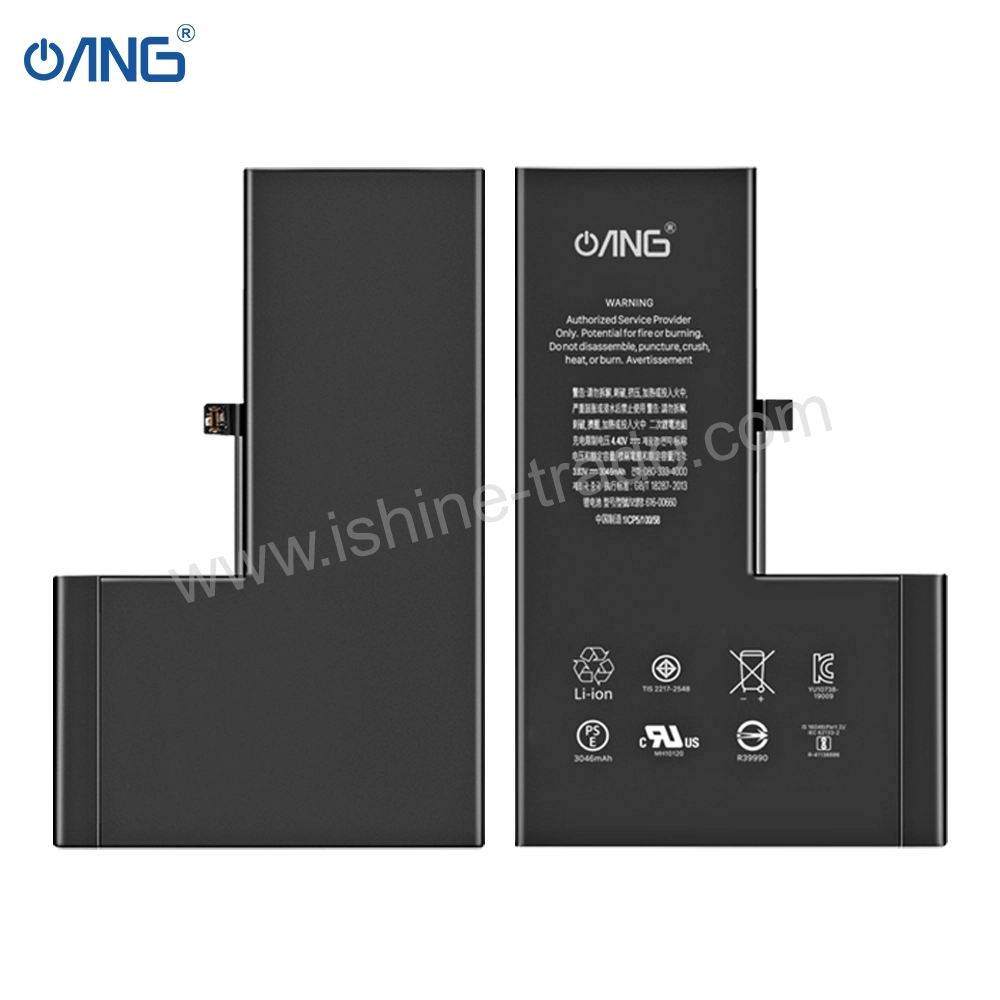
Apple releases multiple iPhone models every year, and although many devices share a similar design, their internal hardware is often completely different. A display assembly for an iPhone 13 Pro Max, for example, cannot be installed on an iPhone 14 Pro Max without causing compatibility issues. The same applies to batteries, cameras, charging flex cables, speakers, and many other replacement components.
For repair businesses and wholesale buyers, ordering the wrong part not only increases costs but also leads to unnecessary returns, delayed repairs, and dissatisfied customers. Taking a few minutes to identify the correct model before purchasing parts is one of the easiest ways to improve repair success rates.
once you’ve identified your iPhone model, the next step is understanding which replacement components are suitable for your device. Our Complete Guide to iPhone Replacement Parts covers everything you need to know about iPhone screens, batteries, charging ports, cameras, and accessories, helping you make informed purchasing decisions and avoid costly mistakes.
Check Your iPhone Model Through Settings
The quickest and most reliable way to identify your iPhone is by checking the device settings. If your phone is functioning normally, simply open Settings, navigate to General, and tap About. Here you’ll find important information including the model name, model number, serial number, storage capacity, and iOS version.
The model name clearly identifies whether you have an iPhone 13, iPhone 14 Pro, iPhone 15 Plus, or another device. This information is usually sufficient when ordering replacement screens, batteries, or other spare parts.
Identify Your iPhone Using the Model Number
If the device cannot be turned on, the model number becomes the most accurate way to identify your iPhone. Apple assigns every model a unique identification number beginning with the letter “A,” such as A2483 or A2890. Depending on the device, this number can be found inside the Settings app, on the SIM tray, on the back of older iPhones, or on the original retail box.
Comparing this number with Apple’s official model list ensures you purchase compatible replacement parts without guessing. This method is particularly useful for professional repair technicians handling multiple devices every day.
Recognise Your iPhone by Its Physical Design
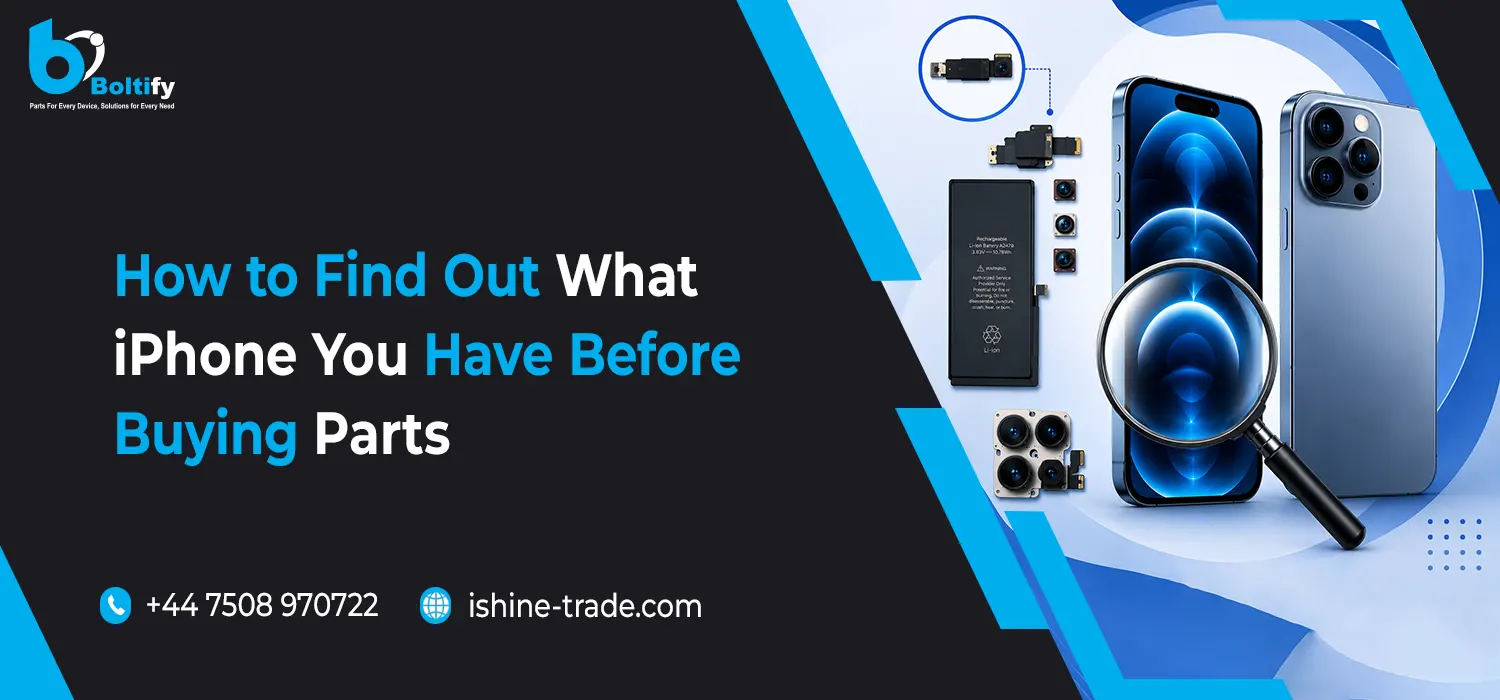
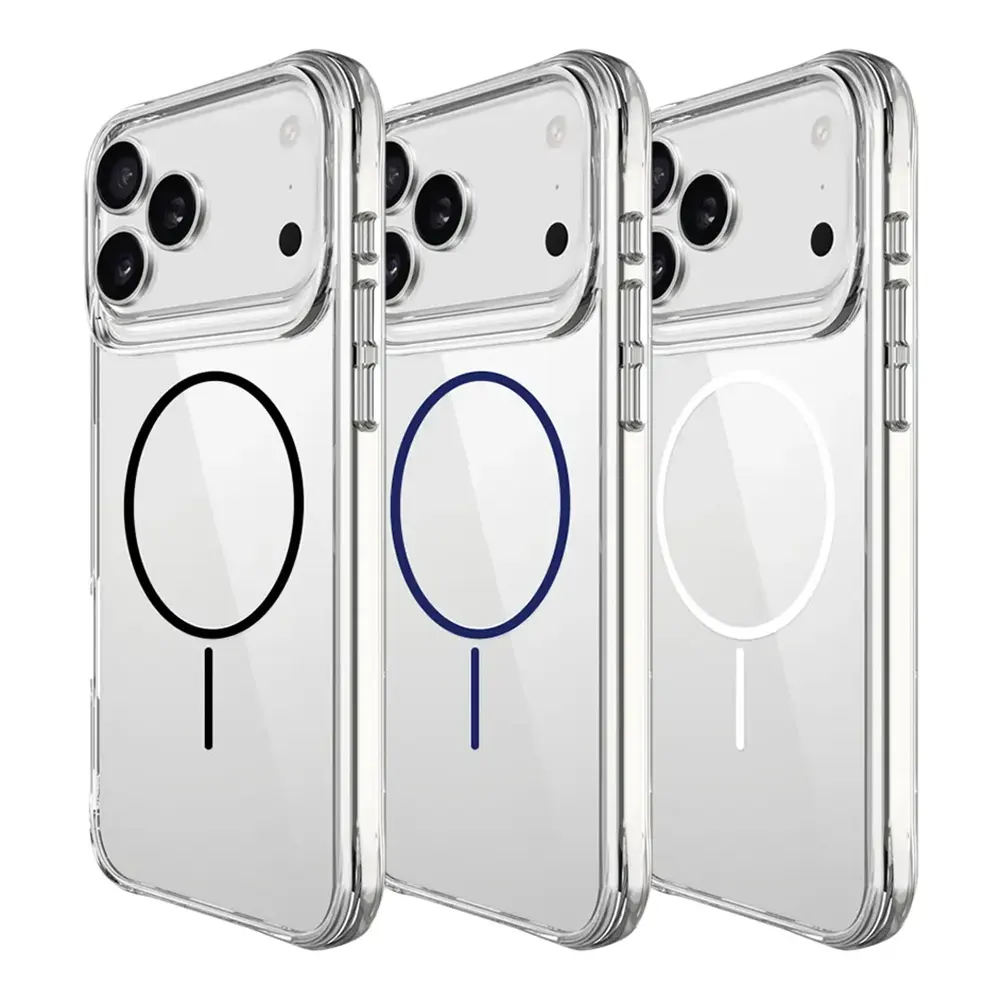
Even without accessing the settings, many iPhone models can be identified simply by their appearance. Apple has changed the camera layout, frame design, display notch, Dynamic Island, and body dimensions over the years. Looking at the number of rear cameras, their arrangement, and the overall design often helps narrow down the exact model.
For example, newer Pro models feature a triple-camera system with a LiDAR scanner, while standard models usually include dual cameras. Earlier iPhones may have a single rear camera or a completely different housing design. These visual differences are extremely useful when identifying devices that cannot be powered on.
Compare the Display Size Carefully
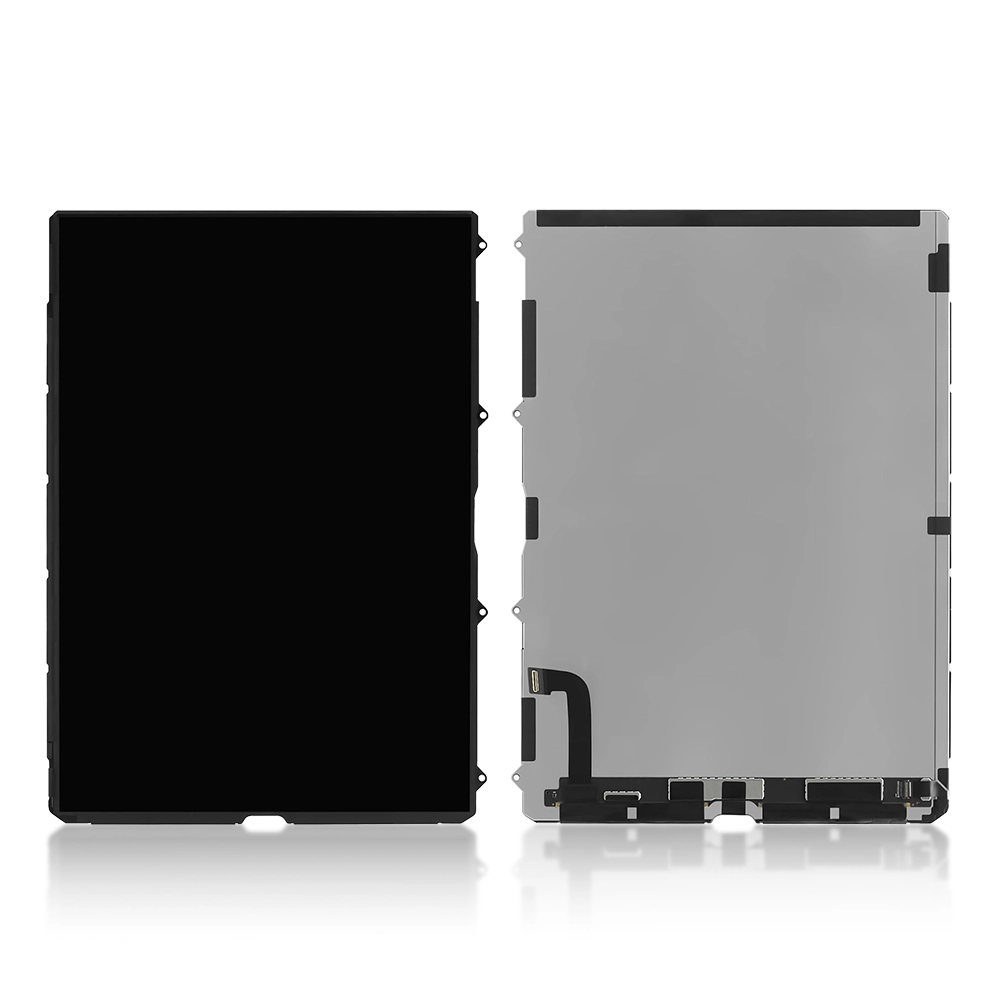
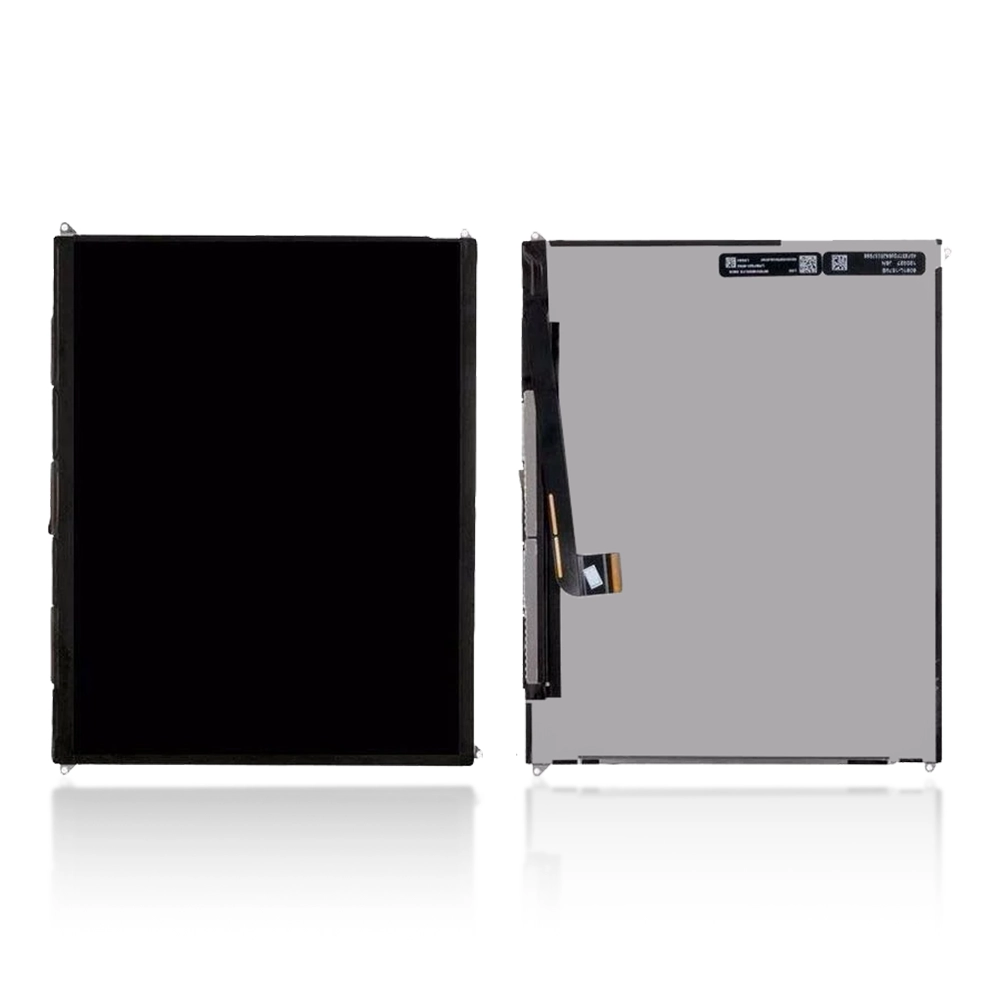
Screen size is another useful indicator when identifying an iPhone, although it should never be the only factor you consider. Several Apple devices share the same display size while using completely different screen assemblies and connectors. For instance, multiple generations feature a 6.7-inch display, but their replacement screens are not interchangeable.
Before purchasing a display assembly, always confirm both the model number and screen compatibility rather than relying solely on size.
Common Mistakes When Buying iPhone Replacement Parts
One of the biggest mistakes people make is assuming that similar-looking iPhones use identical components. Unfortunately, this often leads to purchasing incompatible screens, batteries, charging ports, or camera modules. Even small differences in display connectors or internal flex cables can prevent a replacement part from functioning correctly.
Professional repair businesses reduce these issues by verifying the device model before ordering stock. This simple step saves money, improves repair efficiency, and reduces unnecessary returns.
Buying iPhone Screens in Bulk? Compatibility Should Come First
For wholesalers, retailers, and repair centres, compatibility becomes even more important when purchasing large quantities of replacement screens. Investing in the wrong inventory can create expensive stock problems and reduce customer satisfaction.
If you’re looking for a reliable wholesale iPhone screen supplier UK, always choose a supplier that provides detailed compatibility information, accurate model identification, and clearly labelled products. High-quality suppliers typically offer Soft OLED, Hard OLED, Incell, and LCD displays with full compatibility details, allowing repair businesses to confidently select the correct screen for every repair.
Read Our Guide Before Purchasing Bulk Displays
If you’re planning to purchase replacement screens for your repair business, we also recommend reading our guide, How to Buy iPhone 13 Pro Max Screens in Bulk Without Compatibility Issues. This article explains how to choose the right display quality, understand compatibility differences, compare suppliers, and avoid costly purchasing mistakes. It’s an excellent resource for wholesalers and repair professionals looking to improve purchasing decisions while reducing returns.
Why Buy from Boltify Limited?
Finding a trusted supplier is just as important as choosing the correct replacement part. As a leading wholesale mobile phone accessories supplier UK, Boltify Limited supplies premium-quality mobile phone parts and accessories to repair shops, wholesalers, retailers, and distributors across the UK. Our extensive product range includes iPhone screens, Samsung displays, batteries, charging ports, camera modules, flex cables, repair tools, and mobile phone accessories, all sourced to meet professional repair standards.
By working with a reliable supplier, businesses benefit from consistent product quality, competitive wholesale pricing, dependable stock availability, and faster order fulfilment, helping repair operations run more efficiently.
Final Thoughts
Identifying your iPhone correctly before purchasing replacement parts is one of the simplest yet most important steps in the repair process. Whether you’re replacing a damaged display, installing a new battery, or sourcing parts for a repair business, taking the time to verify your device model helps eliminate compatibility issues and ensures a smoother repair experience.
For businesses purchasing replacement components in volume, partnering with an experienced supplier and understanding model compatibility can significantly improve profitability while reducing costly mistakes. By following the methods outlined in this guide, you’ll be able to identify your iPhone confidently and purchase the right replacement parts every time, whether you’re buying a single component or ordering wholesale stock for your business.