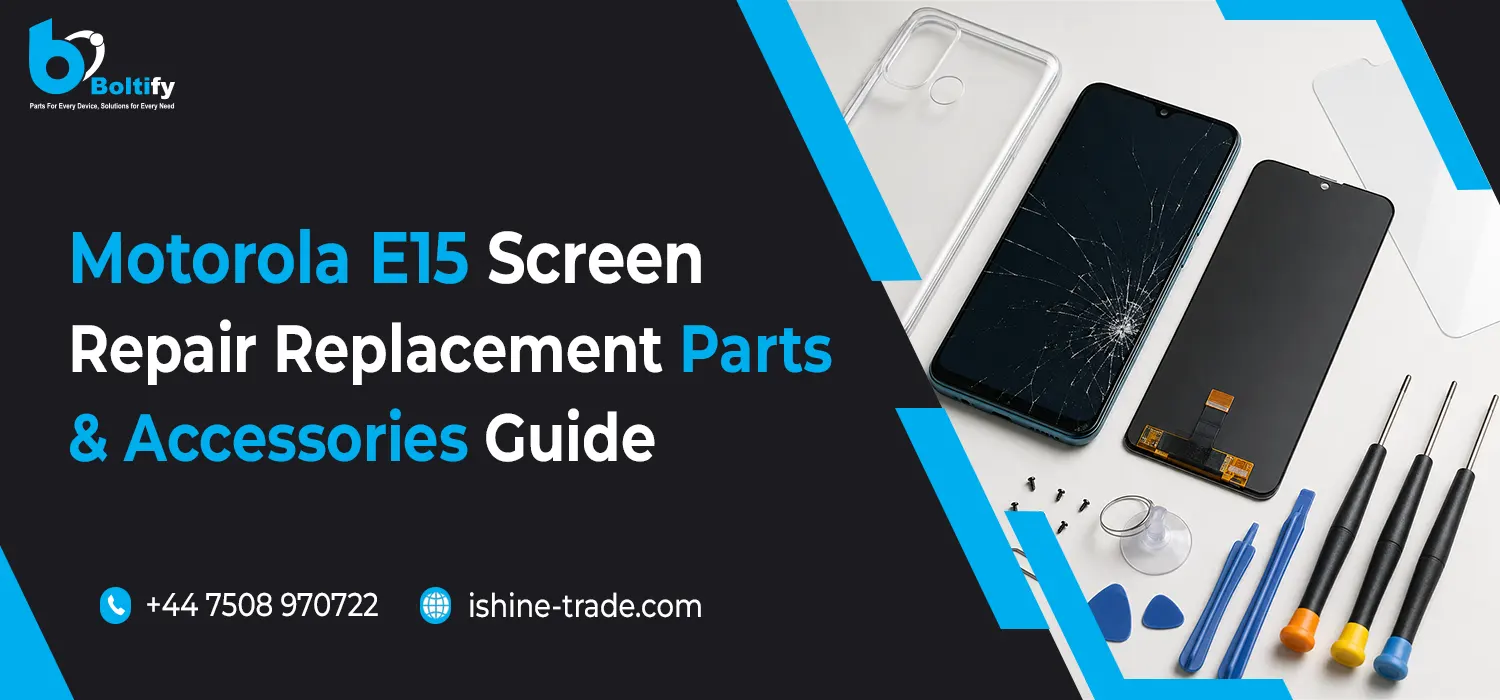
The Motorola E15 is designed for everyday smartphone use, but like any mobile device, its screen, charging components, battery and other parts can eventually experience damage or wear. A cracked display, unresponsive touch panel, charging issue or damaged connector can affect how comfortably the phone can be used.
Understanding the available repair options and replacement components can help users, repair technicians and retailers make better decisions when maintaining a Motorola E15.
This guide covers the most common Motorola E15 screen problems, replacement considerations, repair parts and useful accessories while explaining what to check before purchasing a replacement component.
Understanding the Motorola E15 Display
The display is one of the most important components of a smartphone. It provides both visual output and the touch interface used to control the device.
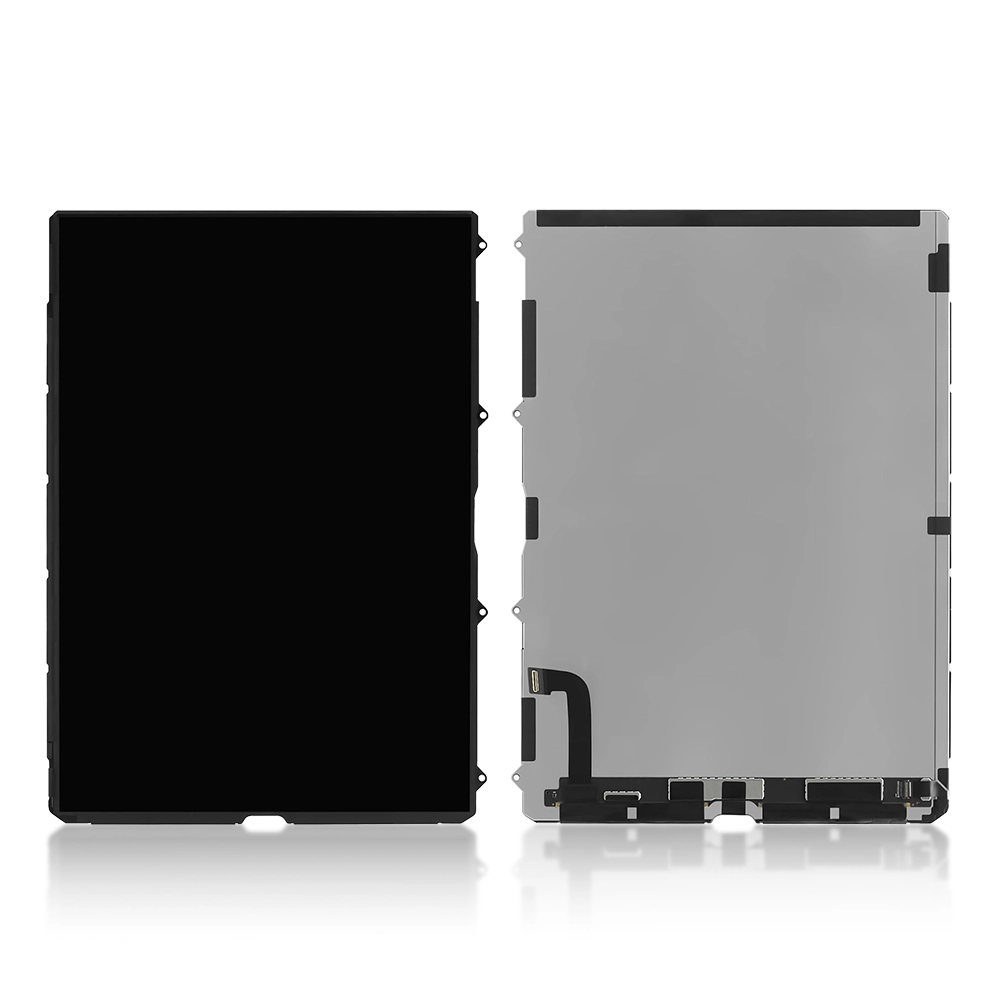
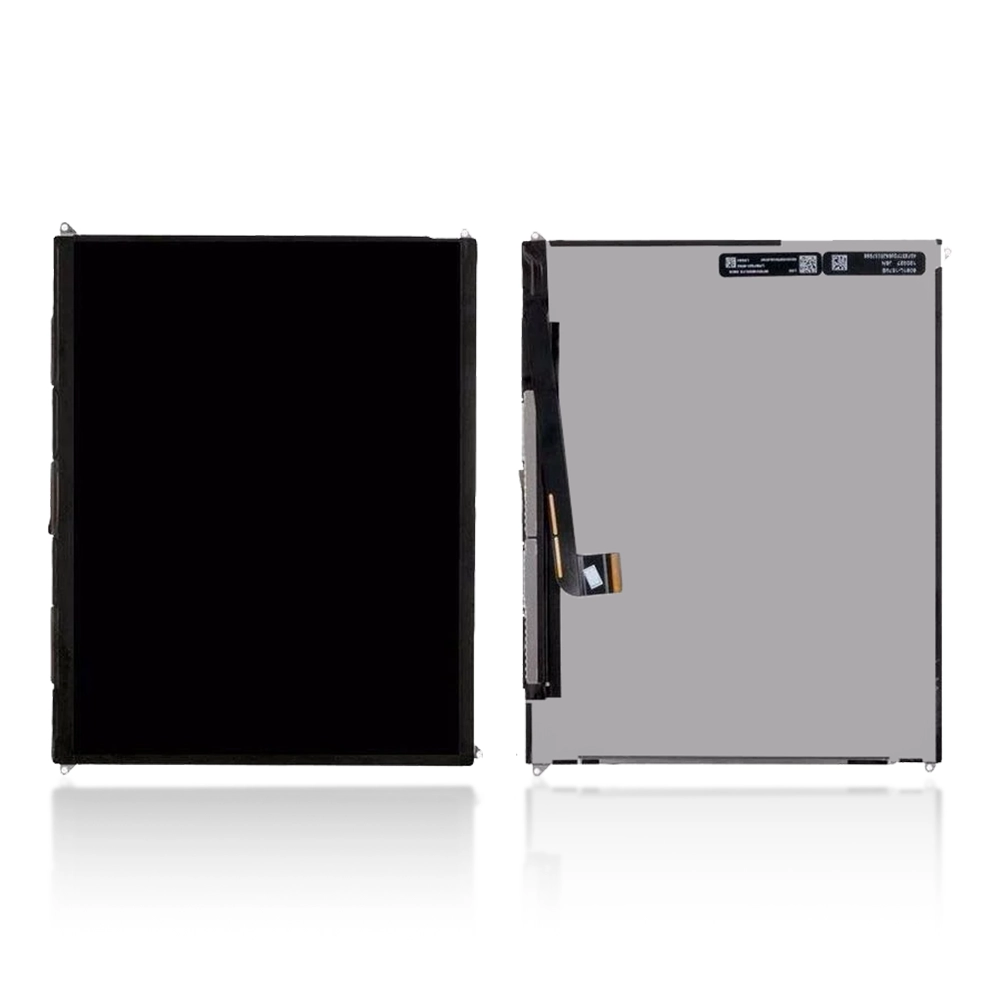
A display assembly can include several layers or components working together, such as:
- Display panel
- Touch-sensitive layer
- Front glass
- Display frame or housing, depending on the replacement design
- Flex cable and connector
Damage to any of these areas can affect the phone’s usability.
A cracked front glass does not always mean the entire display assembly has failed. However, when touch response, image quality or the display itself is affected, replacing the complete screen assembly may be the more practical repair option.
Common Motorola E15 Screen Problems
Several symptoms can indicate that the display requires inspection or replacement.
Cracked or Broken Screen
Drops and impacts can cause cracks across the front glass. Even if the display still works, cracks can gradually become worse with continued use.
A severely damaged screen can also expose the device to dust or moisture.
Unresponsive Touchscreen
If certain areas of the touchscreen no longer respond correctly, the touch layer or display assembly may be damaged.
Before replacing the screen, technicians should check whether the problem is caused by software or another hardware component.
Display Lines or Black Spots
Lines, dark areas or unusual marks across the display can indicate physical damage to the panel.
These issues are often more noticeable after the phone has been dropped or exposed to pressure.
Flickering Display
Screen flickering can have several possible causes, including a damaged display, loose connection or hardware issue.
The device should be diagnosed before purchasing a replacement screen.
No Display but Phone Still Works
If the phone appears to power on, makes sounds or vibrates but the screen remains completely black, the display assembly or its connection may require inspection.
A technician should check the display connector and related components before confirming that a replacement is required.
When Should You Replace a Motorola E15 Screen?
A screen replacement may be appropriate when the display has suffered significant physical damage or no longer works correctly.
Common reasons include:
- Broken or heavily cracked glass
- Unresponsive touch
- Dead areas on the display
- Display lines
- Black spots
- Severe flickering
- No image output
- Damaged display assembly
However, not every display problem automatically requires a new screen.
Before replacing the component, technicians should inspect the device and identify the actual cause of the problem.
Choosing a Motorola E15 Replacement Screen
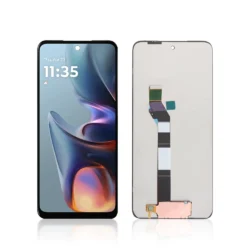
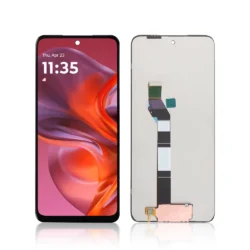
When purchasing a replacement display, compatibility should be the first consideration.
A replacement screen should be specifically intended for the Motorola E15 and should match the required specifications and connector configuration.
Before ordering, check:
Model Compatibility
Confirm the exact device model and compatibility of the replacement part.
Display Type
Check the type of replacement screen being supplied and make sure it matches the repair requirements.
Connector and Flex
The display connector and flex cable should be compatible with the phone’s motherboard.
Frame or No Frame
Replacement screens may be supplied with or without a frame.
A screen with frame can make the repair process more straightforward because the display assembly is already fitted into the corresponding housing.
A screen without frame may require more careful removal and installation of the existing components.
The best choice depends on the technician’s experience, available tools and repair requirements.
Why Quality Matters When Buying Replacement Screens
A replacement screen is a functional component, not simply a cosmetic part.
A poor-quality display can potentially result in problems such as:
- Inconsistent touch response
- Poor brightness
- Colour differences
- Uneven display performance
- Compatibility issues
- Shorter service life
For repair shops and retailers, consistent product quality is particularly important because unreliable components can increase returns and customer complaints.
Businesses sourcing Motorola replacement displays in larger quantities should work with a reliable wholesale Motorola screen supplier and verify compatibility before placing an order.
Motorola E15 Screen Replacement: What Technicians Should Consider
Screen replacement requires care because modern smartphones contain delicate connectors and components.
Before beginning a repair, technicians should:
- Confirm the correct replacement part.
- Inspect the device for additional damage.
- Back up important customer data where possible.
- Power the device down before disassembly.
- Use appropriate repair tools.
- Handle display flex cables carefully.
- Test the replacement component before final assembly.
Testing before completely sealing the device can help identify problems early.
Other Motorola E15 Replacement Parts
A screen is only one of the components that may require attention during the lifetime of a Motorola E15. Depending on the symptoms, a repair may also involve the battery, charging port, flex cables, speaker, microphone, camera or other internal components.
Before choosing a replacement part, it is useful to understand the phone’s overall design and key features. Our Moto E15: Everything You Need to Know guide provides a broader overview of the device, including its display, battery, camera, storage and other important features.
Common Motorola E15 replacement parts may include:
- Display or LCD assembly
- Battery
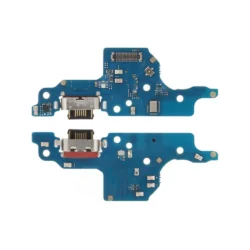
- Charging port or charging-related components
- Flex cables
- Camera components
- Speaker
- Microphone
- Buttons
- SIM-related components
- Back cover or housing
The correct replacement part should always be selected according to the specific problem identified during diagnosis. Replacing the right component can help repair shops avoid unnecessary part replacements and provide a more efficient repair service.
Motorola E15 Charging Problems
Charging problems can sometimes be confused with battery or motherboard issues.
If a Motorola E15 does not charge correctly, a technician can first check simple causes such as:
- Damaged charging cable
- Faulty charger
- Dirt or debris in the charging port
- Loose connection
- Damaged charging port
- Battery-related problems
Testing the phone with known-working charging accessories can help narrow down the cause.
If the charging port is physically damaged, a compatible replacement component may be required.
Motorola E15 Battery Considerations
Smartphone batteries naturally lose capacity as they age.
Signs that a battery may require attention can include:
- Rapid battery drain
- Unexpected shutdowns
- Poor charging performance
- Reduced operating time
- Unusual battery behaviour
Battery replacement should be performed using a compatible component and appropriate repair procedures.
If a battery is swollen or physically damaged, it should be handled carefully and replaced by a qualified technician.
Accessories That Can Help Protect a Repaired Motorola E15
After repairing a smartphone, suitable accessories can help reduce future damage.
Useful accessories may include:
Screen Protectors
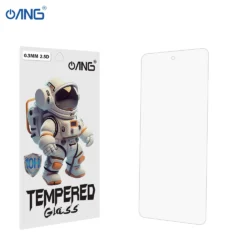
A screen protector adds another layer over the display and can help reduce scratches and minor surface damage.
Protective Cases
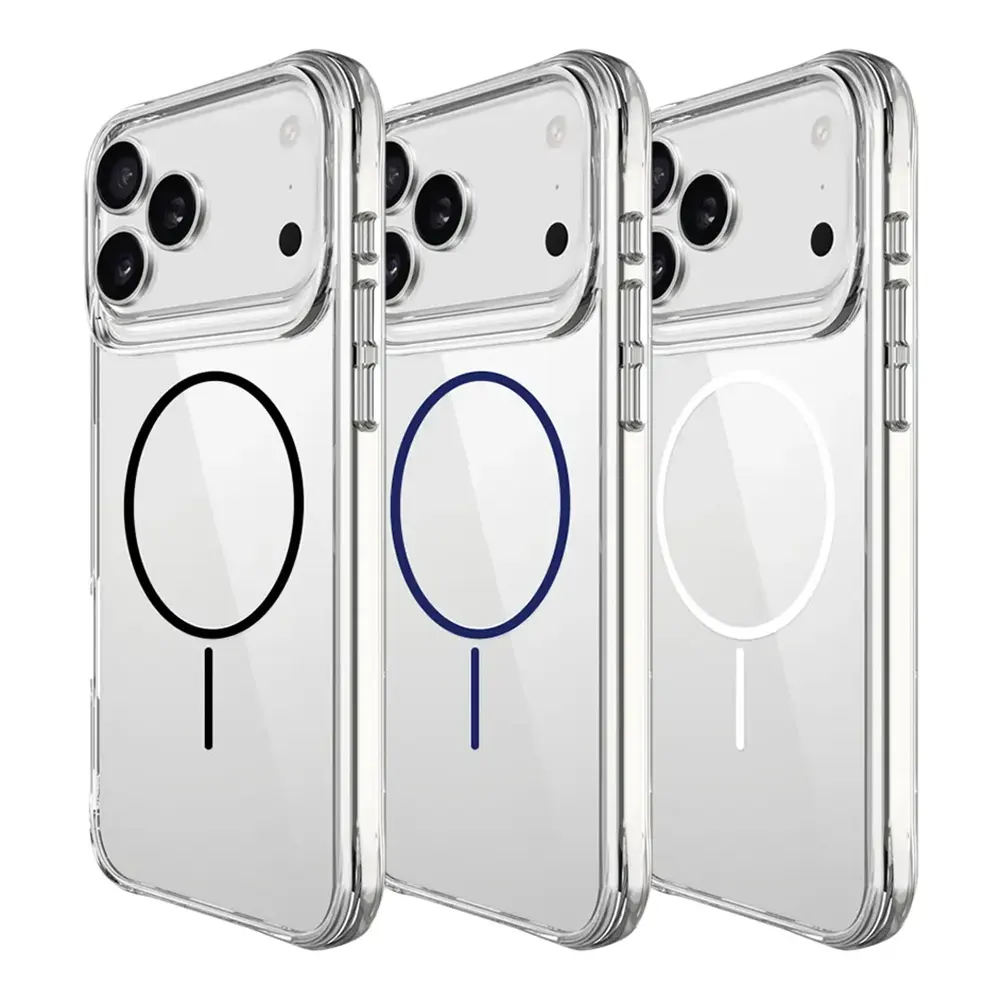
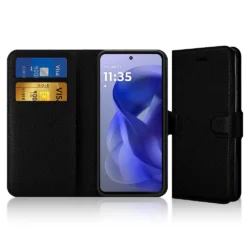
A suitable phone case can help protect the back, edges and corners from everyday impacts.
Charging Accessories
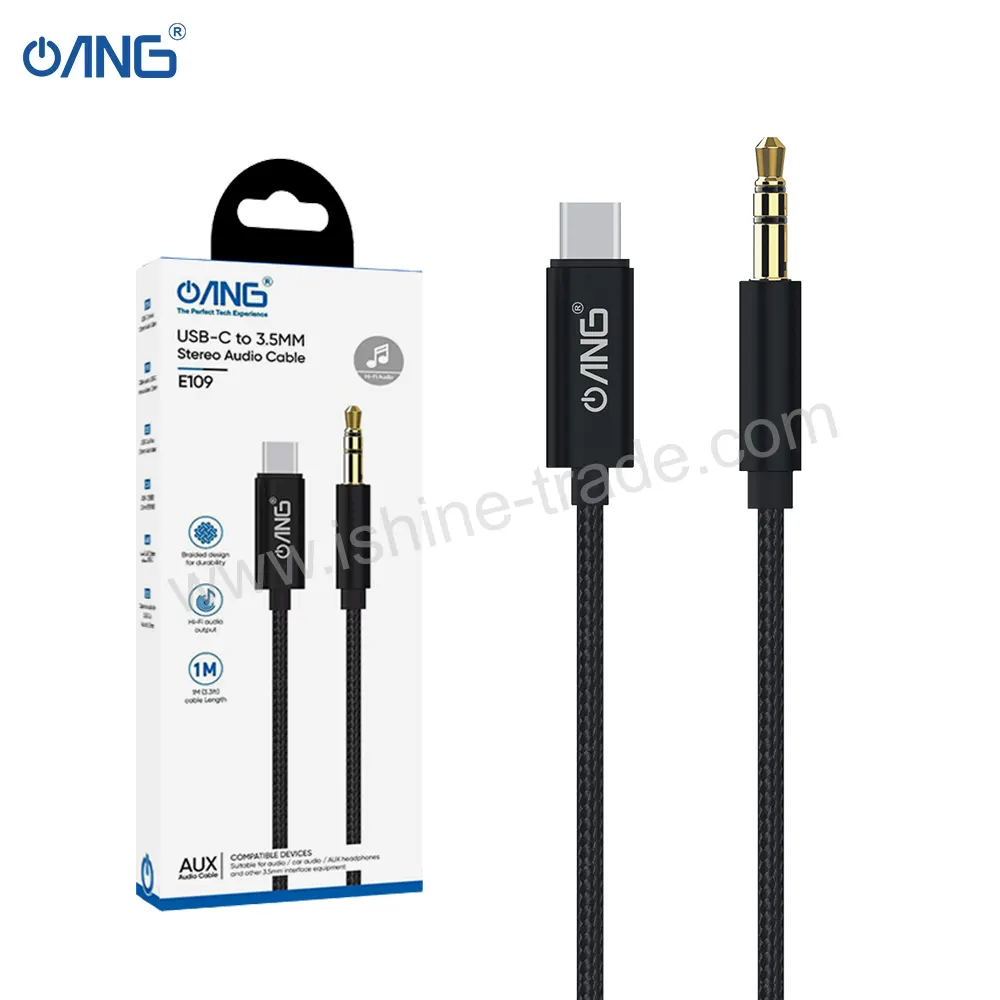
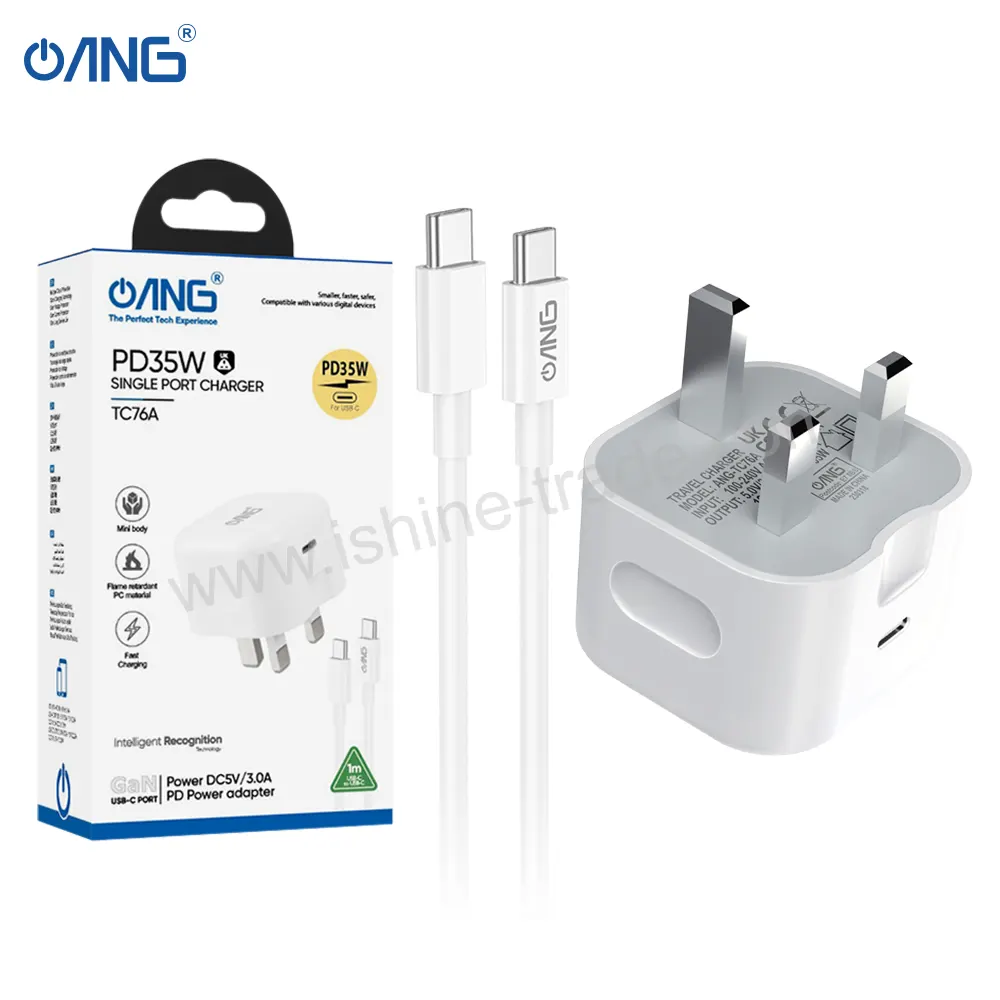
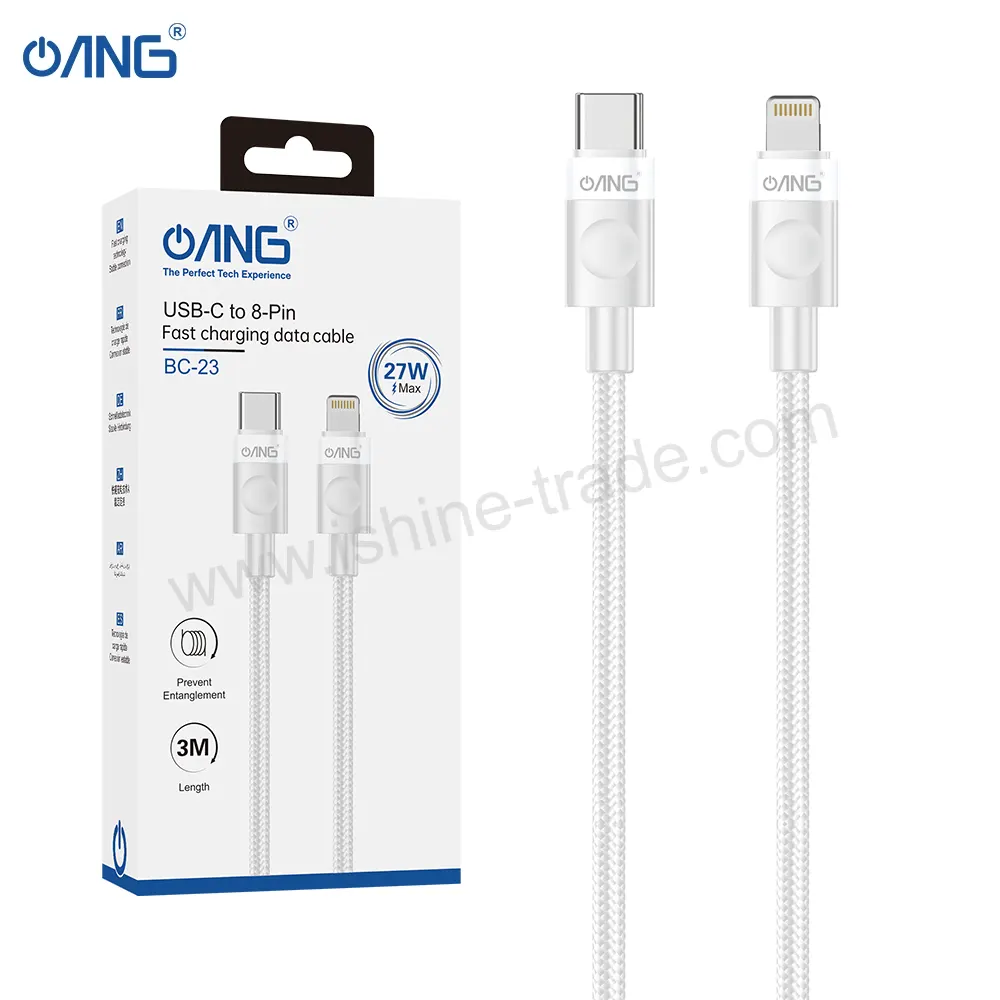
Reliable charging cables and compatible power adapters can help provide a consistent charging experience.
Using poor-quality charging accessories can potentially cause charging problems or unreliable performance.
How to Reduce the Risk of Future Screen Damage
After replacing a damaged display, prevention is important.
Users can reduce the risk of future damage by:
- Using a protective case
- Installing a suitable screen protector
- Avoiding placing the phone with keys or sharp objects
- Keeping the device away from excessive pressure
- Handling the phone carefully
- Using appropriate charging accessories
No accessory can guarantee complete protection, but combining a case and screen protector provides an additional layer of everyday protection.
Common Mistakes When Buying Motorola E15 Replacement Parts
Choosing a replacement component based only on price can create problems later.
Buying Without Checking Compatibility
Always confirm that the replacement component is intended for the Motorola E15.
Ignoring Screen Quality
A screen that physically fits the phone may still provide poor performance if the quality is inconsistent.
Not Checking Frame Compatibility
If choosing a screen with frame or without frame, make sure the product matches the repair method.
Skipping Pre-Installation Testing
Testing a replacement component before final installation can help identify compatibility or functional issues.
Choosing an Unreliable Supplier
For repair businesses, supplier reliability matters because inconsistent components can lead to returns, delays and dissatisfied customers.
How Retailers Can Choose Motorola E15 Parts
Retailers and repair shops often need to balance product quality, compatibility, availability and cost.
Before purchasing replacement stock, consider:
- Product compatibility
- Display quality
- Part type
- Packaging
- Supplier reliability
- Stock availability
- Customer demand
- Return or replacement policies
Keeping commonly requested parts in stock can also help repair businesses complete jobs more efficiently.
Frequently Asked Questions About Motorola E15 Repairs
Can a cracked Motorola E15 screen be replaced?
Yes, a damaged display assembly can generally be replaced with a compatible replacement component. The exact repair method depends on the condition of the phone and the replacement part.
How do I know if my Motorola E15 needs a new screen?
Severe cracks, unresponsive touch, display lines, black spots, flickering or a completely non-functional display can indicate that the screen needs inspection and potentially replacement.
Should I buy a Motorola E15 screen with a frame?
A screen with a frame can make installation more convenient because the display assembly is supplied with the frame. However, the appropriate option depends on the repair method and technician preference.
Why is my Motorola E15 not charging?
Charging problems can result from the cable, charger, charging port, battery or another internal component. Testing the phone with known-working accessories and inspecting the charging port can help identify the cause.
How can I protect a replacement Motorola E15 screen?
Using a suitable protective case and screen protector can help reduce the risk of scratches and everyday impact damage.
What should I check before buying a Motorola E15 replacement screen?
Check the exact device compatibility, display type, connector, flex cable, frame configuration and supplier reliability before ordering.
Final Thoughts
The Motorola E15 can continue to provide reliable everyday use when damaged components are correctly diagnosed and replaced with compatible parts.
Whether the problem involves a cracked display, touch issues, charging problems or battery performance, identifying the actual cause before replacing a component is essential.
For repair shops and retailers, choosing compatible and reliable replacement parts is equally important. A good sourcing strategy can help reduce compatibility problems, improve repair quality and provide customers with a better service experience.
Finally, combining quality replacement parts with protective accessories such as screen protectors and phone cases can help users protect their repaired devices and reduce the chance of future damage.