The Motorola G24 is designed for everyday smartphone use, but like any mobile device, it can develop hardware and software problems over time. Issues such as a damaged screen, weak battery performance, charging problems, speaker faults or connectivity issues can affect the overall user experience.
Many smartphone problems do not necessarily mean that the device needs to be replaced. In many cases, the right diagnosis, compatible replacement part and proper repair can restore the phone to reliable working condition.
This Motorola G24 repair guide explains common problems, possible causes, troubleshooting steps and replacement parts that users, repair technicians and retailers should know about.
Understanding the Motorola G24
Before repairing a smartphone, it is useful to understand the main components that can affect its performance.
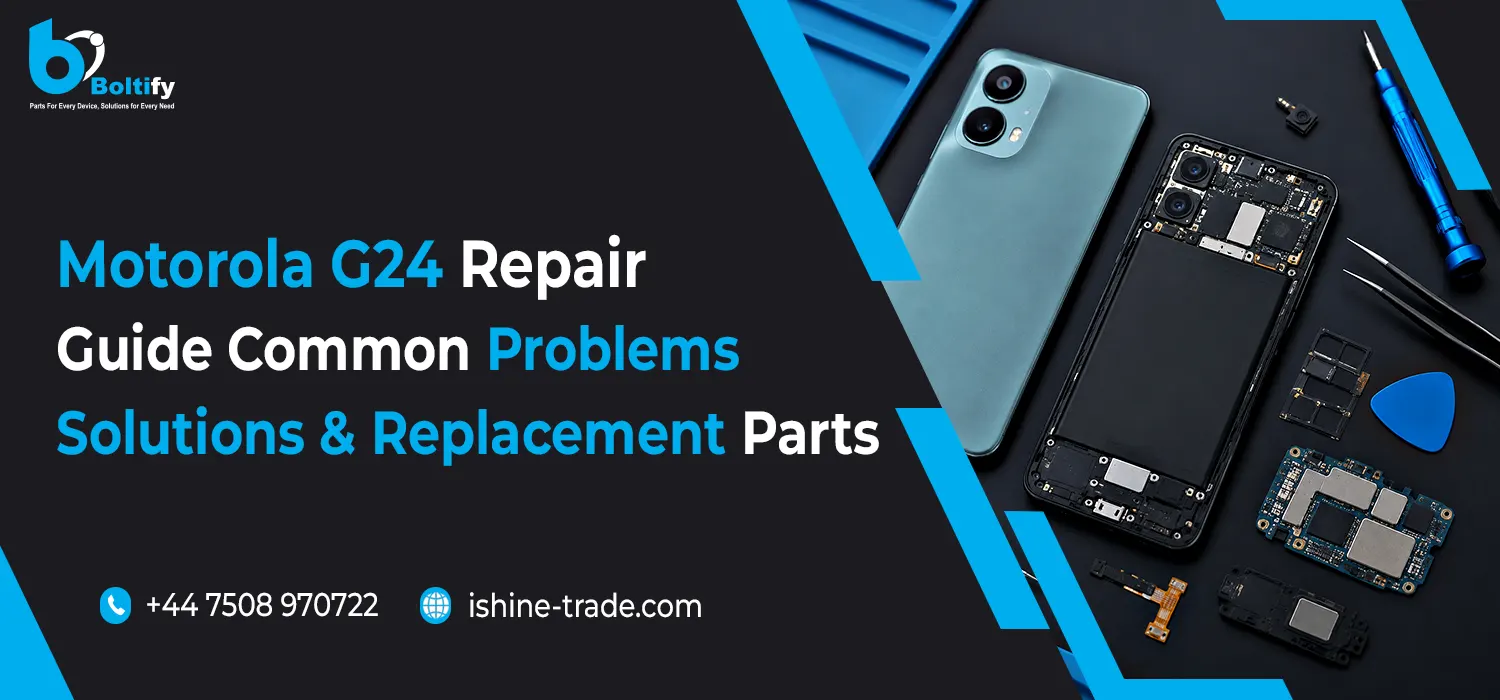
Depending on the problem, a repair may involve components such as:
- Display and touchscreen assembly
- Battery
- Charging port and charging components
- Cameras
- Speaker
- Microphone
- Flex cables
- Buttons
- SIM-related components
- Back cover or housing
- Other internal components
The symptoms alone do not always identify the failed component. Proper diagnosis is therefore important before ordering replacement parts.
Common Motorola G24 Problems
1. Motorola G24 Screen Problems
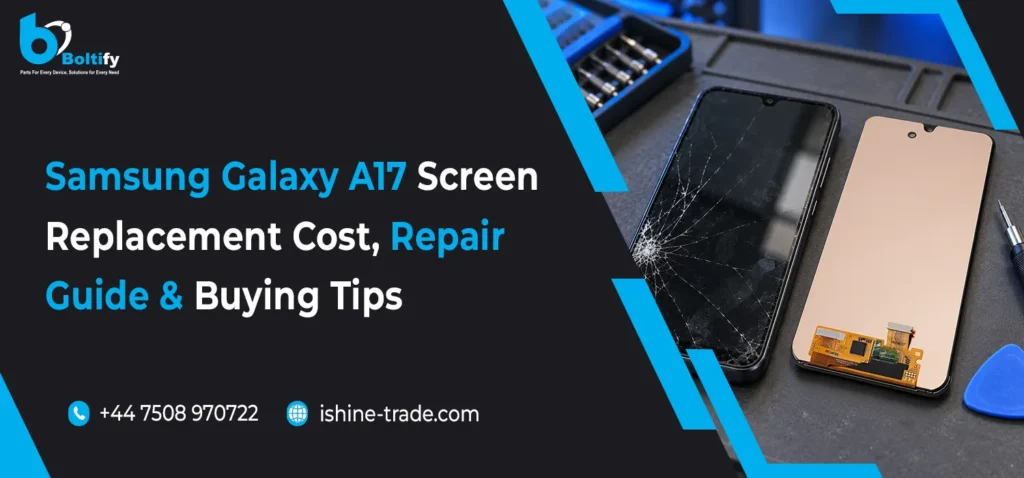
The display is one of the most frequently damaged smartphone components because it is exposed to drops, impacts and everyday wear.
Common screen problems include:
- Cracked or broken glass
- Unresponsive touchscreen
- Display lines
- Black spots
- Flickering
- Dim or distorted image
- Dead areas on the screen
- Completely black display
What Causes Screen Damage?
A Motorola G24 screen can be affected by:
- Accidental drops
- Impact against hard surfaces
- Excessive pressure
- Scratches
- Liquid exposure
- General wear and tear
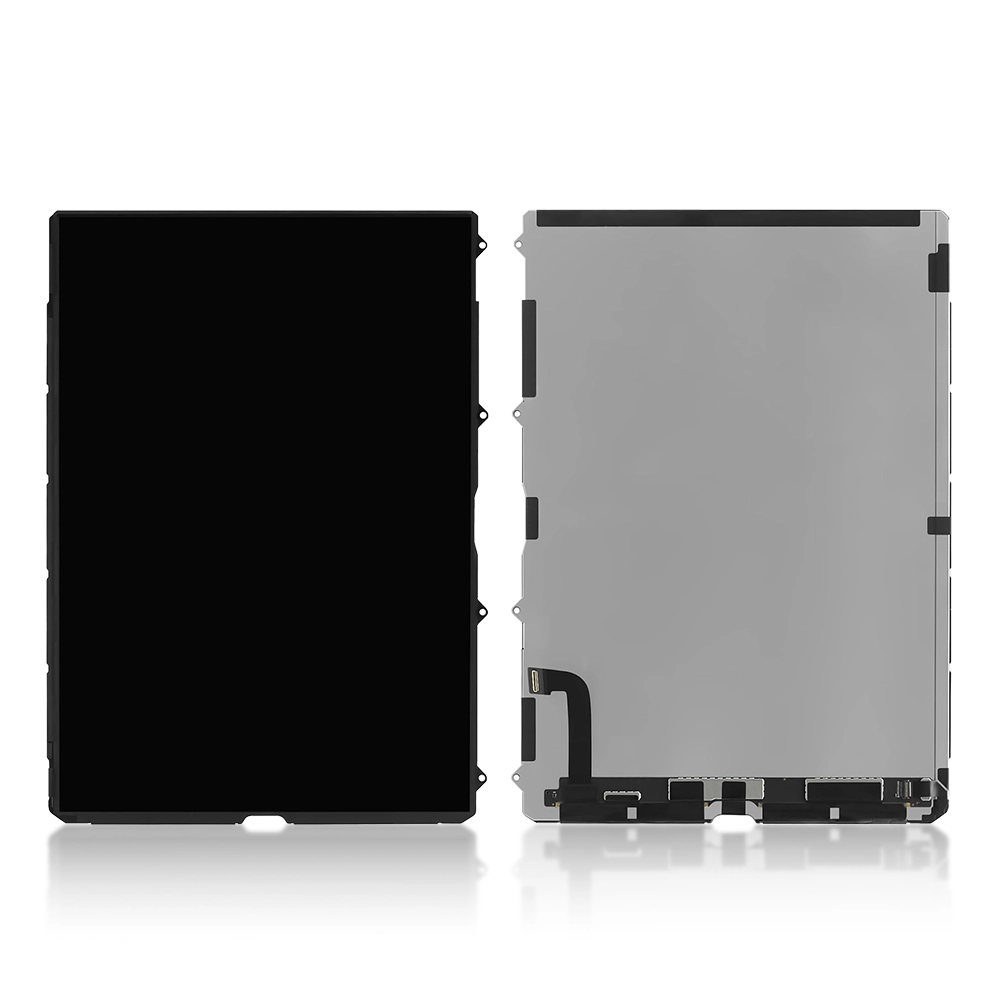
If the screen has significant physical damage or the touch functionality has stopped working, a compatible replacement display may be required.
Before ordering a replacement, always confirm the exact device compatibility and display configuration.
2. Motorola G24 Touchscreen Not Responding
A touchscreen that does not respond correctly can make the phone difficult to operate.
You may notice that:
- Only part of the screen responds
- Touch input is delayed
- Swiping does not work
- Random touches appear
- The entire touchscreen becomes unresponsive
First, restart the device and check whether the problem continues.
If the issue remains, inspect the display assembly and its connections. Physical damage to the touchscreen can also require a replacement display.
3. Motorola G24 Battery Problems
Battery performance naturally changes as a smartphone gets older.
A Motorola G24 may show signs of battery-related problems such as:
- Fast battery drain
- Shorter usage time
- Unexpected shutdowns
- Slow or inconsistent charging
- Battery percentage changing unusually quickly
- The phone not holding a charge
Before replacing the battery, check the charging cable, charger and charging port as these can sometimes create symptoms that appear to be battery problems.
If the battery itself has degraded significantly, a compatible replacement battery may restore better operating time.
Important Battery Safety
Damaged or swollen batteries should not be handled casually. Battery replacement should be carried out using appropriate tools and safe repair procedures.
4. Motorola G24 Not Charging
Charging problems can have several different causes.
Possible causes include:
- Damaged charging cable
- Faulty power adapter
- Dirty charging port
- Damaged charging port
- Charging flex problem
- Battery fault
- Internal hardware issue
How to Troubleshoot Charging Problems
Start with the simplest checks.
Try:
- A known-working charging cable.
- A compatible power adapter.
- A different power outlet.
- Inspecting the charging port for visible debris.
- Checking whether the phone detects the charger.
If the phone still does not charge, the charging port and internal components should be inspected by a technician.
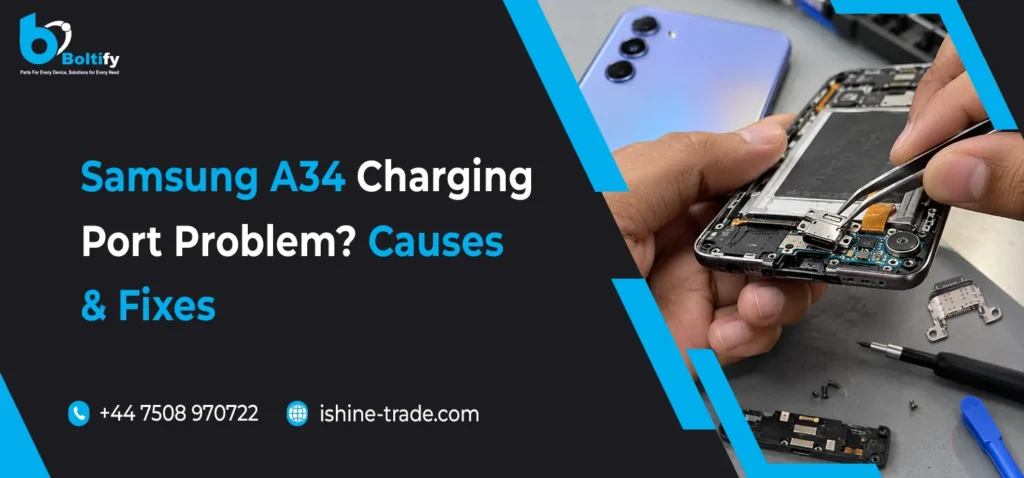
Avoid forcing a cable into the port because excessive pressure can damage the connector.
5. Motorola G24 Camera Problems
Camera issues can affect both photography and video recording.
Possible symptoms include:
- Blurry images
- Camera app crashing
- Camera failing to open
- Black camera preview
- Focus problems
- Camera switching problems
Before assuming the camera hardware has failed, restart the device and check whether the issue is software-related.
If the camera continues to malfunction, the camera module, connector or related components may require inspection.
A damaged camera lens or rear cover can also affect image quality if it allows scratches, dust or other contamination around the camera area.
6. Motorola G24 Speaker Problems
If calls or media sound becomes weak or distorted, the speaker may require inspection.
Common symptoms include:
- Low volume
- Distorted sound
- Crackling
- No sound
- Intermittent audio
First check the volume settings and make sure the speaker opening is not blocked by dust or debris.
If the problem continues, the speaker and relevant internal connections should be checked.
7. Motorola G24 Microphone Problems
A faulty microphone can affect phone calls, voice recordings and video audio.
Typical symptoms include:
- Other people cannot hear you during calls
- Voice recordings sound very quiet
- Audio is distorted
- Microphone works intermittently
Software settings should be checked first. If the issue remains across different applications and calls, the microphone and related hardware may need inspection.
8. Motorola G24 Connectivity Problems
Connectivity problems can involve Wi-Fi, Bluetooth, mobile networks or other communication functions.
Possible causes include:
- Software issues
- Incorrect settings
- Network problems
- Damaged internal components
Before assuming hardware failure, restart the phone and check network settings.
If the problem occurs consistently across different networks or devices, professional diagnosis may be required.
9. Motorola G24 Performance Problems
A smartphone can become slower for several reasons.
Possible causes include:
- Too many background applications
- Limited available storage
- Outdated software
- App-related problems
- Battery degradation
- Other hardware limitations
Simple maintenance can sometimes improve performance.
Users can consider:
- Removing unnecessary applications
- Freeing storage space
- Restarting the device
- Keeping software updated
- Reviewing background applications
Hardware replacement should only be considered when there is evidence of a hardware-related fault.
10. Motorola G24 Overheating
Some warmth during demanding tasks can be normal, but excessive or persistent heat should not be ignored.
Possible causes can include:
- Heavy application usage
- Charging while performing demanding tasks
- Poor ventilation
- Battery problems
- Software processes running in the background
- Hardware faults
If the phone becomes unusually hot, especially when it is not under heavy use, it should be inspected.
If there are signs of battery swelling or physical battery damage, stop using the device and seek professional repair.
Motorola G24 Replacement Parts
When a repair is necessary, choosing the correct replacement component is just as important as identifying the problem.
Depending on the fault, commonly required Motorola G24 replacement parts may include:
- Replacement display
- Battery
- Charging port or charging assembly
- Camera module
- Speaker
- Microphone
- Flex cables
- Buttons
- Back cover
- Other compatible internal components
Not every problem requires a replacement part. Diagnosis should come first.
How to Choose the Right Motorola G24 Replacement Part
Before ordering any replacement component, check several important factors.
Check Model Compatibility
Make sure the part is specifically intended for the Motorola G24.
Model names can sometimes be similar across a manufacturer’s product range, so checking compatibility is important.
Check the Part Configuration
Some components may be available in different configurations.
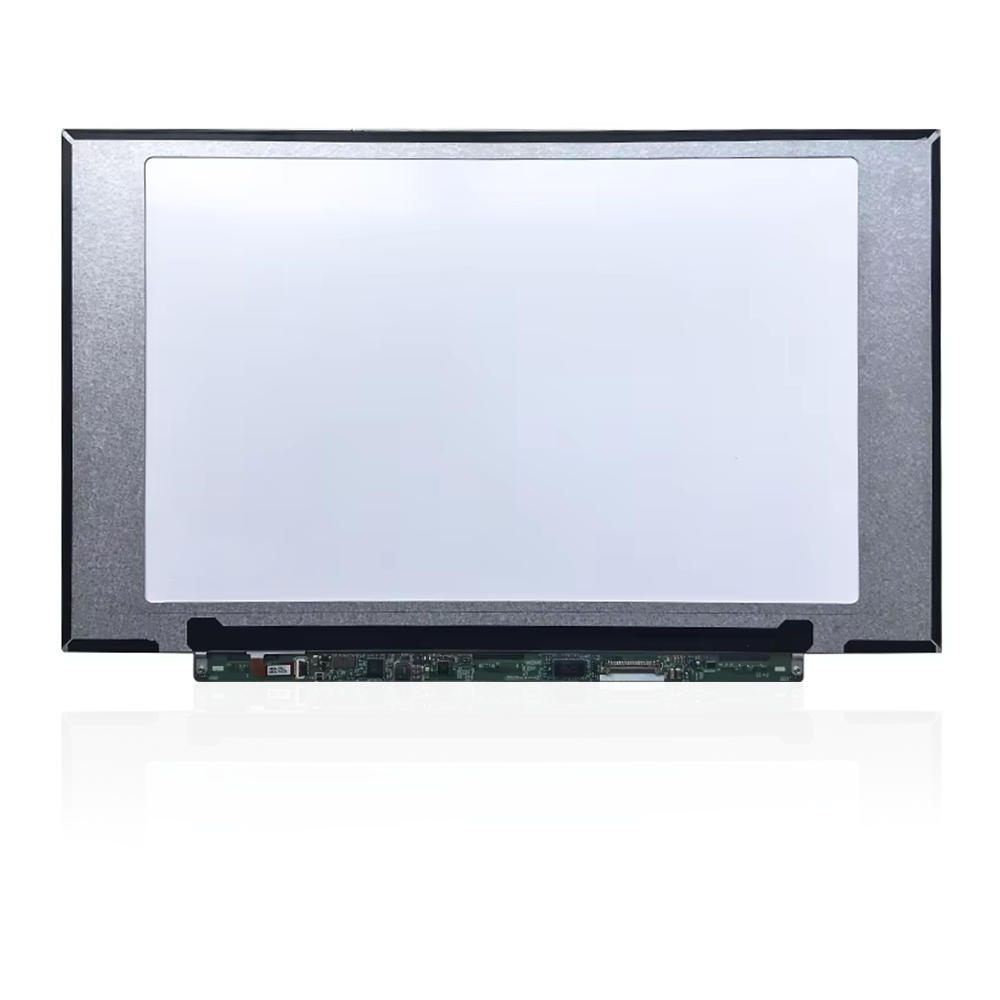
For displays, for example, you may find options with a frame or without a frame.
The appropriate option depends on the repair method and technician preference.
Check Connector Compatibility
Flex cables and connectors must match the phone’s internal hardware.
A component that looks physically similar may not necessarily be electrically compatible.
Consider Product Quality
A replacement part should provide reliable performance after installation.
For repair businesses, inconsistent components can result in:
- Additional labour
- Customer complaints
- Returns
- Delayed repairs
- Increased operating costs
Quality and compatibility should therefore be considered alongside price.
Motorola G24 Screen Replacement: What to Check
Because the display is an important repair component, extra attention should be given when choosing a replacement screen.
Check:
- Exact Motorola G24 compatibility
- Display type
- Touch functionality
- Flex cable
- Connector
- Frame configuration
- Product quality
Where possible, technicians should test the replacement screen before completing the final installation.
Testing can help identify display or touch problems before the device is fully assembled.
Motorola G24 Charging Port Replacement
The charging port experiences regular physical use, which can eventually lead to wear.
Problems may become noticeable when:
- The cable feels loose
- Charging works only at a certain angle
- The phone repeatedly connects and disconnects
- The device does not detect the charger
- Fast charging no longer works correctly
A technician should inspect the port for physical damage or debris before replacing the component.
If the port itself is damaged, a compatible replacement charging component may be required.
Accessories That Can Help Protect the Motorola G24
Repairing a smartphone is only part of maintaining it. Suitable accessories can help reduce the chance of future damage.
Screen Protectors
A screen protector can help reduce scratches and minor surface damage.
Protective Cases
A suitable case can protect the phone’s back, corners and edges against everyday impacts.
Charging Cables
A reliable charging cable can help provide a consistent connection and reduce unnecessary stress on the charging port.
Power Adapters
Use a compatible and reliable power adapter rather than choosing an unknown product solely because it is inexpensive.
For retailers and repair businesses looking to source a broader range of compatible mobile products, a wholesale mobile phone parts and accessories supplier UK can provide access to replacement parts and everyday mobile accessories.
How to Prevent Common Motorola G24 Problems
Good maintenance can reduce the likelihood of some common problems.
Protect the Screen
Use a suitable case and screen protector.
Keep the Charging Port Clean
Avoid allowing excessive dust or debris to build up around the charging connector.
Avoid Extreme Pressure
Do not place heavy objects on the phone.
Use Suitable Charging Accessories
Use reliable cables and compatible adapters.
Avoid Excessive Heat
Do not leave the phone in extremely hot environments for extended periods.
Keep Software Updated
Software updates can include performance improvements and bug fixes.
Handle the Phone Carefully
Many physical repairs can be avoided by reducing accidental drops and impacts.
When Should You Repair or Replace a Motorola G24?
The decision depends on the severity of the problem and the overall condition of the phone.
A repair can make sense when:
- The device is otherwise functioning well
- Only one component has failed
- A compatible replacement part is available
- Repair costs are reasonable
Replacement of the entire phone may be considered when multiple major components have failed or repair costs become disproportionate to the device’s value.
For many isolated hardware problems, however, replacing the affected component can be a practical solution.
Common Mistakes When Repairing a Motorola G24
Replacing Parts Without Diagnosis
Do not replace the screen, battery or charging port simply because the phone is not working correctly.
Identify the actual cause first.
Buying the Cheapest Part
The cheapest replacement does not always provide the best value.
Consider compatibility, quality and supplier reliability.
Ignoring Other Damage
A phone with a cracked display may also have internal damage from the same impact.
Inspect the complete device before completing the repair.
Skipping Testing
Always test relevant functions after replacing a component.
Depending on the repair, this can include:
- Touchscreen
- Display
- Charging
- Cameras
- Speakers
- Microphone
- Buttons
- Connectivity
Motorola G24 Repair Checklist
For a simple repair workflow, technicians can follow this checklist:
1. Identify the problem
Understand the exact symptoms.
2. Inspect the device
Check for physical and liquid damage.
3. Test basic functions
Confirm which components are working.
4. Identify the faulty component
Avoid unnecessary replacements.
5. Select a compatible replacement
Verify model and connector compatibility.
6. Test the replacement part
Check functionality before final assembly.
7. Complete the repair
Install the component carefully.
8. Perform a final test
Make sure the phone operates correctly after repair.
Frequently Asked Questions About Motorola G24
What are the most common Motorola G24 problems?
Common issues can include screen damage, touchscreen problems, battery degradation, charging faults, camera problems, speaker or microphone issues and connectivity problems.
Can the Motorola G24 screen be replaced?
Yes, a damaged display can be replaced with a compatible replacement component. The correct display configuration should be confirmed before ordering.
Why is my Motorola G24 not charging?
Charging problems can be caused by the cable, adapter, charging port, battery or another internal component. Testing the basic charging accessories and inspecting the port can help identify the problem.
How can I protect my Motorola G24 screen?
A suitable screen protector combined with a protective case can help reduce scratches and everyday impact damage.
Should I repair or replace my Motorola G24?
If only one component has failed and a suitable replacement is available, repair can be a practical option. The decision should consider the phone’s overall condition and repair cost.
How do I choose Motorola G24 replacement parts?
Check exact model compatibility, component configuration, connector type, product quality and supplier reliability before purchasing.
Final Thoughts
The Motorola G24 can develop different hardware and software problems during its lifetime, but many individual faults can be addressed without replacing the entire smartphone.
Screen damage, battery issues, charging problems, camera faults, audio problems and connectivity issues all require slightly different approaches. The most important step is to diagnose the actual cause before replacing a component.
For repair shops and retailers, compatible and reliable replacement parts are essential for efficient repairs. For users, protective accessories and good maintenance habits can help reduce everyday damage and extend the useful life of the device.
By combining proper diagnosis, compatible Motorola G24 replacement parts, reliable repair practices and suitable protective accessories, many common smartphone problems can be managed effectively and economically.