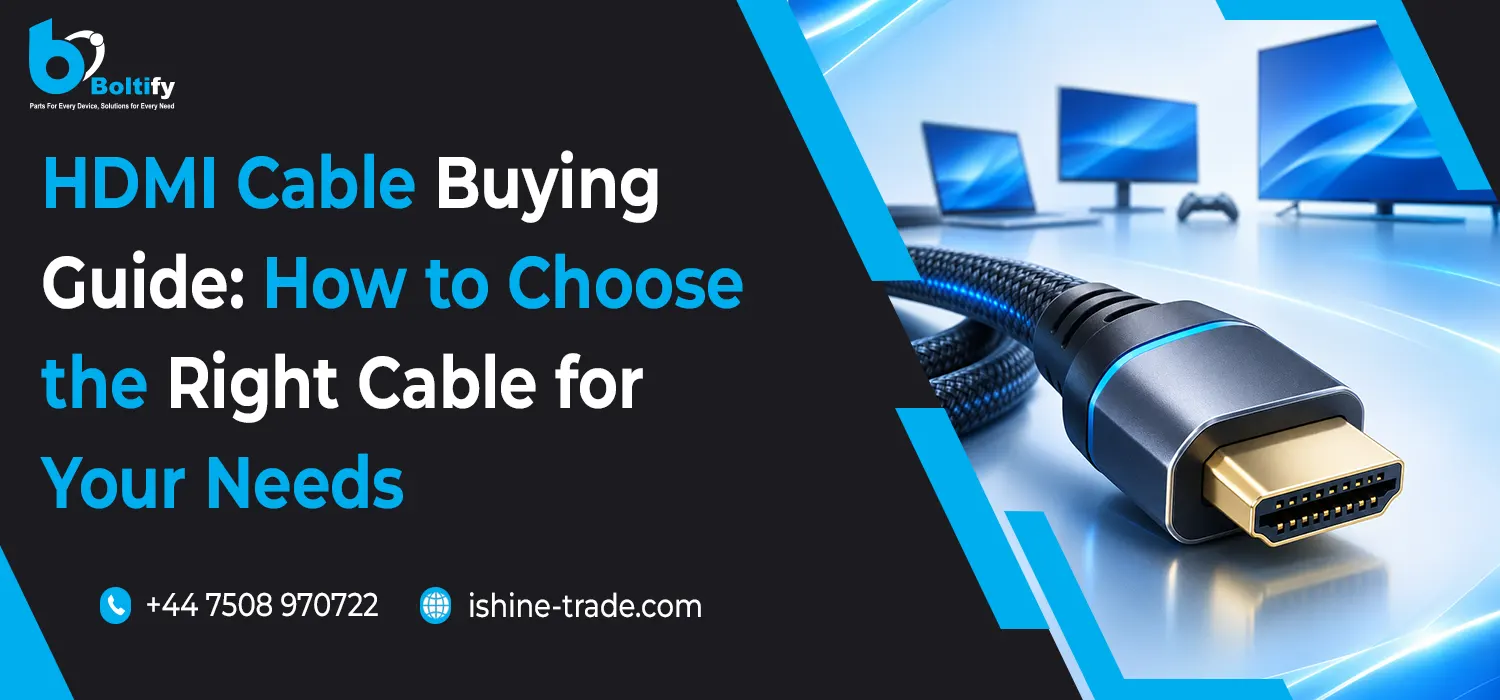
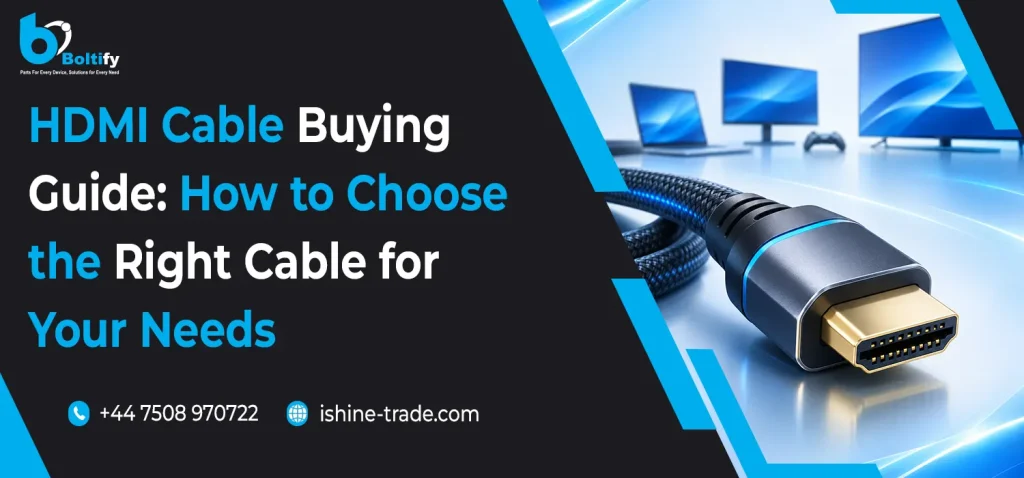
An HDMI cable is an essential accessory for connecting modern electronic devices, including televisions, laptops, gaming consoles, monitors, projectors and streaming devices. Whether you want to watch movies in 4K, enjoy smooth gaming or connect your laptop to a larger display, choosing the right HDMI cable can make a noticeable difference to your experience.
However, not every HDMI cable offers the same performance. Different cables support different resolutions, refresh rates, bandwidths and features. Buying an unsuitable cable may prevent your device from delivering its full display capabilities, even if your television or monitor supports a higher resolution.
With so many options available, understanding the main specifications can help you make a better purchasing decision. This HDMI Cable buying guide explains the different cable types, important features, compatibility requirements and factors to consider before choosing one.
What Is an HDMI Cable?
HDMI stands for High-Definition Multimedia Interface. An HDMI cable transfers digital video and audio signals between compatible electronic devices through a single connection. This eliminates the need for separate cables for sound and video in most standard setups.
For example, you can connect a laptop to a television using an HDMI cable to display presentations, watch videos or browse content on a larger screen. Similarly, gaming consoles use HDMI connections to deliver high-quality graphics and audio to televisions and monitors.
HDMI cables are also commonly used with projectors, desktop computers, Blu-ray players, soundbars and streaming devices. Their convenience and ability to carry high-quality digital signals make them a popular choice for home entertainment and professional environments.
Different Types of HDMI Cables
Before purchasing an HDMI cable, it is important to understand the different cable categories. Each category supports different bandwidth levels and performance requirements.
1. Standard HDMI Cable
Standard HDMI cables are designed for basic home entertainment requirements. They support resolutions up to 1080i and 720p, making them suitable for older televisions, DVD players and devices that do not require high-resolution output.
Although these cables may still work with some older equipment, they are not the best option for modern 4K televisions or high-performance gaming systems. If you are purchasing a cable for a newer device, consider a higher-bandwidth category.
2. High-Speed HDMI Cable
High-Speed HDMI cables support bandwidths of up to 10.2Gbps and are commonly used for Full HD and certain 4K applications.
They can support 1080p video, 3D content and 4K resolution at lower refresh rates, depending on the specific video format and connected equipment.
This type of HDMI cable is suitable for many older gaming consoles, Blu-ray players and standard home entertainment systems. However, users looking for reliable 4K at 60Hz should consider a Premium High Speed HDMI cable.
3. Premium High-Speed HDMI Cable
Premium High-Speed HDMI cables are designed for more demanding entertainment setups. They support bandwidths of up to 18Gbps and can deliver 4K resolution at 60Hz.
These cables are suitable for modern televisions, streaming devices, gaming consoles and media players that require higher video bandwidth.
They also support features such as HDR, which improves colour, contrast and brightness when supported by the connected devices.
If you regularly watch 4K movies or connect compatible devices to a 4K television, this category is often a practical choice.
4. Ultra High-Speed HDMI Cable
Ultra High-Speed HDMI cables offer the highest bandwidth among these common HDMI cable categories, supporting up to 48Gbps.
They are designed for advanced entertainment and gaming setups, including:
- 4K resolution at up to 120Hz.
- 8K resolution at up to 60Hz.
- Dynamic HDR.
- Variable Refresh Rate (VRR).
- Auto Low Latency Mode (ALLM).
- Enhanced Audio Return Channel (eARC).
These cables are particularly useful for compatible PlayStation 5, Xbox Series X and high-performance PC gaming setups.
If you want a cable that supports advanced HDMI 2.1 features, look for a certified Ultra High Speed HDMI cable.
How to Choose an HDMI Cable Based on Resolution
Resolution is one of the most important factors when selecting an HDMI cable. It determines how much visual detail your display can show.
Full HD (1080p)
Full HD remains suitable for many everyday entertainment activities. If you use an older television, standard computer monitor or basic media player, a suitable High-Speed HDMI cable may be sufficient.
It can provide clear video quality for streaming, presentations and general computer use.
4K Ultra HD
4K displays provide four times the resolution of Full HD, producing sharper images and more detailed visuals.
For 4K at 60Hz, a Premium High Speed HDMI cable is generally recommended. Make sure your source device and display also support the required resolution and refresh rate.
8K Resolution
8K televisions and monitors require significantly more bandwidth than traditional Full HD displays.
An Ultra High Speed HDMI cable supports 8K at up to 60Hz, provided that the connected devices support the same capabilities.
For buyers investing in advanced home entertainment equipment, choosing a certified cable can help avoid compatibility problems.
HDMI Cable and Refresh Rate: Why Does It Matter?
Refresh rate refers to how many times a display updates its image every second. It is measured in Hertz (Hz).
A 60Hz display refreshes its image 60 times per second, while a 120Hz display updates it 120 times per second.
Higher refresh rates can make motion look smoother, especially during gaming, sports broadcasts and fast-moving video content.
For example, if you own a gaming monitor that supports 4K at 120Hz, your HDMI cable must have enough bandwidth to support that combination. An older cable may limit the available refresh rate or resolution.
Before purchasing, check the refresh rate supported by your monitor or television and select an HDMI cable that can handle the required bandwidth.
Important Features to Consider When Buying an HDMI Cable
Apart from resolution and refresh rate, several other features can influence your purchasing decision.
1. Cable Length
HDMI cables are available in different lengths, including 1 metre, 2 metres, 3 metres, 5 metres and longer options.
A short cable is usually suitable for connecting nearby devices, such as a laptop and monitor on the same desk. Longer cables are useful when connecting televisions to gaming consoles, projectors or other equipment placed further away.
However, longer cable runs can create signal reliability challenges, particularly at higher resolutions and refresh rates. For extended distances, consider an active HDMI cable or a certified optical HDMI cable.
2. Build Quality and Durability
Cable construction is another important consideration. A well-made HDMI cable should have secure connectors, reliable internal wiring and suitable protective insulation.
Gold-plated connectors are commonly used to resist corrosion, although they do not automatically guarantee better picture quality.
Braided outer coverings can provide additional protection against everyday wear and bending. Reinforced connector joints can also help reduce damage caused by repeated plugging and unplugging.
3. HDR Support
High Dynamic Range (HDR) improves the visual experience by providing a wider range of brightness, contrast and colour.
If your television and source device support HDR, make sure your HDMI cable has sufficient bandwidth for the required resolution and refresh rate.
A compatible cable helps transmit the signal, but the overall HDR experience also depends on the capabilities of the connected devices and the content being played.
4. Audio Return Channel (ARC and eARC)
ARC and eARC are useful features for home entertainment systems.
Audio Return Channel (ARC) allows compatible televisions to send audio back to a soundbar or AV receiver through the HDMI connection.
Enhanced Audio Return Channel (eARC) offers greater audio bandwidth and supports advanced audio formats when the connected devices are compatible.
If you plan to connect a modern soundbar or home theatre system, check whether your television and audio equipment support ARC or eARC.
5. Connector Compatibility
Most standard HDMI cables use Type-A connectors, but smaller HDMI connector formats are also available.
The main connector types include:
- Standard HDMI (Type A): Commonly used with televisions, computers, gaming consoles and media players.
- Mini HDMI (Type C): Found on certain cameras and portable devices.
- Micro HDMI (Type D): Used with some compact cameras and other small electronic equipment.
Always check the available ports on your devices before purchasing a cable.
HDMI 2.0 vs HDMI 2.1: What Is the Difference?
HDMI 2.0 and HDMI 2.1 are specifications that define supported features and capabilities. Understanding their differences can help you select a suitable cable for your equipment.
| Feature |
HDMI 2.0 |
HDMI 2.1 |
| Maximum bandwidth |
18Gbps |
48Gbps |
| 4K at 60Hz |
Yes |
Yes |
| 4K at 120Hz |
Not supported at full specification |
Supported |
| 8K at 60Hz |
Not supported at full specification |
Supported |
| Dynamic HDR |
Supported |
Supported |
| VRR |
Not a standard HDMI 2.0 feature |
Supported |
| eARC |
Not included in HDMI 2.0 |
Supported |
One important point is that HDMI cables themselves are sold using cable categories and certification labels rather than simply being HDMI 2.0 or HDMI 2.1 cables.
For example, Premium High Speed HDMI cables support up to 18Gbps, while Ultra High Speed HDMI cables support up to 48Gbps.
Choosing the correct cable category is therefore more useful than relying only on the HDMI version mentioned in a product description.
Common Mistakes to Avoid When Buying an HDMI Cable
Even though HDMI cables are relatively simple accessories, buyers sometimes make mistakes that lead to unnecessary expenses or compatibility issues.
Here are some common mistakes worth avoiding:
Buying Based Only on Price: A very cheap cable may not offer the bandwidth or build quality required for your equipment. Compare specifications instead of choosing the cheapest option.
Ignoring Resolution Requirements: A cable suitable for Full HD may not deliver the performance required for 4K at 120Hz. Always check your display requirements.
Choosing the Wrong Length: Buying a cable that is too short can make installation difficult, while unnecessarily long cables can create cable-management problems.
Ignoring Certification: Certified Premium High Speed and Ultra High Speed cables provide greater confidence that the cable meets the relevant performance requirements.
Assuming Every HDMI Cable Supports Every Feature: Not all cables support the same bandwidth, HDR formats, refresh rates or audio features. Check the specifications carefully.
HDMI Cable vs Other Connectivity Cables
HDMI is primarily designed for transmitting digital audio and video signals. However, it is not the only type of cable used with electronic devices.
USB cables, for example, are commonly used for charging, data transfer and connecting compatible peripherals. Their specifications and capabilities vary depending on the connector and supported standard.
If you want to understand the differences between common charging and data connections, our guide to data cables explained: types, uses, charging and data transfer provides further information.
Understanding these differences can help you choose the correct accessory for your devices instead of purchasing a cable that does not support your intended use.
Where to Buy Quality HDMI and Mobile Accessories?
Whether you are purchasing accessories for personal use or running a retail business, choosing a reliable supplier is important.
For retailers, mobile repair shops and resellers, working with a dependable wholesale mobile phone accessories supplier UK can make it easier to source different electronic accessories from one place.
It is also worth considering a specialist wholesale data cable supplier UK when sourcing charging and connectivity products for your business.
Look for suppliers that offer clear product specifications, consistent stock availability, competitive trade pricing and suitable delivery options. These factors can help businesses maintain a reliable product range and meet different customer requirements.
Final Thoughts
Choosing the right HDMI cable does not have to be complicated. The most important factors are your device compatibility, required resolution, refresh rate, bandwidth and cable length.
For basic Full HD connections, a suitable High-Speed HDMI cable may be enough. For 4K at 60Hz, Premium High Speed is a practical option, while Ultra High Speed is recommended for advanced 4K at 120Hz and 8K setups.
Always check the specifications of your television, monitor and source device before making a purchase. A properly selected HDMI cable helps you get the best performance from your existing equipment without spending money on features you do not need.