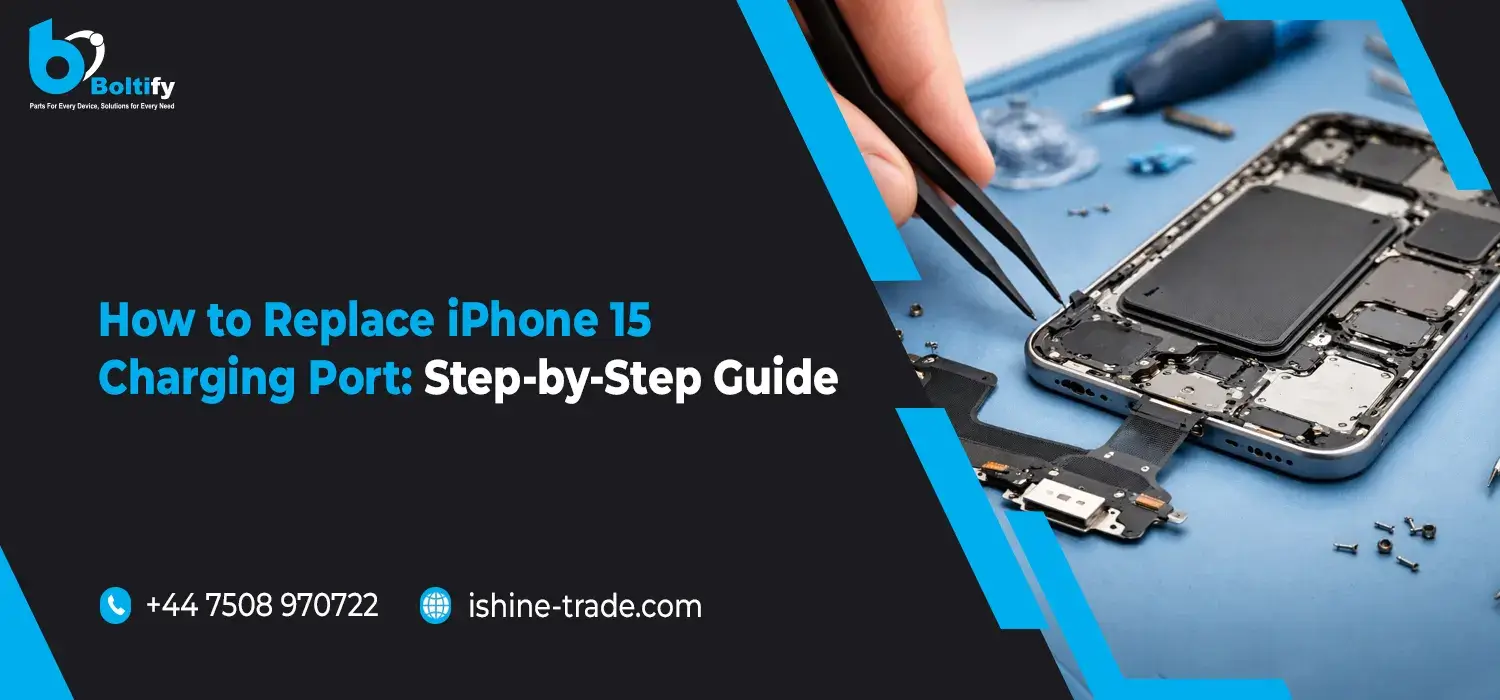
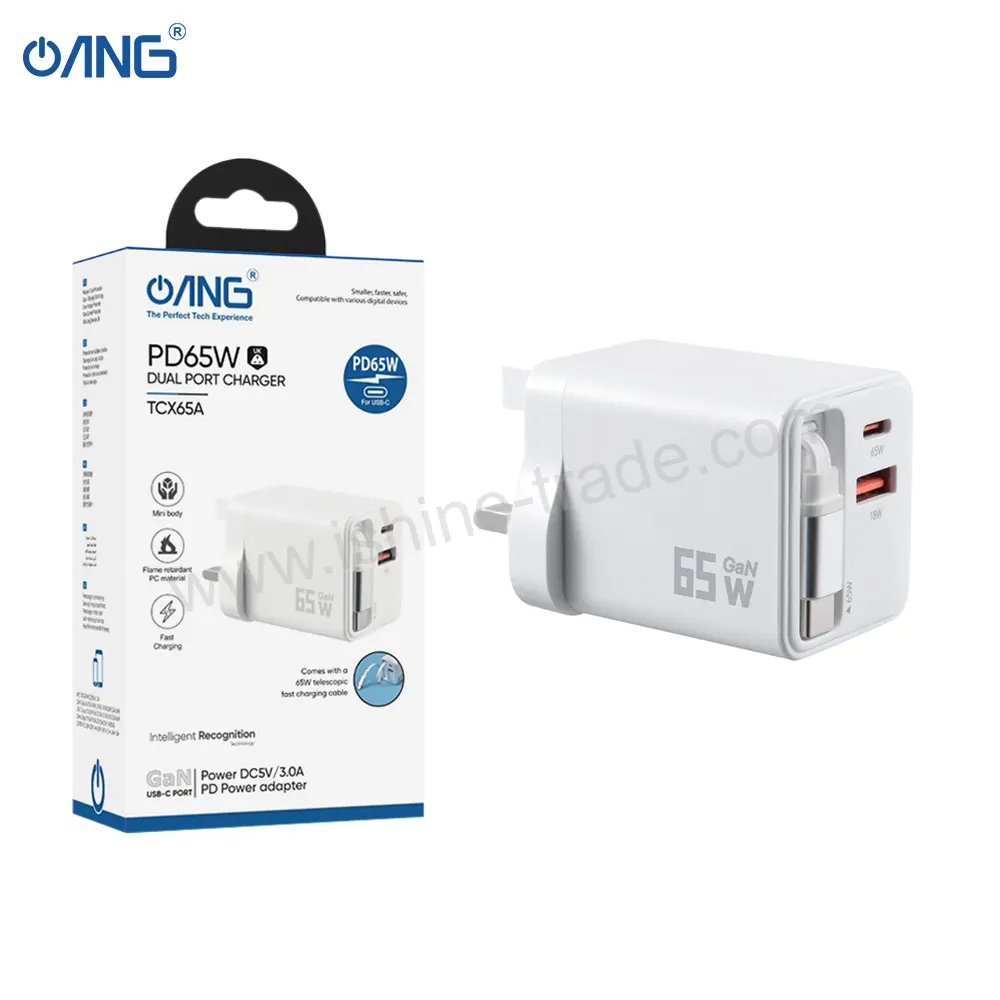
The iPhone 15 charging port is an important part of your device that enables you to charge your iPhone or connect other devices to it. Apple has introduced the USB-C charging port for the iPhone 15 series. The iPhone 15 charging port is an upgrade to the previous Lightning charging port. The new USB-C charging port is an advantage for iPhone 15 users since it enables faster data transfer. Despite the advantages of the new charging port, it can develop problems due to wear and tear or physical damage.
If you are experiencing charging problems with your iPhone 15 device, such as slow charging or charging only when the charging cable is inserted at an angle, then it is possible that the iPhone 15 charging port is damaged. Replacing the charging port is one way to repair your device and increase its lifespan.
In the following sections, we will discuss the signs of a damaged charging port for your iPhone 15 device, the tools you need to repair the charging port, and a step-by-step process to replace the charging port.
Common Signs of a Faulty iPhone 15 Charging Port
Before you attempt to replace the charging port of your iPhone 15, it is essential to ensure that the issue is actually caused by the charging port or not.
The following are some common symptoms that may imply that you need to replace the charging port of your iPhone 15:
- Your iPhone is not charging with the cable
- The charging cable feels loose in the charging port
- Charging starts and stops
- Your phone charges only when the cable is inserted at a specific angle
- Other accessories, like a wired headset, do not connect
- Dirt, dust, or damage to the charging port
On some occasions, the solution to the problem can be as simple as cleaning the iPhone 15 charging port. This can be achieved with a soft brush or a wooden toothpick. However, if the problem persists, a replacement of the charging port may be required.
Tools Required for iPhone 15 Charging Port Replacement
The process of repairing an iPhone demands precision and caution. Before attempting to replace the iPhone 15 charging port flex cable, make sure that you have the following tools ready:
- Precision screwdriver set that includes pentalobe and Phillips screws
- Plastic pry tools
- Suction cup for display opening
- Tweezers for handling small components
- Heat gun or heating pad for softening adhesives
- Anti-static mat and wrist strap (recommended)
- Replacement iPhone 15 charging port flex cable
The use of the right tools will help in an efficient repair process and minimize damage to other components.
Step-by-Step Guide to Replace iPhone 15 Charging Port
Changing the charging port of an iPhone 15 is a process that requires patience and attention to detail. The following are the steps to follow when changing the charging port of an iPhone 15.
Step 1: Power Off the iPhone
The first step to take before changing the charging port of an iPhone 15 is to ensure that the device is turned off. Turning off the device is important to ensure your safety while making the repair.
Step 2: Remove the Bottom Screws
The second step is to remove the screws located at the bottom of the device. The screws are located beside the charging port of the iPhone 15. Use a precision pentalobe screwdriver to remove the screws and set them aside safely.
Step 3: Heat the Display Edges
The display of an iPhone 15 is glued to the device using strong glue. Use a heat gun or a heating pad to warm the edges of the display. The glue dries quickly, so you need to be patient to ensure you open the device successfully.
Step 4: Open the Device Carefully
Attach a suction cup to the device at the bottom edge of the display. Use a plastic pry tool to open the device slowly.
Step 5: Disconnect the Battery
After the phone has been opened, the next step is to disconnect the battery connector. This is a critical stage in the repair process since it helps prevent any short circuits during the repair process.
Step 6: Remove Internal Shields and Brackets
After disconnecting the battery, the next step involves removing the shields that protect the connectors inside the phone. This involves removing screws that hold these shields in place. After removing the screws, the shields are lifted off the phone. This exposes the connectors that are linked to the iPhone 15 charging port.
Step 7: Disconnect the Charging Port Flex Cable
The next step involves disconnecting the flex cable that is linked to the iPhone 15 charging port. This requires a plastic pry tool for the disconnection process. It is essential to exercise caution during this stage since the cables are usually thin and prone to tearing.
Step 8: Remove the Old Charging Port Assembly
The charging port assembly is usually held in place by screws and adhesive. The screws are removed first before the old iPhone 15 charging port is lifted off the phone frame.
Step 9: Installing the New Charging Port
The new iPhone 15 charging port flex cable is then placed in position, and the connectors are reconnected. The components are properly aligned before the assembly is locked using screws.
Step 10: Reassembling the Device
The battery and other cables are reconnected, while the shields and screws are replaced. The display is then closed slowly, while the screws at the bottom are tightened to lock the device.
Step 11: Test the Charging Function
Plug in a cable into the device’s charging port, and turn on the device to test the functionality of the new iPhone 15 charging port. If everything is normal, this means that the replacement was successful.
Also check: Samsung S25 Ultra Screen Replacement: Step-by-Step Guide
Tips for a Successful iPhone 15 Charging Port Repair
When repairing a smartphone, even minor errors can result in damage. The following are some guidelines that can help in a successful repair process:
- Work in a clean and well-illuminated surface
- Organize all screws for easier identification during assembly
- Avoid using metallic equipment near the connectors
- Use high-quality replacement parts
For those who are still unsure about the process, consult a professional repair technician Replacing the charging port for iPhone 15 can be difficult for a novice.
Replacing a charging port is only one aspect of iPhone repair. To better understand how charging ports, screens, batteries, cameras, and other replacement components work together, explore our Complete Guide to iPhone Replacement Parts. It provides practical buying advice and helps you choose reliable components for successful repairs.
How to Prevent Charging Port Damage
Preventing any damage from the iPhone 15 charging port will help you save a lot of time and money. There are a few precautions that you need to follow:
- Avoiding the vigorous pulling of the charging cable
- Keeping the charging port clean and dust-free
- Using authentic or high-quality USB-C charging cables
- Avoiding the usage of the phone during charging
- Keeping your phone in a clean pocket to avoid lint problems
The maintenance of the iPhone 15 charging port helps extend the lifespan of the charging port.
Also check: Common iPhone 14 Charging Port Issues and How to Fix Them
Conclusion
The iPhone 15 charging port is a fundamental component that helps power your device. Therefore, if your iPhone is having issues with charging, replacing the charging port is a great option. Using the above guide on replacing the iPhone 15 charging port, you will be able to replace the charging port successfully.
However, it is worth remembering that replacing a smartphone component requires utmost care and expertise. Therefore, if you are not sure about replacing the charging port yourself, it is always advisable to contact a professional for assistance.
For all your needs in high-quality repair parts for your mobile phone, including a reliable iPhone 15 charging port, consider contacting us at iShine Trade. We are here to help. We are your dependable partner for all your needs in mobile phone parts, accessories, and repair services.
Frequently Asked Questions:
1. Why is my iPhone 15 charging port not working?
There are several possible causes of why the iPhone 15 charging port is not working correctly. The common causes of this problem are dust or lint accumulated inside the charging port, damaged charging cables, or faulty charging port parts. Cleaning the charging port or repairing the iPhone 15 charging port can solve this problem.
2. Is it possible to replace the iPhone 15 charging port?
Yes, it is possible to replace the iPhone 15 charging port if it is damaged or not working correctly. This is because the charging port is connected to other parts of the phone using a flex cable, which makes it difficult to repair without proper handling.
3. How much does it cost to replace an iPhone 15 charging port?
The cost of replacing the charging port of an iPhone 15 device varies depending on the quality of the replacement part. Professional repair services are also costly, but one can also purchase the replacement part to lower the cost.
4. Is the iPhone 15 charging port USB-C?
Yes, Apple has introduced a USB-C charging port for the iPhone 15 device. The new iPhone 15 charging port offers faster charging capabilities and data transfer rates.
5. How do I clean my iPhone 15 charging port safely?
In order to clean the charging port of the iPhone 15 safely, it is recommended that the iPhone be switched off first. After that, a soft brush or a wooden toothpick may be used to clean the charging port. However, it is recommended that metal objects should not be used for the purpose of cleaning the charging port of the iPhone 15.
6. Why does my iPhone 15 only charge at a certain angle?
If the iPhone is charging only when the charging cable is placed in a particular position, it is likely that the charging port of the iPhone 15 is damaged or loose. This is usually the case when the charging port of the iPhone 15 needs to be replaced.
7. Will a damaged iPhone 15 charging port impact data transfer?
Yes, a damaged iPhone 15 charging port will impact data transfer. This is because the USB-C port is used for both data transfer and charging your phone. Therefore, if your phone’s charging port is damaged, you may not be able to connect your phone to other devices.
8. Is it recommended that you replace your iPhone 15 charging port on your own?
Yes, if you are knowledgeable about repairing smartphones, you can replace your iPhone 15 charging port on your own. However, if you are not knowledgeable in this area, it is recommended that you seek assistance from a professional to avoid damaging other internal phone components.
9. How long does it take to replace an iPhone 15 charging port?
The time taken to replace the iPhone 15 charging port can take about 30 minutes to 1 hour for an experienced technician. The time may vary depending on the repair process.
10. Where can I buy high-quality iPhone 15 charging port replacement parts?
If you are searching for reliable iPhone 15 charging port replacement parts, you can find reliable mobile repair components and accessories at iShine Trade, a reliable supplier of mobile phone repair parts.